Free YouTube to MP3 Converter Online

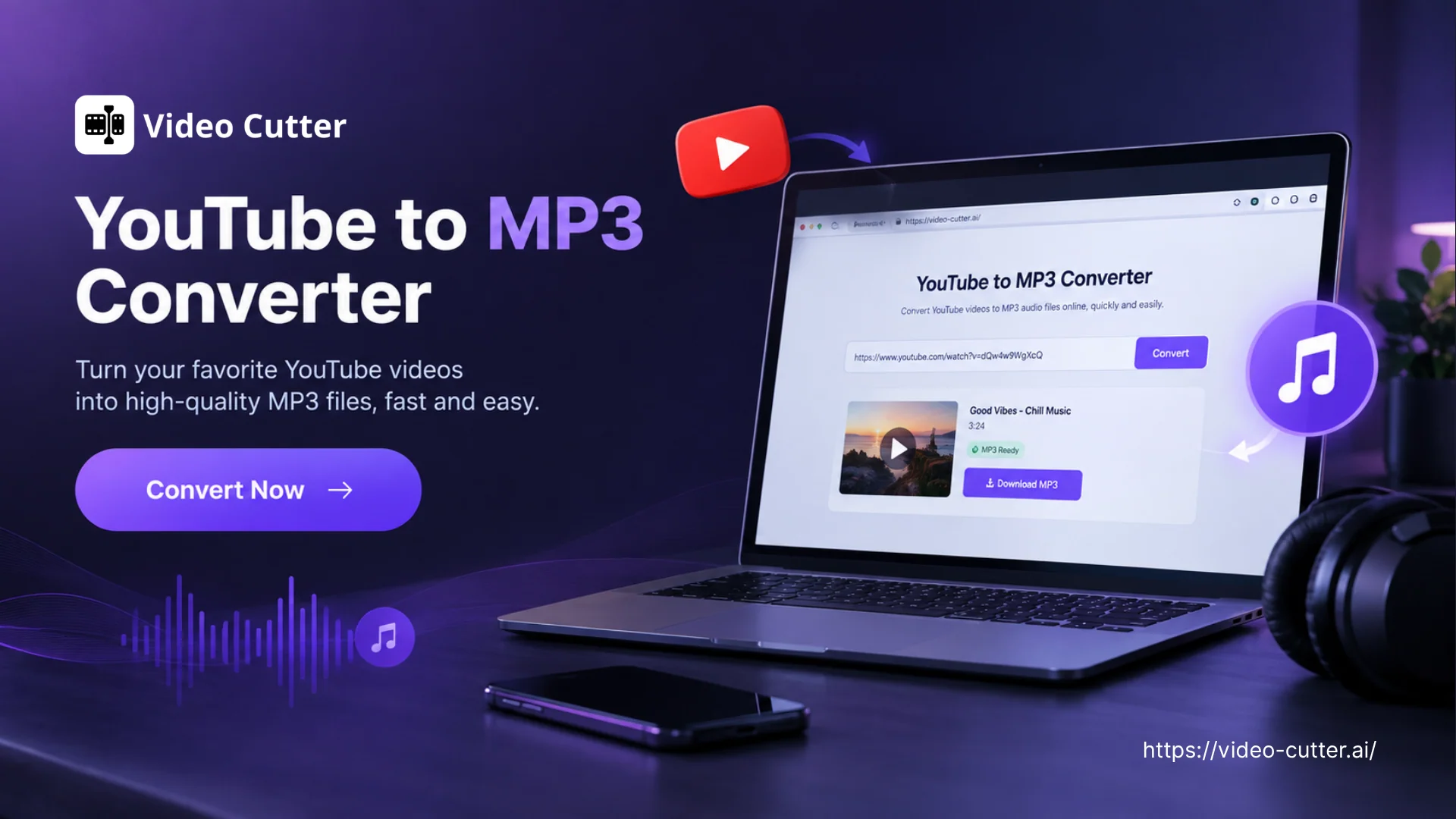
Paste a YouTube link, convert it to MP3, and download the audio to your device. Listen offline with no sign-up or software installation.

Convert a YouTube video to MP3
YouTube

Paste a YouTube link to get started

Only download audio you own or have permission to use. Private or restricted videos may be unavailable.

YouTube to MP3 Converter Online - Free, Fast & No Sign-Up

YouTube to MP3 Converter Online - Free, Fast & No Sign-Up

Turn YouTube links into MP3 files for free with YouTube to MP3 Converter. Get fast conversion in your browser with no ads, no sign-up, or software to install. Need video highlights instead? Try Long Video to Short Clips to turn a full recording into shareable clips.

Convert YouTube to MP3
What Is a YouTube to MP3 Converter?

What Is a YouTube to MP3 Converter?

A YouTube to MP3 Converter extracts the sound from a YouTube video and saves it as an MP3. You can choose an output bitrate up to 320 kbps to suit how you want to use the file. It gives you a separate audio file when you want to hear a talk, lesson, or interview without watching the video.

How to Convert YouTube to MP3

Use the YouTube to MP3 Converter in three simple steps: copy a supported video link, convert it, and download the MP3 when it’s ready.

1

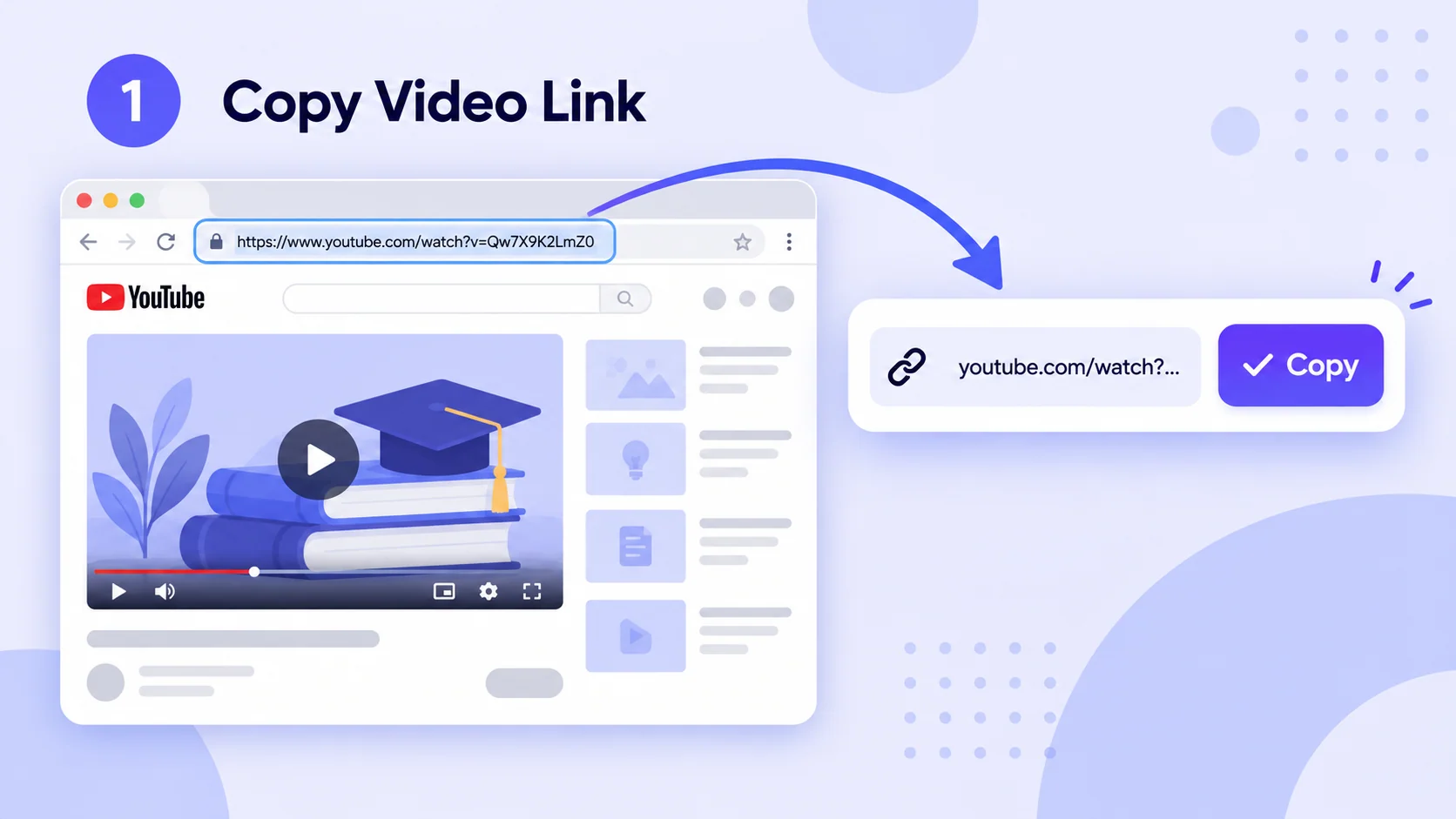
Copy the YouTube Link

Open the YouTube video you want to convert. Copy its URL from your browser’s address bar or use Share → Copy link on your phone.

Copy the YouTube Link
2

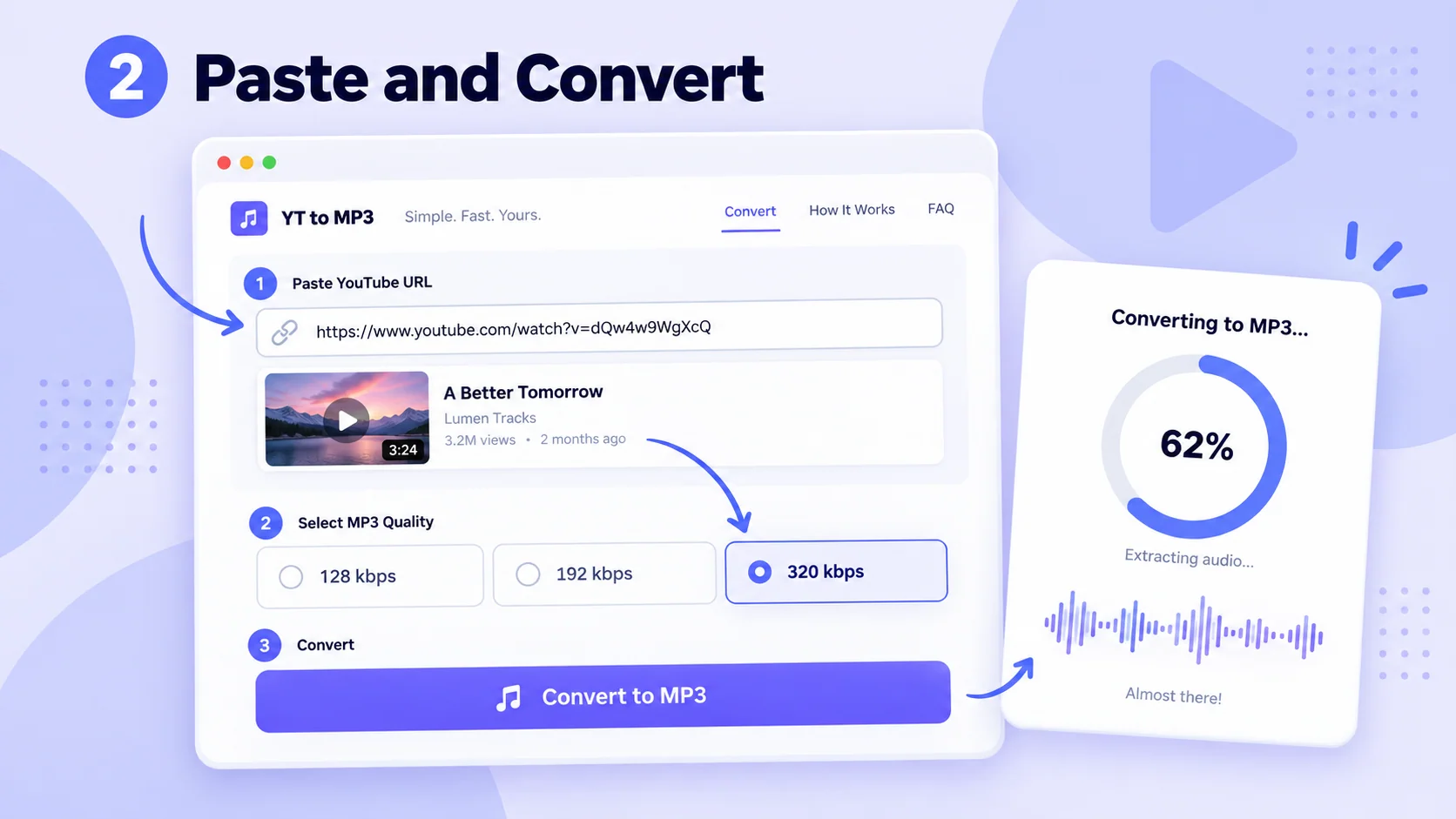
Paste the Link and Convert

Paste the URL into the YouTube to MP3 Converter, choose an MP3 bitrate up to 320 kbps, and click Convert to MP3. The page shows the conversion status while it processes the audio.

Paste the Link and Convert
3

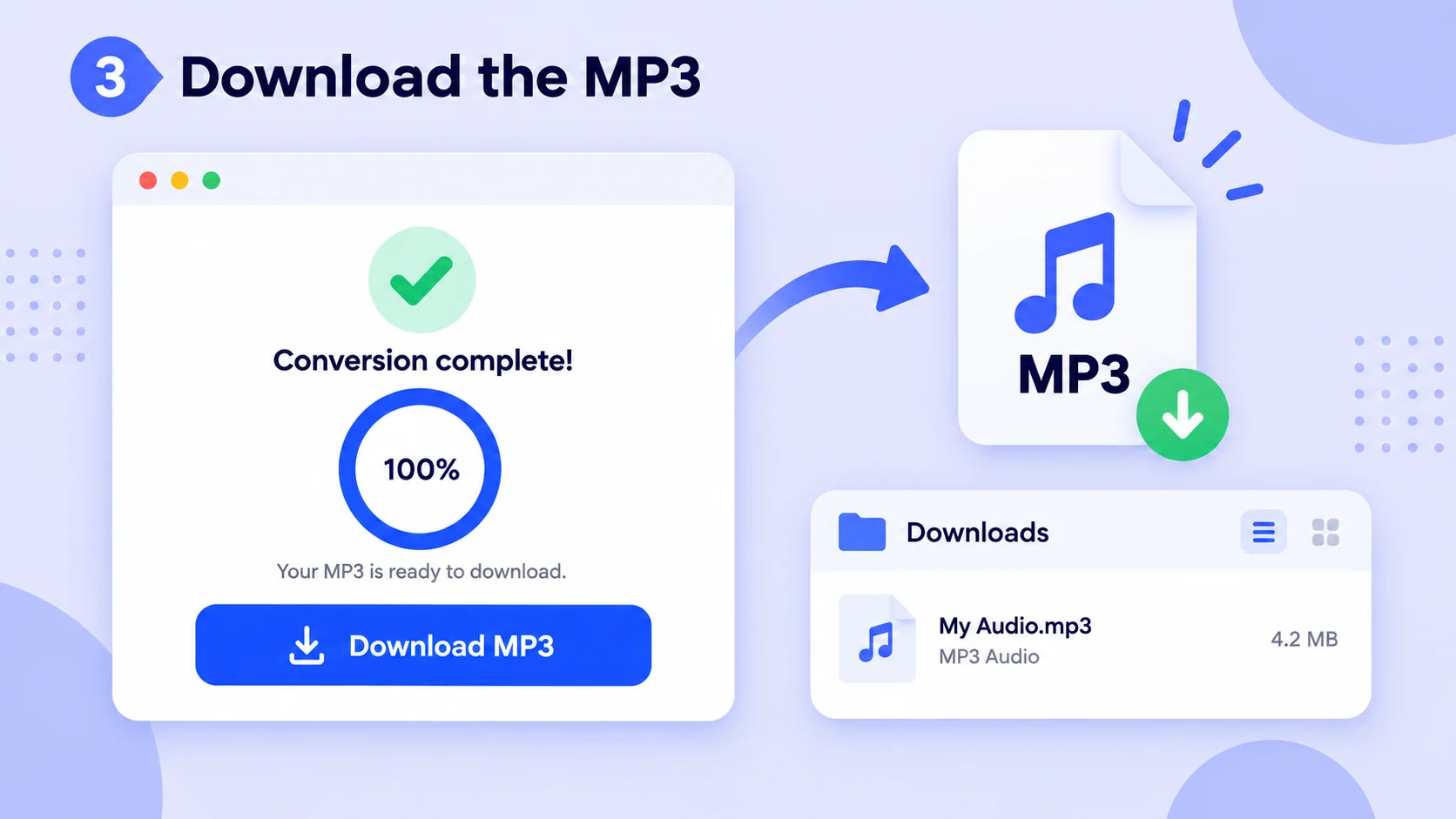
Download the MP3 File

When the YouTube to MP3 Converter finishes processing, click Download MP3 to save the file. You can find it in your browser’s configured download location.

Download the MP3 File

Why Choose This YouTube to MP3 Converter?

This YouTube to MP3 Converter lets you preview the video before converting and saves the MP3 with its title, so the file is easy to recognize later.

Convert Without Installing Software

With the YouTube to MP3 Converter, paste a video link and create an MP3 directly in your browser. There is no software to install or account to set up. Once the conversion is done, download the audio file to your device and play it with your usual audio player.
Convert the Right Video the First Time

The YouTube to MP3 Converter shows a video preview before you start. Check the thumbnail and title to confirm that you pasted the right link, especially when several videos have similar names. This helps you spot a different upload before downloading the MP3 and having to start again.

Find Your MP3 When You Need It

A useful MP3 should be easy to find after downloading. The YouTube to MP3 Converter keeps the video's title in the file name, helping you recognize it in your downloads folder and organize it with other audio. When you want to listen again, you can find the right file without opening them one by one.

When to Use a YouTube to MP3 Converter

Review Lessons During Your Commute

Review Lessons During Your Commute

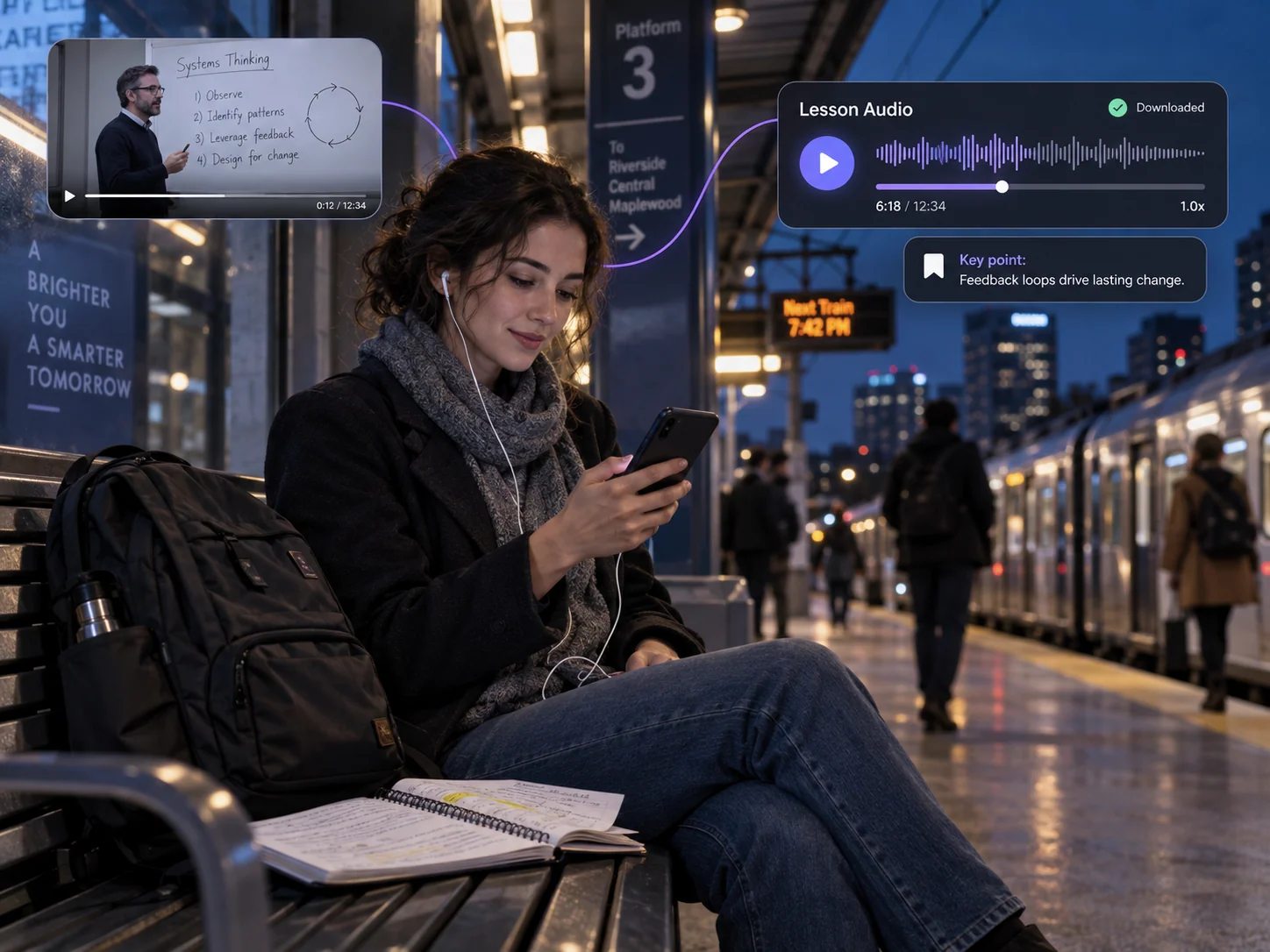
Long lectures and language lessons are hard to finish in one sitting, especially when your commute has patchy reception. A YouTube to MP3 Converter turns the audio into a file you can replay on the train, pause between topics, and review before class. You can focus on the lesson without keeping the video open or relying on a steady connection.

Listen to Video Podcasts on the Go

Listen to Video Podcasts on the Go

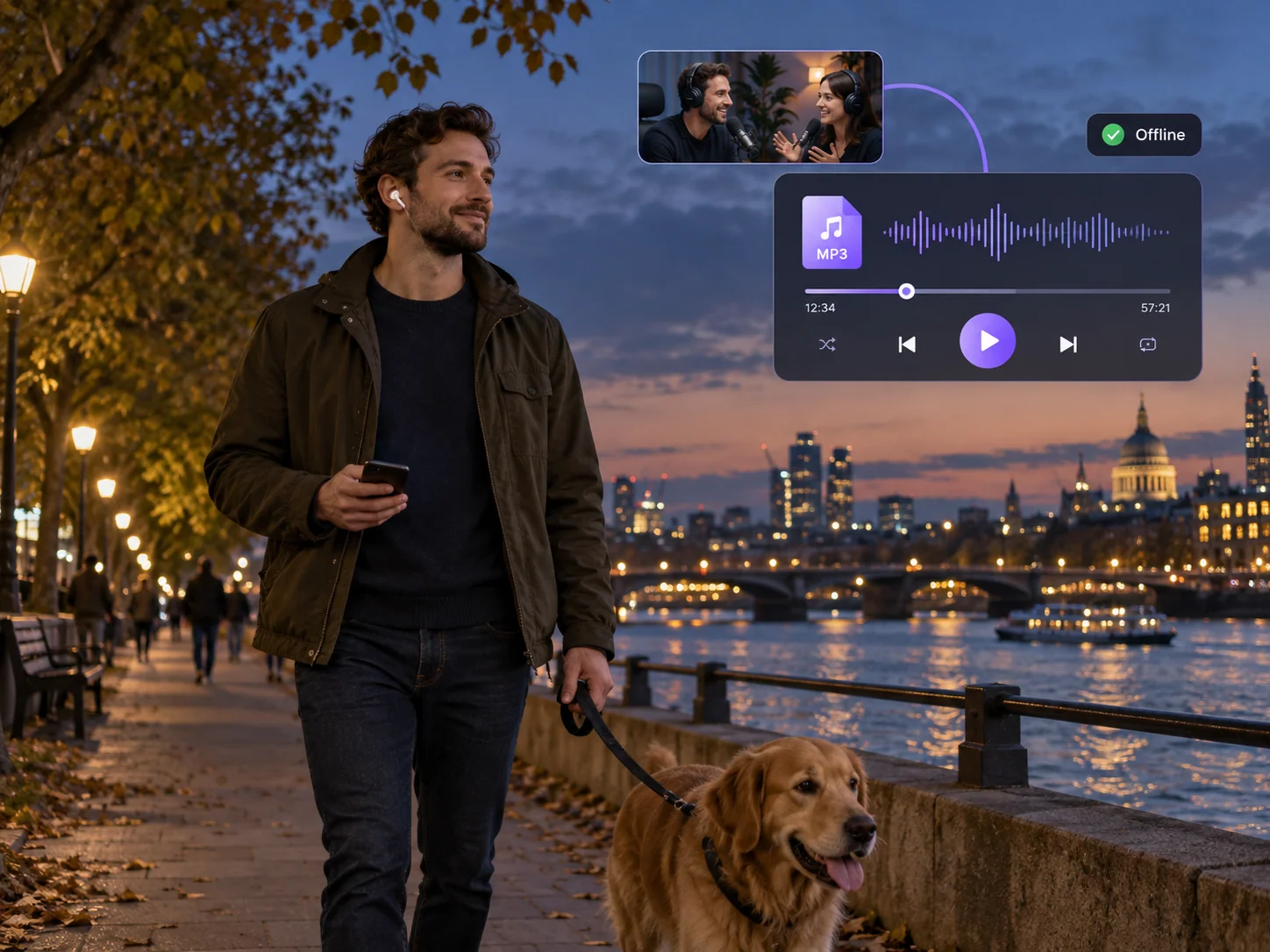
Some interviews and video podcasts work just as well without the picture, but streaming a full video on the bus can drain data and interrupt playback. A YouTube to MP3 Converter gives you an MP3 you can save and open in your preferred audio player. Pick up the conversation while commuting, walking, or doing chores, even when your signal drops.

Prepare Your Own Videos for Transcription

Prepare Your Own Videos for Transcription

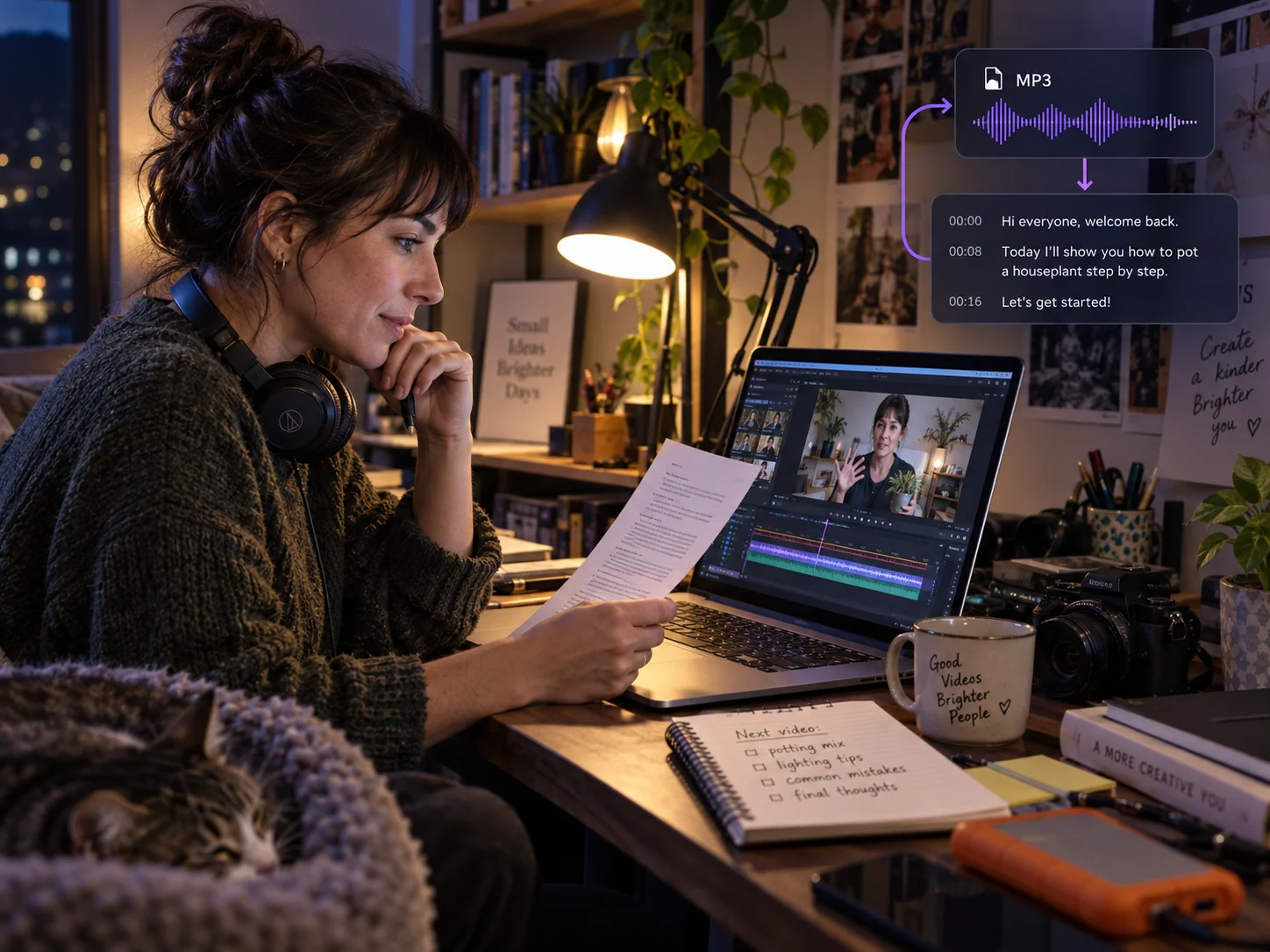
If you publish tutorials, talks, or interviews on YouTube, you may need the spoken track for captions, a transcript, or an audio edit. A YouTube to MP3 Converter gives you a separate file for working with the sound. For visual highlights from the same recording, use Long Video to Short Clips to create clips to share.

YouTube to MP3 Converter: Frequently Asked Questions

Start Listening with YouTube to MP3 Converter

Paste a YouTube link into the YouTube to MP3 Converter and download the audio as an MP3. Keep lessons, podcasts, and interviews ready to play whenever you want to listen without the video.

YouTube to MP4