4K MP4
Choose 4K when it is available and you want to keep more detail, especially for viewing on a larger screen. A 4K file will usually take up more storage space.
Free YouTube to MP4 Converter Online
Paste a link, pick 1080p or 4K when available, and save the MP4 in HD quality with no signup or install.
Paste a YouTube link to get started
Make sure you have the right to download this video.
Use the YouTube to MP4 Converter online for free, with no software to install. Paste a link, choose 1080p or 4K when available and download the video to your phone or computer. Need a shorter cut instead? Turn long videos into short clips for highlights and social posts.
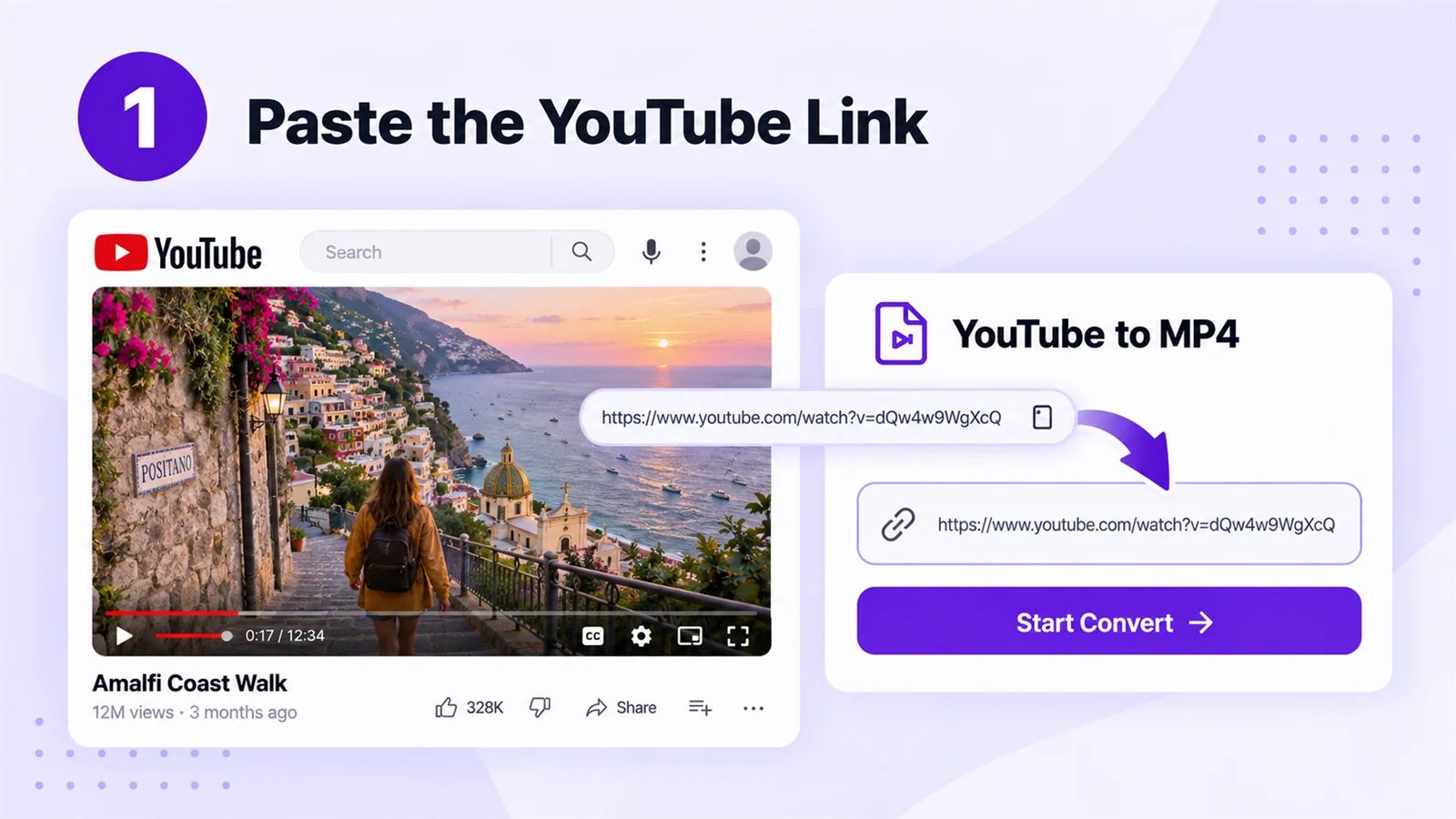
Convert YouTube to MP4Copy the YouTube video link, paste it into the YouTube to MP4 Converter's input box, and click Start Convert. You’ll see the video details and available download options.
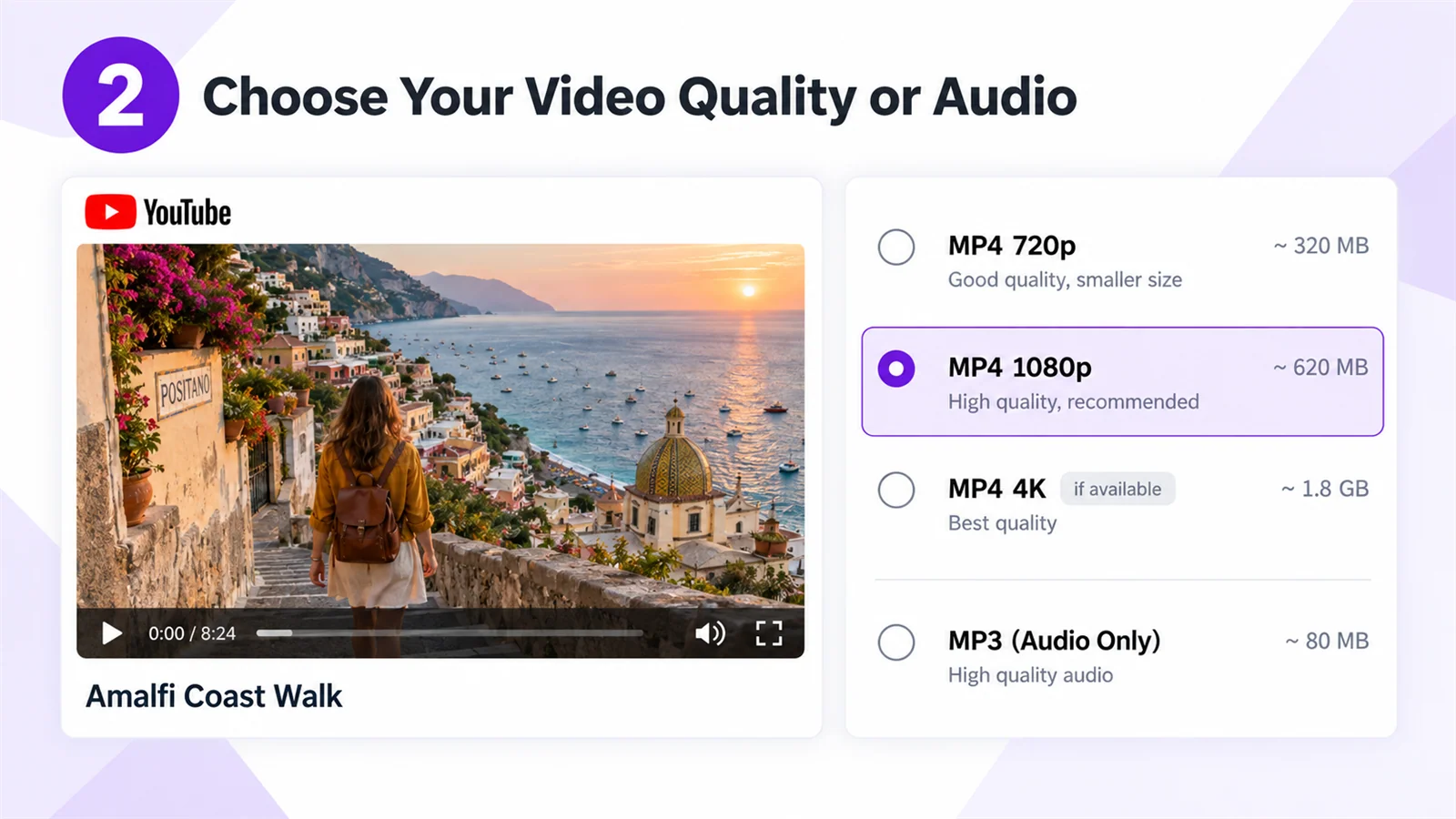
Check the video title, length, video quality options, and estimated file sizes. Choose the MP4 quality you want, or select MP3 if you only need the sound.
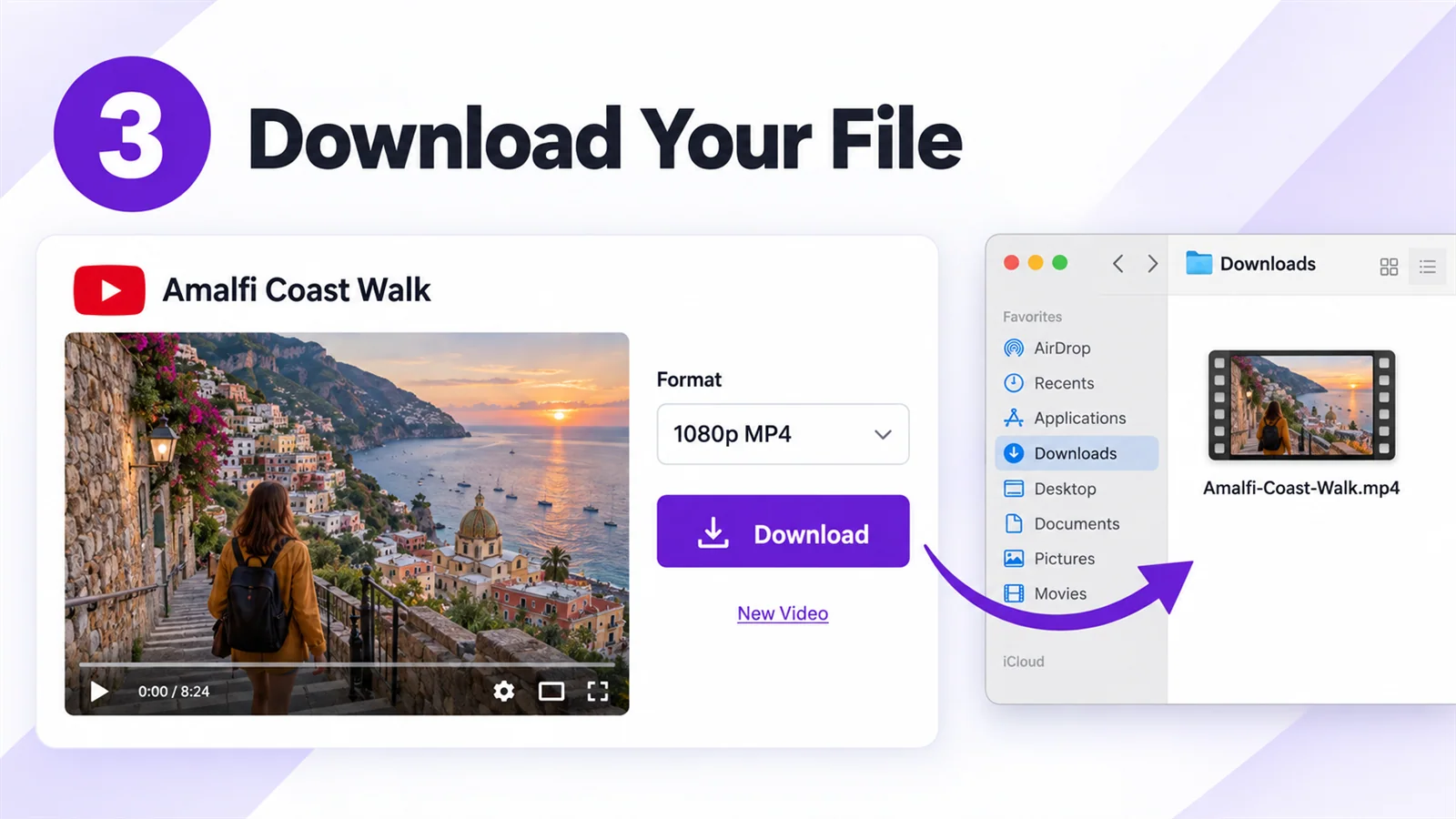
In the YouTube to MP4 Converter, click Download for your selected video quality or audio format, then save the file to your device. You can play it offline or select New Video to convert another link.
The YouTube to MP4 Converter shows the video qualities available for each link. Compare the estimated file sizes and choose the MP4 option that fits your needs.
Choose 4K when it is available and you want to keep more detail, especially for viewing on a larger screen. A 4K file will usually take up more storage space.
Choose 1080p for a clear picture on your phone, computer, or TV. Check the estimated file size before downloading.
Choose 720p, 480p, or 360p when you prefer a smaller file. The available options depend on the original video.
Need only the sound? Choose MP3 from the audio options. Final file sizes may differ from the estimates shown.
Know what you’re getting before you download. After you paste a YouTube link, you can see the video preview, available MP4 qualities, and estimated file sizes in one place. Check that it’s the right video, then choose a file that fits your screen and storage space.
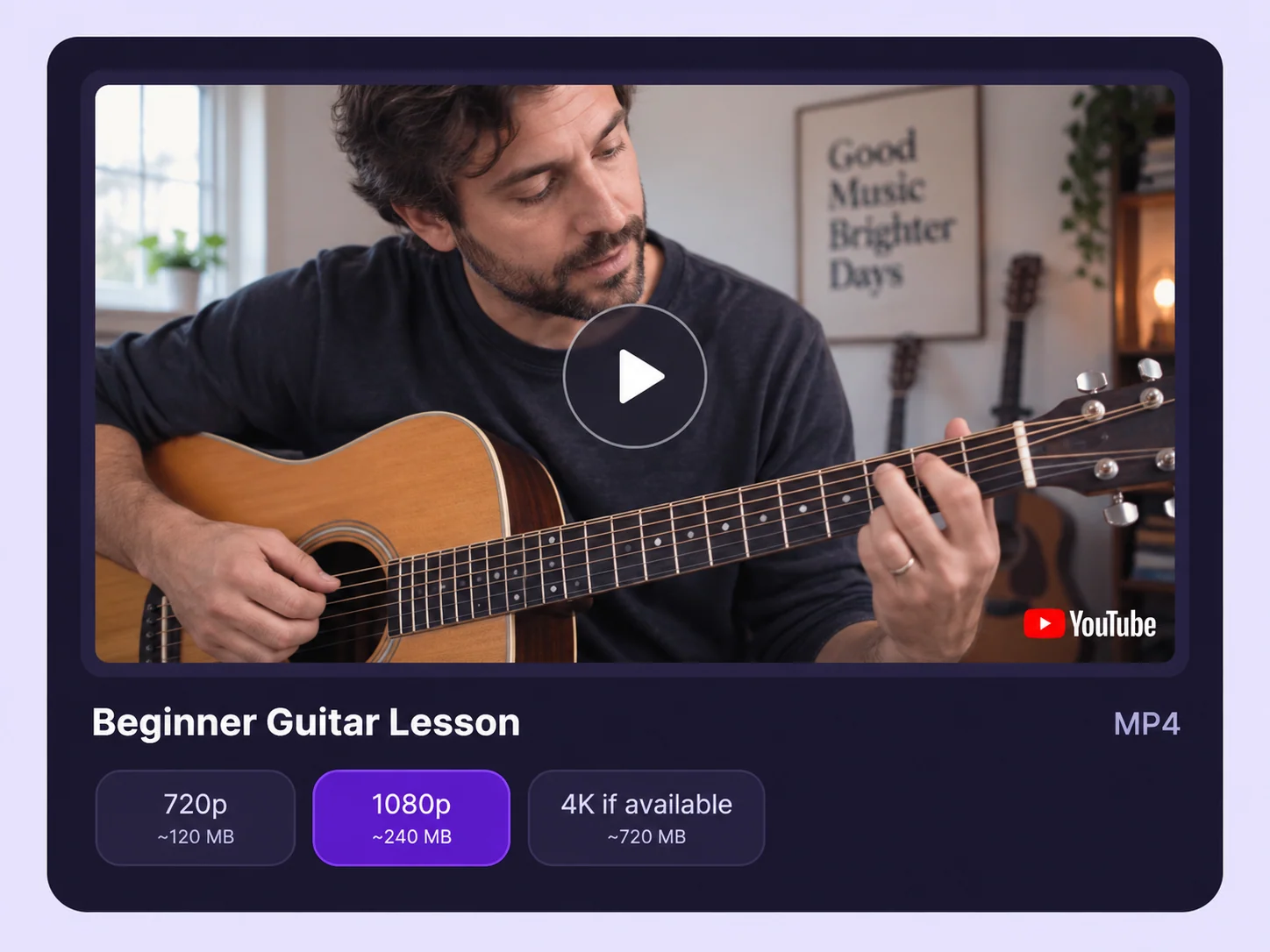
The YouTube to MP4 Converter works in your browser on a phone or computer, with no app to install. You can start with a link wherever you’re working.
The YouTube to MP4 Converter shows the cover, title, and length before downloading. If you pasted the wrong link, you can spot it before saving a large file.
The YouTube to MP4 Converter shows the available qualities and estimated file sizes for each video. Choose more detail for a larger screen or a smaller file when storage matters.
The YouTube to MP4 Converter lets you choose an available quality and save a video you own or have permission to download. An MP4 file gives you more flexibility when you want to study at your own pace, prepare a presentation, or work with your own footage.
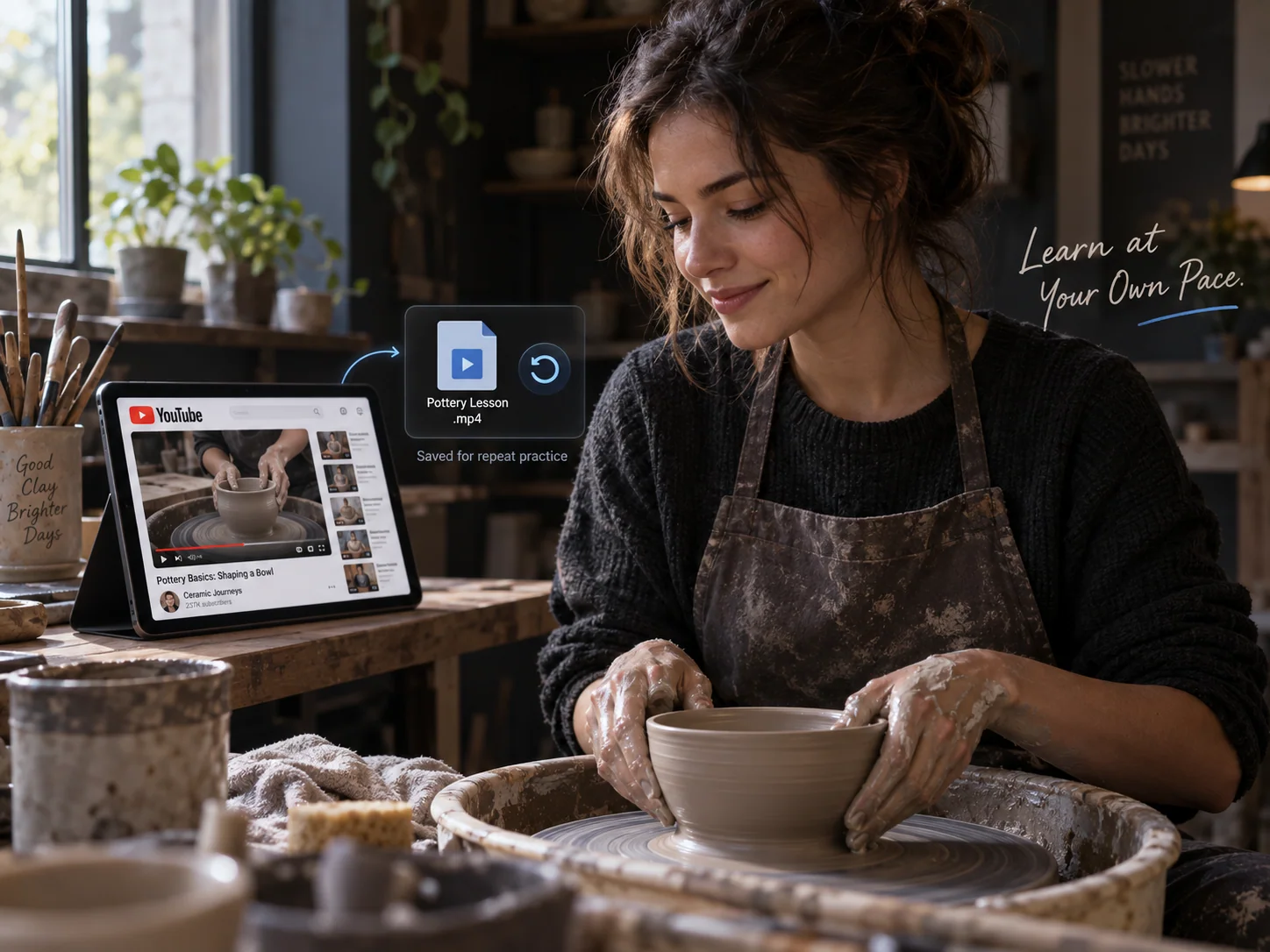
Use the YouTube to MP4 Converter to save a lesson or tutorial to your device, so you can return to it when you are ready to practise. If a step is difficult, pause the MP4 video, try it yourself, and replay that part as often as you need. You can also review the lesson while travelling or when your connection is unreliable, without searching for the YouTube link each time.
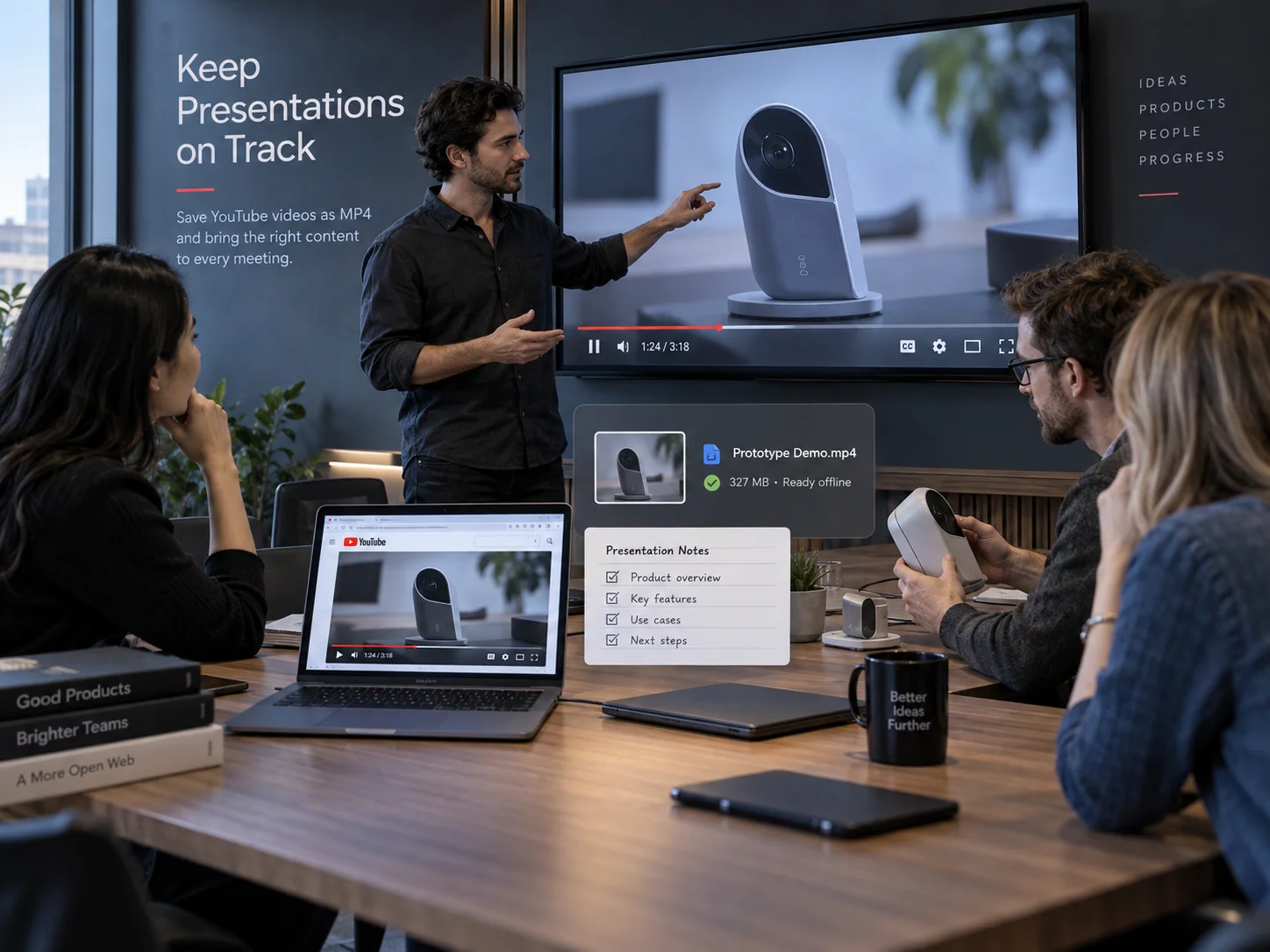
Bring an MP4 video you saved with the YouTube to MP4 Converter into a lesson, workshop, or presentation to support the point you are making. Choose a quality that looks clear on the screen you plan to use, then keep the file with your slides and notes. When it is time to present, you can go straight to the relevant example, pause for discussion, and return to the same moment when someone has a question.
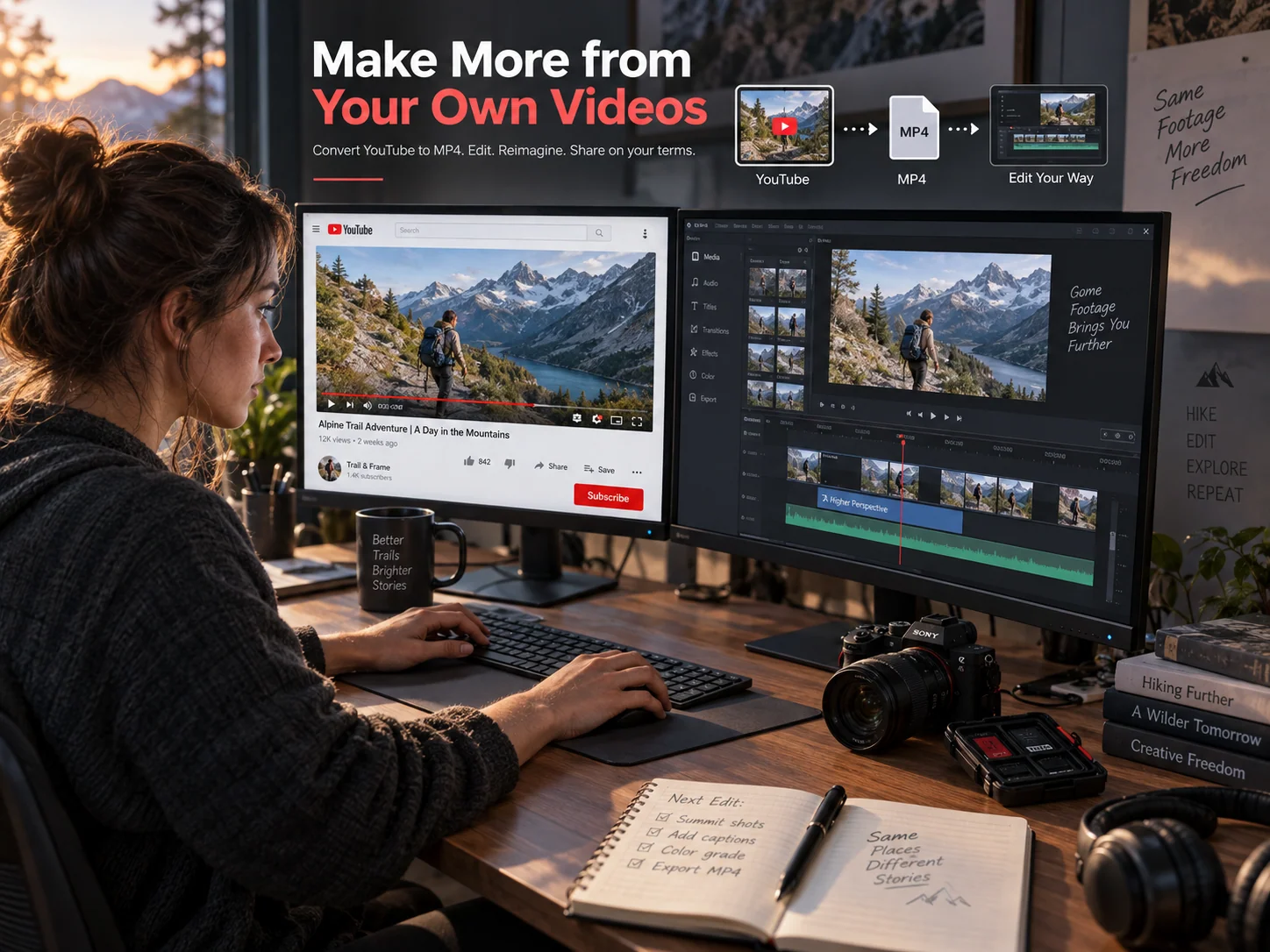
Use the YouTube to MP4 Converter to download your own uploads when you want to create something new from footage you already have. Choose an available quality that fits your next project, then open the MP4 file in your preferred editor. You can turn long videos into short clips, add captions, or combine the clips with other footage without having to start from the original project file.
Paste a link into the YouTube to MP4 Converter. Check the available qualities and file sizes, choose the MP4 you want, and download it to your device.