
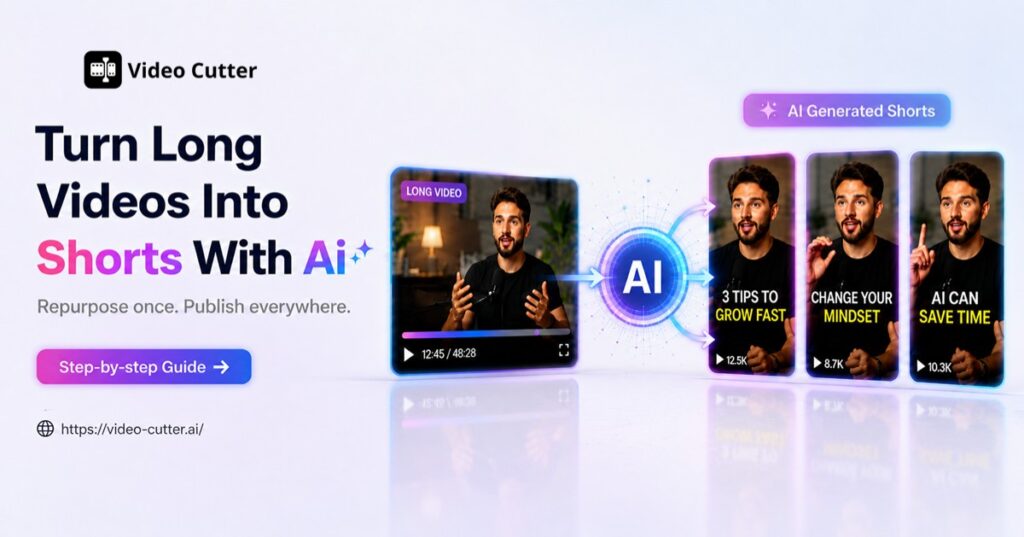
You've spent hours creating a podcast, webinar, course, or YouTube video, but only a small percentage of viewers may discover the most valuable parts. A long-form video often contains multiple moments that can work as independent short clips, but finding and editing those moments manually can take almost as much time as creating new content.
Short-form platforms like YouTube Shorts, TikTok, and Instagram Reels have changed how people consume online content. Instead of relying only on long videos, many creators now repurpose existing recordings into shorter clips to reach new audiences.
In this guide, you'll learn how to turn long videos into Shorts with AI, how AI video cutters simplify the editing process, what features to look for, and how Video Cutter AI helps creators turn long videos into shareable clips more efficiently.
Why Creators Turn Long Videos into Shorts
Reach More Audiences Without Creating New Content
Creating new content consistently can be difficult, especially for creators who already spend hours recording podcasts, tutorials, interviews, or webinars. However, many long videos contain multiple valuable moments that can be shared independently.
Turning long videos into Shorts allows creators to reuse their existing content instead of starting from zero every time. A single podcast episode can contain several interesting discussions, and a long tutorial may include multiple useful tips that work well as separate short clips.
This approach helps creators maintain a consistent publishing schedule while giving their existing videos more opportunities to reach different audiences.
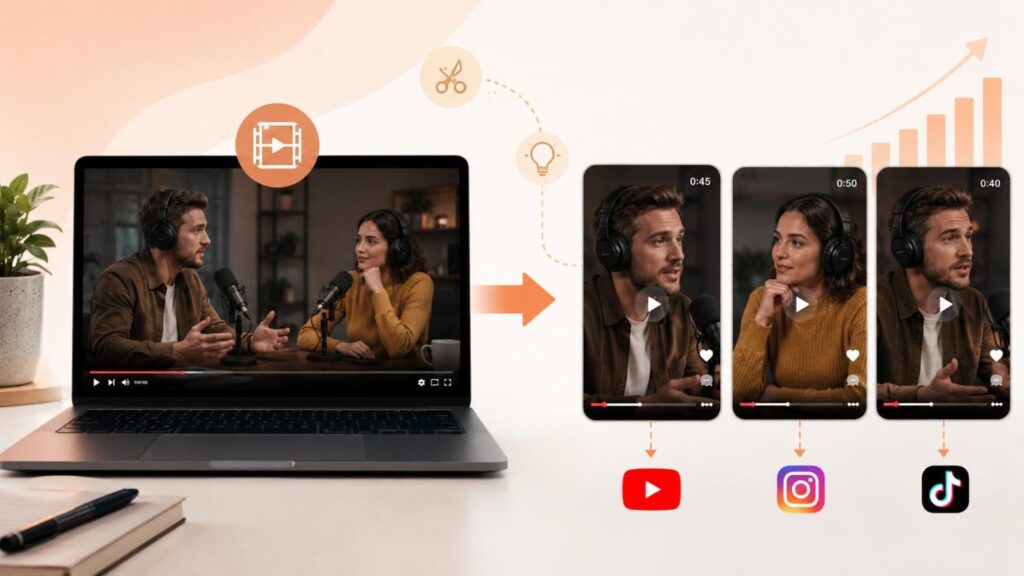
Save Time Compared with Manual Video Editing
Traditionally, creating Shorts from a long video requires watching the entire recording, finding suitable timestamps, cutting each section, adjusting the video format, and preparing captions. When working with longer recordings, this process quickly becomes repetitive.
An AI video cutter changes this workflow by helping creators analyze videos and identify potential clips automatically. Instead of spending hours searching through footage, creators can focus on reviewing selected moments, improving the content, and preparing clips for short-form platforms.
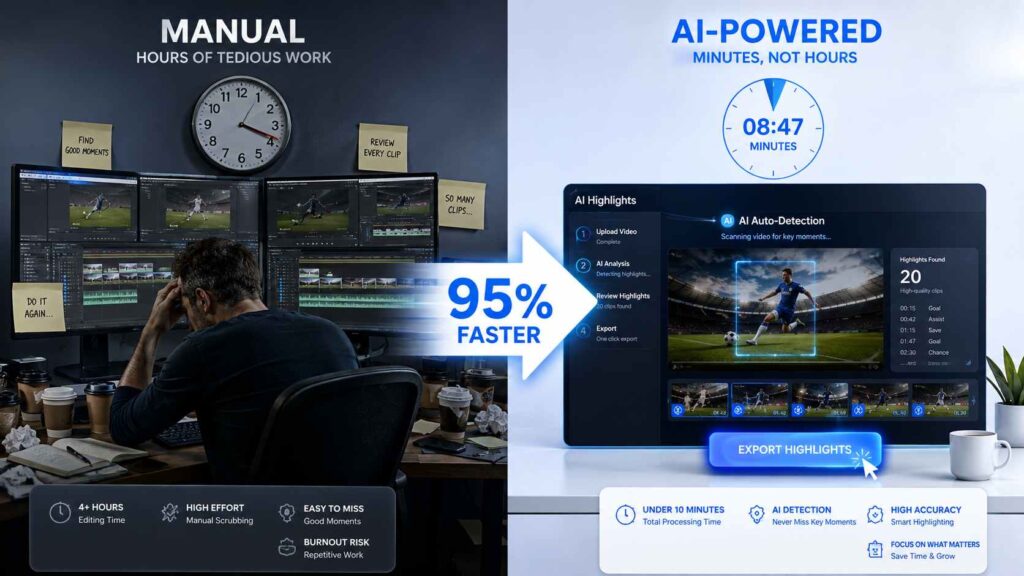
What Is an AI Video Cutter?
An AI Video Cutter is a tool that helps creators transform long-form videos into shorter clips by analyzing video content and assisting with clip selection, formatting, and editing.
Traditional video editing usually requires creators to manually watch recordings, find timestamps, cut sections, and adjust formats one by one. An AI video cutter simplifies this workflow by helping automate repetitive tasks and making the repurposing process more efficient.
For creators who regularly work with long-form content, an AI video cutter can make it easier to find useful moments and turn them into short clips without going through every editing step manually.
| Traditional Video Editing | AI Video Cutter | |
| Finding highlights | Manually watch the entire video and select moments | AI analyzes the video and helps identify potential highlights |
| Clip creation | Cut each short clip individually | Generate multiple clip options from one long video |
| Video formatting | Resize and reframe clips manually | Adjust clips for short-form formats more efficiently |
| Captions | Add subtitles through separate editing steps | Generate captions within the workflow |
| Content repurposing | Requires more manual effort for each clip | Makes it easier to reuse long-form content |
How Does an AI Video Cutter Work?
An AI video cutter helps simplify the process of turning long videos into Shorts by analyzing the content and identifying sections that may work well as independent clips.
Instead of watching the entire recording and manually searching for timestamps, creators can use AI to speed up the process of finding potential highlights.
Analyze Video Content
The first step is analyzing the long-form video to understand its content.
For example, a podcast may contain several conversations worth highlighting, while a webinar or course may include useful explanations that can work as standalone clips.
By analyzing the video, an AI video cutter can help creators find sections that may be suitable for short-form content.
Identify Valuable Moments
Finding the right moments is often one of the most time-consuming parts of creating Shorts.
AI can help identify potential highlights from a longer recording, allowing creators to review selected moments instead of searching through the entire video manually.
Useful moments may include practical tips, interesting discussions, answers to questions, or important explanations that can provide value without requiring viewers to watch the full recording.
Create Short-Form Clips
Once potential highlights are identified, the selected sections can be turned into shorter clips.
Depending on the tool and settings, this process can include cutting the selected section, adjusting the aspect ratio, and generating captions.
The result is a set of short clips that creators can review and export for use on short-form platforms.
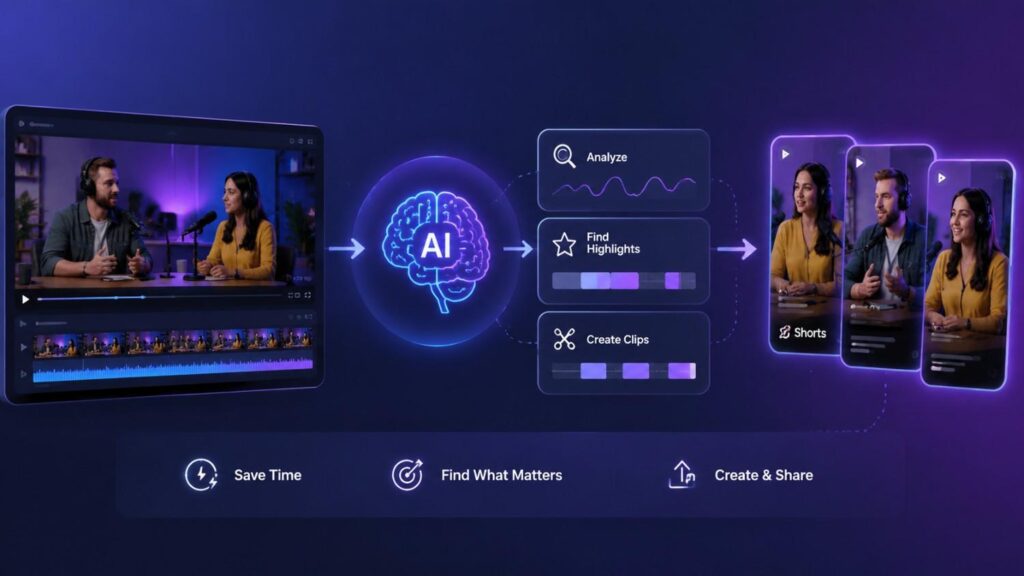
How to Turn Long Videos into Shorts with AI
Here's the step-by-step process for going from one long video to multiple ready-to-publish short clips.
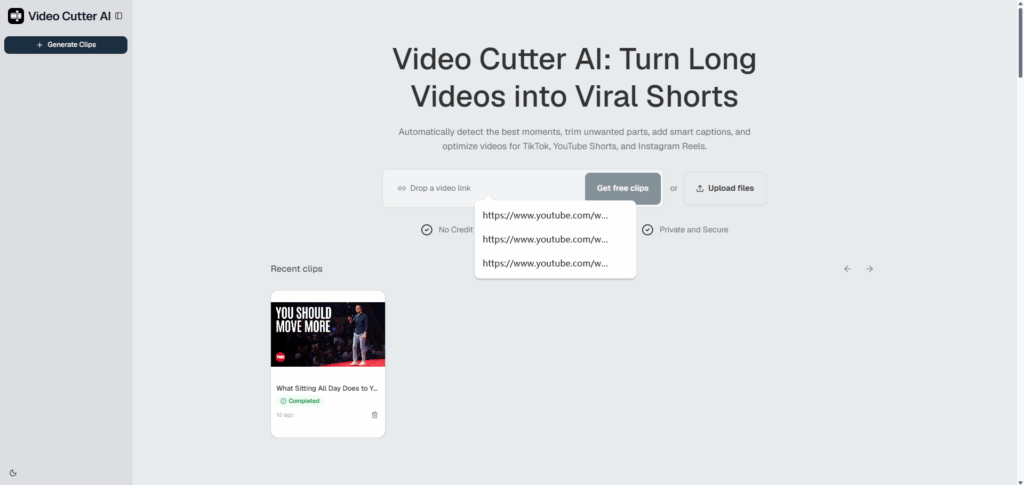
Step 1: Upload Your Video or Paste a YouTube Link
Start by uploading your long-form video file, or paste a YouTube video link directly into Video Cutter AI. If your source content is already published on your channel — a podcast recording, an interview, or a webinar — you don't need to download and re-upload it first. Either way, the goal is the same: get your long video into the tool so the AI can analyze it.
Step 2: Configure Your Clip Settings
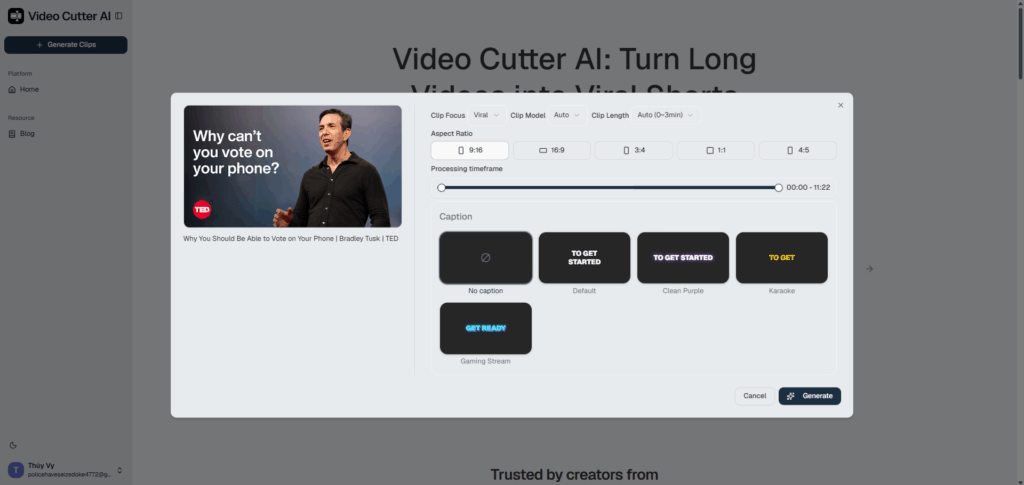
Once your video is loaded, a settings panel lets you control exactly how the clips are generated before anything is processed:
- Parse Style — choose Viral to prioritize the most shareable moments
- Clip Type — set to Auto to let the AI decide, or specify the type manually
- Clip Length — pick a target duration or leave it on Auto (0–3 min)
- Aspect Ratio — select 9:16 for TikTok, YouTube Shorts, and Instagram Reels, or choose 16:9, 1:1, 3:4, or 4:5 for other platforms
- Processing Timeframe — drag the slider to target a specific section of the video if you don't want the AI to scan the full length
- Caption Style — pick from No Caption, Default, Clean Purple, Karaoke, or Gaming Stream, or leave it off entirely
When your settings are ready, hit Generate.
Step 3: Export and Publish Your Short Clips
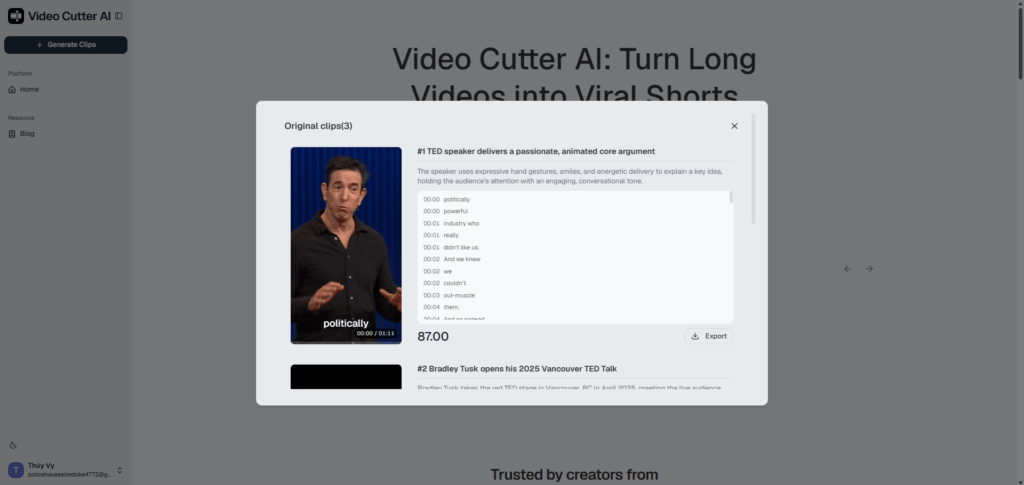
After processing is complete, review the generated clips and select the ones that best match your content goals. Each clip is created based on the settings you selected, including the preferred aspect ratio and caption style.
Once you are satisfied with the results, export your clips and publish them on platforms such as TikTok, YouTube Shorts, and Instagram Reels.
With this workflow, creators can turn one long video into multiple short clips while reducing the time spent on manual cutting and formatting.
Key Features to Look for in an AI Video Cutter
When choosing an AI video cutter, focus on features that make the video repurposing process faster and easier. The right tool should help reduce manual work, from finding useful moments to preparing clips for different short-form formats.
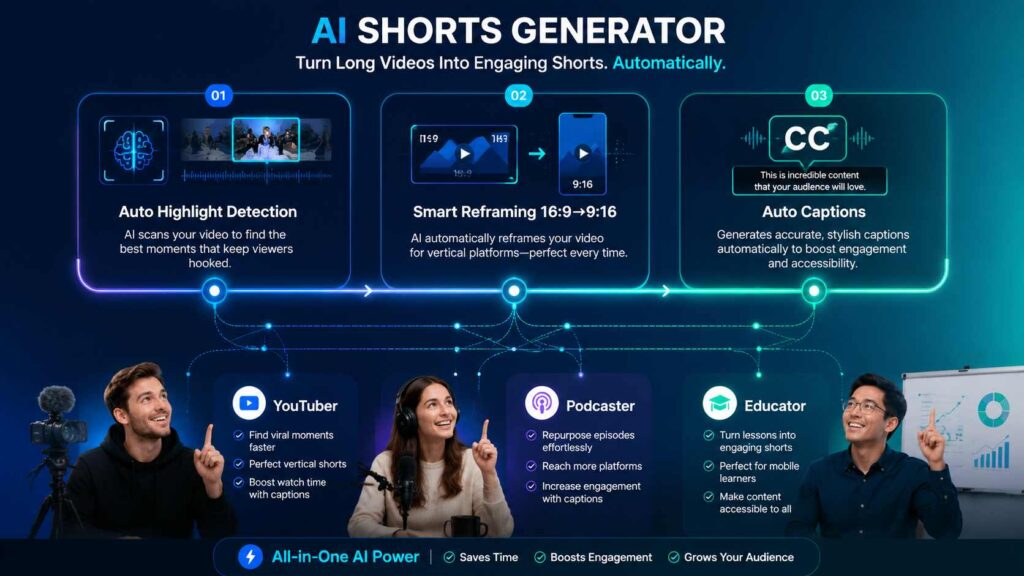
Automatic Highlight Detection
Finding the right moments is often the most time-consuming part of turning long videos into Shorts.
An AI video cutter can analyze your content and identify potential highlights, helping you quickly discover sections that may work well as short clips.
Instead of watching an entire recording and manually searching for timestamps, creators can review AI-selected moments and decide which clips are worth using.
Smart Reframing for Vertical Platforms
Most short-form platforms use vertical video formats, making aspect ratio adjustment an important part of the editing process.
A useful AI video cutter should make it easier to adapt landscape videos for platforms such as YouTube Shorts, TikTok, and Instagram Reels without requiring creators to manually resize every clip.
Video Cutter AI supports multiple aspect ratios, including 9:16, making it easier to prepare clips for different short-form viewing formats.
Automatic Captions for Short Videos
Captions help make short videos easier to understand, especially for viewers who watch content without sound.
Adding subtitles manually to every clip can slow down the editing process. Video Cutter AI can automatically generate captions during clip creation, helping creators reduce repetitive editing work and make their short videos easier to follow.
Use Cases: Turning Long Videos into Shorts
Long-form content comes in many formats, and each type of recording can provide different opportunities for short-form content.
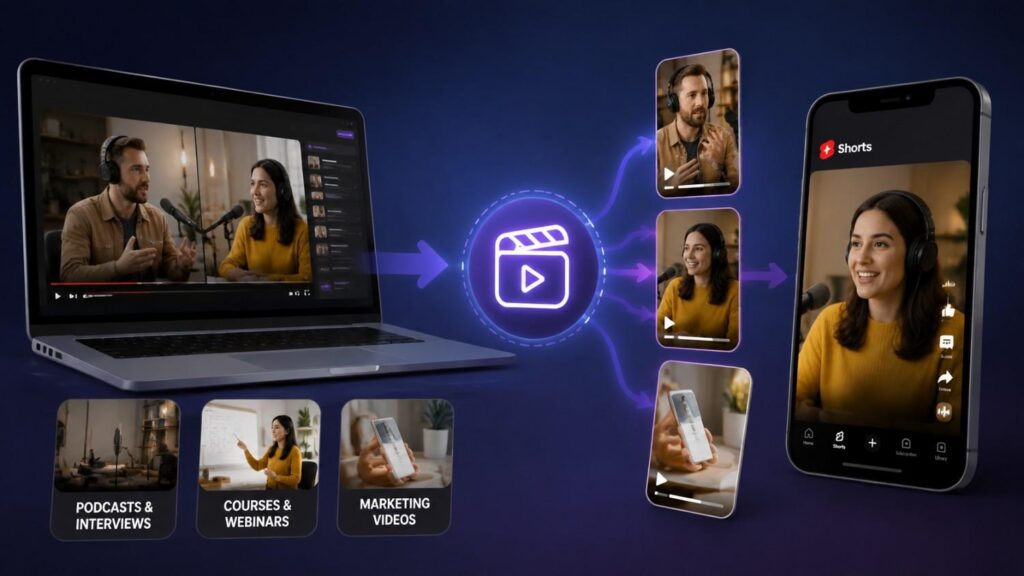
Repurposing Podcasts and Interviews
Podcasts and interviews often contain multiple valuable moments that are hidden inside longer recordings.
Instead of creating new content for every platform, creators can extract meaningful sections and turn them into short clips that are easier for new audiences to discover.
A single podcast episode might produce clips featuring an interesting opinion, an expert insight, a useful answer, or a memorable part of the conversation.
Creating Educational Clips from Courses and Webinars
Online courses, webinars, and tutorials usually contain a large amount of useful information, but many viewers may not have time to watch the full-length version.
By turning longer educational videos into Shorts, educators and course creators can highlight individual tips, explanations, or key lessons in a format that is easier to consume.
These clips can also introduce new audiences to the longer course, webinar, or tutorial.
Turning Marketing Videos into Short-Form Content
Brands and marketers often create product demonstrations, interviews, presentations, and customer stories that contain multiple ideas worth sharing.
Instead of using these videos only once, marketers can repurpose important sections into short-form content for social media channels.
This helps businesses make better use of existing video assets while creating more opportunities to reach audiences who prefer shorter content.
FAQ
Can AI turn a long video into multiple Shorts?
Yes. AI video cutters can analyze long-form videos and help identify multiple moments that may work well as short clips. The number of Shorts you can create depends on factors such as the video's length, topic, and the amount of valuable content available.
Can I create YouTube Shorts from a video link?
Yes. Some AI video cutters support adding video links, allowing creators to repurpose existing videos into short-form content without downloading and editing the original file manually.
How long does it take to turn a long video into Shorts?
The processing time depends on factors such as video length and the amount of content being analyzed. Compared with manually watching a video, finding timestamps, and cutting clips one by one, an AI video cutter can make the workflow much faster.
What video formats are best for creating Shorts?
Videos with clear ideas, strong storytelling, or valuable moments usually work best for Shorts. Podcasts, interviews, tutorials, webinars, and educational videos are common examples because they often contain sections that can stand alone as short clips.
Is there a free AI video cutter?
Yes. Video Cutter AI is completely free to use online, with no sign-up required. It helps creators turn long videos into short clips by automatically analyzing content, finding potential highlights, and preparing videos for platforms like YouTube Shorts, TikTok, and Instagram Reels.
Conclusion
Turning long videos into shorts with AI comes down to three steps: upload your video or paste a YouTube link, review the AI-detected highlights, then generate and export your clips already formatted for TikTok, YouTube Shorts, and Instagram Reels. Instead of spending hours on one clip at a time, a tool like Video Cutter AI turns a single long video into a full batch of short-form content — ready to publish across every platform your audience is already watching.
Ready to try it? Video Cutter AI is free to use online — no sign-up required.