Free

Invite a friend, earn 120 credits.

Free Podcast to Video

Turn long podcast episodes into short clips fast. Create captioned videos for TikTok, YouTube Shorts, and Instagram Reels.

No Credit Card Required

No Sign-up Needed

Private and Secure

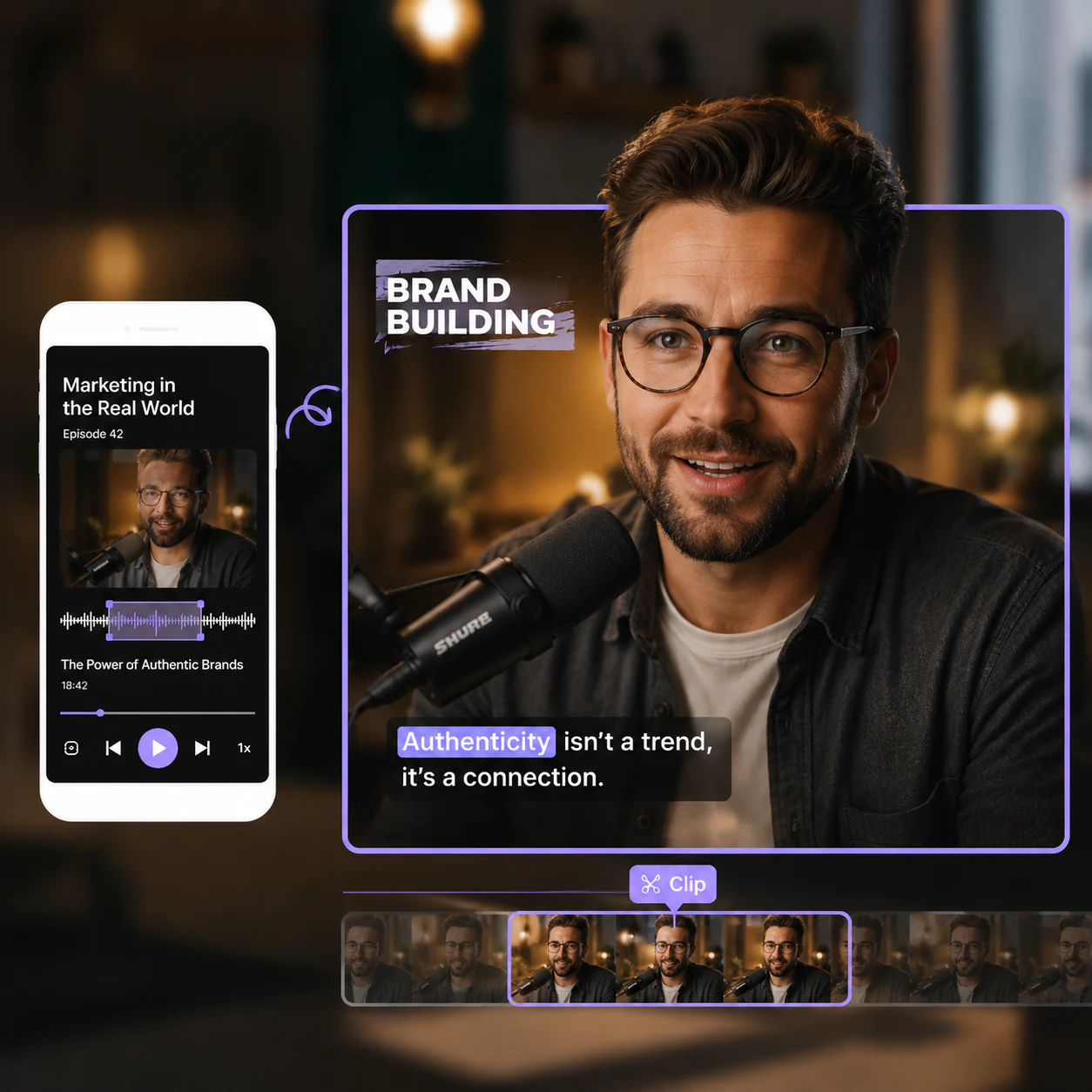
Podcast clips with automatic captions
Podcast video editing preview
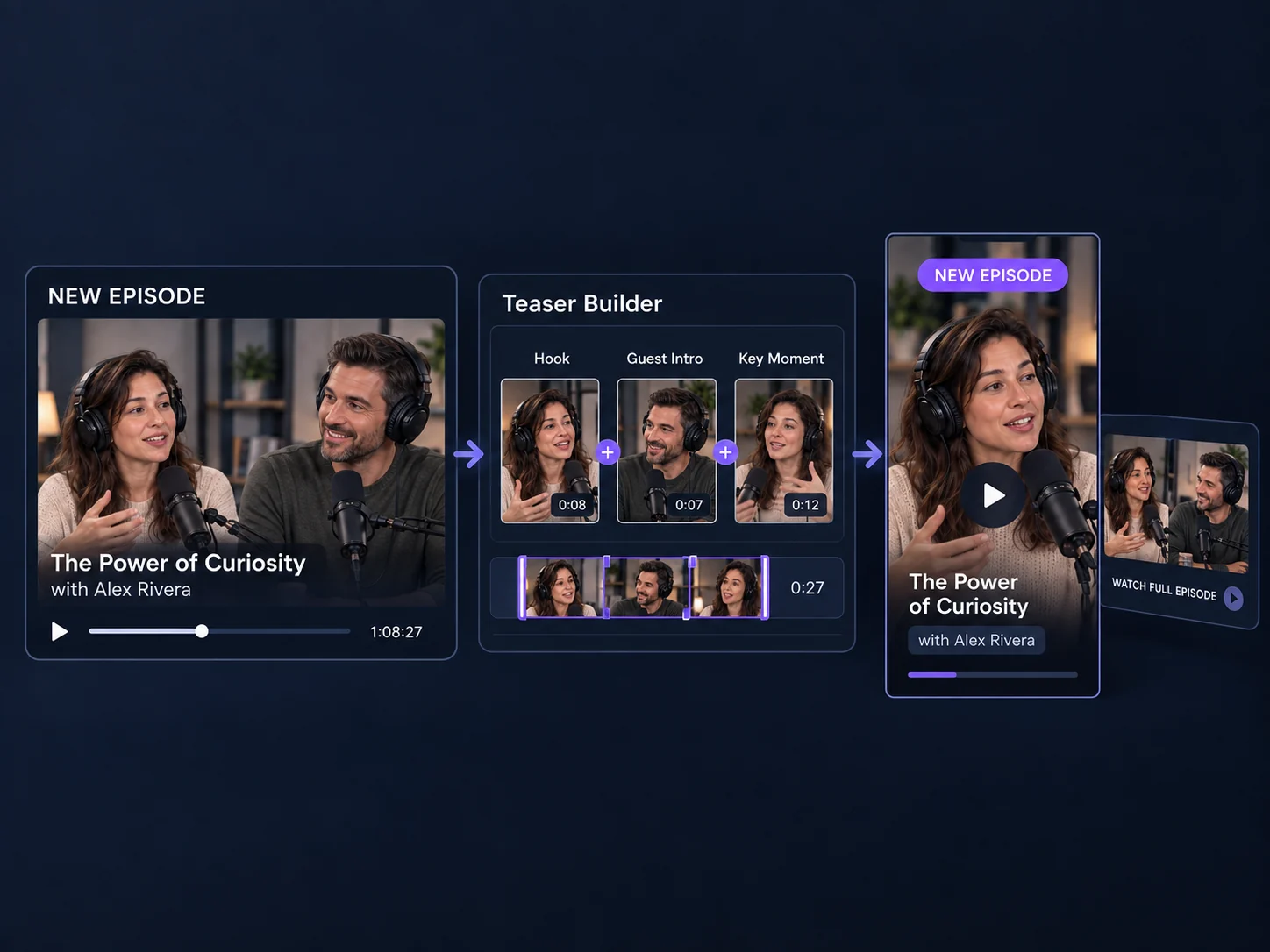
Three steps to turn a podcast into video
Free podcast to video tool
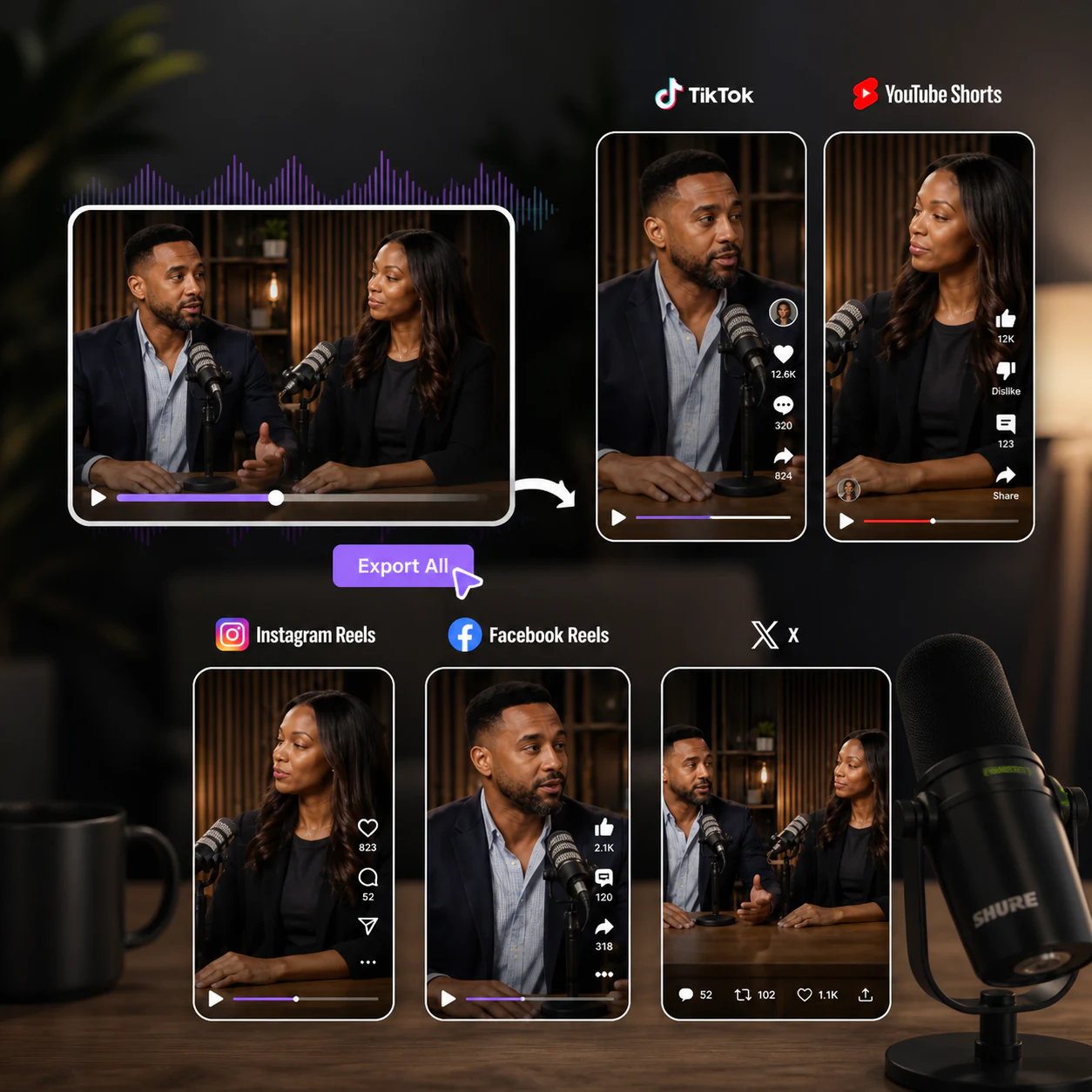
Podcast clips ready for social media
Podcast clips with automatic captions
Podcast video editing preview
Three steps to turn a podcast into video
Free podcast to video tool
Podcast clips ready for social media
Podcast clips with automatic captions
Podcast video editing preview
Three steps to turn a podcast into video
Free podcast to video tool
Podcast clips ready for social media
Turn a podcast episode into short videos for free

Free Podcast to Video: Create Podcast Video Online, No Login

Podcast to video is a simple way to turn one podcast episode into several short clips you can post on TikTok, YouTube Shorts, and Instagram Reels. Video Cutter AI is a free podcast to video tool made for beginners who do not want to learn editing. Upload a webm, mov, or mp4 video file, or paste a link, and the AI adds captions and visuals on its own. There is no login and no watermark, so the clips are yours to post right away. If you want to turn podcast into video without the fuss, this is the easy place to start.

What Podcast to Video Does for You

Easy Upload

Drop in a webm, mov, or mp4 video, or paste a podcast link, and you are ready to go.

Smart Moment Picking

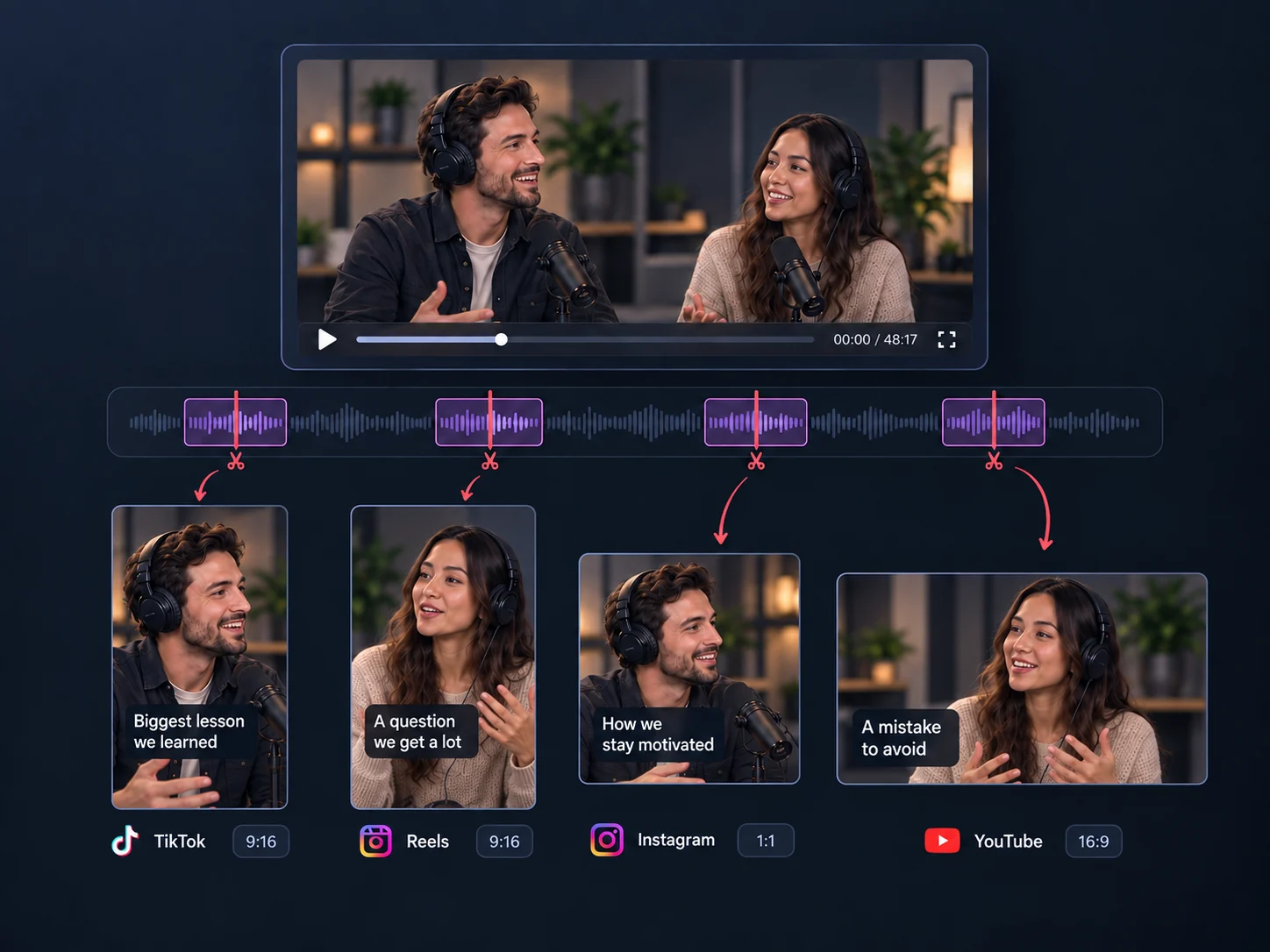
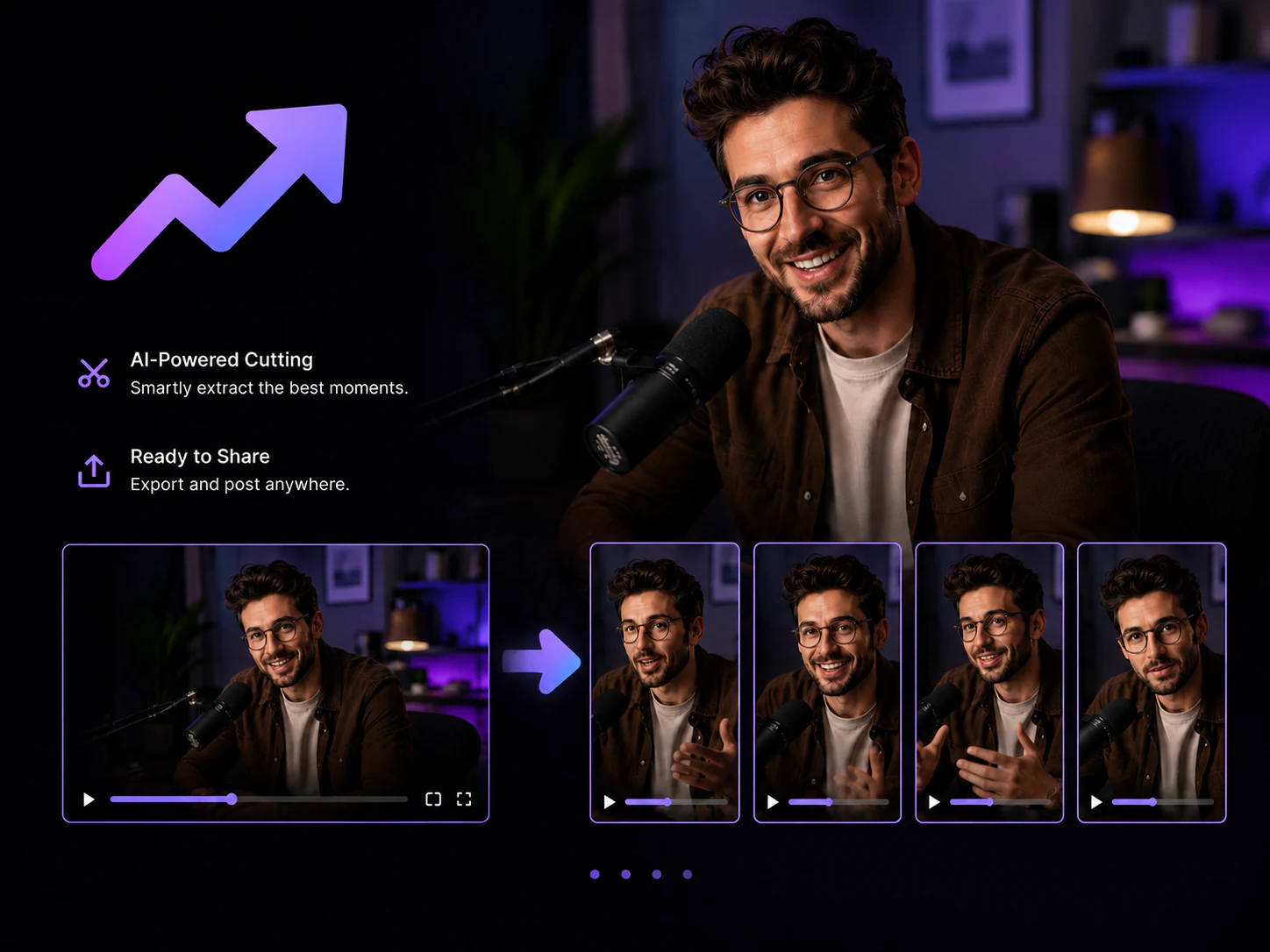
AI finds the strongest parts of your episode and turns them into short clips for you.

Auto Captions

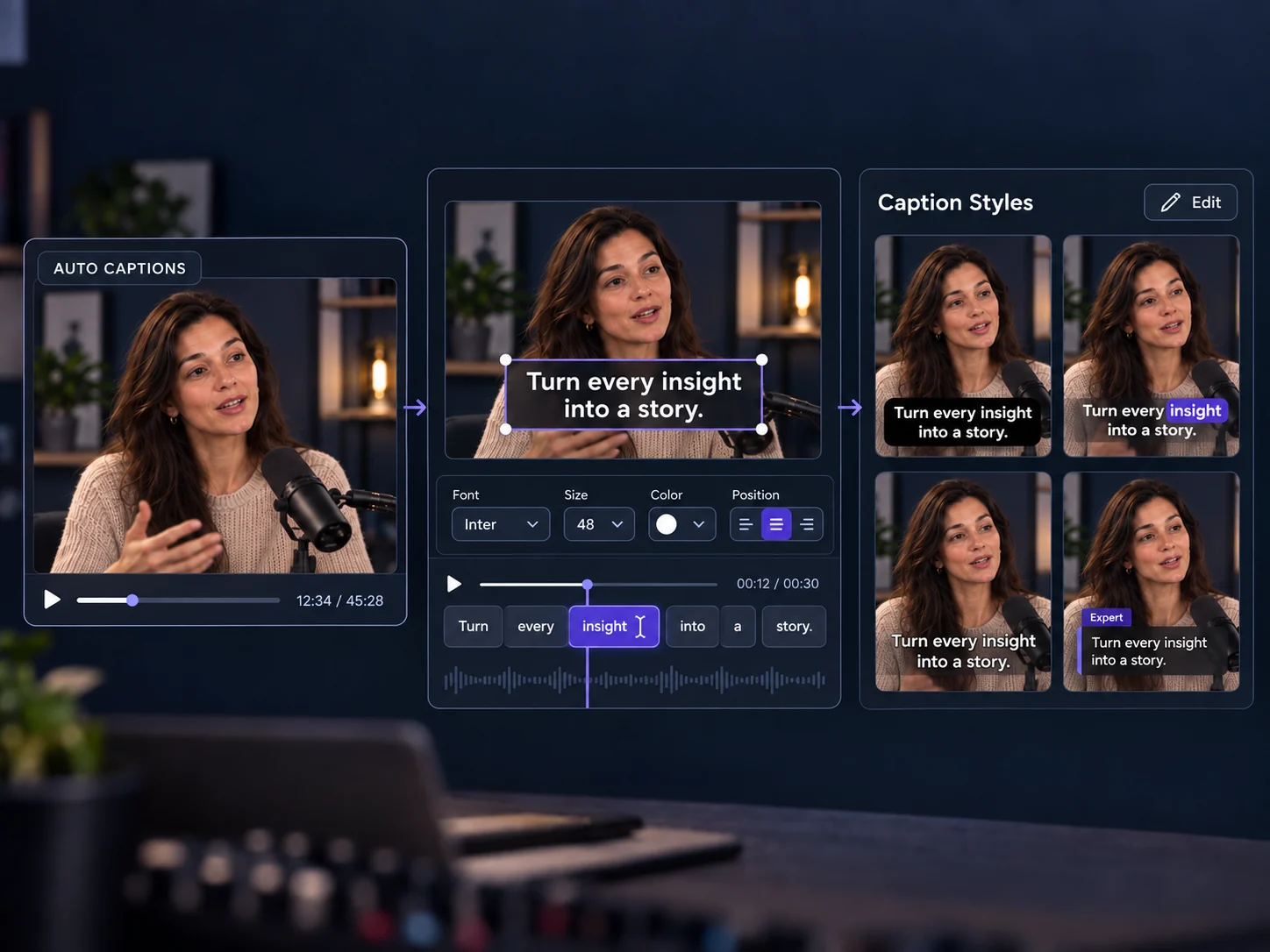
Speech becomes clean captions on its own, so people can follow along with the sound off.

Built-in Visuals

Background scenes and text overlays are added for you, so clips look finished, not bare.

Every Size Ready

Get vertical, square, and landscape versions from one episode, ready for each platform.

Clean Export

Download your clips with no watermark and share them without an account or login.

How to Turn a Podcast into Video in 3 Easy Steps

Video Cutter AI turns podcast to video in three simple steps. No editing experience and no account needed — just follow along and post.

1

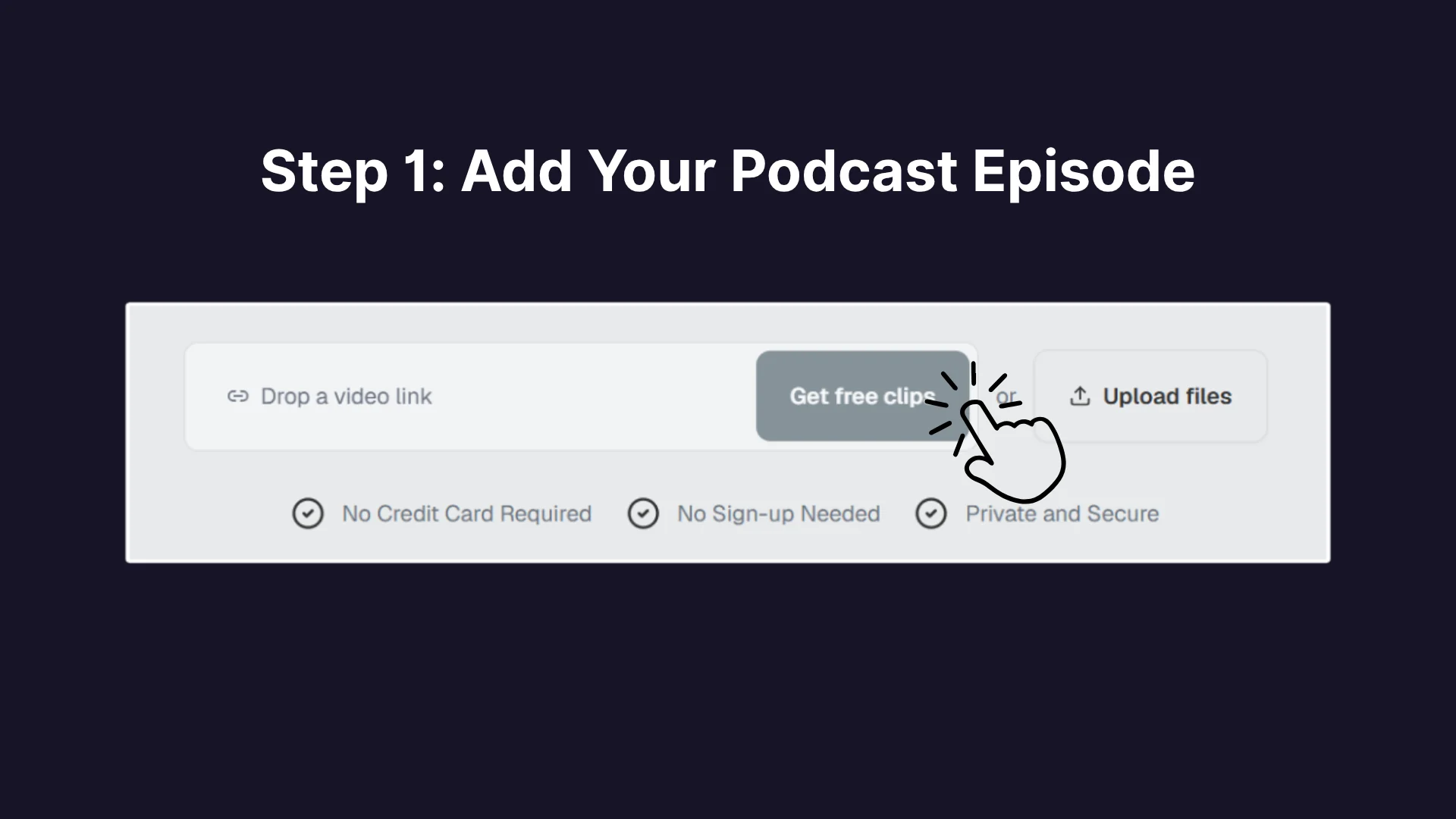
Step 1: Upload a Podcast Link or File

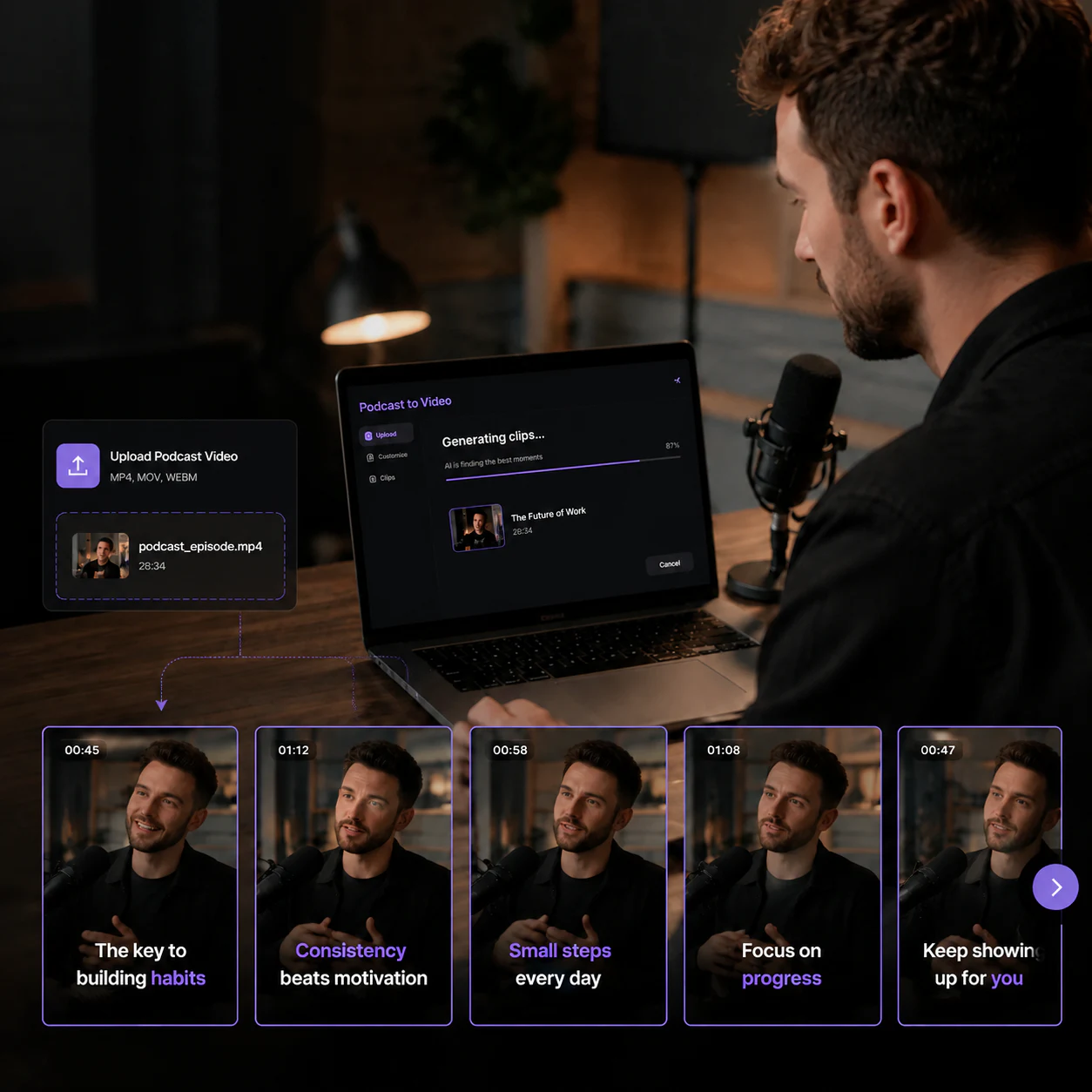
Upload a webm, mov, or mp4 video file, or paste a podcast link from your show. The free podcast to video tool starts right away, with no login screen in the way.

Step 1: Upload a Podcast Link or File
2

Step 2: AI Finds & Clips Highlights

The AI analyzes your podcast, finds the most shareable moments, and turns them into clips with captions and visuals. You get several ready-to-review short videos from one episode.

Step 2: AI Finds & Clips Highlights
3

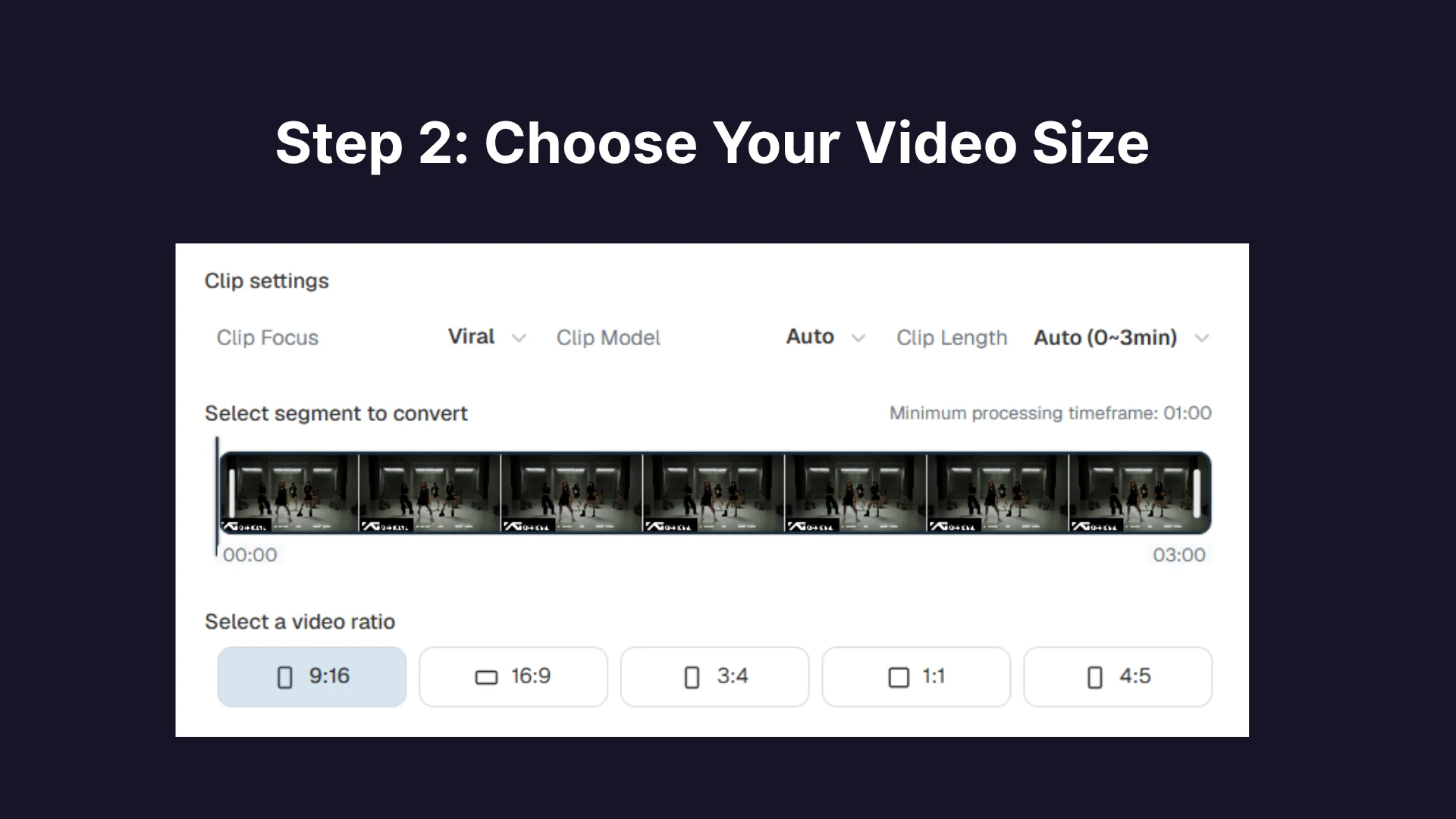
Step 3: Set Your Format and Export

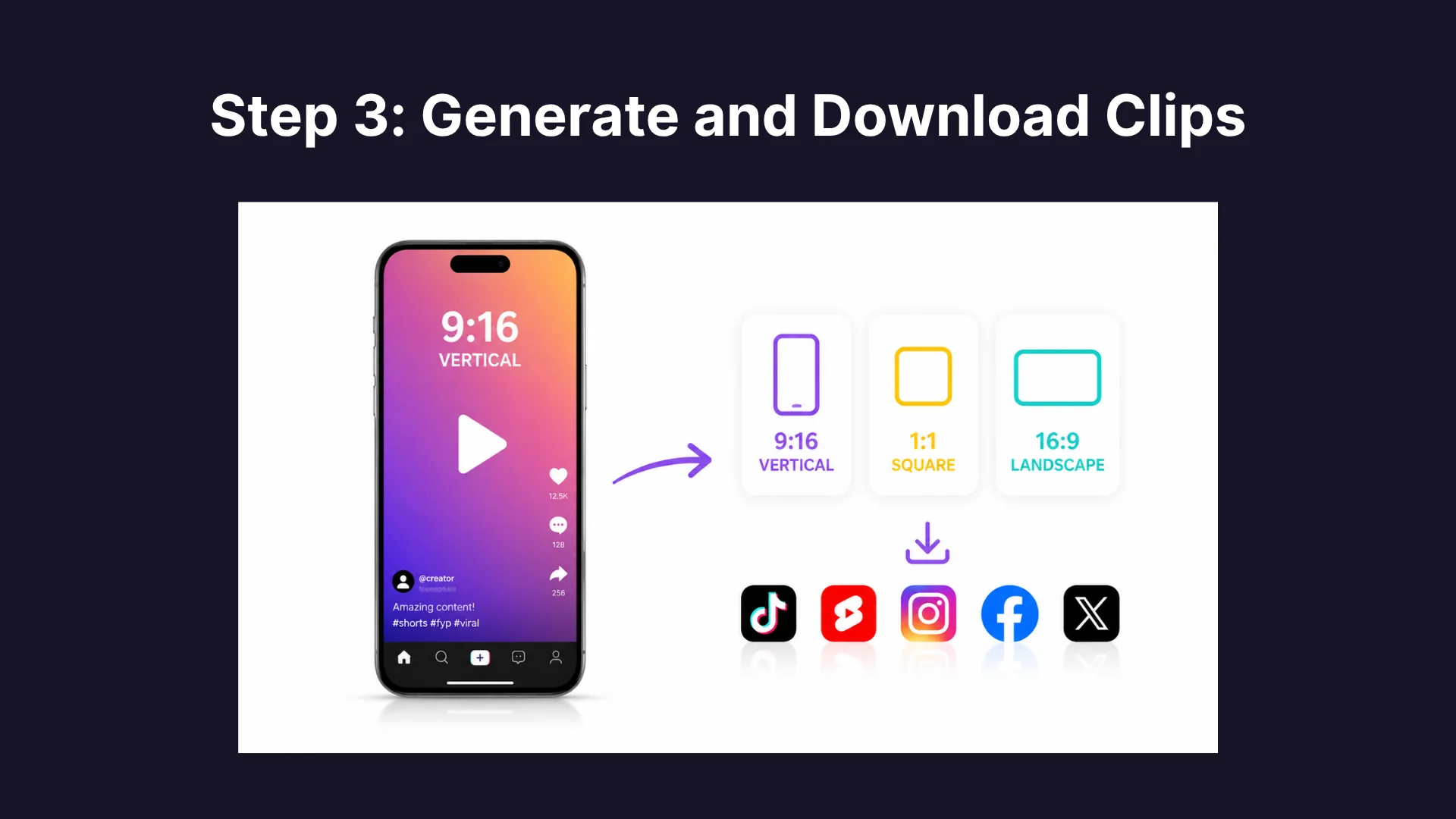
Pick the format you want — vertical for TikTok and Reels, square for feeds, or landscape for YouTube — then download your clips with no watermark and share them to TikTok, YouTube Shorts, Instagram Reels, Facebook, or X.

Step 3: Set Your Format and Export
A new podcaster creating videos without complicated editing software

High Costs and Learning Curves Stop New Podcasters

Most new podcasters have great episodes but no videos to show for them. Editing apps charge monthly fees, stamp watermarks on free plans, and push timelines and color tools at you before you have cut a single clip. That is why free podcast to video tools matter. With Video Cutter AI, you turn podcast into video clips with no subscription and no watermark, ready to post.

Why Beginners Choose Video Cutter AI to Make Podcast Videos

Upload a Video and Get Clips in Minutes

Upload a Video and Get Clips in Minutes

Upload one podcast video and Video Cutter AI turns it into several short clips, each with captions and visuals added. You do not need to learn timelines, layers, or editing tutorials, and a single file becomes multiple ready-to-share clips without any design skills at all.

One-Click Format for Every Platform

One-Click Format for Every Platform

Stop resizing clips by hand. Video Cutter AI prepares your podcast video for TikTok, YouTube Shorts, Instagram Reels, Facebook Reels, and X in one click. Captions stay readable and the speaker stays in frame in every ratio, so one episode becomes ready posts for every platform you use.

Visuals Added to Your Clips Automatically

Visuals Added to Your Clips Automatically

Your clips get background visuals and clean text overlays automatically, so they look finished instead of raw. The AI handles the look while you focus on your content. And unlike most free tools, Video Cutter AI adds no watermark and requires no account, so your clips stay clean.

Turn Your First Podcast into Video Today

Stop sitting on episodes nobody sees. Turn podcast into video with Video Cutter AI, export watermark-free clips, and post them to TikTok, Shorts, or Reels in minutes. No login, no cost, no editing skills needed.

What New Podcasters Say About Free Podcast to Video

I host honest talks about anxiety and self-growth, and my listeners kept asking for a video version. This free podcast to video tool turned my episodes into warm captioned clips for Reels, and the comments changed — people said they finally felt understood. The whole thing took minutes, with no login and no watermark to slow things down.

Hannah Cole

Mental Wellness Podcaster

Job-search advice travels best in short clips. That is what pushed me to try podcast to video free for my show about interview skills. Each episode now becomes a few crisp clips for Shorts and LinkedIn, with captions already added, so a nervous graduate can catch the key tip in seconds. Colleagues started sharing them within a week.

Marcus Reed

Career Advice Podcaster

Backpacking stories from a van are hard to show in a poster. With zero video experience, I tried the free podcast to video maker and it added visuals and captions to my episodes for TikTok. Followers now say the videos finally match how the adventures sound. No watermark and no sign-up meant I could post right after downloading.

Tom Rivera

Travel Podcaster

Trending news does not wait for an editor. Timing is everything in my work, so I use podcast to video free to turn each commentary into bold captioned clips for Shorts and X the same day I record. The workflow is simple: upload, pick the moments, post. What used to take an afternoon now fits into a short break.

Priya Shah

Hot-Topic Commentator

I run a college interview show for class projects, and the free podcast to video converter was the simplest way to add video. It added captions automatically and exported without a watermark, so every interview became a clean clip for Reels. My professor noticed the difference, and it cost nothing on a student budget.

Liam O'Brien

Student Interviewer

Cooking demos were the missing step in my food show. Editing software always looked intimidating, so this free podcast to video tool was a relief: it adds captions and exports my clips for Reels without a watermark, and I never had to open a timeline. The recipes finally get seen, and viewers now ask for the full steps.

Nadia Ali

Food Podcaster

Free Podcast to Video FAQs