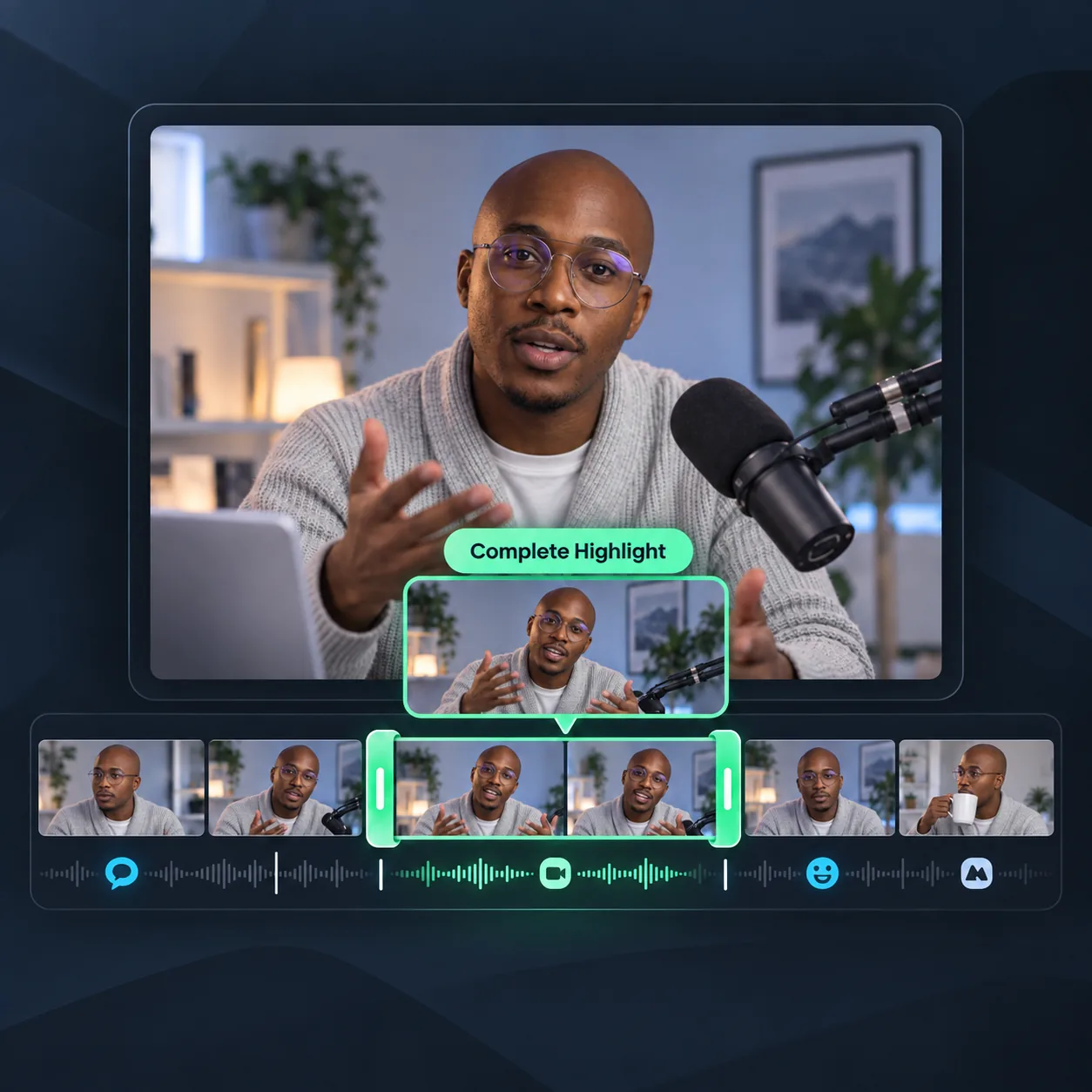
Find Complete Highlights
AI identifies clear statements, reactions, action, and scene changes across your recording. Each suggested clip captures a self-contained moment that viewers can understand and enjoy on its own.
Free Highlight Video Maker
Skip hours of scrubbing. AI finds your best moments, adds captions, and creates share-ready highlight videos.
Trusted by creators from
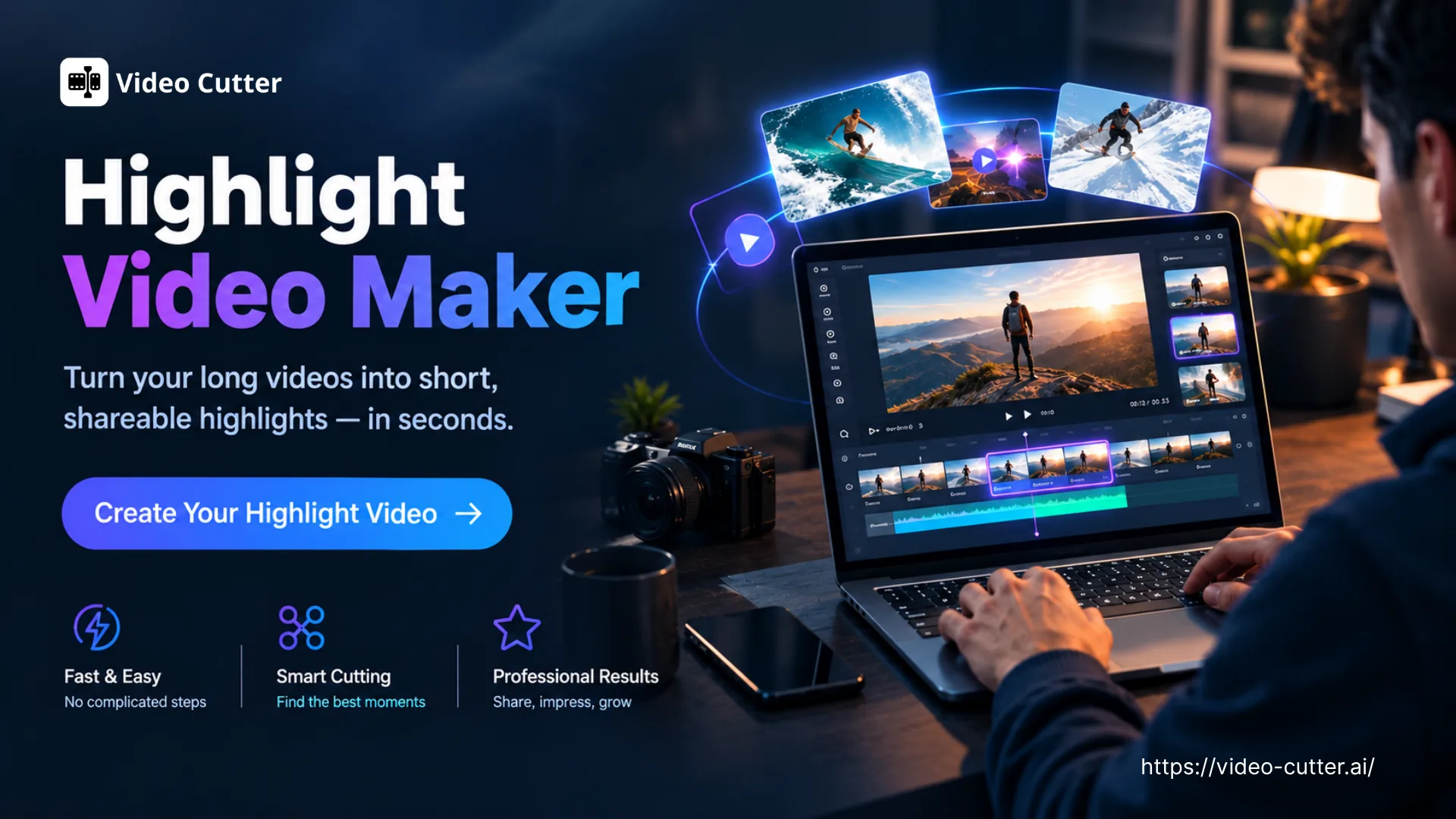
Use Video Cutter AI's Highlight Video Maker to find highlights, add captions, reframe clips, and create AI highlight reels online for free with less editing.
Create Highlights Free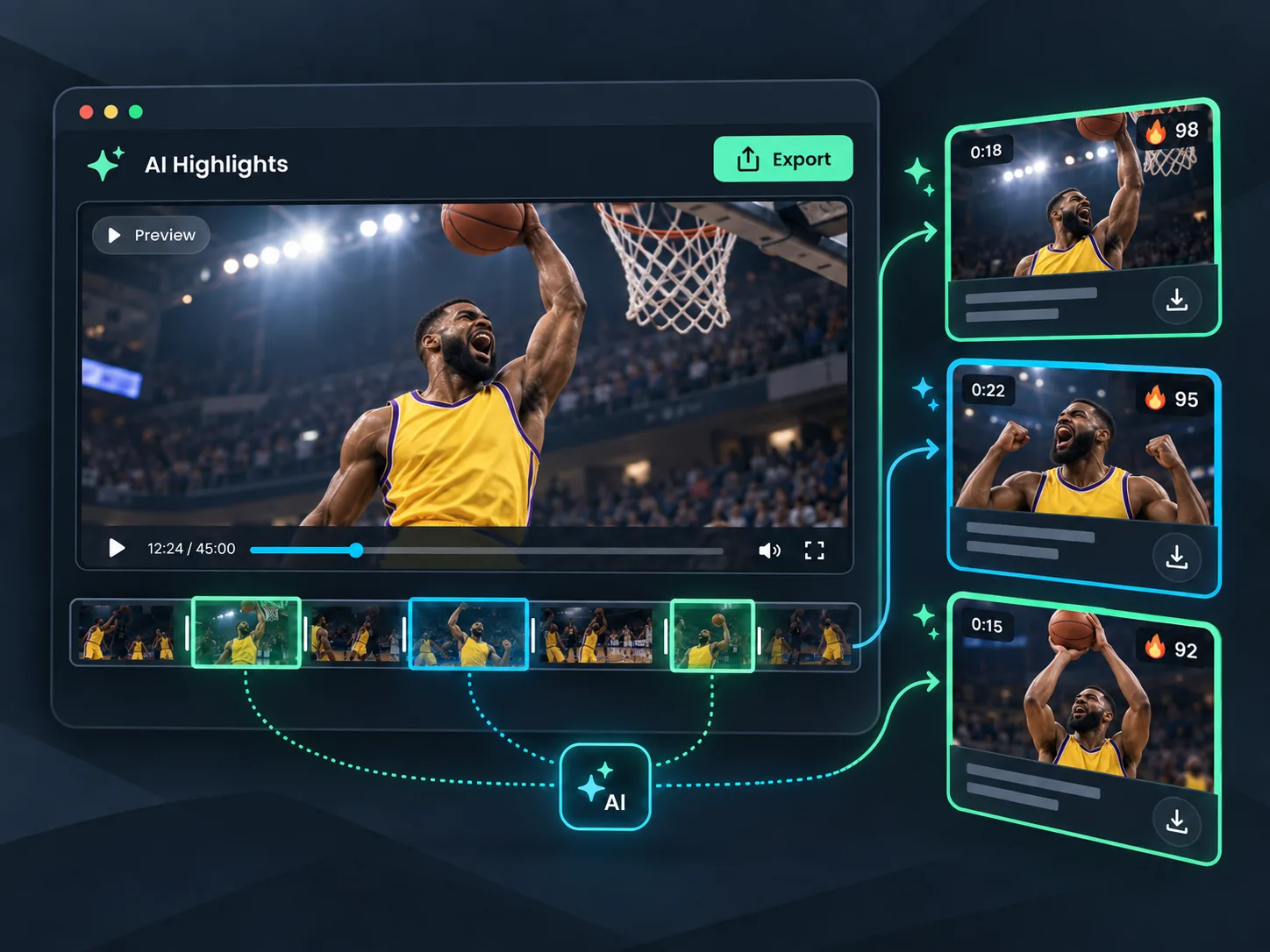
A long game, class recording, interview, event, or vlog can contain several short videos worth sharing. Upload your footage, and Highlight Video Maker uses AI to find self-contained highlights and turn them into separate captioned clips. Preview each result, refine its timing or captions, and export the clips you want—without searching through the full recording or learning a complex editing timeline. Starting with a YouTube video? Use YouTube Clipper to find highlights directly from a YouTube link.
One long recording can contain several short videos worth sharing. Highlight Video Maker finds self-contained moments and prepares them as separate clips for you to review, refine, and export.
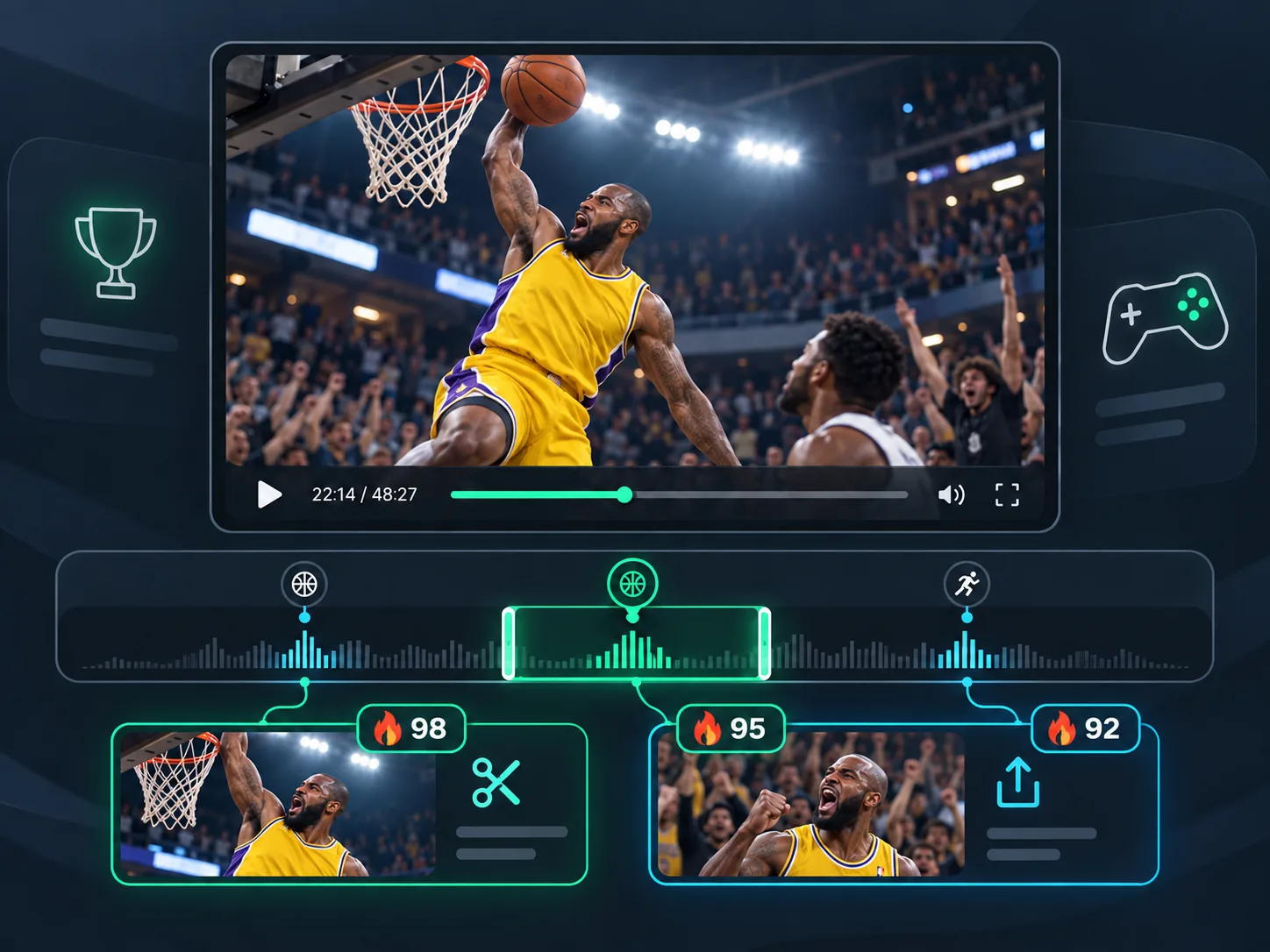
Find goals, decisive plays, funny reactions, and turning points in full matches or long gaming sessions. Get separate short highlights for players, fans, recruiters, and followers without searching through hours of footage.
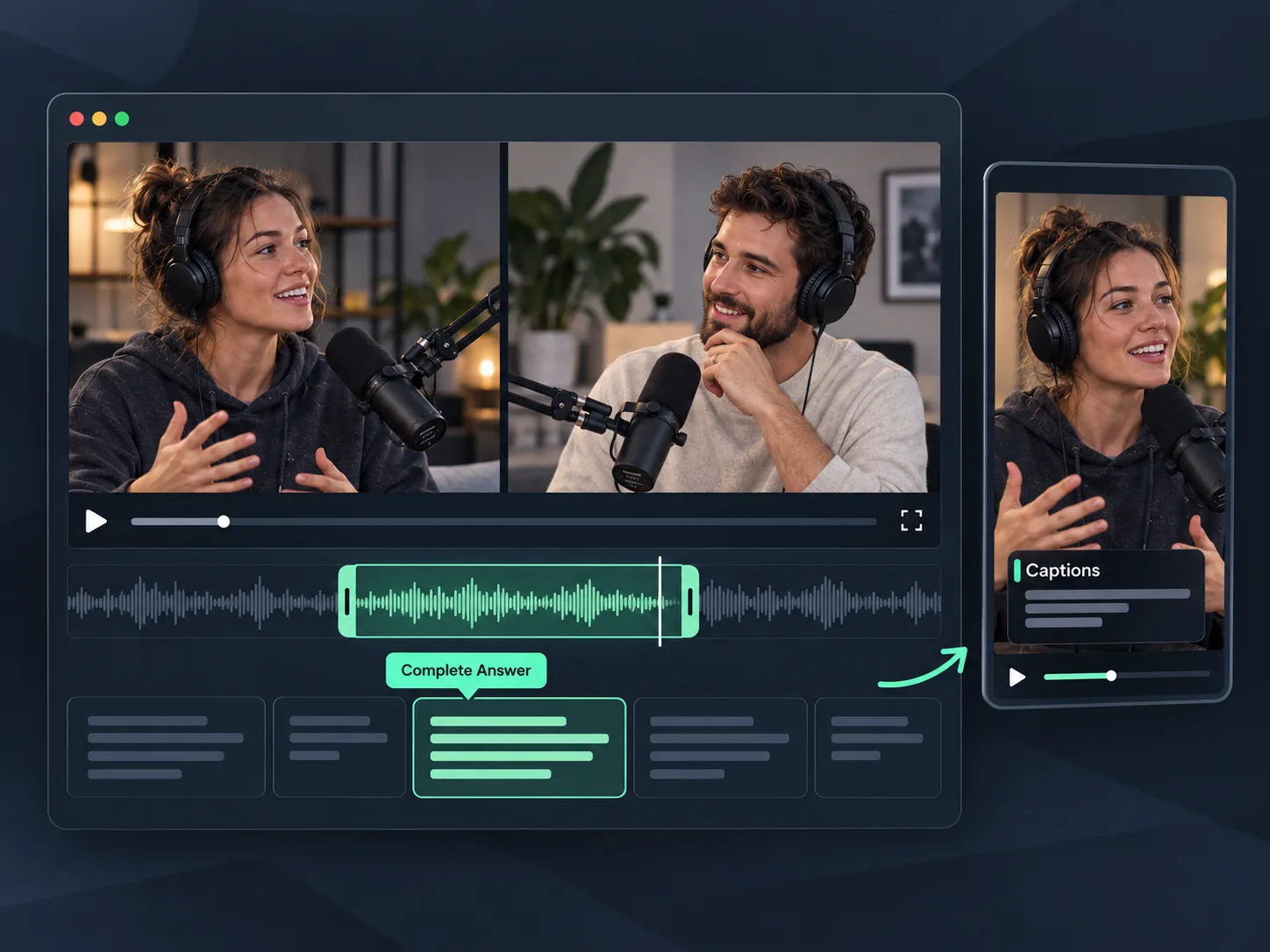
Turn long conversations into focused short videos. AI identifies complete answers, useful insights, and memorable stories while preserving enough context for every clip to make sense on its own.
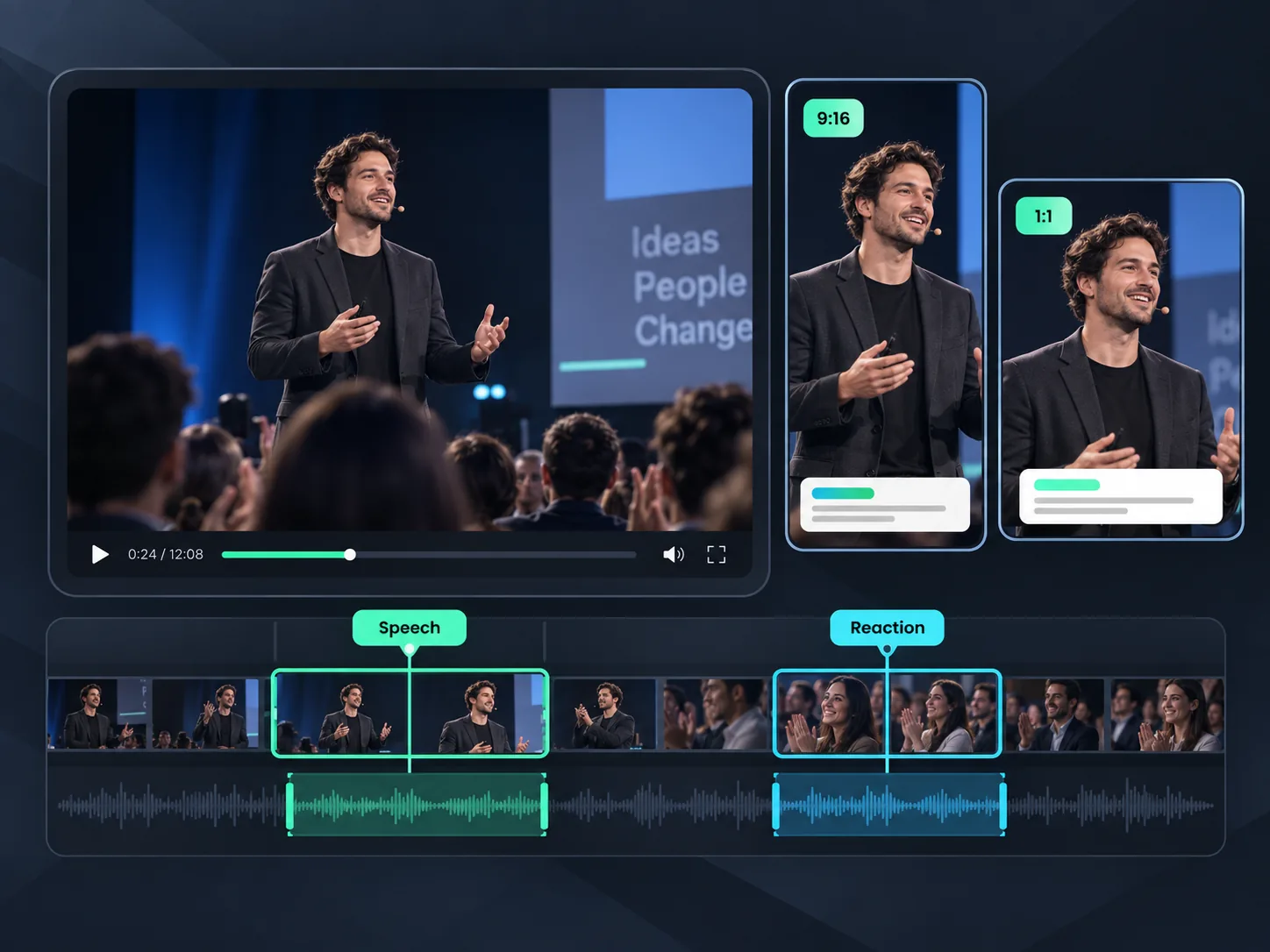
Find speeches, demonstrations, audience reactions, and key takeaways in event recordings, webinars, or classes. Add captions and reframe each result for social platforms. Creating content specifically for TikTok? Use TikTok Clip Maker to prepare platform-ready clips.
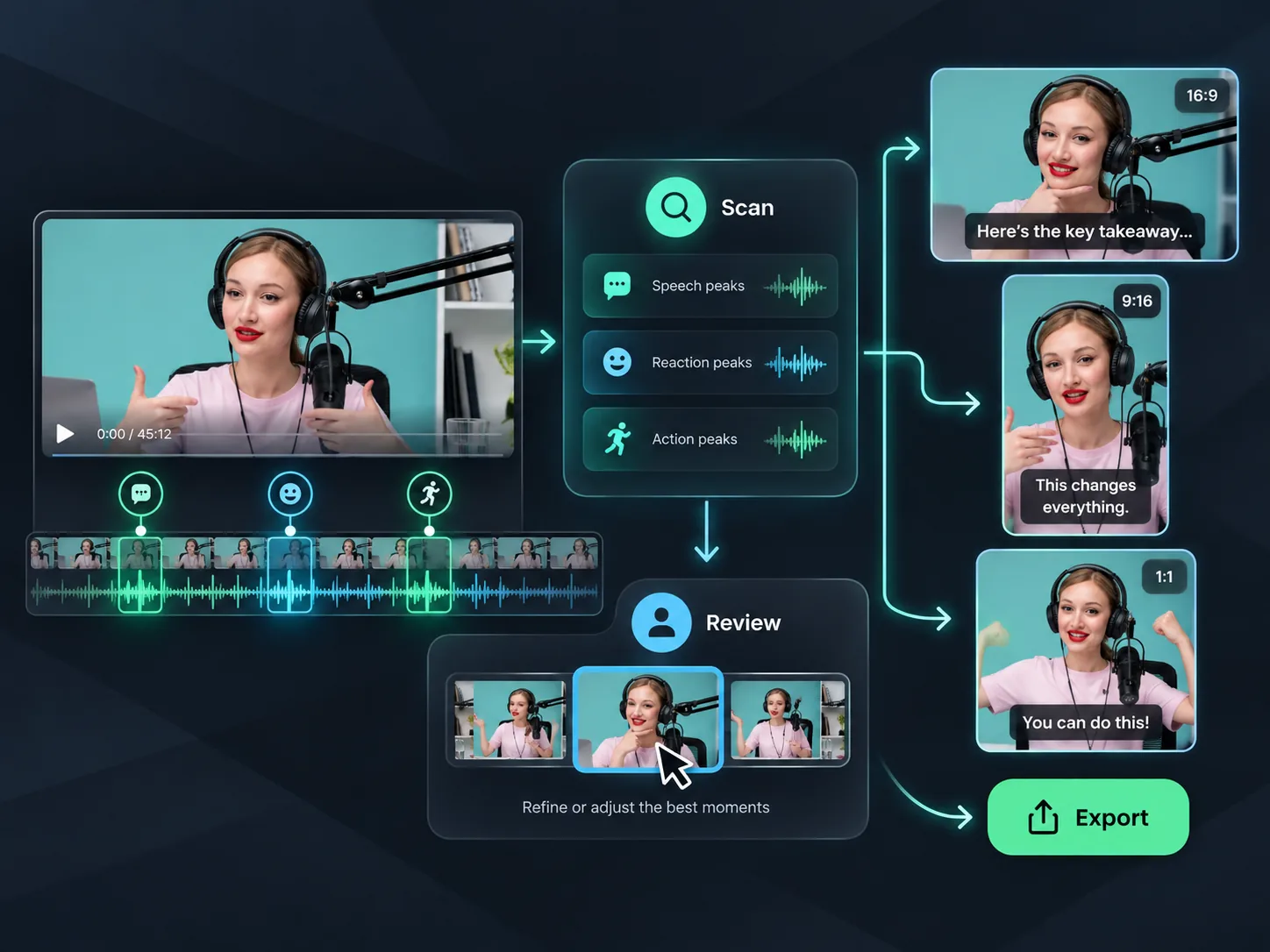
Good footage can contain several moments worth sharing. Video Cutter AI scans the full recording, identifies self-contained highlights, adds captions, and reframes each clip to keep the main subject visible. Review the AI-picked results, refine the timing or captions, and export the short videos that fit your needs. This gives creators a faster path from one long recording to multiple focused clips.
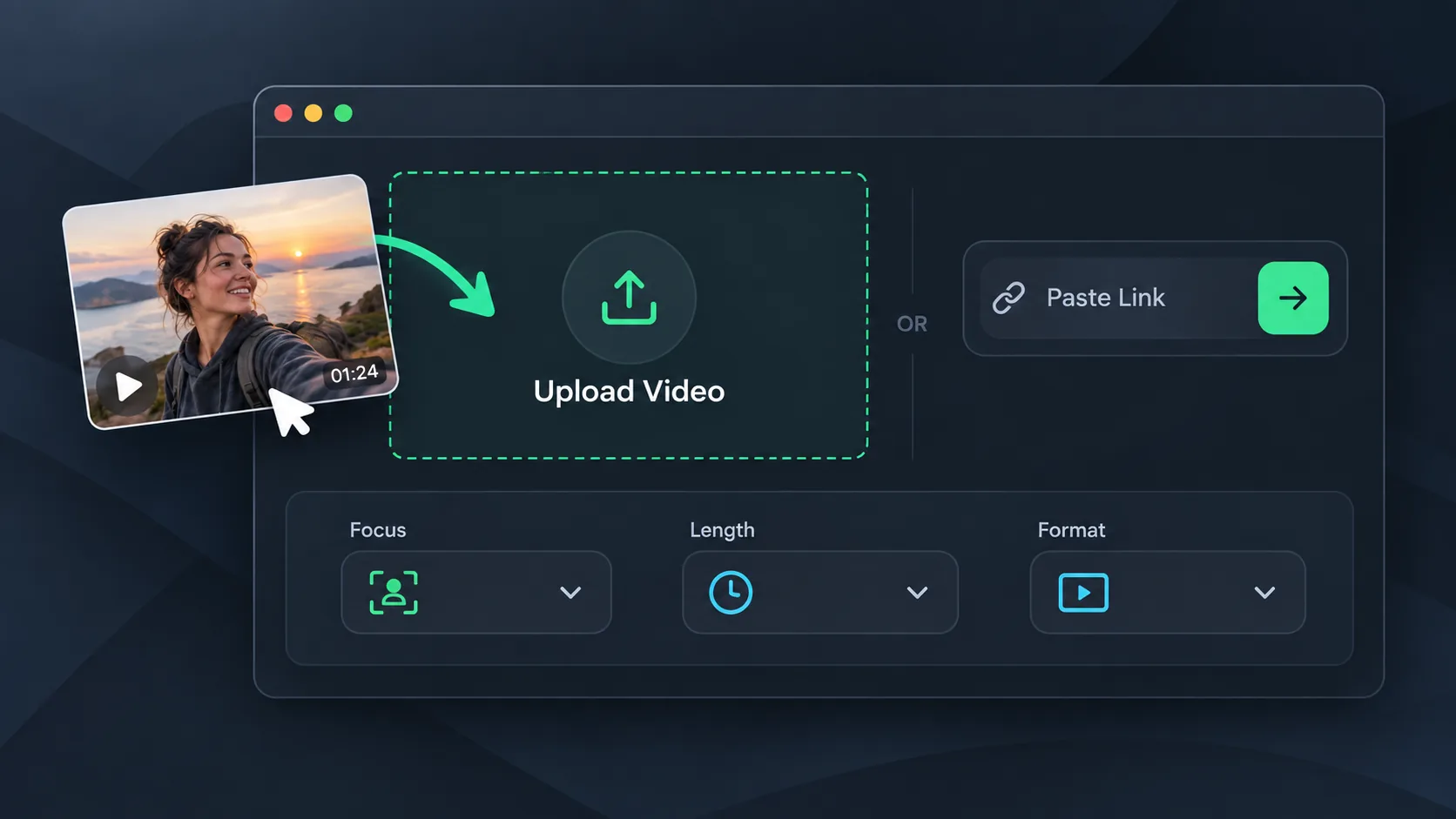
Upload a video you own or paste a supported video link. Choose the clip focus, target length, and format so AI can find highlights that match your intended result.
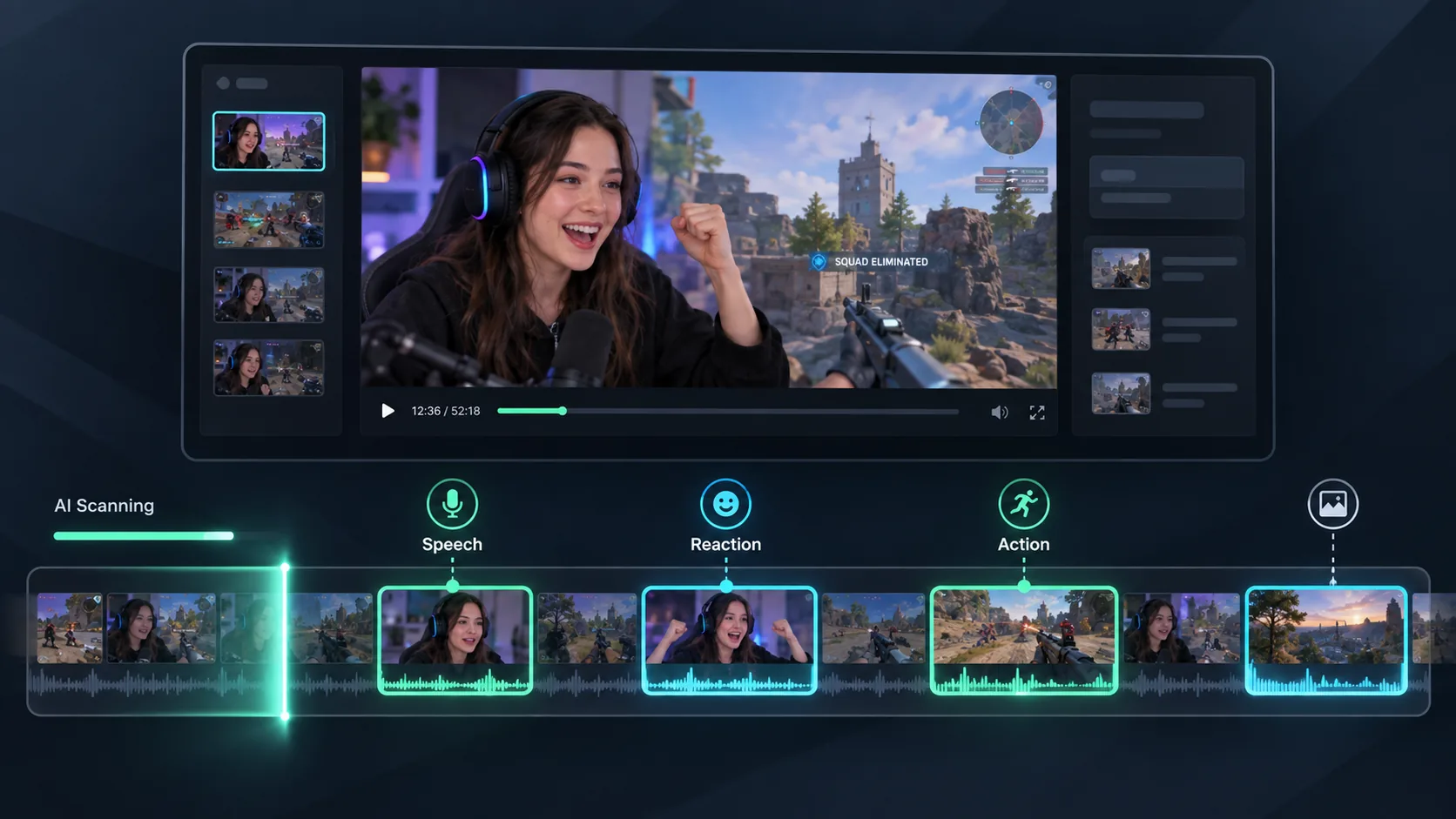
Let AI scan the footage and suggest clips around engaging speech, reactions, action, and changes in the story. Preview the selections without searching the full timeline by hand.
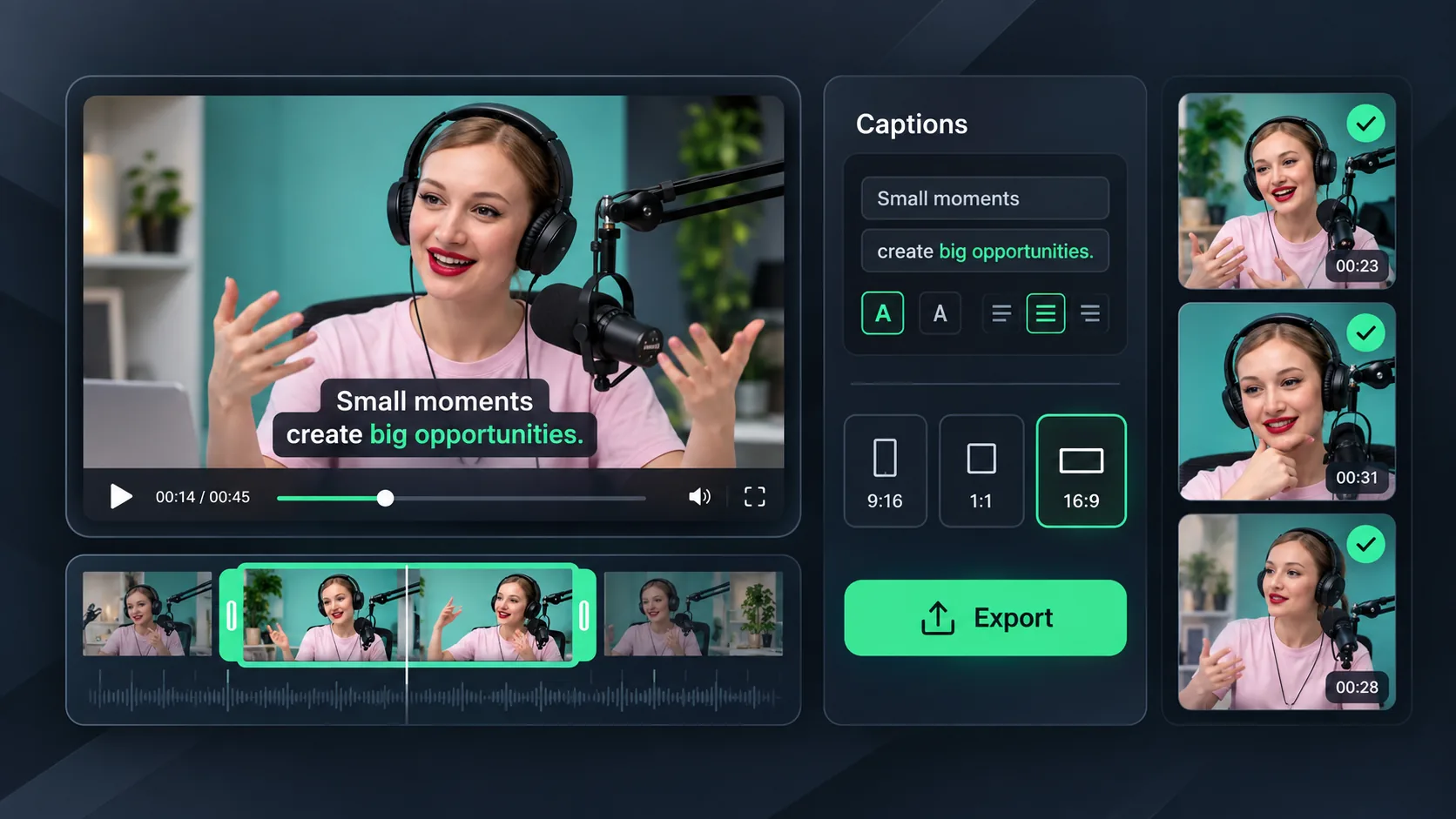
Keep the results you want, refine each clip's timing, review captions, and choose a frame. Export the individual highlights for the channels where you publish.
Turn long games, interviews, and events into short AI-picked clips with Highlight Video Maker.
AI identifies clear statements, reactions, action, and scene changes across your recording. Each suggested clip captures a self-contained moment that viewers can understand and enjoy on its own.
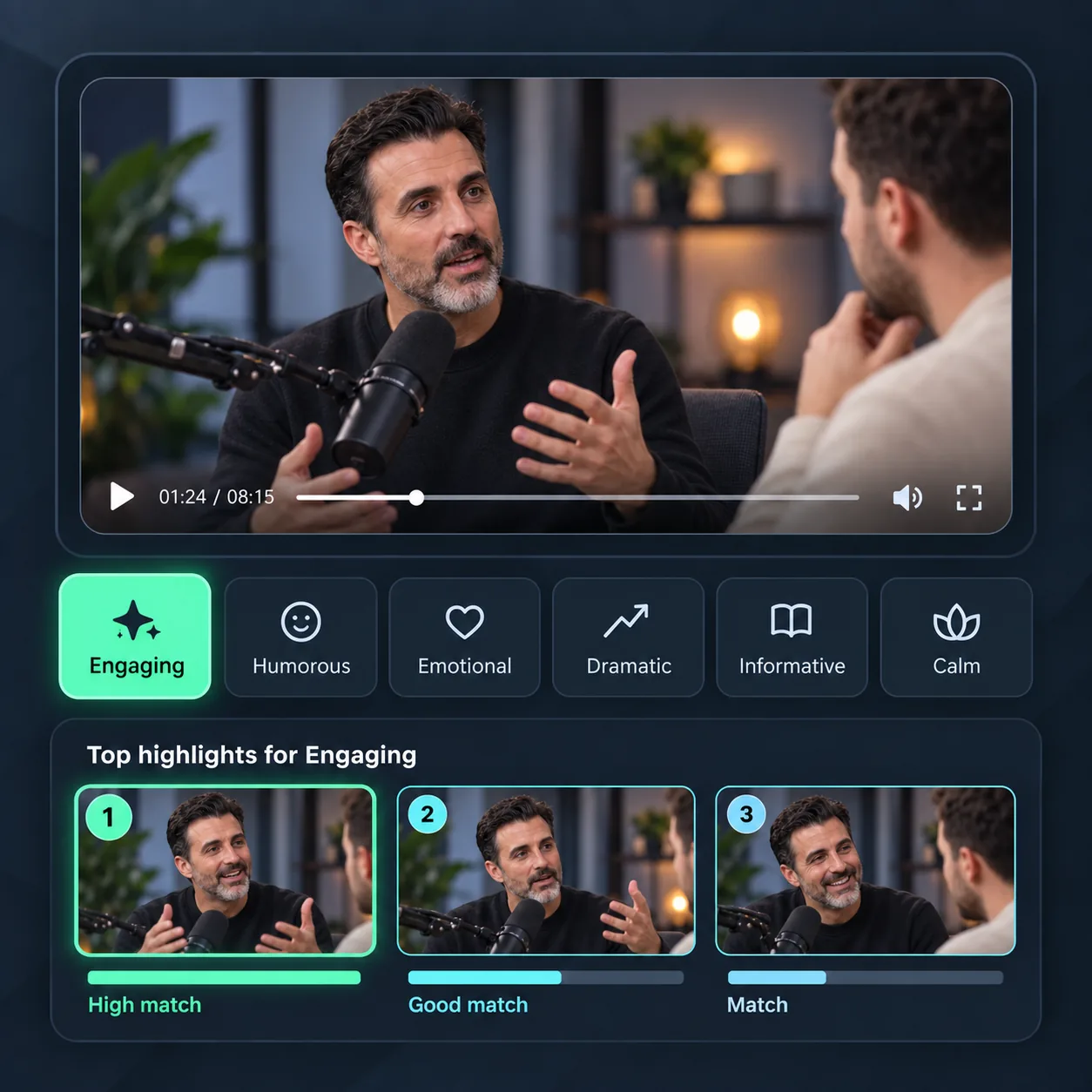
Choose a clip focus such as engaging, humorous, emotional, dramatic, informative, or calm. AI uses your preference to find moments that better suit your content and intended audience.
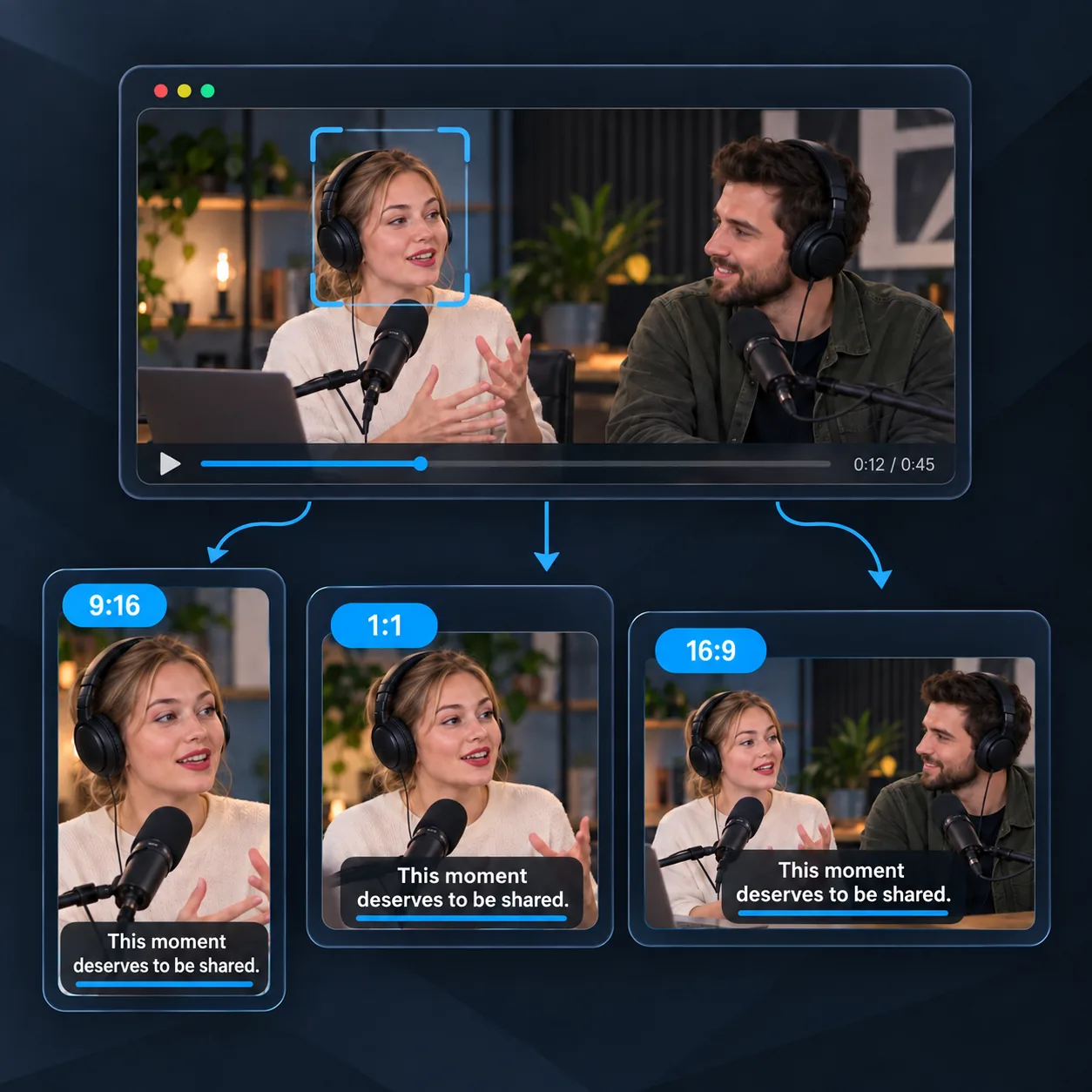
Add readable captions and reframe landscape footage for vertical or square screens. Keep speakers and important action visible while preparing individual clips for Shorts, Reels, TikTok, and other channels.
Upload your long video and let Video Cutter AI find focused moments, add captions, and reframe each short clip for the way you want to share it.
I record a weekly interview that often runs for more than an hour. Before publishing, I use Highlight Video Maker to find clear answers and stories that can stand alone as short clips. The suggested moments give me a useful place to start, and I can check the captions and timing before export. It has made my post-episode routine much easier to manage.
L.M.
Podcast Host
Our team records full basketball games for players and parents. This AI highlight video maker helps me spot strong plays, quick reactions, and useful teaching moments across the footage. I still review every result before sharing it, but the first group of clips is ready much sooner. It is especially helpful after weekend tournaments when several games need attention.
D.R.
Youth Basketball Coach
A long gaming stream can include plenty of quiet sections between the parts my viewers want to see. I use Highlight Video Maker to surface funny reactions, close wins, and sudden turning points as separate short videos. Choosing an engaging or humorous clip focus makes the results feel closer to my channel. I then polish the captions and post the clips during the week.
K.T.
Gaming Creator
I film community events, talks, and local performances, so every project contains a different kind of highlight. The AI-picked highlights help me review speeches, crowd reactions, and memorable scenes while the event is still fresh. The previews are simple to check, and vertical reframing helps me prepare individual moments for social updates.
A.J.
Event Videographer
My recorded lessons usually contain several explanations that students ask about again later. This online highlight video maker finds focused sections that work as short review clips, helping me reuse a full class in a practical way. I can check the generated captions, adjust the start or end, and share one clear idea at a time with students who need a quick refresher.
S.P.
Online Educator
We create interviews, product demos, and webinars for a small business with a limited content team. Highlight Video Maker helps us find short moments that explain a feature, answer a common question, or show a useful result. Instead of beginning each social post with an empty timeline, we review the suggested clips, refine the wording, and choose the ones that match the campaign.
M.C.
Social Media Manager