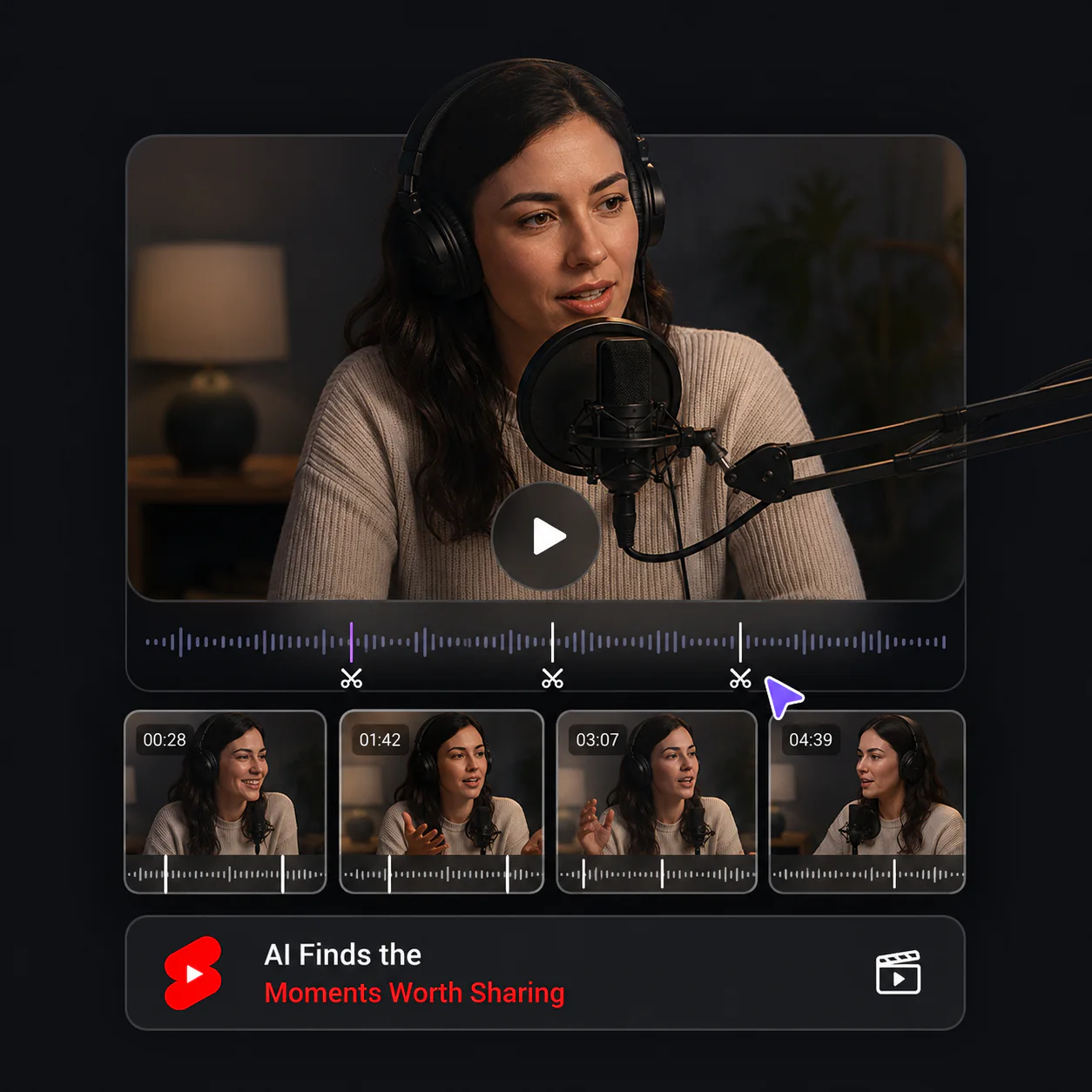
AI Finds the Moments Worth Sharing
Video Cutter AI watches the full recording and identifies complete, engaging moments instead of cutting random sections. You begin with useful highlights and spend less time searching the timeline.
Free YouTube Clipper
Clip your favorite moments from YouTube videos online for free. No sign-up, downloads, or editing experience required.
Trusted by creators from
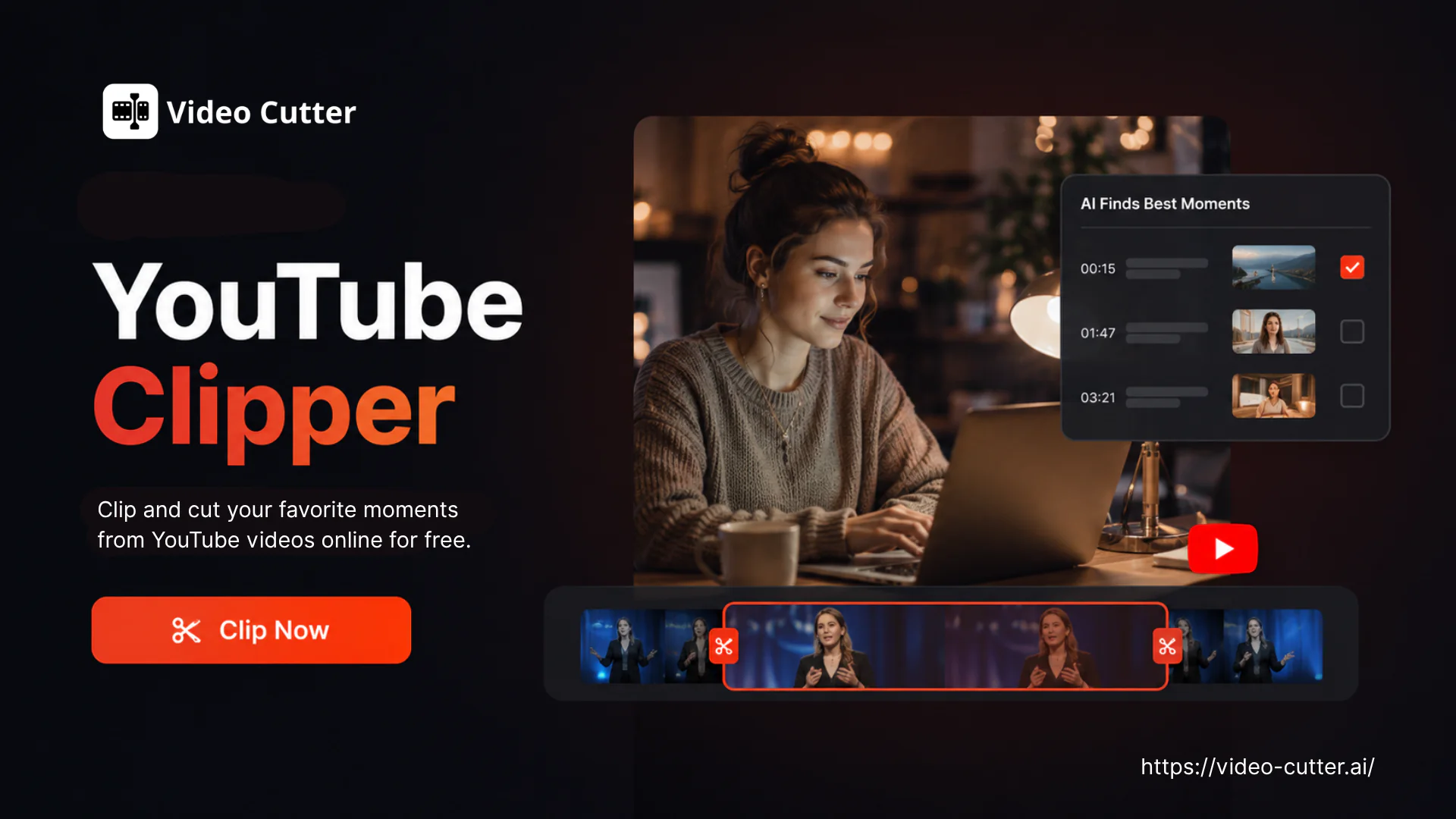
Cut YouTube videos online with Video Cutter AI. Create clips quickly from podcasts, interviews, or livestreams for creators and educators. No login required.
Start Clipping Free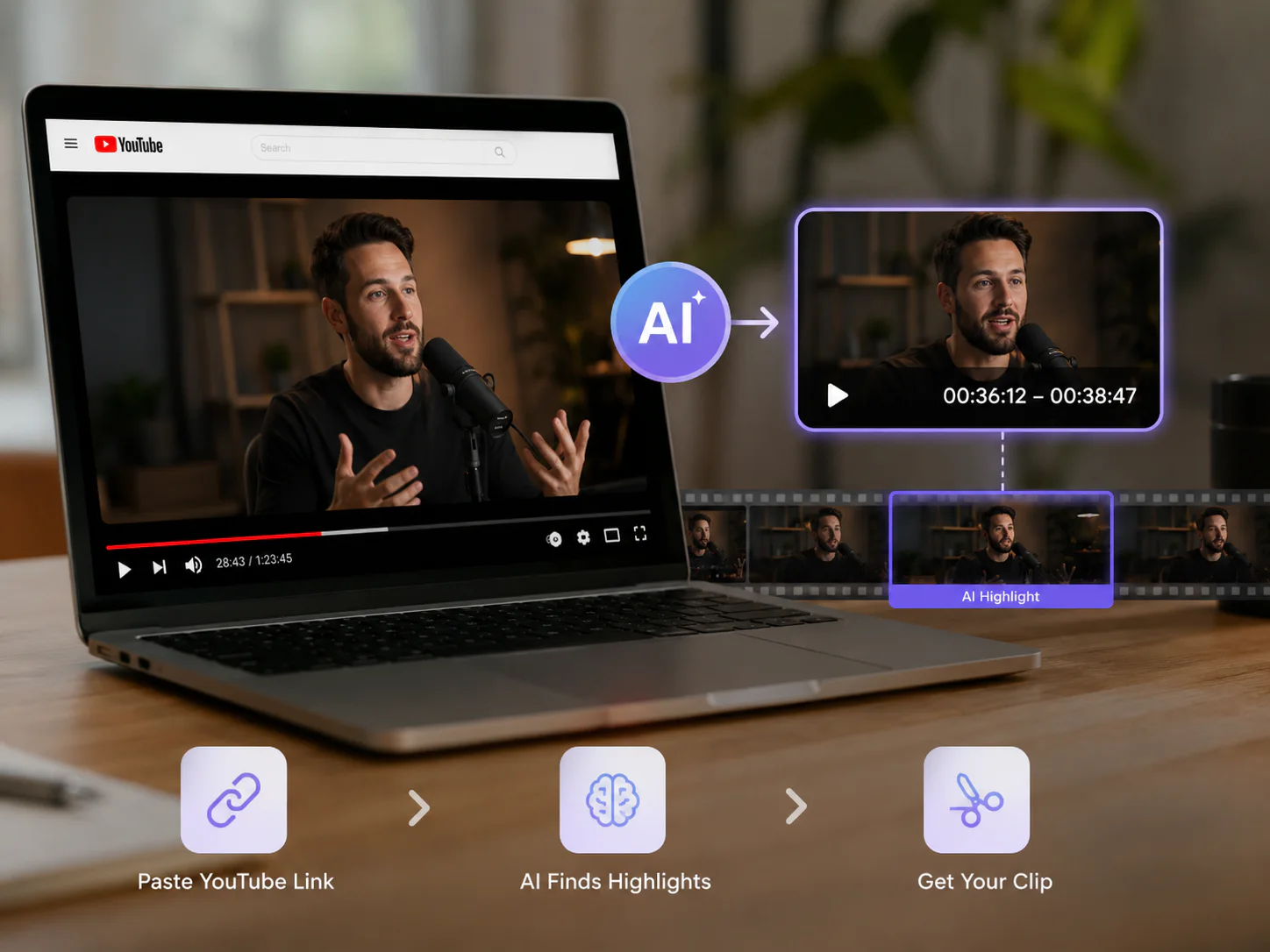
A YouTube Clipper is an online tool that turns long YouTube videos into short, shareable clips. Instead of scrubbing through a full podcast, interview, livestream, or lesson, it uses AI to find useful moments, add captions, and reframe them for Shorts, TikTok, and Reels. Video Cutter AI lets you paste a YouTube link or upload a video and review the results in your browser.
Create short clips from a long video in three simple steps with the YouTube Clipper. No editing experience or software installation is required.
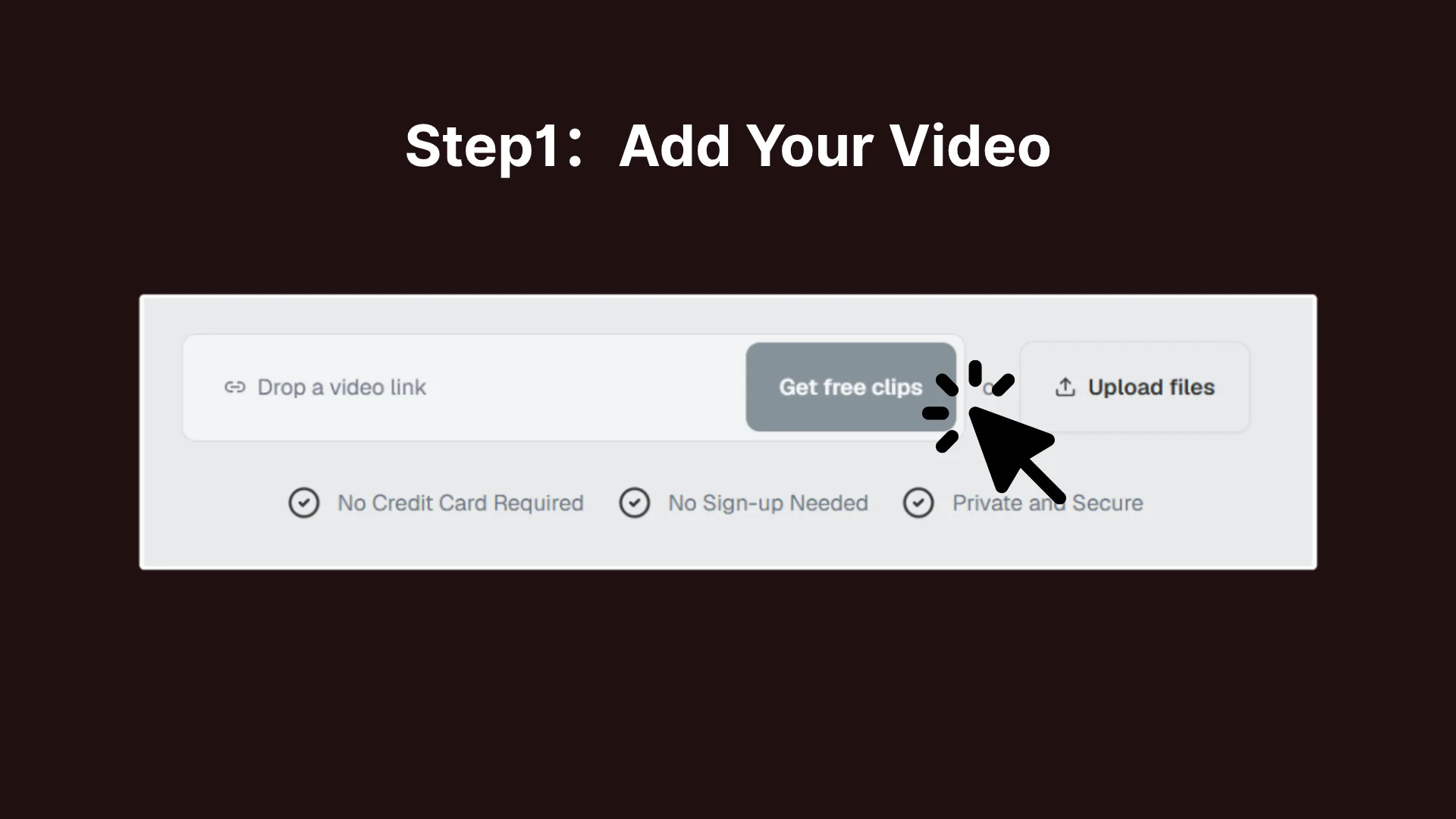
Paste a public YouTube link or upload a video file from your device. Video Cutter AI imports the source securely and prepares it for analysis.
Choose the clip length, language, and format you want. The AI scans the video for clear, useful moments that can stand on their own.
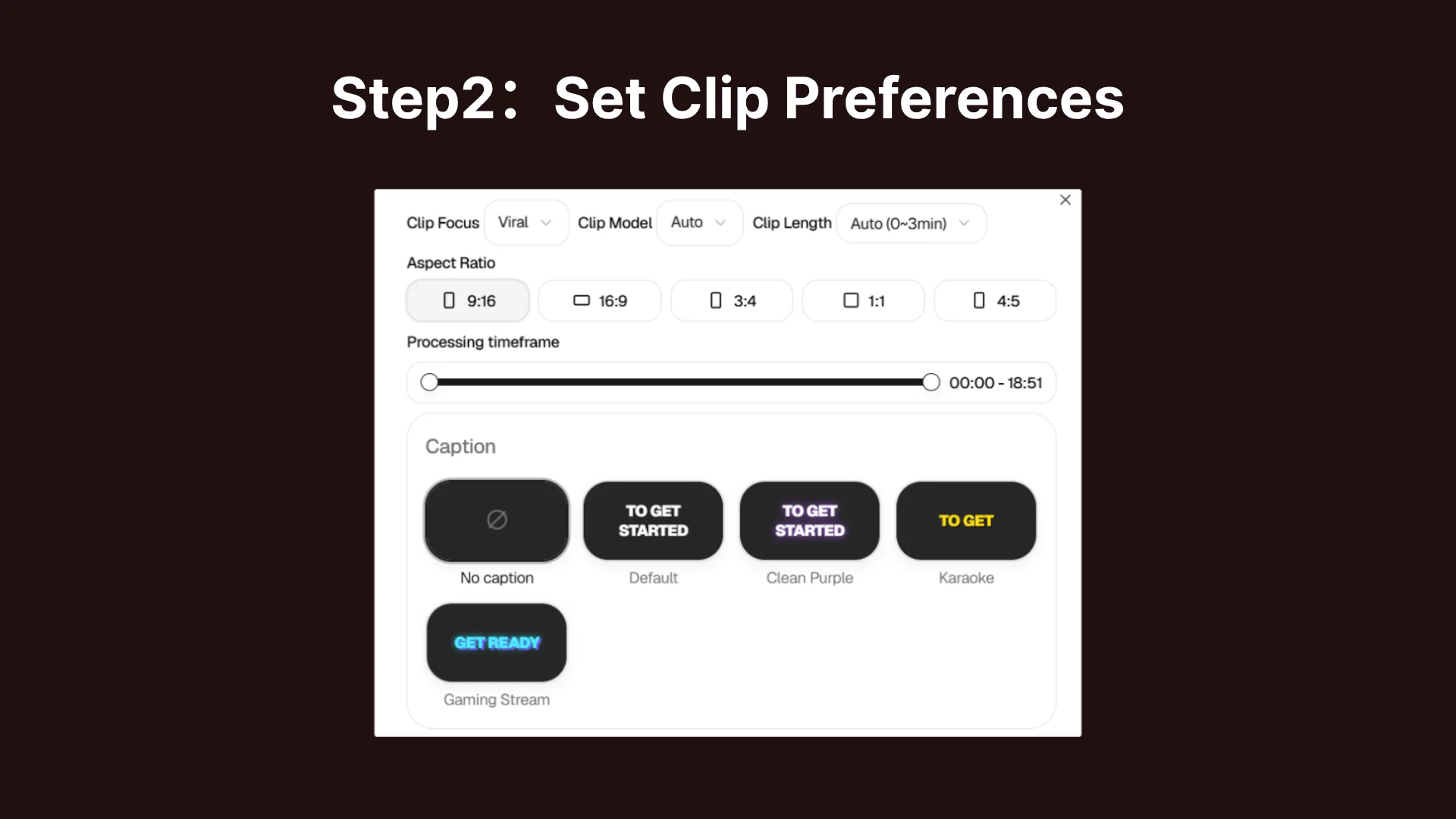
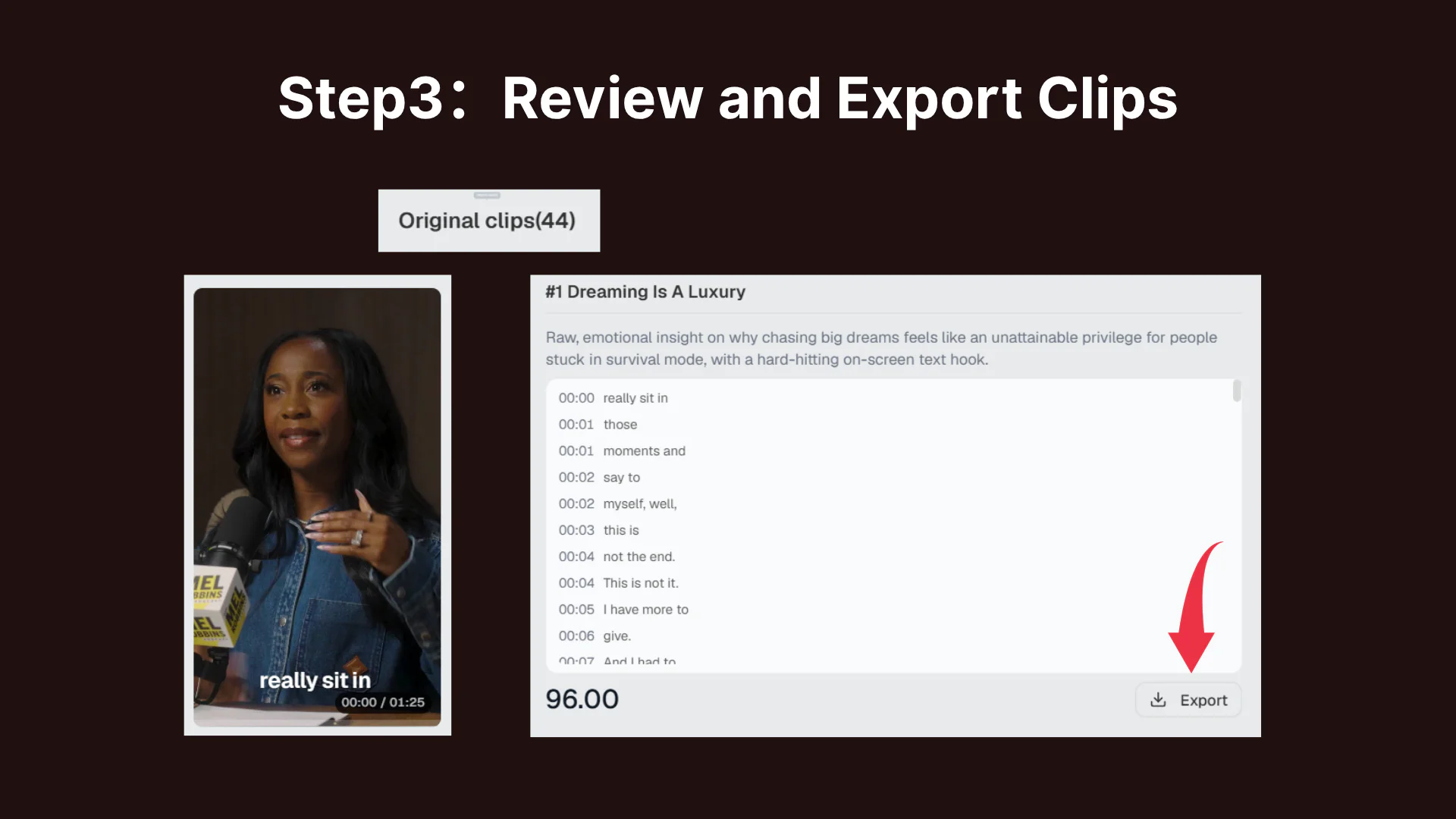
Preview the suggested highlights, fine-tune the captions or timing, and export the clips you want for YouTube Shorts, TikTok, and Instagram Reels.
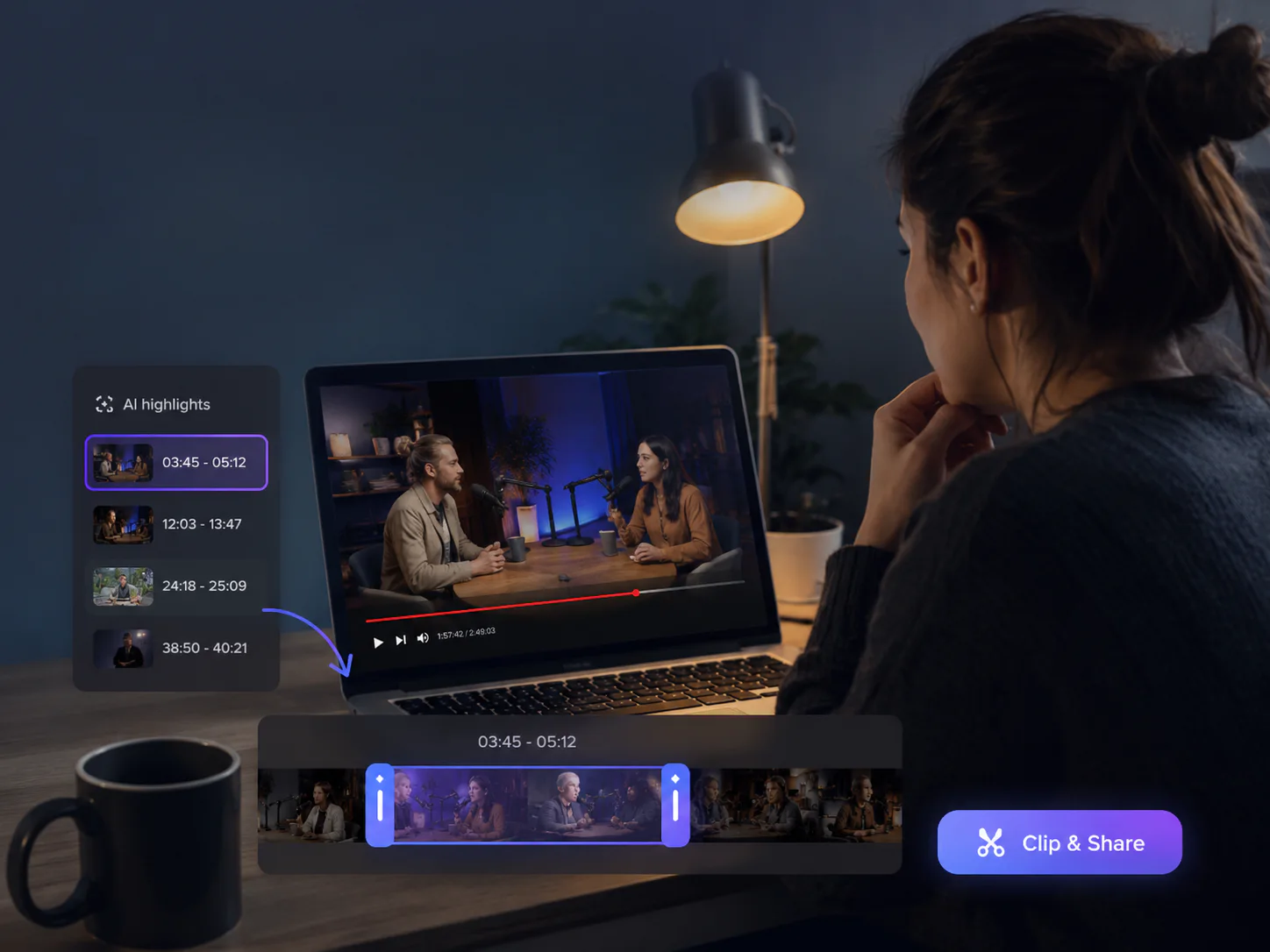
A long YouTube video may contain several moments worth sharing, but finding them means replaying the recording and searching through the timeline by hand. The YouTube Clipper analyzes the full video, surfaces the strongest sections, and turns them into short clips so valuable ideas do not stay buried.
Long videos hide your best moments. Video Cutter AI clips them for Shorts, TikTok, and Reels.
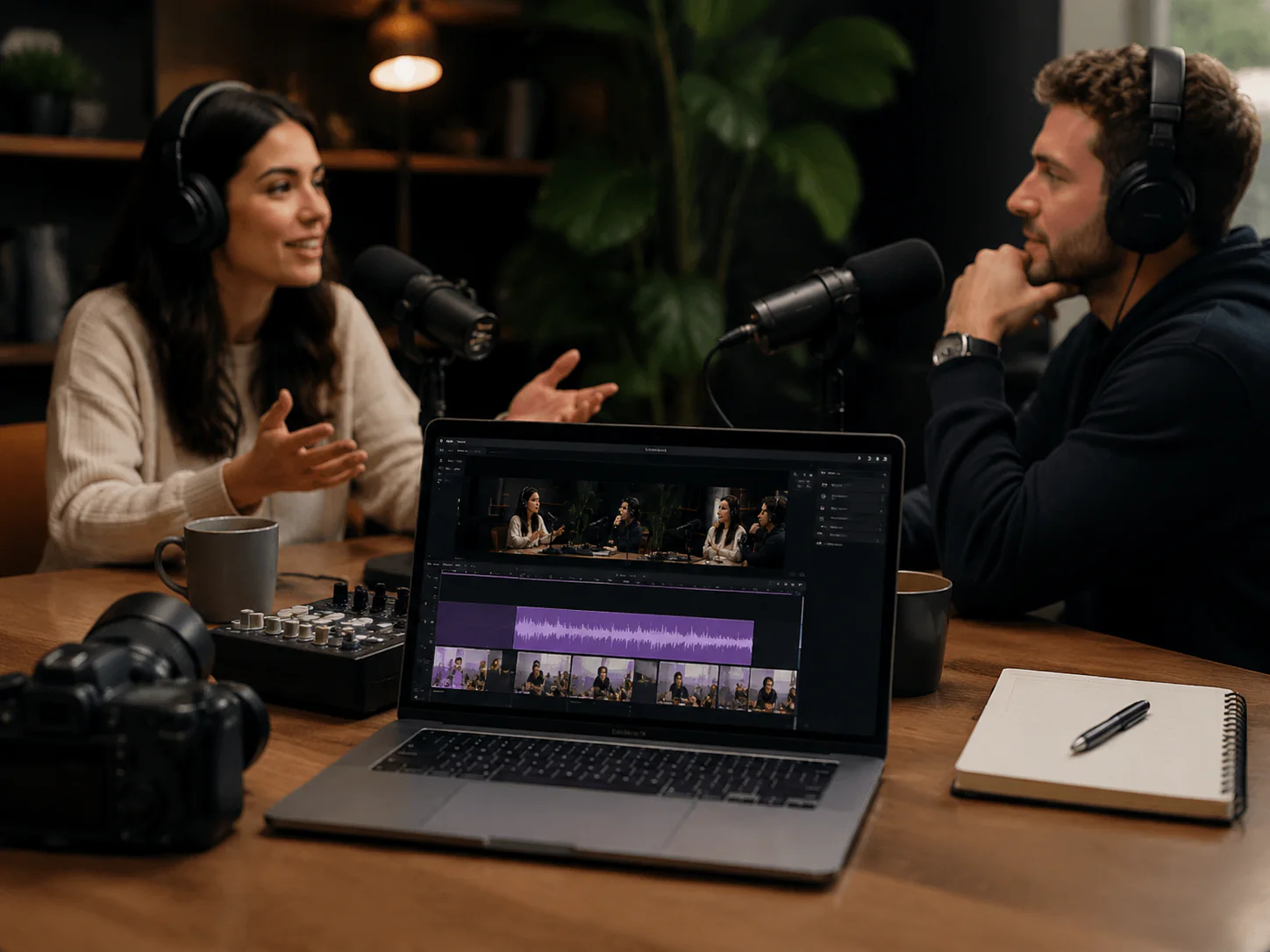
Turn long conversations into focused clips built around one question, insight, story, or memorable exchange. Share the strongest moments while guiding viewers back to the full episode.
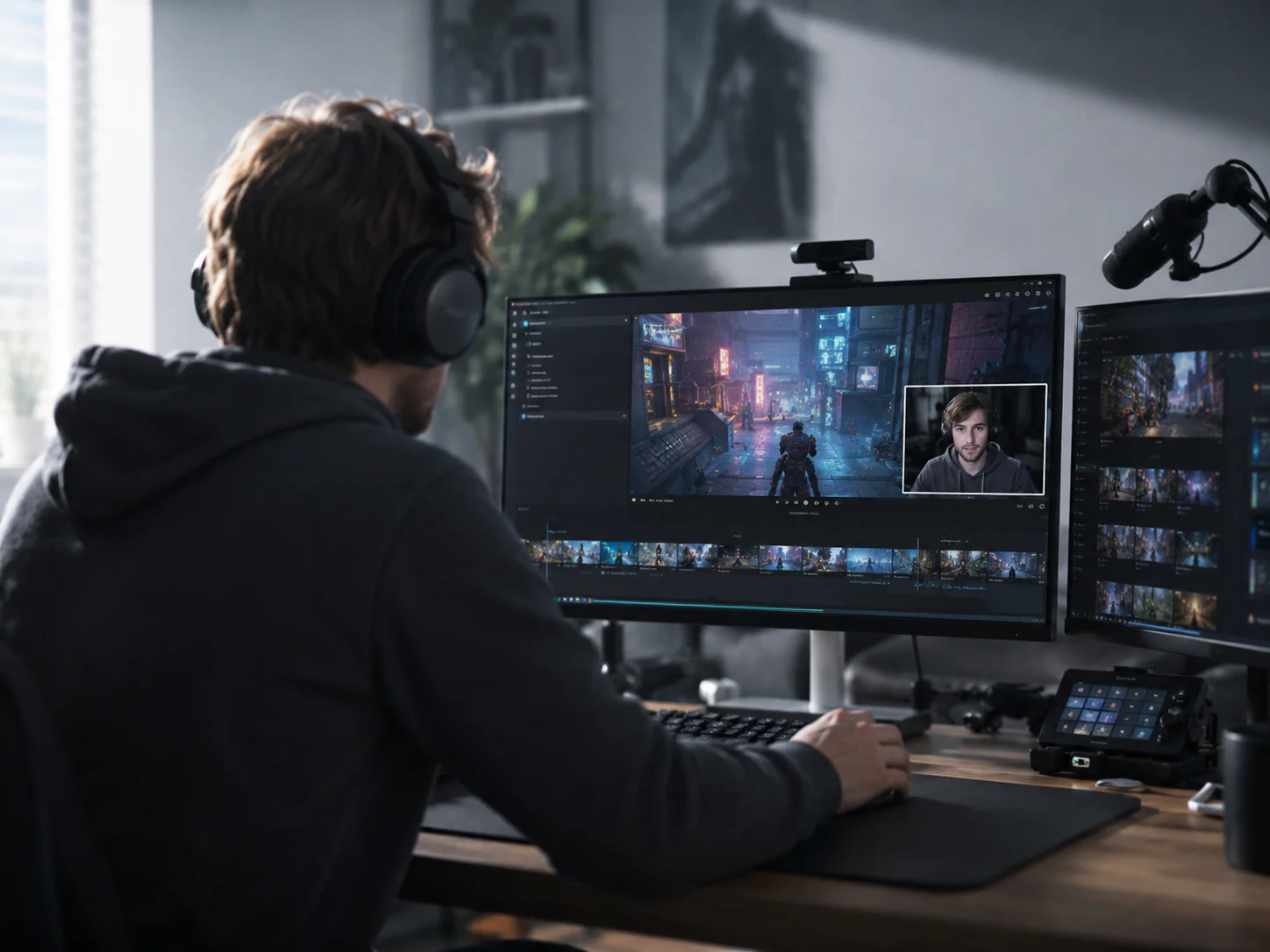
Pull useful highlights from recorded streams, presentations, and Q&A sessions without replaying the entire video. Create several social clips from one event.
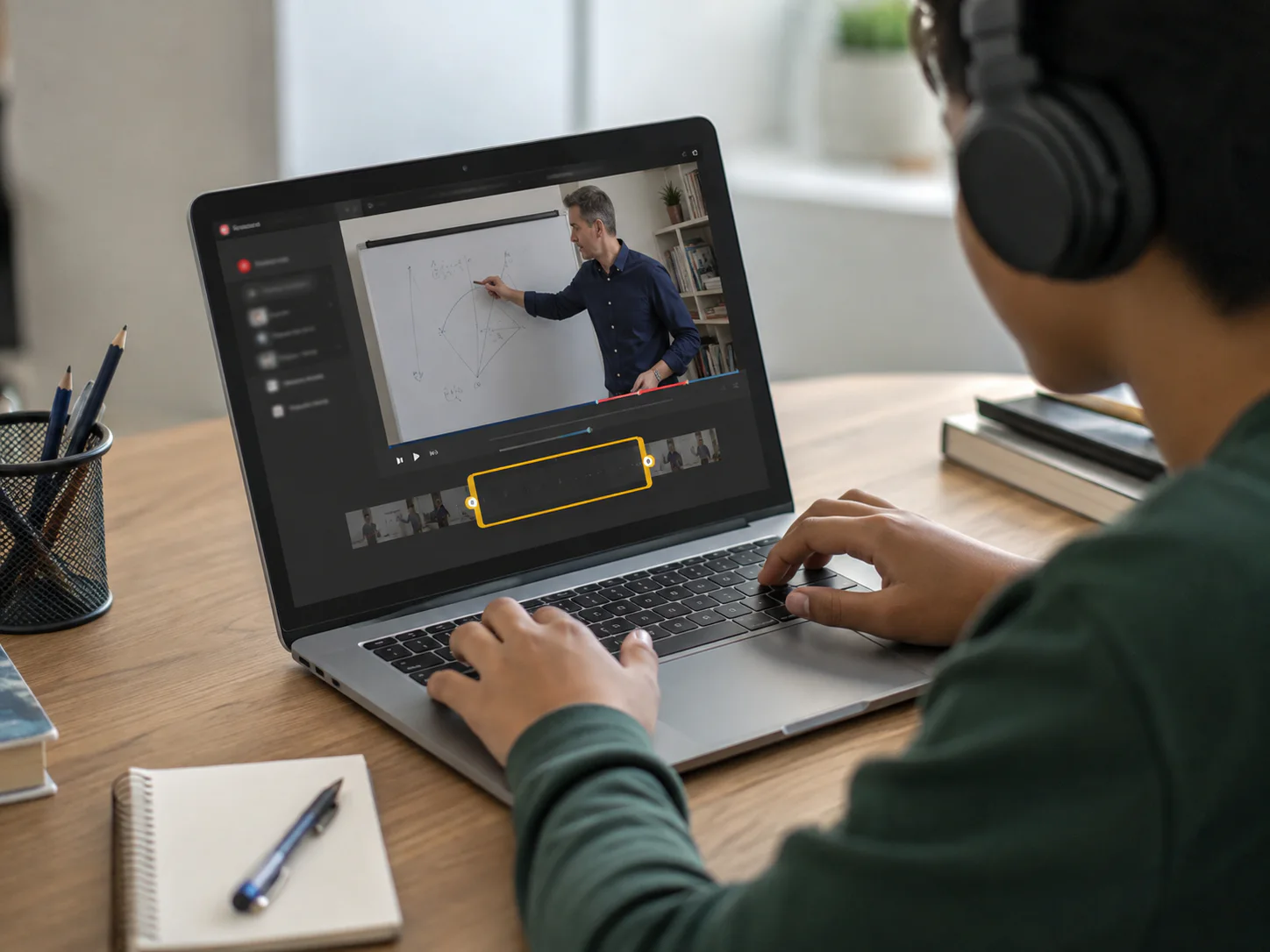
Break a long lesson into short explanations, tips, and demonstrations that are easier to discover, understand, and share across short-form platforms.
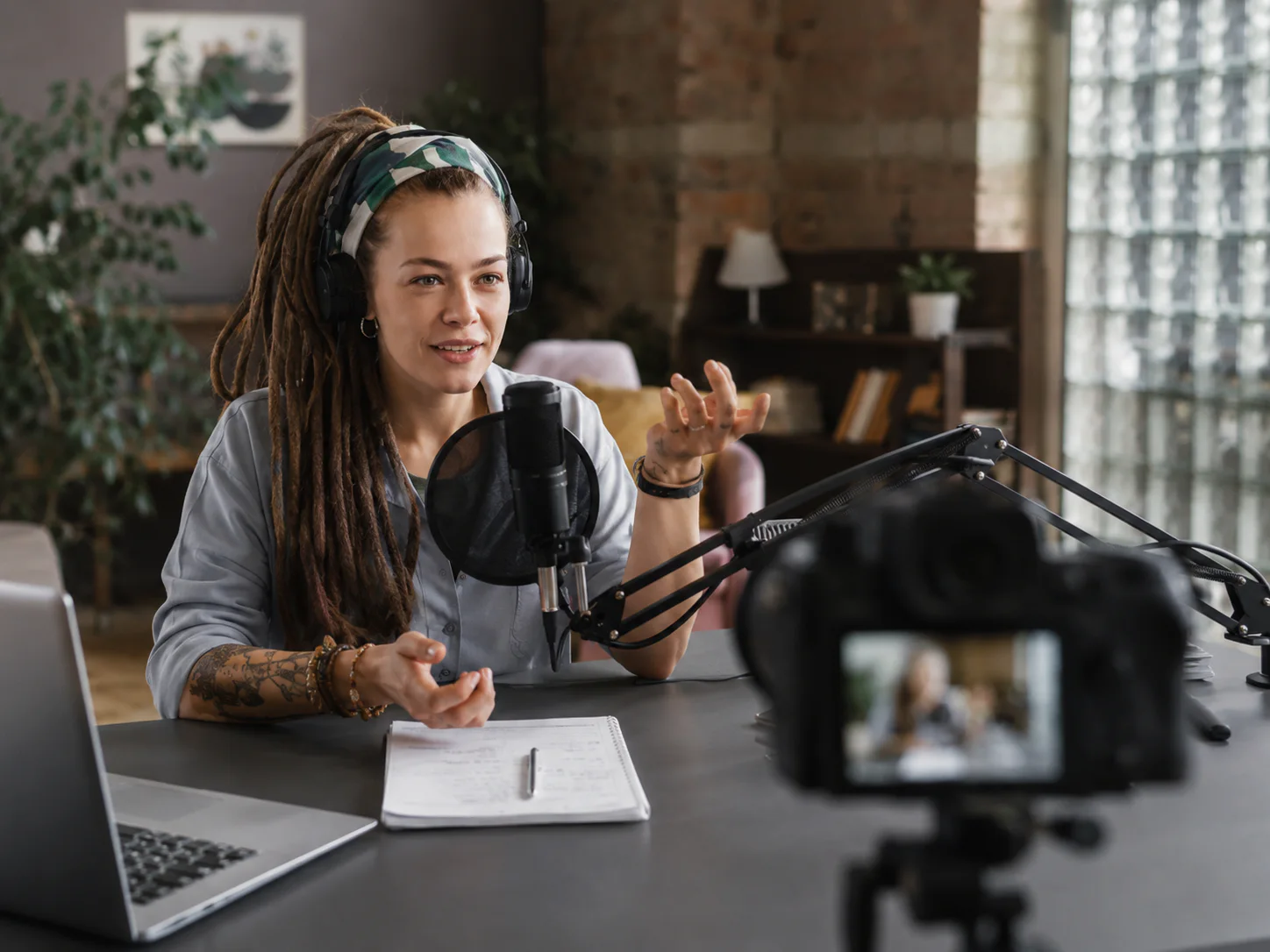
Find the reactions, opinions, and story beats that work on their own. Turn one long upload into a steady set of clips for Shorts, TikTok, and Reels.
Video Cutter AI watches the full recording and identifies complete, engaging moments instead of cutting random sections. You begin with useful highlights and spend less time searching the timeline.
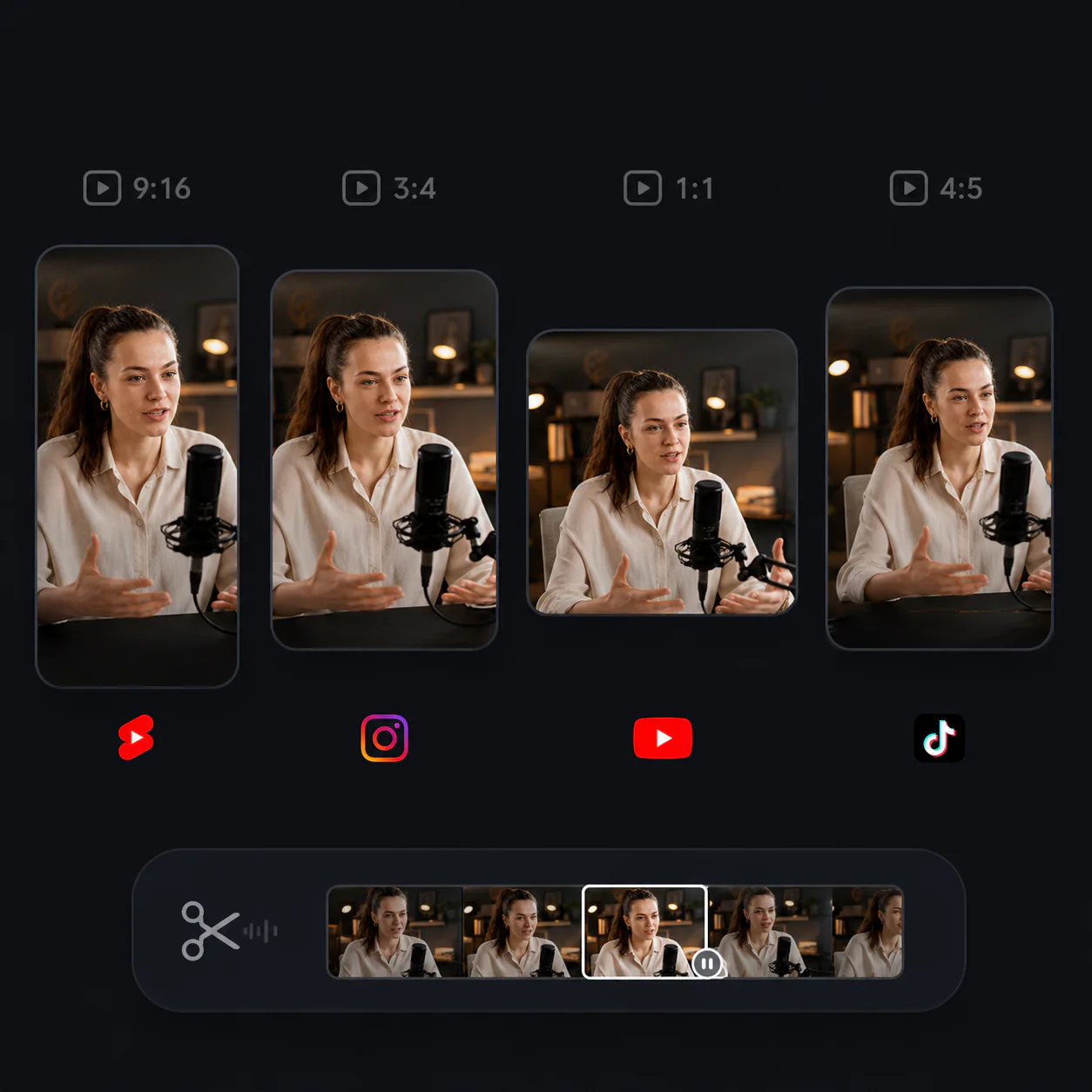
Smart reframing follows the active speaker and keeps important content visible when a landscape video becomes a vertical or square clip. Each result is ready for the platform you choose.
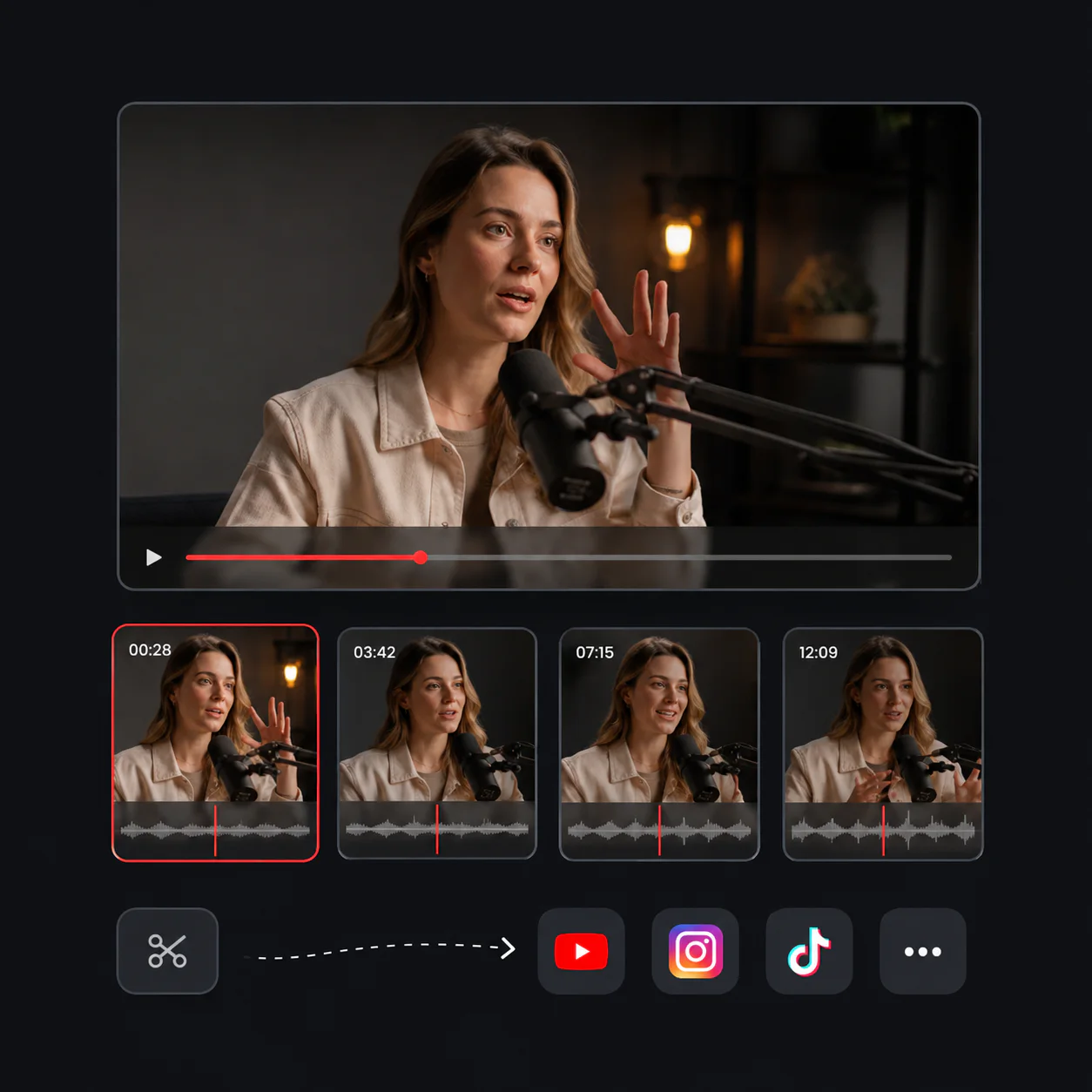
One long video can become a batch of short clips, each with its own clear idea and captions. Review several options at once and publish more content from footage you already have.
Have a YouTube video or file ready? Let Video Cutter AI find the moments worth keeping. Start with the YouTube Clipper and review your first highlights online.
I used to replay every interview to find a strong quote. The YouTube Clipper gave me several clean moments to review, and the captions were already in place.
S.M.
Podcast Host
Turning one long client video into a batch of Shorts is much faster now. I can review the highlights, choose the best ones, and keep the posting schedule moving.
D.B.
Social Media Manager
My hour-long lessons contain many useful explanations. This tool helps me separate them into short clips students can revisit and share.
M.R.
Online Teacher
I needed short sections from recorded presentations without learning an editor. Pasting the link and reviewing the suggested clips was straightforward.
E.C.
University Student
The best reactions are easy to lose inside a long stream. The AI finds several usable moments and saves our team a lot of manual searching.
J.T.
Livestream Producer
We reuse product demos across different channels. The automatic captions and vertical reframing make each clip much easier to publish.
A.K.
Small Business Marketer