
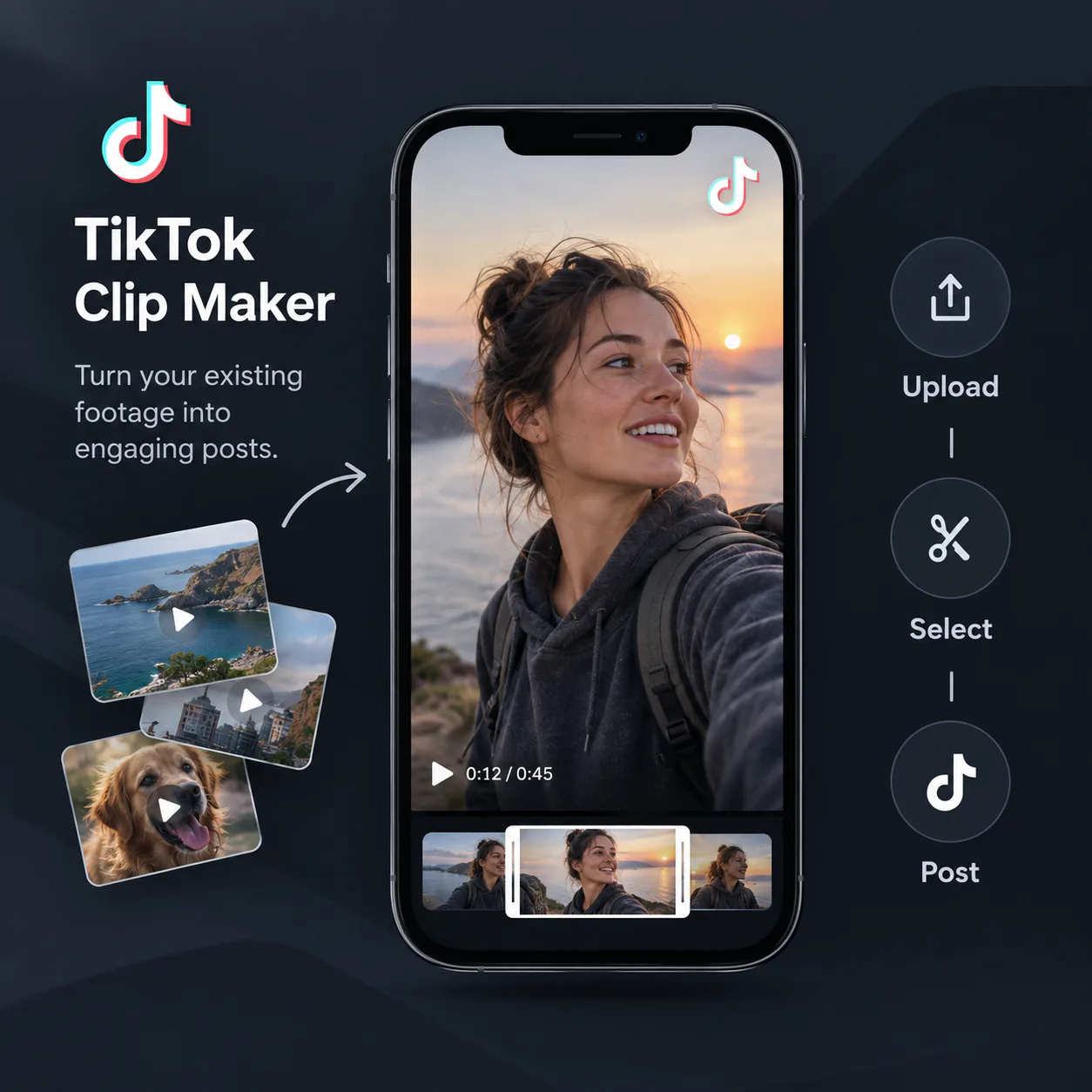
Free

Invite a friend, earn 120 credits.

Free TikTok Clip Maker

Turn raw footage, product demos, and live clips into TikToks with AI highlights, captions, and 9:16 framing.

Upload a video

Free to start

No watermark

No sign-up required

Trusted by creators from

TikTok Clip Maker turning an existing video into vertical TikTok clips

TikTok Clip Maker: Generate Viral Clips with AI Free Online

Use TikTok Clip Maker from Video Cutter AI to turn raw footage, demos, and live clips into TikToks with AI-picked highlights, captions, and 9:16 framing.

Make TikTok Clips Free
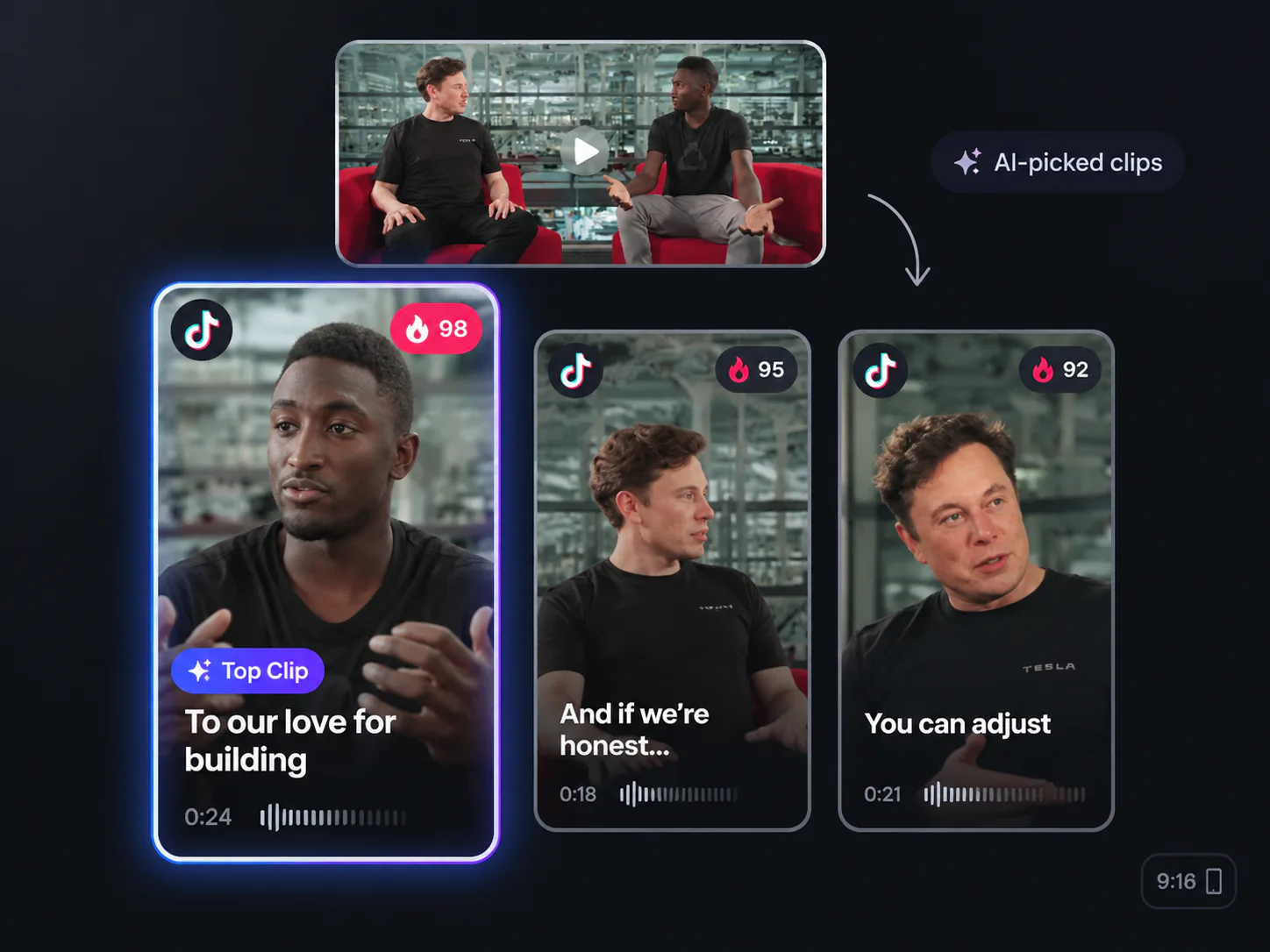
AI-selected TikTok moments ready to review and post

Find TikTok Moments Worth Posting

Upload a talking video, product demo, class recording, or live replay. TikTok Clip Maker finds moments that stand on their own, such as a quick answer, a before-and-after reveal, or a useful tip. Review captioned TikTok clip drafts instead of a blank timeline, even if you are new to editing.

TikTok Clip Maker for Everyday Videos

TikTok Clip Maker from Video Cutter AI helps turn everyday footage into short, focused TikTok clips. A talking video, product demo, live replay, or class recording can hold a moment worth sharing. You do not need to film the whole idea again to make a clear post.

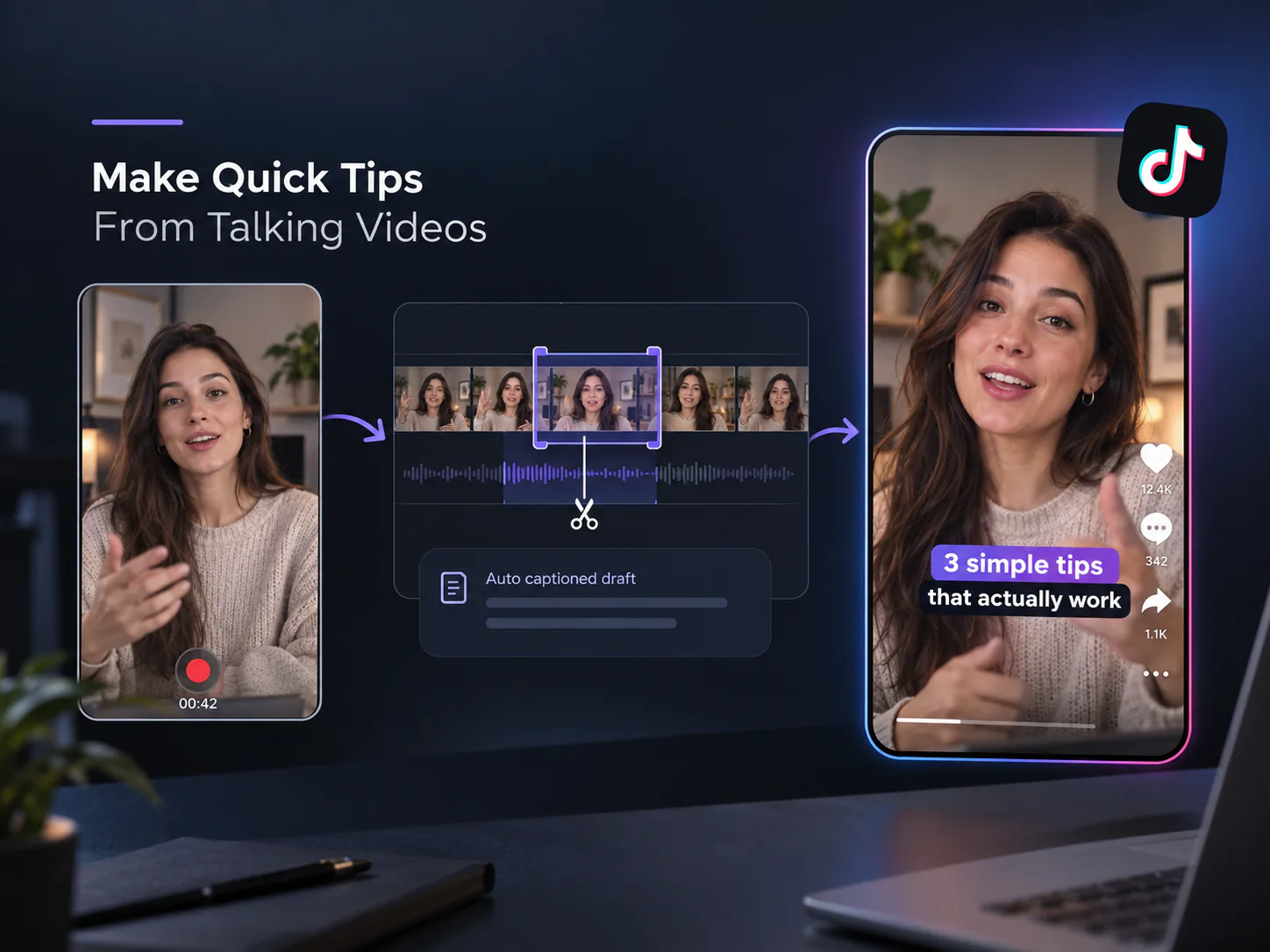
Make Quick Tips From Talking Videos

Make Quick Tips From Talking Videos

Turn a selfie video, customer answer, or quick update into a TikTok that gets to the point. TikTok Clip Maker finds a complete tip or reaction, then gives you a captioned draft to review. It is an easy way to start posting when you do not want to learn a full editing timeline.

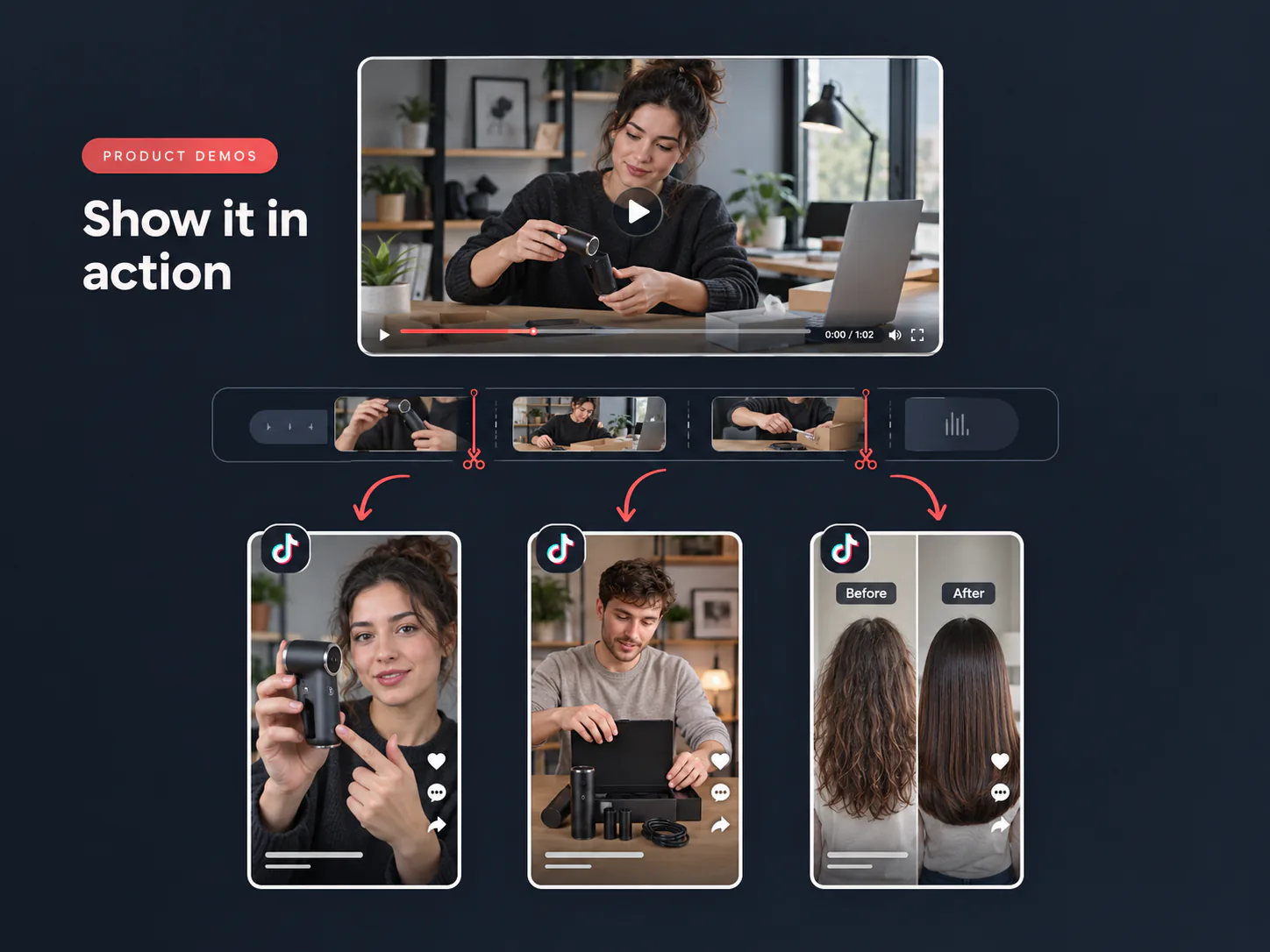
Show Products in Real Use

Show Products in Real Use

Show what a product does in real life, whether you filmed an unboxing, a desk demo, or a before-and-after. Pick the moment where the benefit is easiest to see. AI frames the product for 9:16 and adds captions so the message stays clear on a phone.

Share Useful Moments From Live Sessions

Share Useful Moments From Live Sessions

Do not leave a long live session or class as one recording. AI can surface a useful answer, a key step, or a strong audience reaction. Review suggested TikTok clips and choose one that makes sense without the rest of the session, then share it on TikTok.

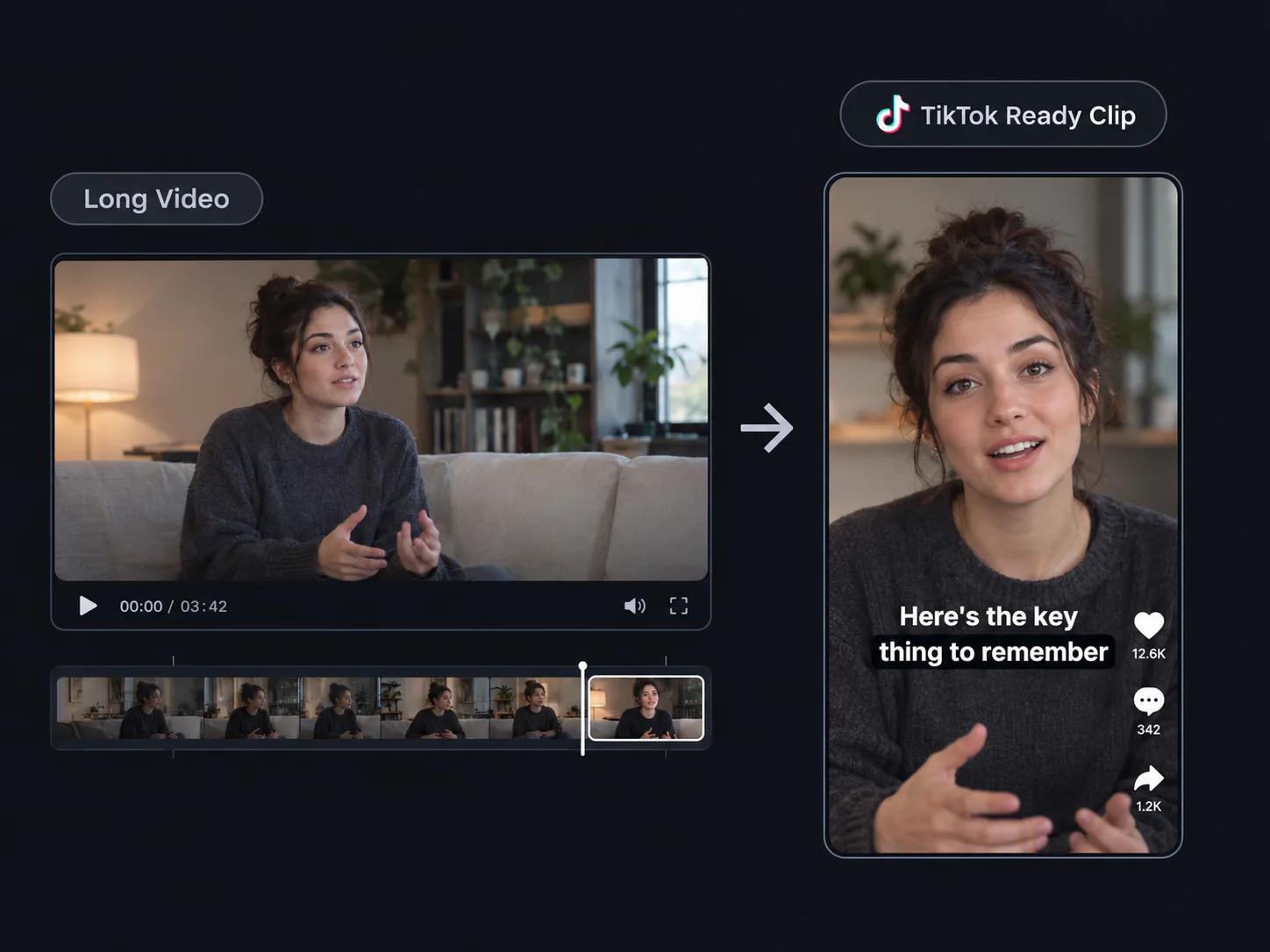
Long video transformed into a captioned vertical TikTok clip

Built for TikTok, Not Just Shorter Videos

Simply trimming a video does not make it feel at home on TikTok. TikTok Clip Maker brings the strongest moments forward, keeps people and products clear in a 9:16 frame, and adds captions that are easy to follow. Beginners can start with a suggested clip, then decide what to keep instead of making every cut by hand.

Make TikTok Clips in 3 Steps

1

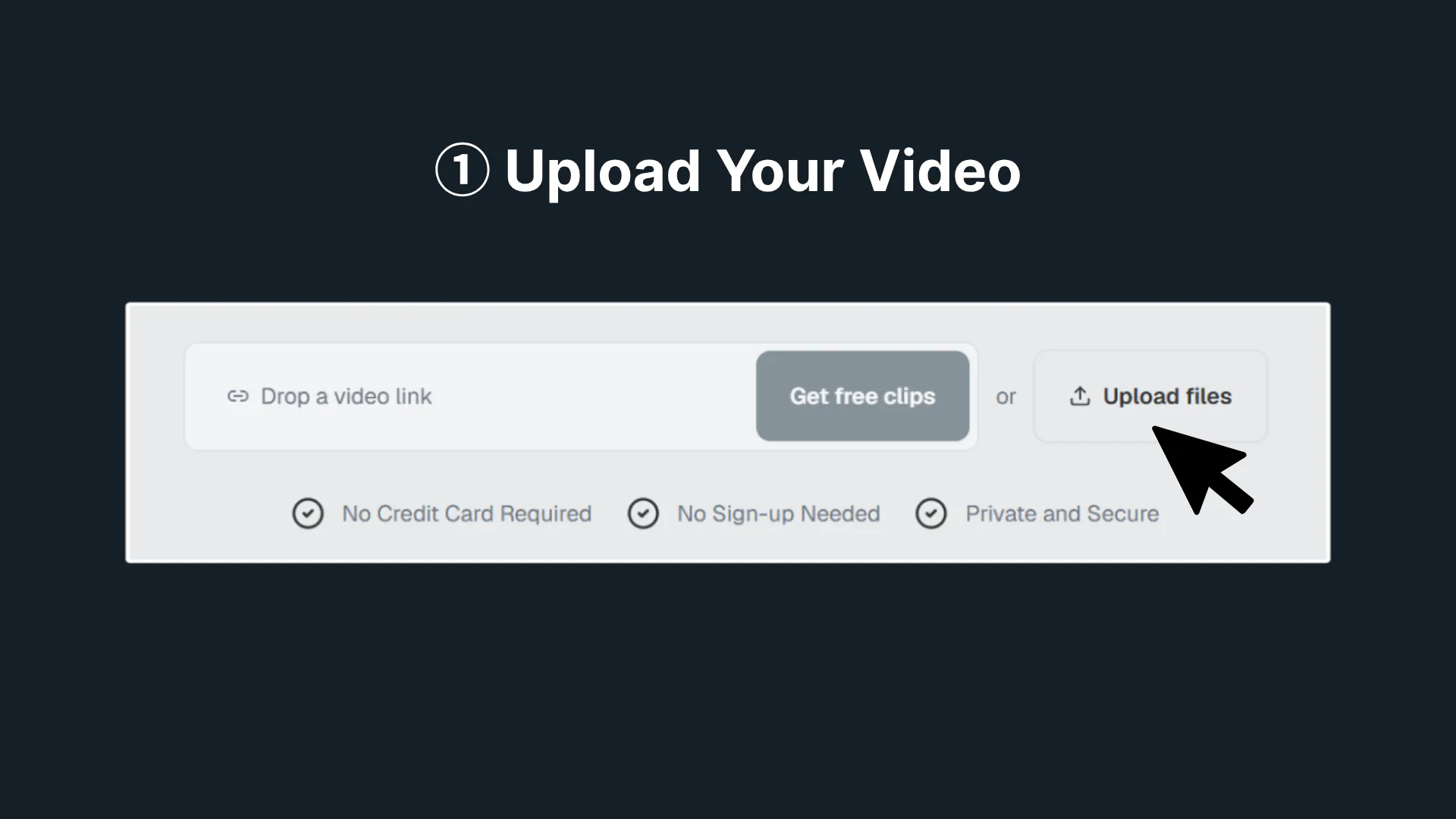
Upload Your Video

Upload a talking video, product demo, class recording, or live replay. Choose footage you own or reuse, let TikTok Clip Maker scan it with AI.

Upload Your Video
2

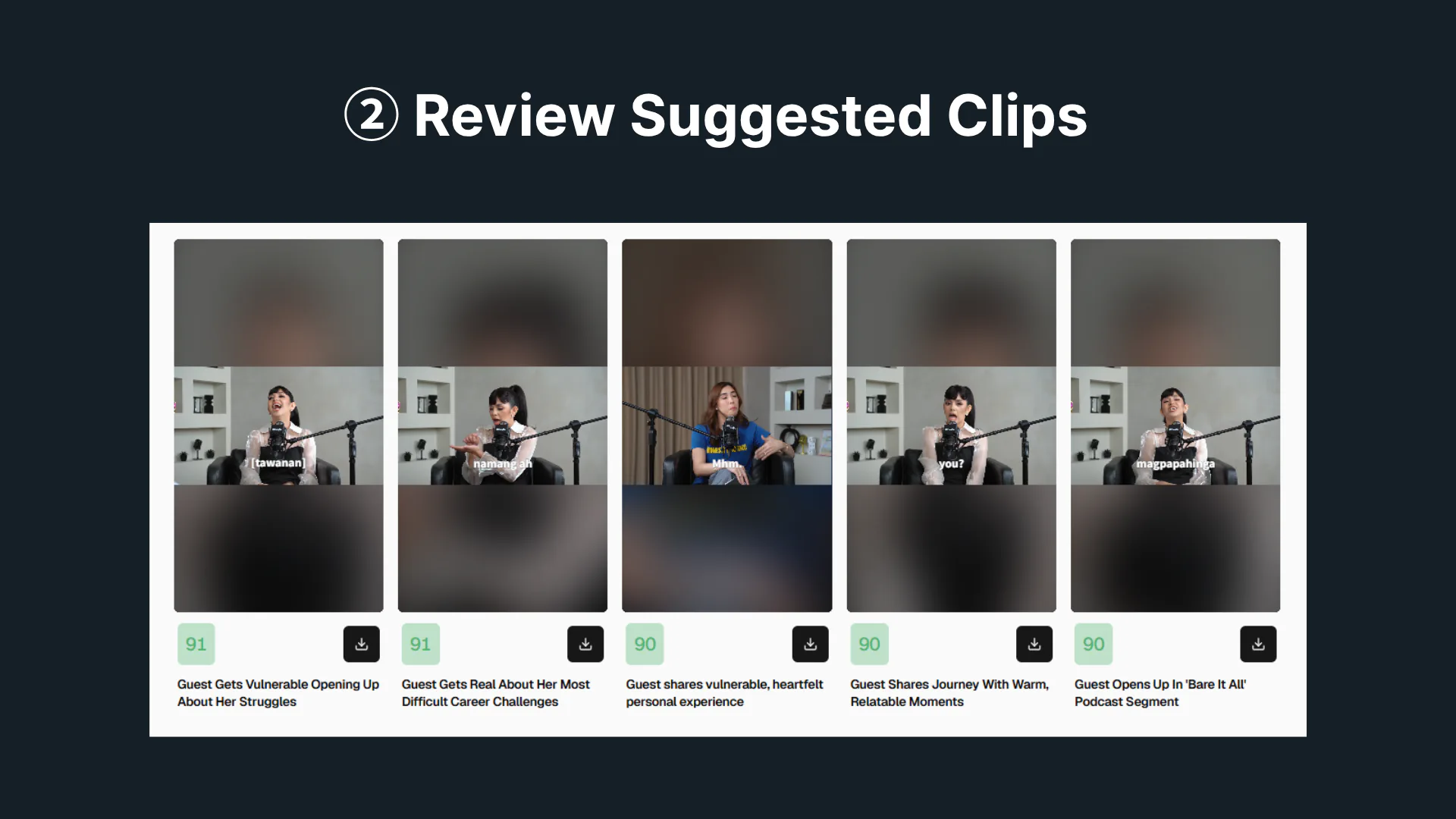
Review Suggested Clips

AI finds moments that stand alone, then prepares captions and 9:16 framing. Review suggested clips and choose the idea you want to share.

Review Suggested Clips
3

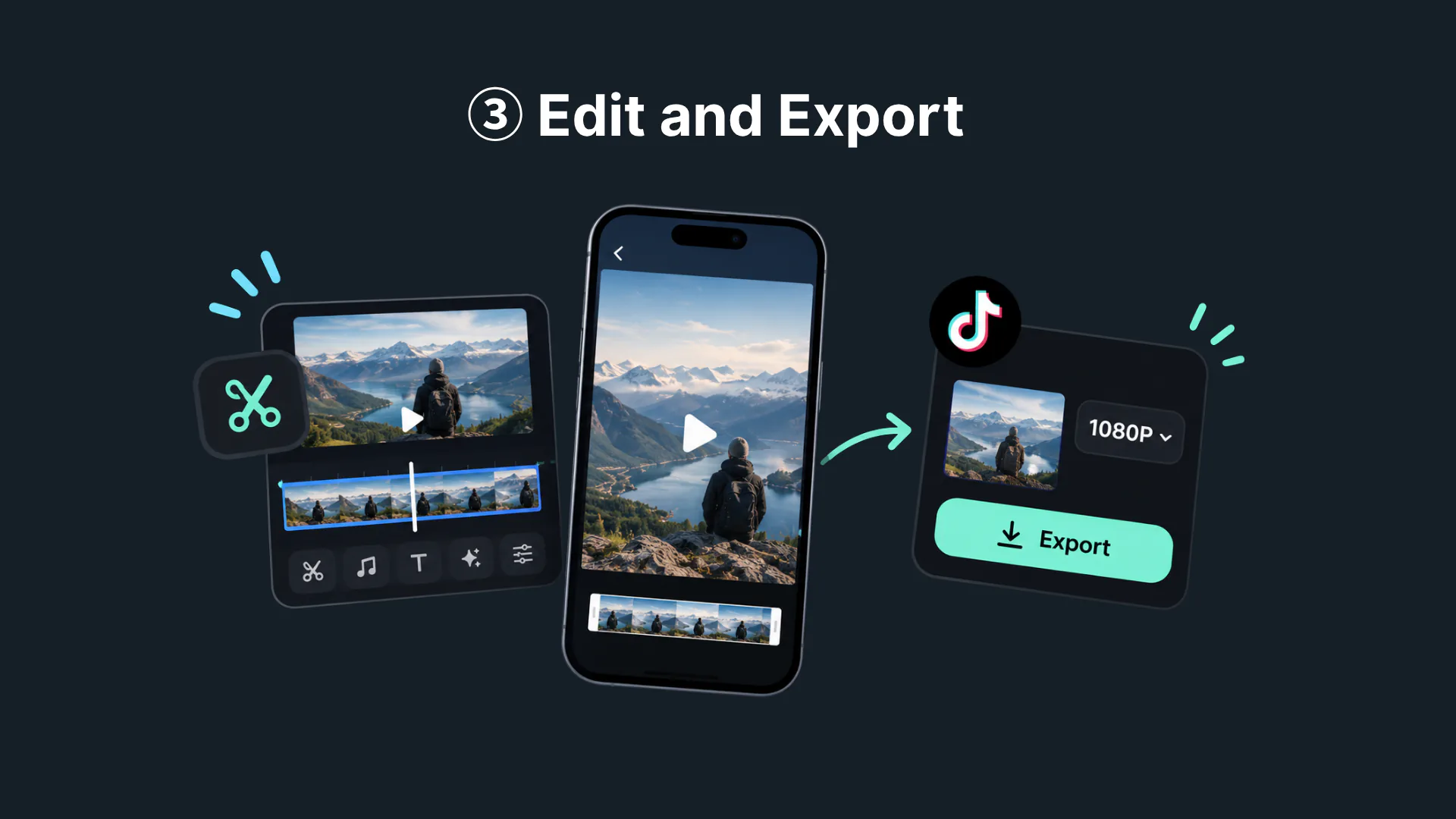
Edit and Export

Check the opening, captions, and ending before you export. Make changes if needed, then download a TikTok-ready clip when you are ready.

Edit and Export

TikTok Clip Maker Highlights

Start With Footage You Already Have

Start With Footage You Already Have

A phone video, customer clip, product demo, or event recording can all become a TikTok post. TikTok Clip Maker helps you work with the footage already on hand, so you do not need to plan, film, and edit a new video for every idea. Upload what you have, review the suggested moments, and choose one simple message to share.

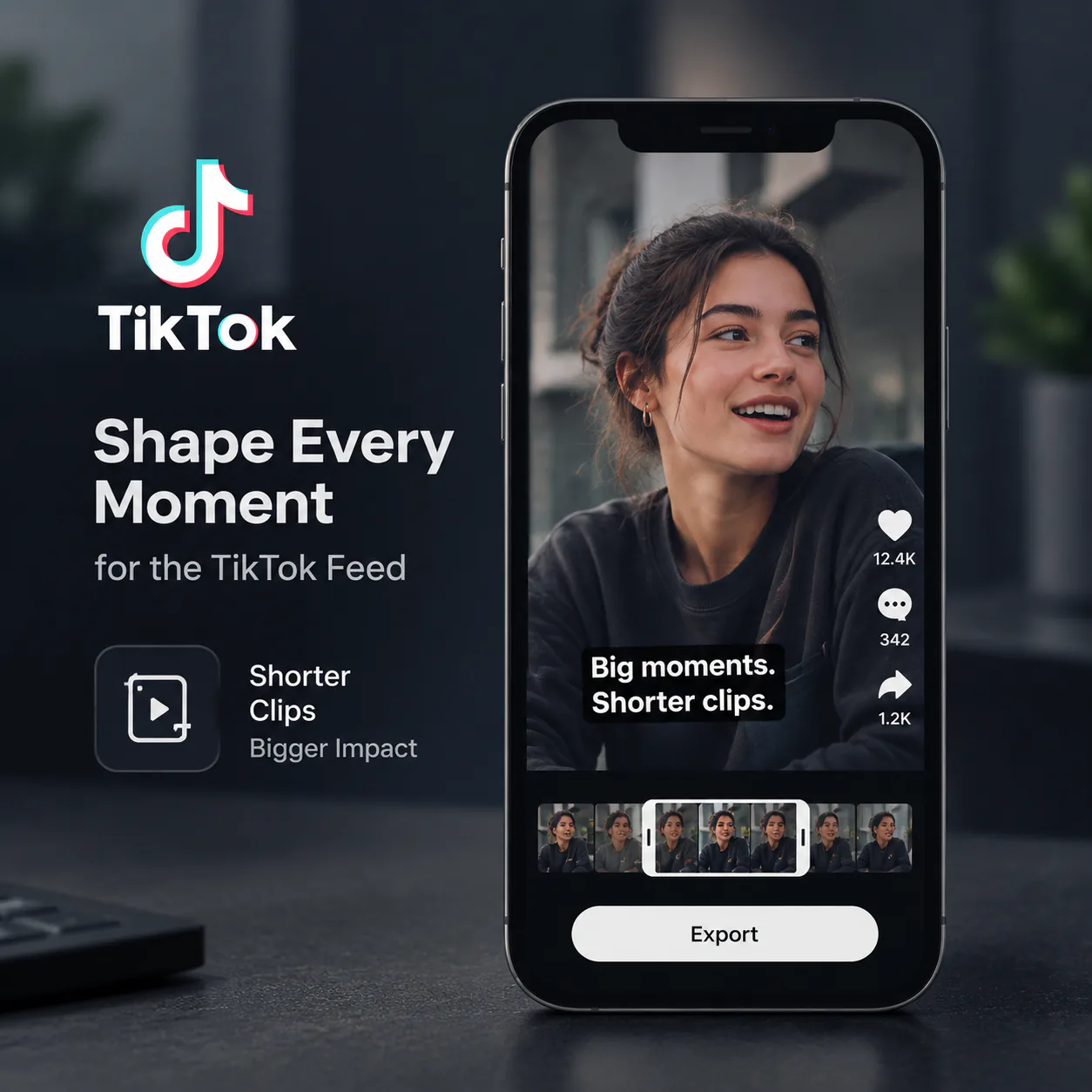
Find Strong Moments in Everyday Footage

Find Strong Moments in Everyday Footage

A product demo, customer video, or event recording can hold more than one TikTok-worthy moment. TikTok Clip Maker scans the footage and suggests highlights, such as a useful answer, a clear product action, or a real before-and-after. Review the options, then choose the moment that best fits the post you want to make.

Shape Every Moment for the TikTok Feed

Shape Every Moment for the TikTok Feed

TikTok moves quickly, so a clip needs to get to the point and keep the main action easy to see. TikTok Clip Maker can remove slow parts, prepare a vertical 9:16 frame, and add captions for clear viewing. You still make the final call, but you begin with a focused draft that feels ready for a TikTok audience.

Turn Existing Footage Into TikTok Clips

Start with footage you already have. TikTok Clip Maker finds key moments, adds captions, and prepares vertical 9:16 clips for TikTok.

What Creators Say About TikTok Clip Maker

I film one workout video with several moves, but each move has its own tip and common mistake. TikTok Clip Maker helps me turn one recording into several short posts, such as a squat cue, a warm-up reminder, or a quick form fix. I check the pacing and captions on each clip, so every tip is easy to follow on its own.

Maya C.

Fitness Creator

One product demo can answer several customer questions: how it opens, what it looks like in use, and whether it solves a daily problem. TikTok Clip Maker helps us make separate posts from the same footage instead of filming every answer again. We can share one product detail today and a before-and-after result later in the week.

Jordan M.

Small Business Owner

A live stream may include a funny reaction, a useful game tip, and one great win. TikTok Clip Maker helps me turn those different moments into separate short videos that make sense without the full stream. I check the caption timing and vertical framing, then choose which clips fit my TikTok audience and posting plan.

Alex R.

Streamer

After an event, our team may have one long recording with product moments, customer reactions, and short interviews. TikTok Clip Maker helps us turn that material into several posts for the week. One clip can introduce the event, another can show the product, and another can share a customer comment without reopening the full timeline each time.

Priya S.

Social Media Manager

I used to think one video meant one TikTok because I did not know how to make different cuts. TikTok Clip Maker showed me that a single talking video can become several posts, such as one answer, one story, and one useful tip. The vertical drafts and captions give me a simple place to start before I choose what to share.

Elena P.

First-Time Creator

A workshop can cover many questions, from getting started to fixing common mistakes. TikTok Clip Maker helps me turn one session into several short TikToks, with one clear answer in each post. For example, I can share a planning tip, a quick example, and a common question on different days, while each clip still makes sense by itself.

Daniel K.

Workshop Host

TikTok Clip Maker FAQs