Free AI Gaming Clip Maker

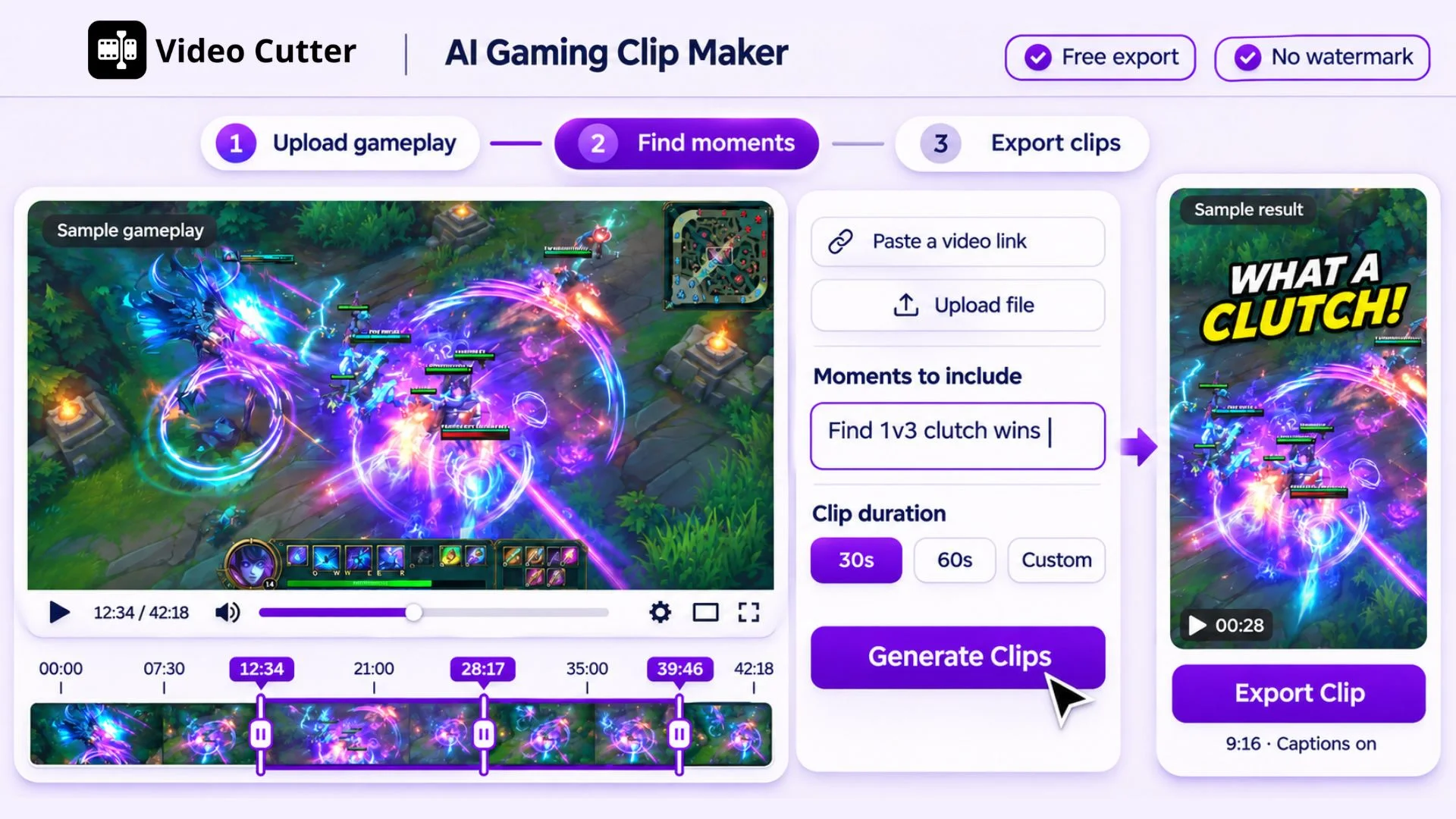
Upload gameplay or paste a supported video link. Find highlights automatically or describe the moments you want, then turn them into captioned clips.

or
Gaming clip editor preview

Trusted by creators from

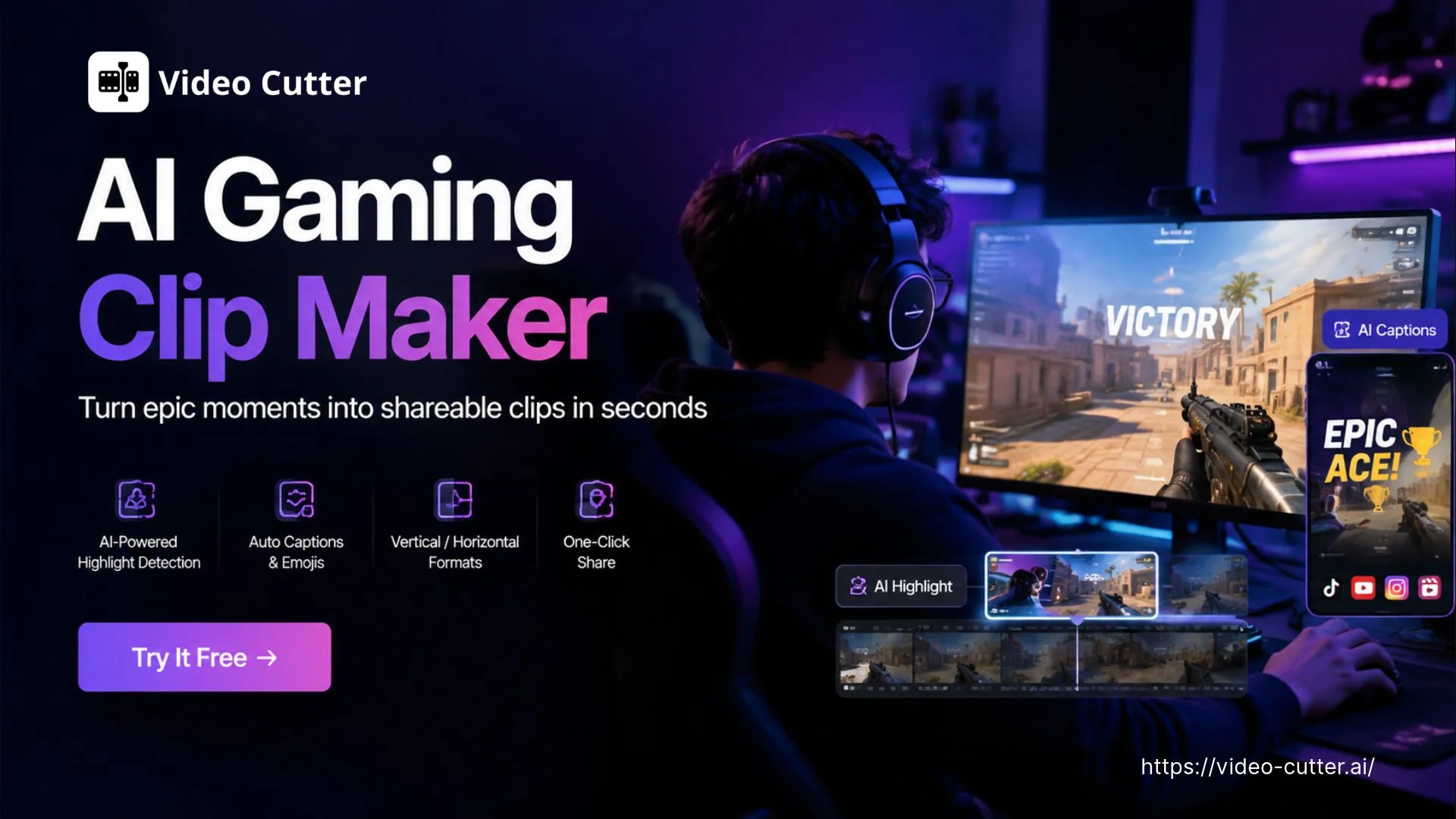
AI Gaming Clip Maker banner

AI Gaming Clip Maker: Turn Gaming Highlights to Viral Clips

Try Video Cutter AI's AI Gaming Clip Maker to find gameplay highlights with visual detection and prompts. Create captioned clips and export without a watermark.

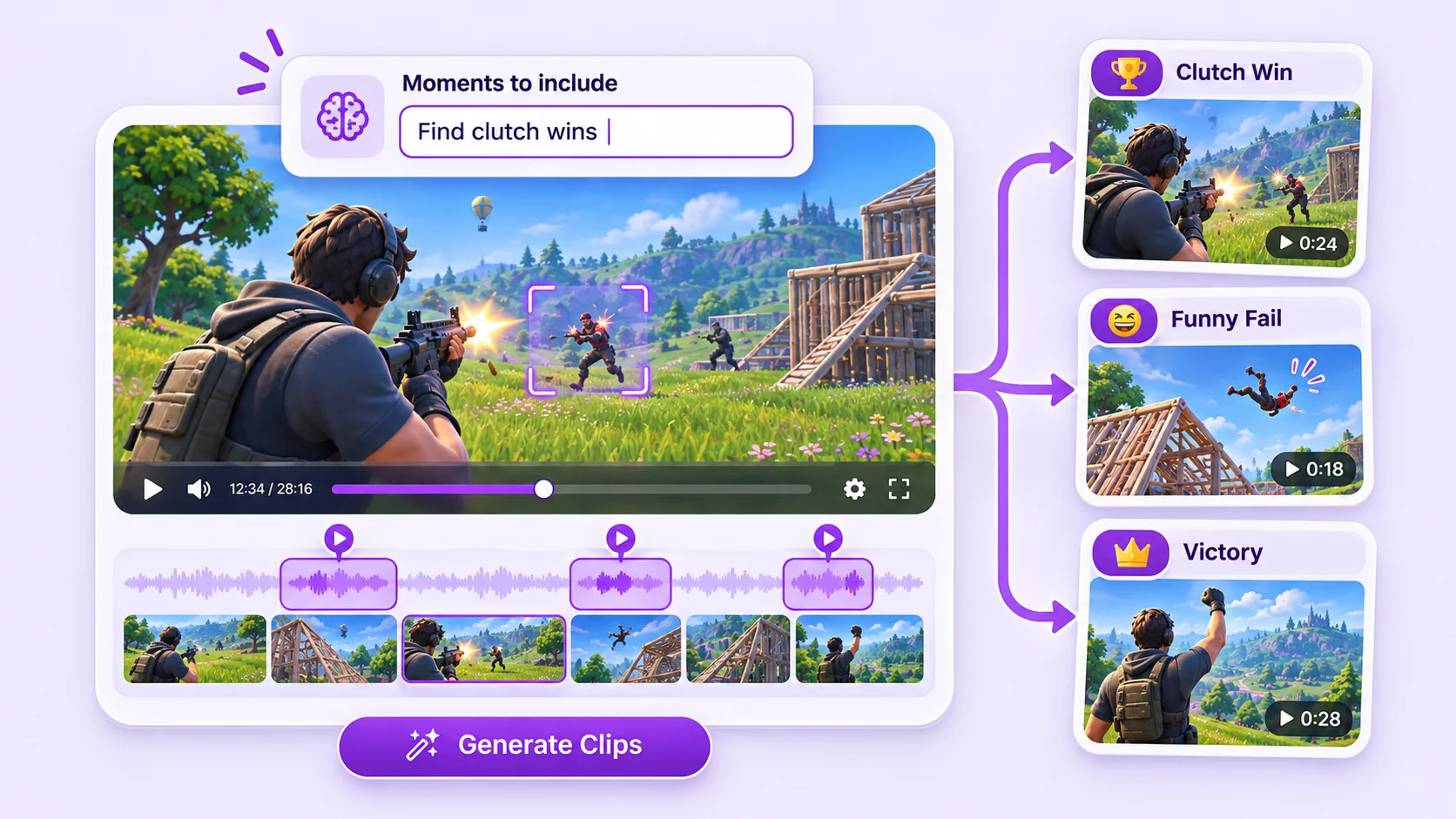
Gameplay and suggested highlights

What Is AI Gaming Clip Maker?

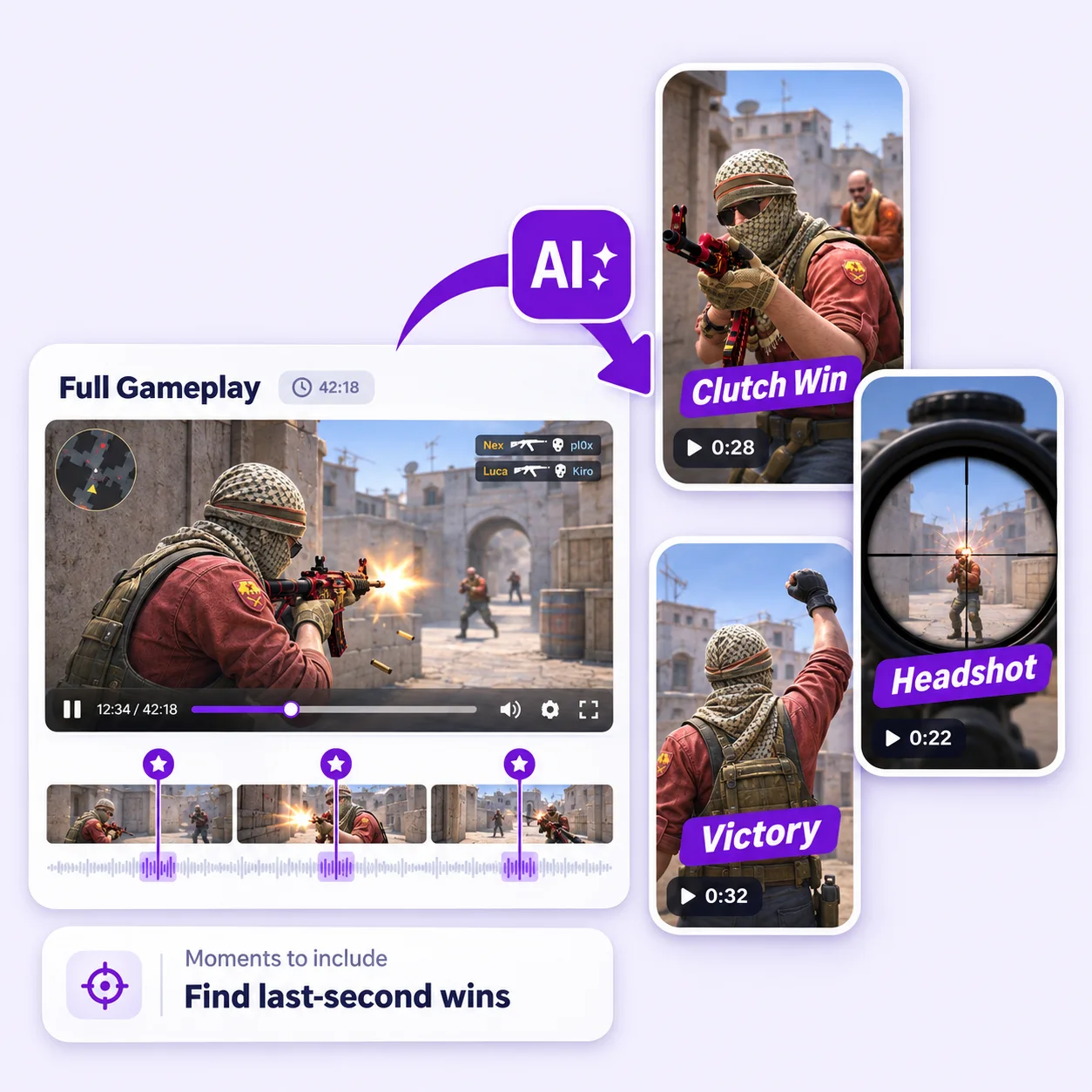
Video Cutter AI's AI Gaming Clip Maker turns long gaming streams into ready-to-post clips. Paste a YouTube link or upload gameplay, and AI finds kills, wins, clutch plays, and funny moments. You can also tell AI Gaming Clip Maker which events to find with a prompt. Clips come captioned and framed for Shorts, Reels, and TikTok. For recordings already on YouTube, YouTube Clipper also lets you start from the video link.

How to Use AI Gaming Clip Maker

1

Upload Gameplay or Paste a Link

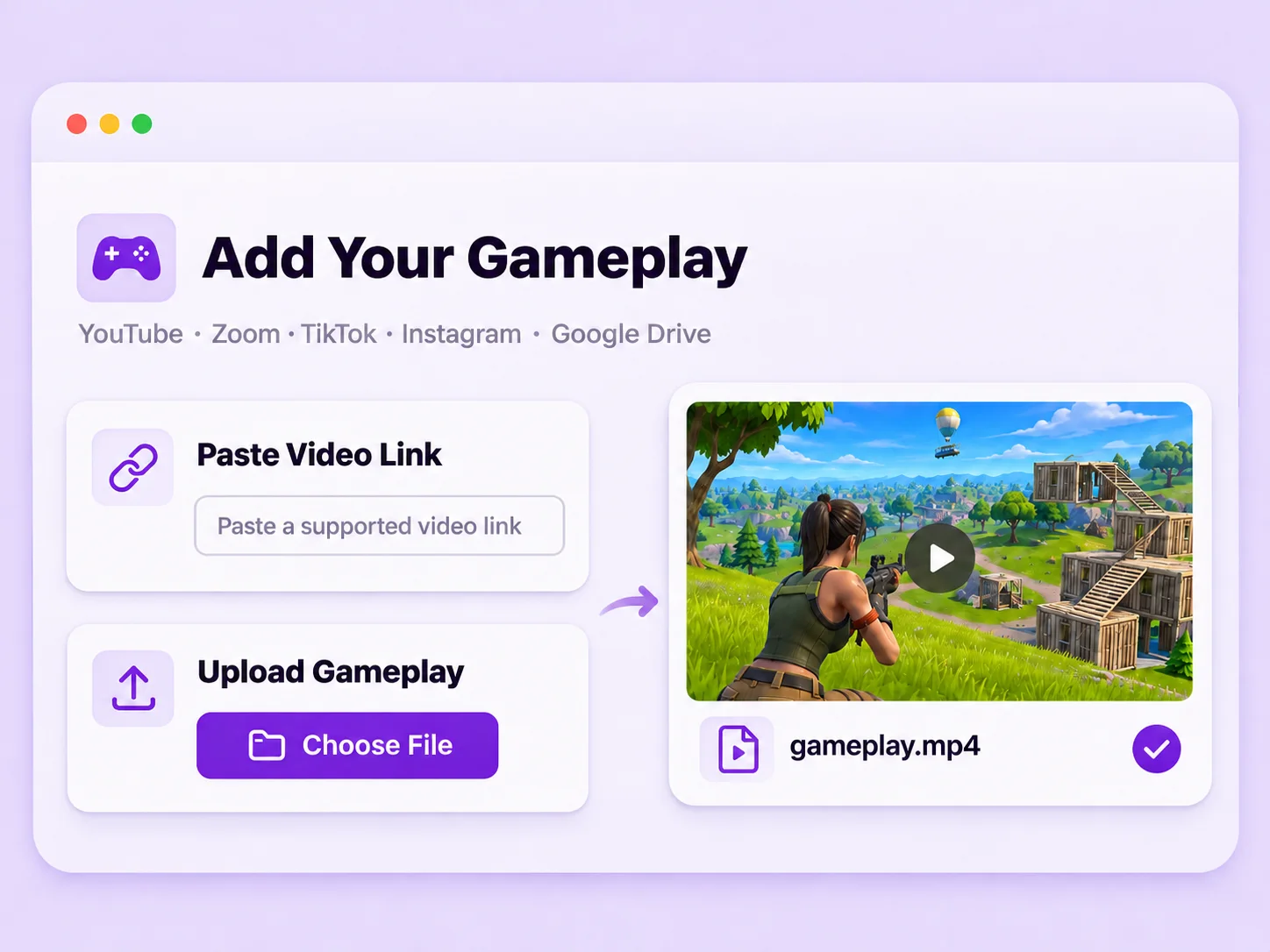
Upload gameplay to AI Gaming Clip Maker or paste a supported video link.

Gameplay upload and video link options
2

Set Clip Length and Choose Moments

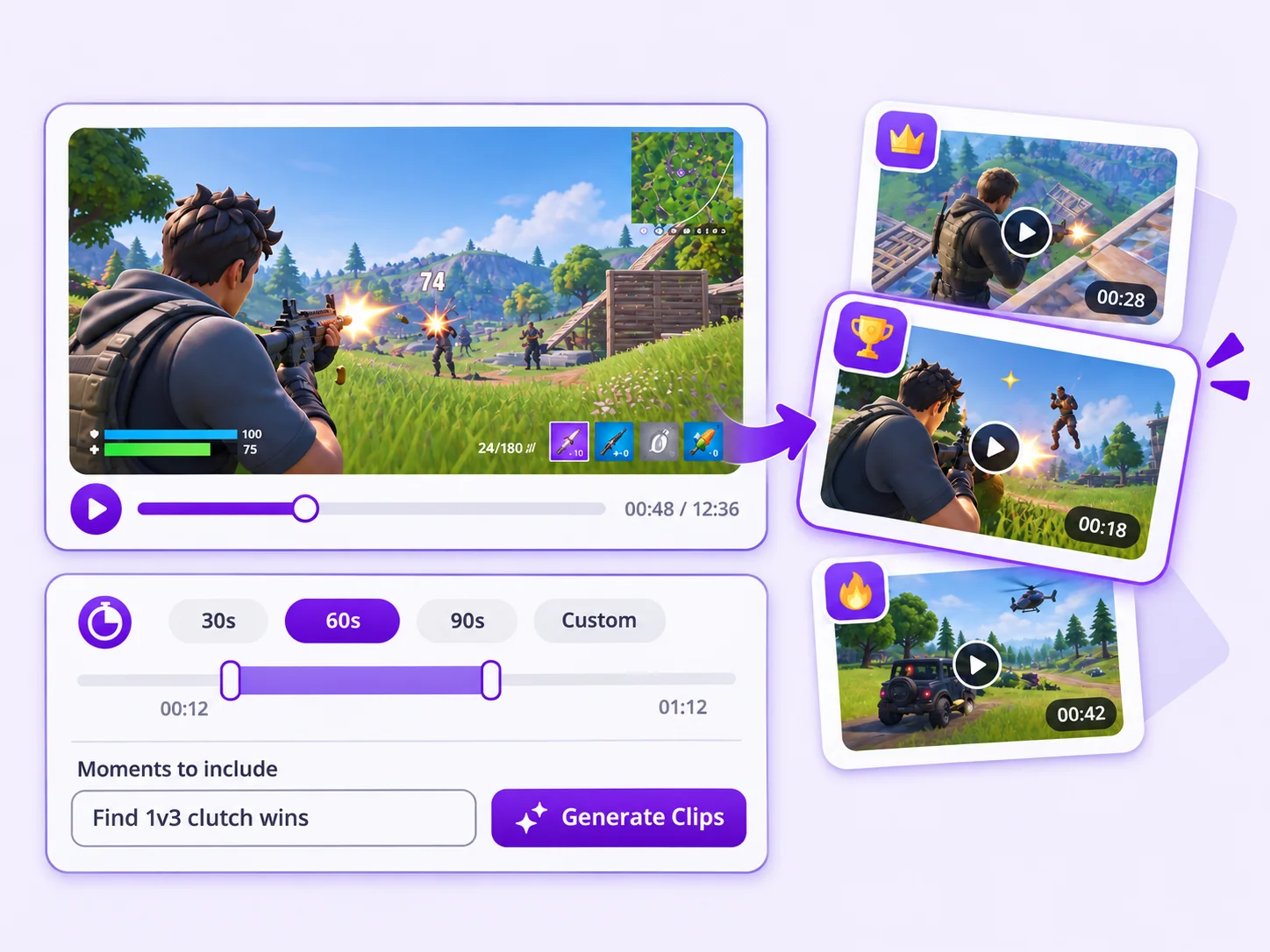
Choose a clip length. Optionally, enter a prompt such as “Find 1v3 clutch wins” in “Moments to include,” then start generating.

Clip length and moments prompt settings
3

Review and Export Your Clips

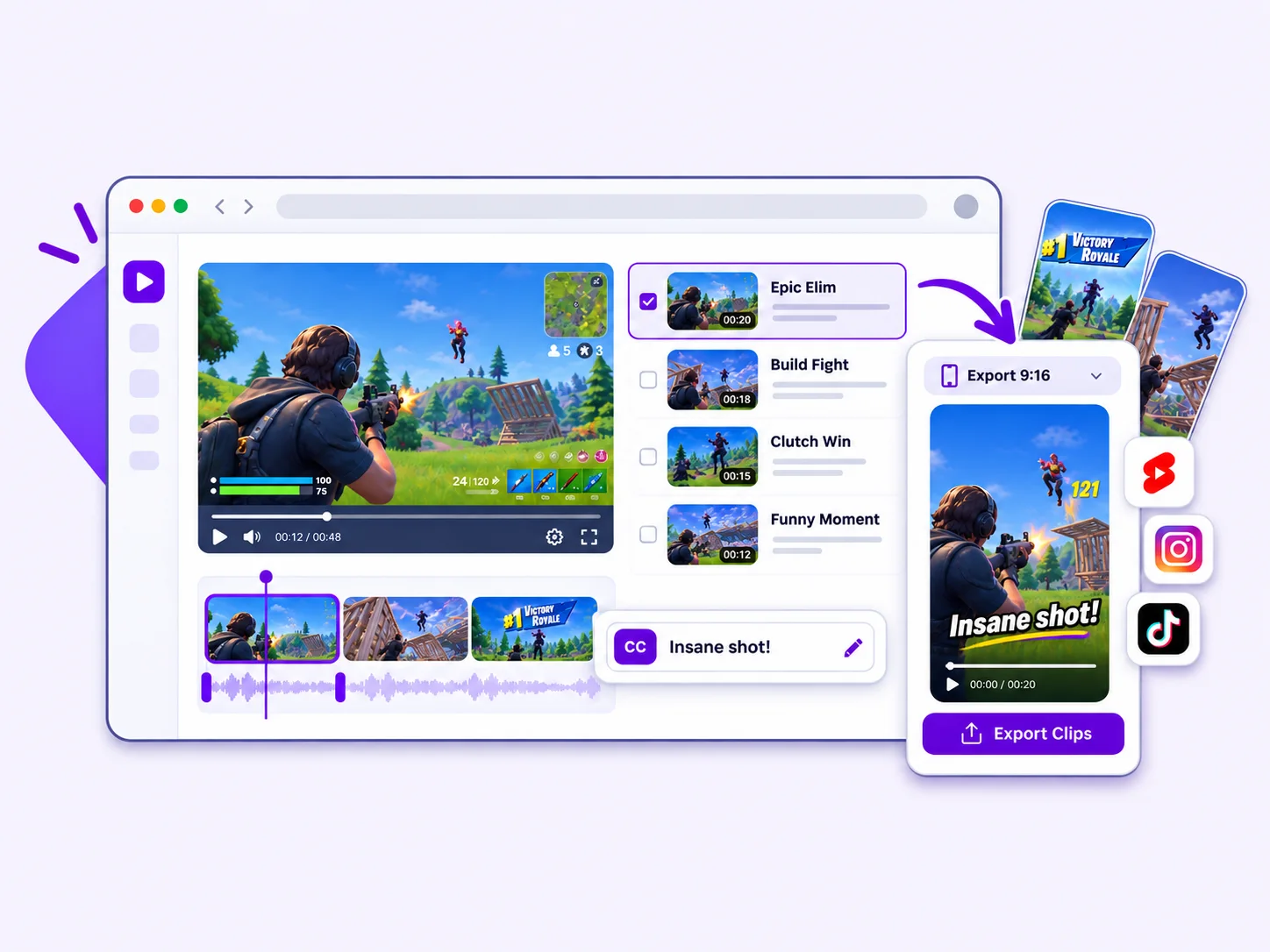
Preview the clips generated by AI Gaming Clip Maker. Check the start and end points, captions, and aspect ratio, then export the versions you want.

Gaming clips ready to review and export
Long gameplay recording with highlights on the timeline

Finding Gaming Highlights Takes Hours

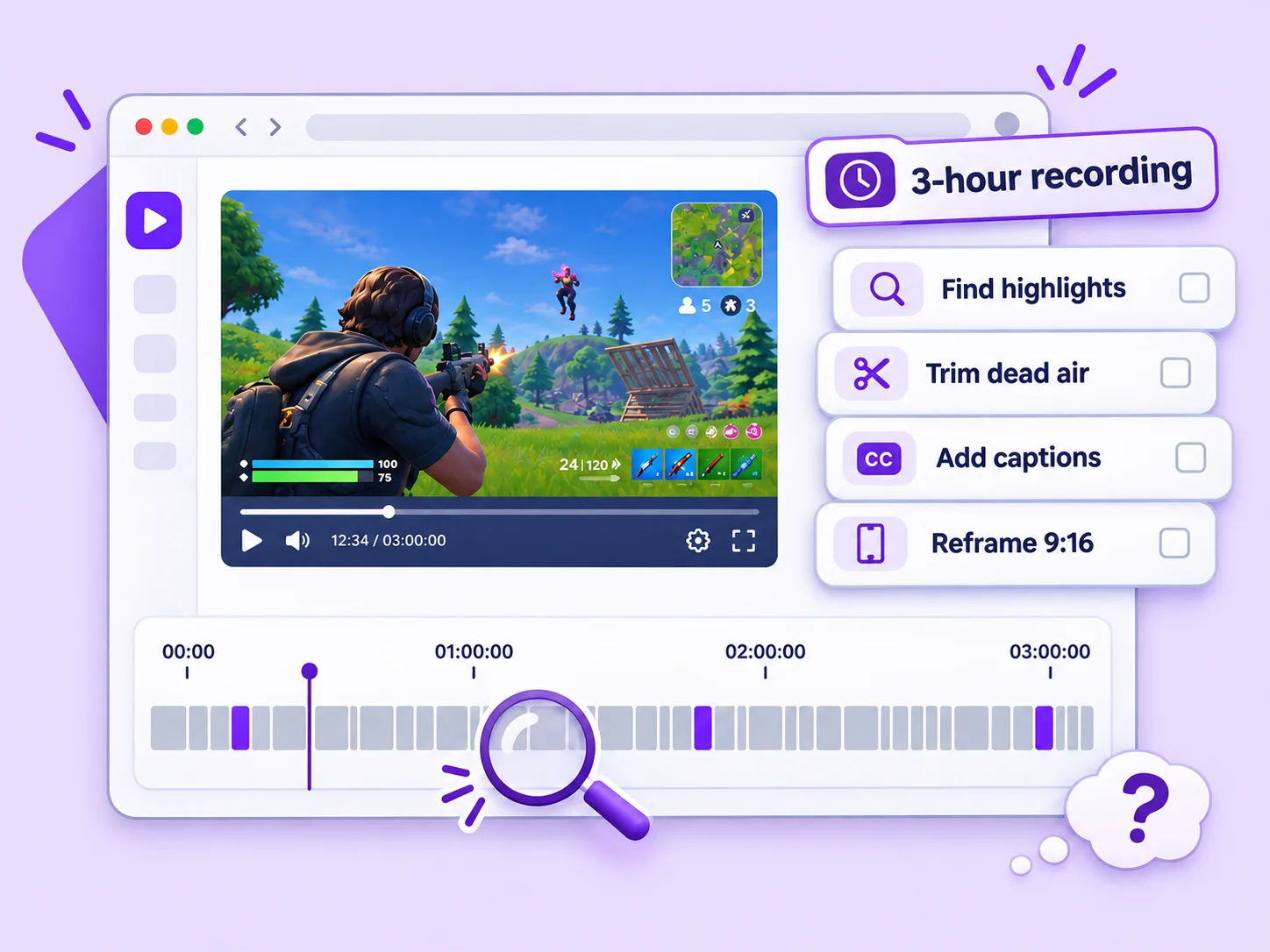
Your best play may be over before chat reacts. After a three-hour session, you search the recording for kills, clutch wins, and funny mistakes. Then cut dead air, add captions, and reframe gameplay for 9:16. This manual work takes hours, leaving less time to play or post. AI Gaming Clip Maker helps you find those moments without replaying the full session.

AI Gaming Clip Maker Highlights

Gameplay timeline with recommended highlights

Find Highlights Without Scrubbing the Full Timeline

Long recordings hide great plays among menus, retries, and quiet setup. AI Gaming Clip Maker spots kills, wins, clutch plays, and strong reactions. Want a specific moment? Enter a prompt such as “Find last-second wins” to guide the search. Preview the suggested clips instead of dragging through every minute.
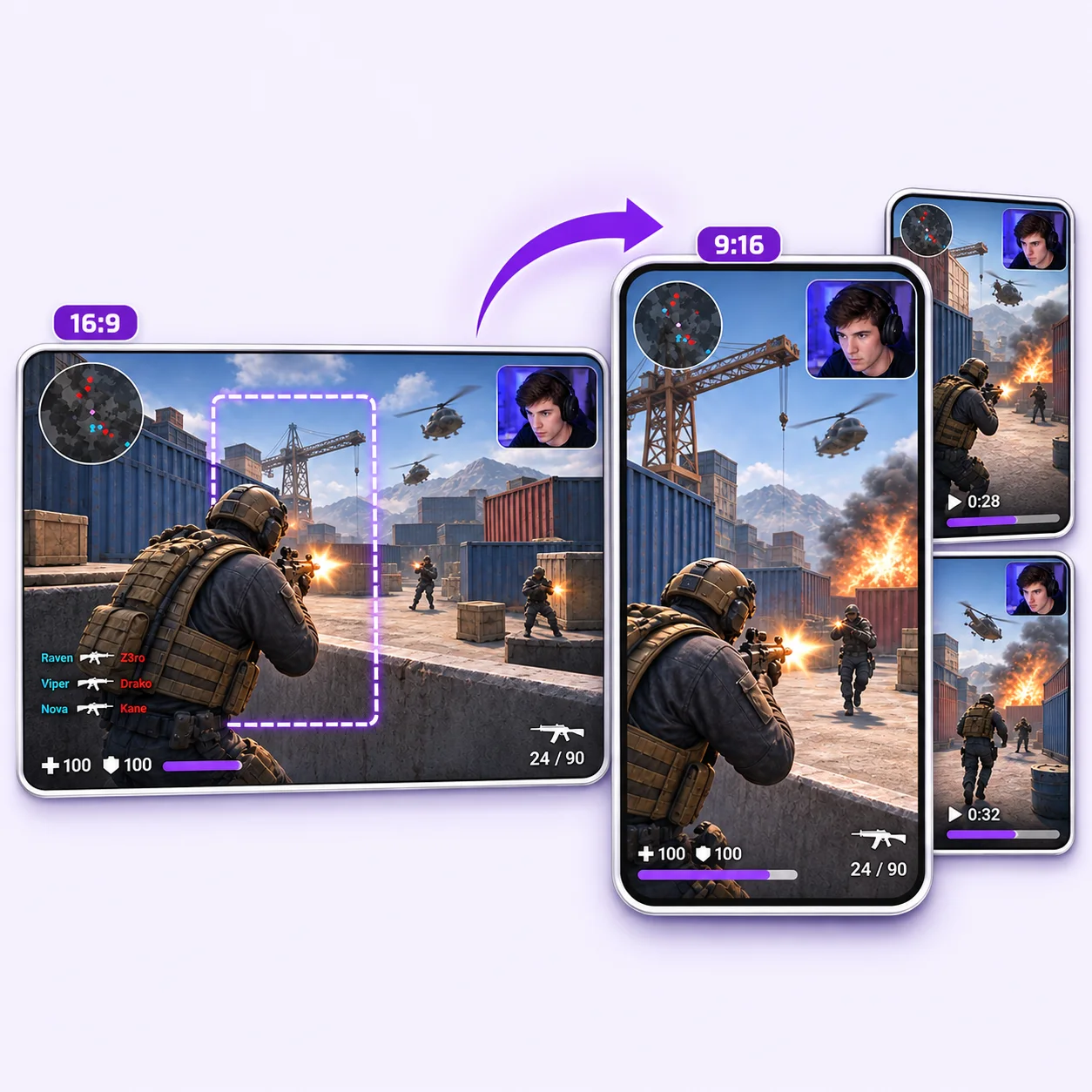
Gameplay reframed from landscape to vertical

Keep Gameplay Clear on a Vertical Screen

Most gameplay arrives in wide format, but mobile feeds favor 9:16. AI Gaming Clip Maker reframes each clip for vertical viewing. Review the crop before export to check that key action, HUD details, and facecam remain visible. For tutorials and other recordings beyond gameplay, try Video to Shorts Converter.

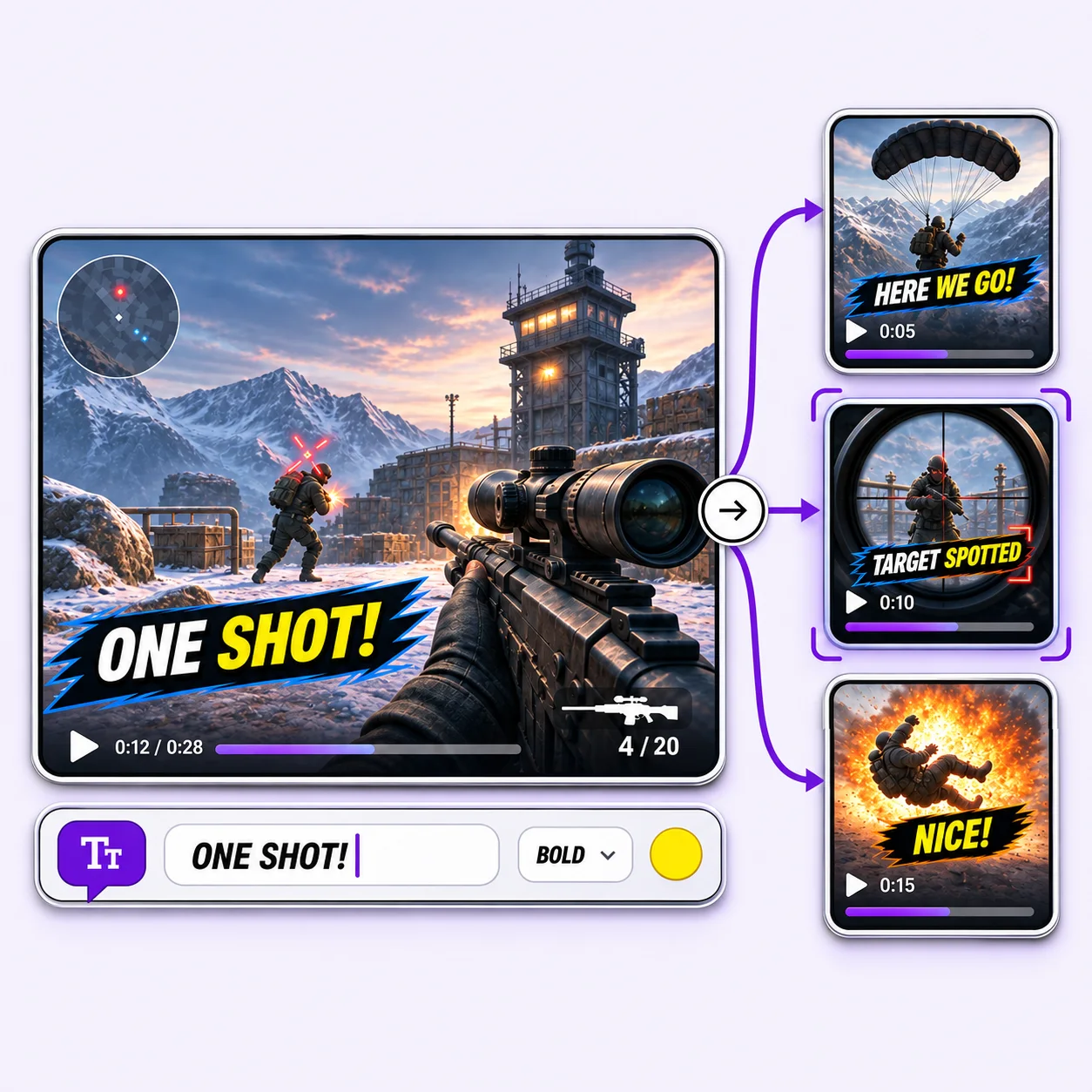
Gaming clip with timed captions

Add Captions That Carry the Reaction and Payoff

Excited commentary can explain why a play matters, but viewers often watch without sound. AI Gaming Clip Maker creates timed captions and lets you correct names, slang, or game terms. Check that the text does not cover the crosshair, scoreboard, or other details viewers need to follow the play.

Turn Gameplay into Shorts with AI Gaming Clip Maker

Try Video Cutter AI's AI Gaming Clip Maker on your next recording. Find the plays you want to share, review the results, and export your clips for free without a watermark.

What Users Say About AI Gaming Clip Maker

After each weekend session, I had a long list of timestamps to check and no energy left to edit. AI Gaming Clip Maker finds kills, clutch rounds, and funny fails in my uploaded gameplay. I review the suggestions, keep the clips that match my style, and have Shorts ready while the session is still fresh.

M. Carter

Variety Gaming Creator

Our esports team records every scrim, but useful moments were hard to find. With AI Gaming Clip Maker, I upload a match and get a set of plays to review. Captions and vertical framing give me a starting point, so I can send clips to our social lead without asking an editor to start from zero.

R. Nguyen

Esports Content Manager

My old crops often cut off a player, HUD, or facecam right when a play happened. AI Gaming Clip Maker gives me a vertical version to work from. I still check the framing on each cut, but it saves me from rebuilding every clip for a phone screen.

A. Brooks

Gaming Channel Editor

When I have permission to use a creator’s YouTube match, AI Gaming Clip Maker lets me paste the link and review suggested highlights. I choose moments with a clear opening and payoff. It helps me keep sharing gaming content during weeks when I cannot record new gameplay.

S. Patel

Gaming Newsletter Writer

I talk quickly when a round gets intense, and many viewers watch with sound off. AI Gaming Clip Maker adds timed captions that I can review and correct. I spend more of my editing time on jokes and pacing instead of typing every line.

J. Rivera

Competitive Stream Host

I never know which moment will connect until people see it, so I like testing several clips from one recording. AI Gaming Clip Maker gives me a batch to compare. I pick the strongest openings, export without a watermark, and see what my audience responds to.

T. Wilson

Gaming Social Strategist

AI Gaming Clip Maker FAQs