Free YouTube to TikTok Converter

Paste a YouTube link to find AI highlights, add captions, and create 9:16 TikTok clips. Review your clips and download without a watermark.

or
YouTube to TikTok editing interface

Trusted by creators from

YouTube to TikTok Converter banner

YouTube to TikTok Converter: Free Online & No Sign-Up

YouTube to TikTok Converter turns long videos into captioned 9:16 clips. Paste a YouTube link, find AI highlights, and export without a watermark. Try it free.

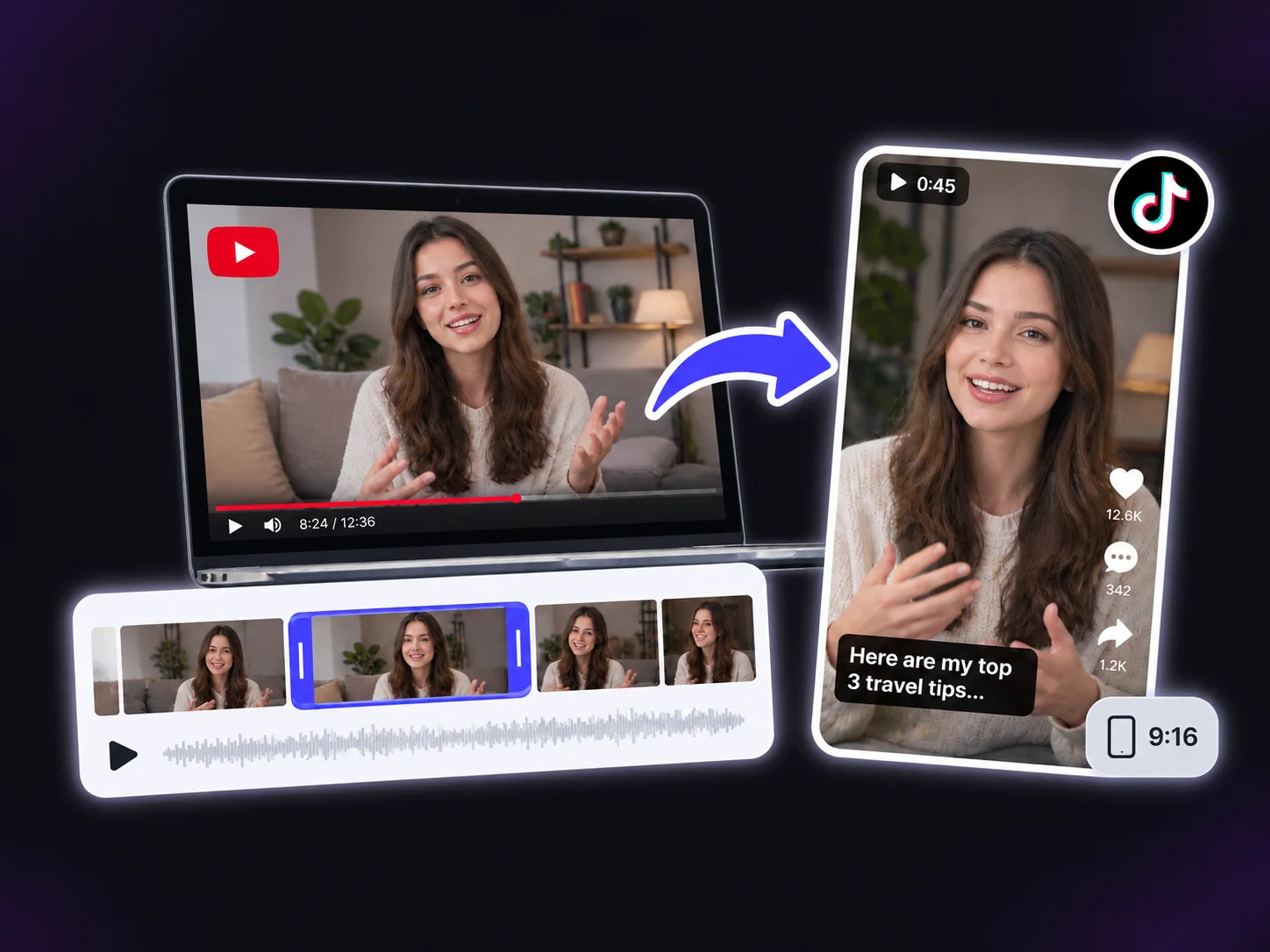
YouTube footage and captioned TikTok clips

What Is YouTube to TikTok Converter?

YouTube to TikTok Converter by Video Cutter AI turns YouTube videos into captioned TikTok clips. Paste a link or upload a file, and AI finds highlights, adds captions, and reframes footage to 9:16. Preview the results and choose clips that deliver a complete tip, answer, or demonstration without requiring viewers to watch the full YouTube video.

Ways to Use YouTube to TikTok Converter

Use YouTube to TikTok Converter to turn tutorials, interview answers, and product demos into focused TikTok clips. Each clip should answer one question without requiring the full video.

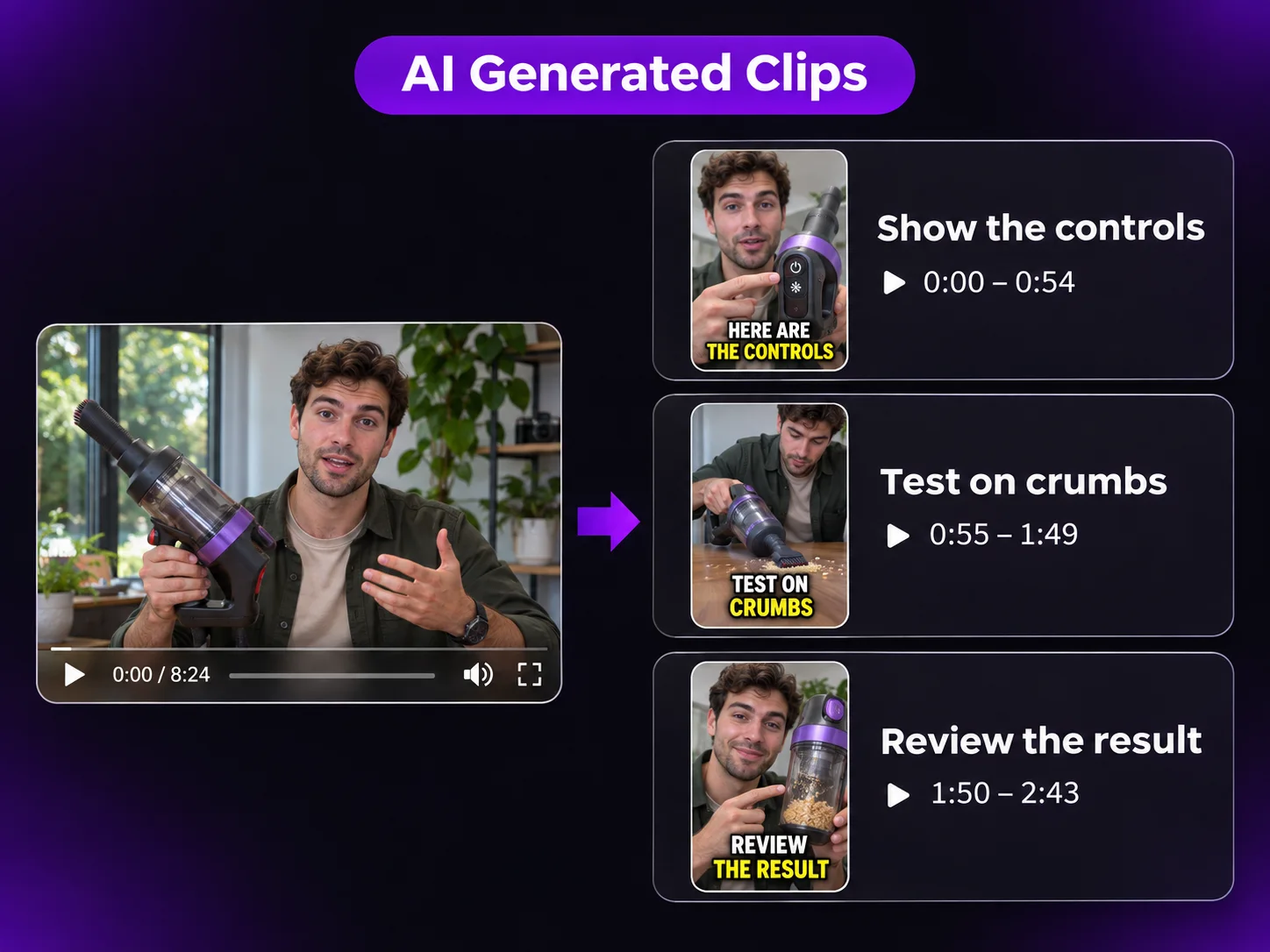
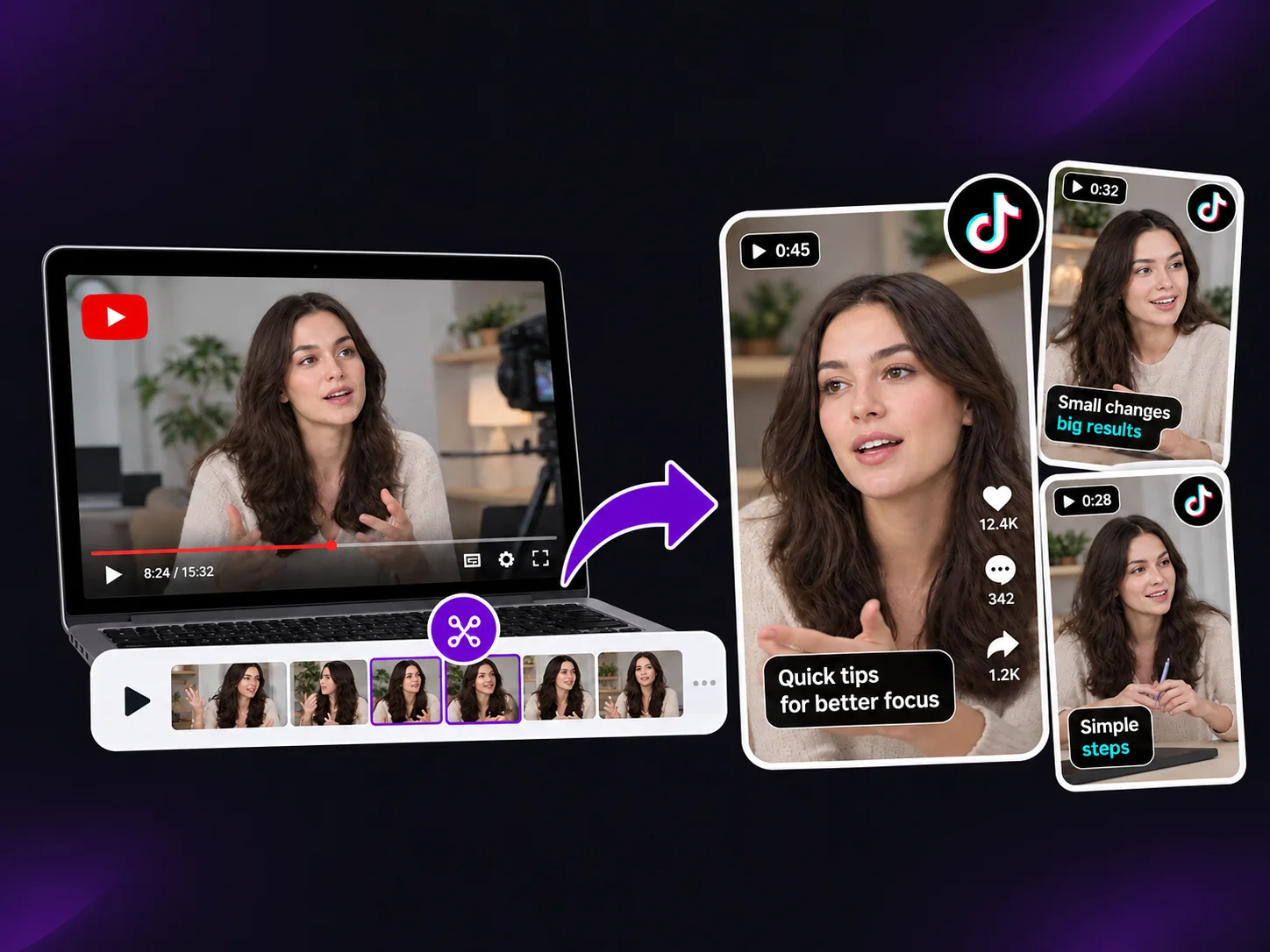
Vacuum tutorial split into three clips covering controls, a crumb test, and results

One Tutorial, Many Useful Tips

One ten-minute tutorial can answer several questions: how to fix an issue, choose a setting, or complete the next step. Use YouTube to TikTok Converter to turn each clear answer into a captioned TikTok tip. Keep the explanation and demonstration together, then point interested viewers to the full tutorial on YouTube.

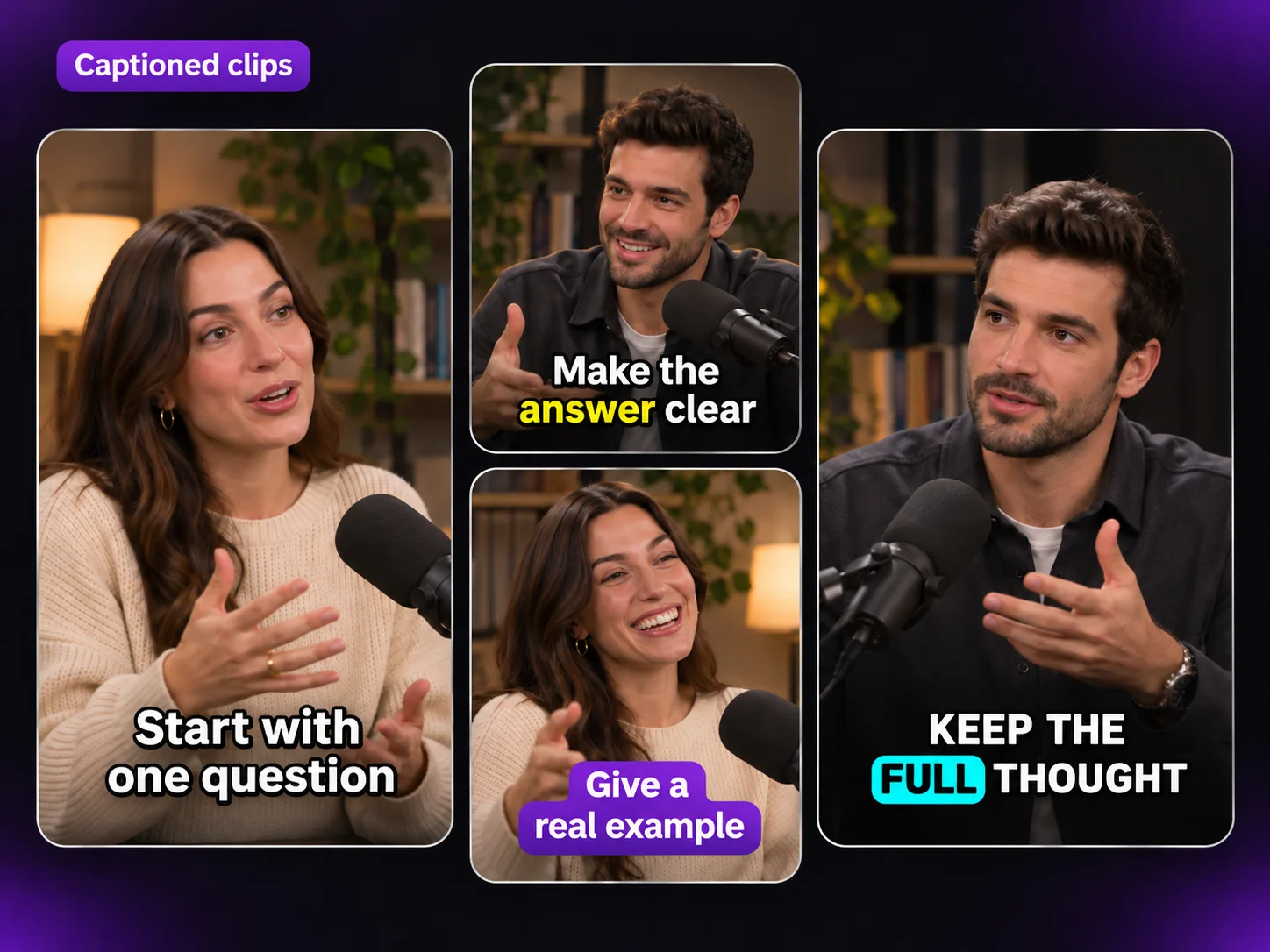
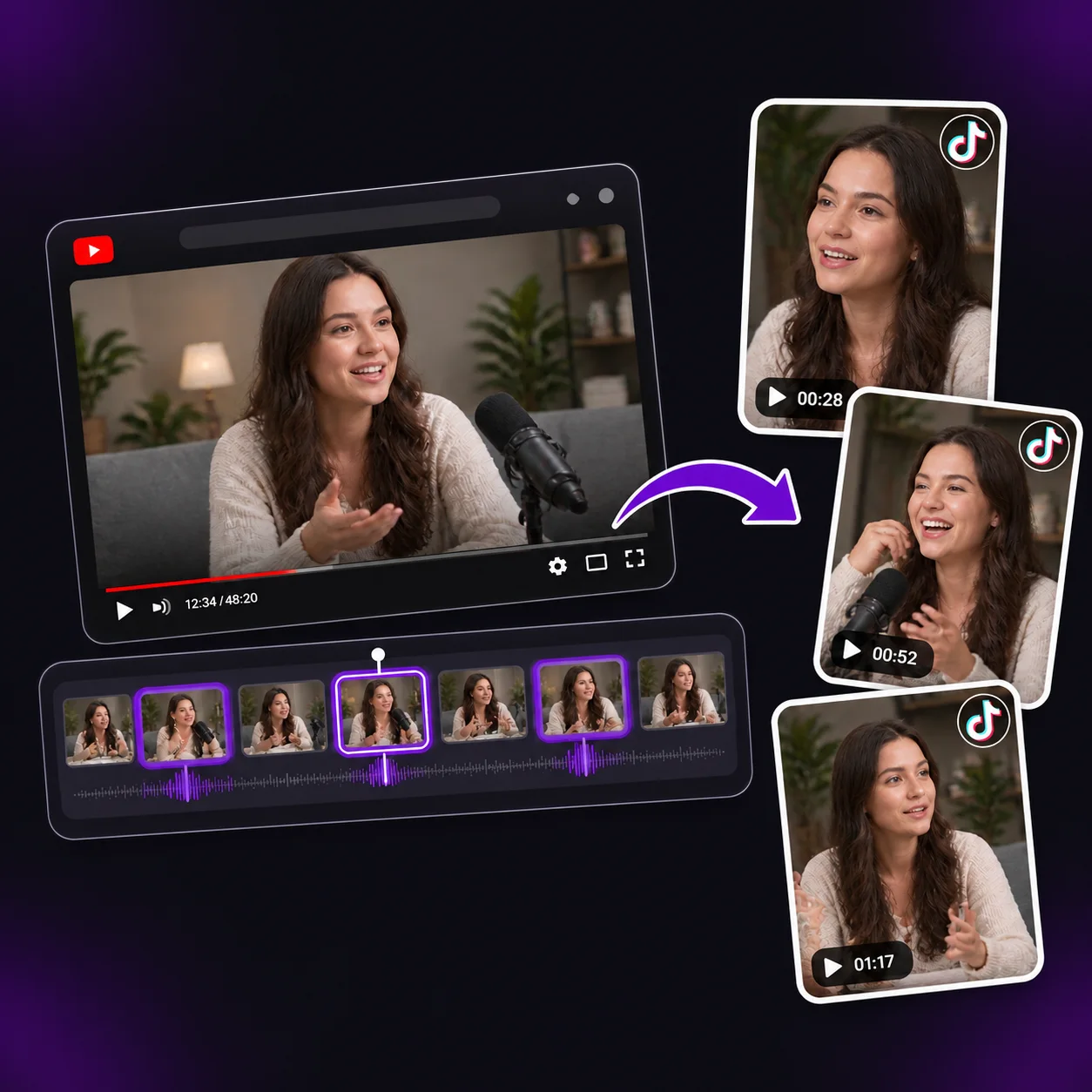
Captioned vertical clips from a podcast interview

Make Great Answers Easy to Share

An interview or podcast episode may contain a sharp opinion, practical story, or answer people want to revisit. Use YouTube to TikTok Converter to turn one complete exchange into a captioned vertical clip, so new viewers can follow the point without starting the full episode. Need square or landscape clips from the same recorded episode? Try Podcast to Video for your other channels.

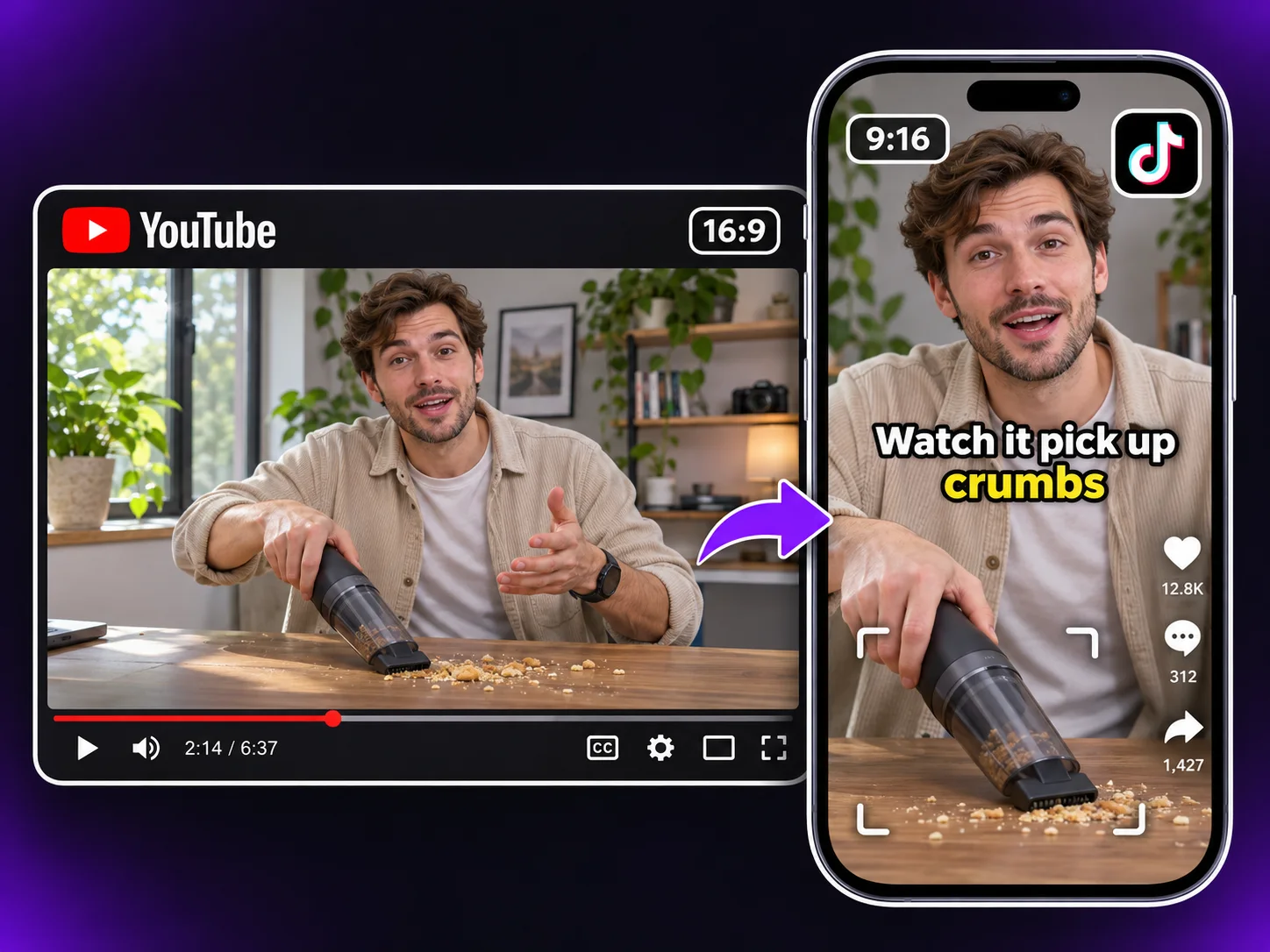
YouTube vacuum demo reframed as a captioned vertical TikTok clip

Show Products in Real Use

Product demos and reviews can answer specific questions: how a product works, what it looks like in use, or whether a feature solves a shopper’s problem. Use YouTube to TikTok Converter to turn one feature demonstration into a TikTok clip. Check that the vertical crop keeps product details and results visible, and that captions explain the action. To share the same demonstration as a Reel, try YouTube to Instagram Converter.

Clip settings for selecting moments, clip length, and processing range

Why Choose YouTube to TikTok Converter?

YouTube to TikTok Converter gives you control over which parts of a long video become TikTok clips. Topic preferences, clip-length options, and a selected processing range guide AI toward the material you want to share, reducing time spent reviewing unrelated suggestions.

YouTube to TikTok Converter Highlights

YouTube timeline with suggested highlight clips

Find YouTube Moments to Share

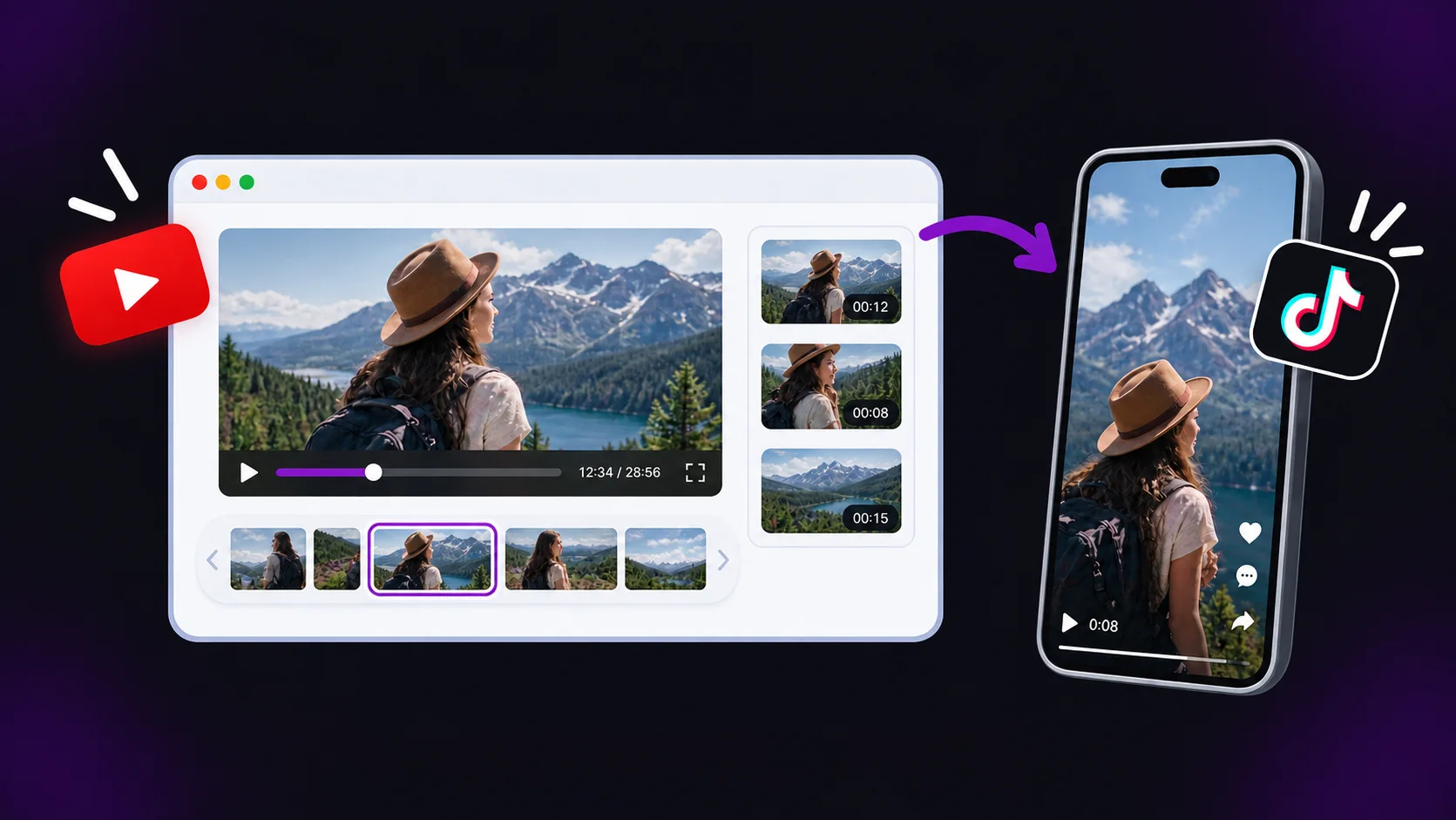
A long YouTube video can contain several TikTok-worthy ideas: a quick answer in a Q&A, a useful step near the end of a tutorial, or a strong reaction from an interview. YouTube to TikTok Converter scans the video for complete, shareable moments, giving you a set of clips to review instead of making you scrub through the full timeline yourself.
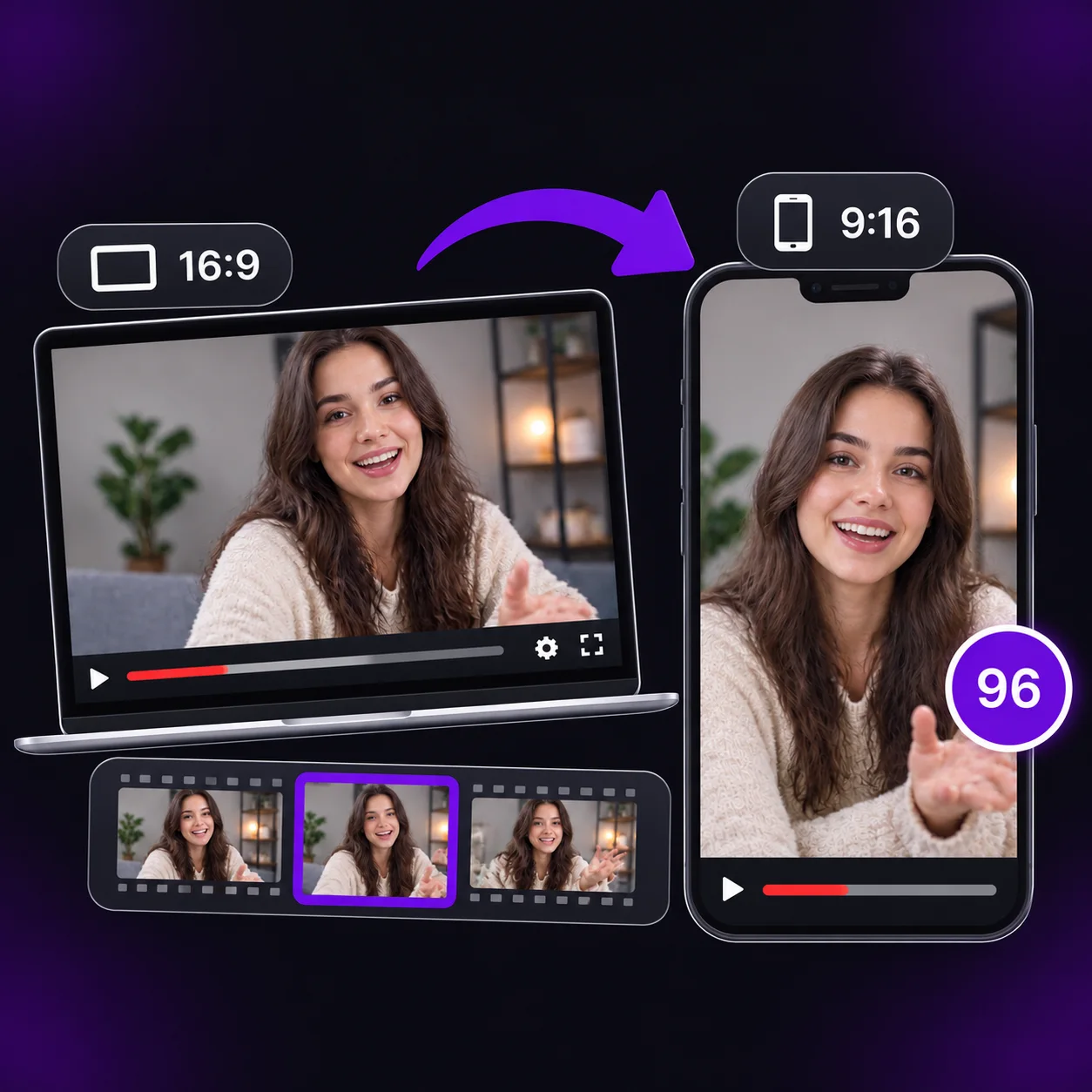
Widescreen footage reframed into a vertical TikTok clip

Make Wide Videos TikTok-Ready

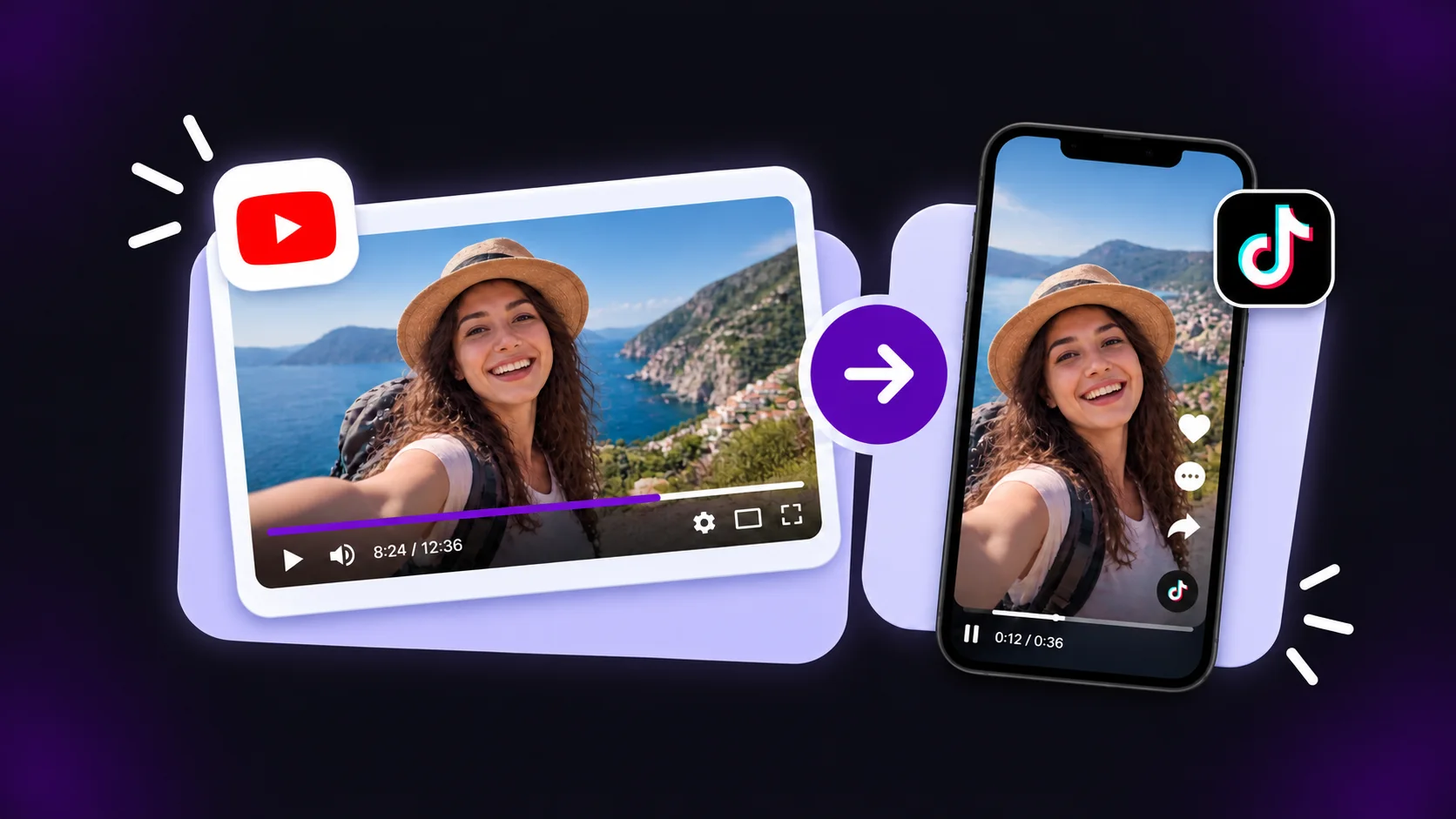
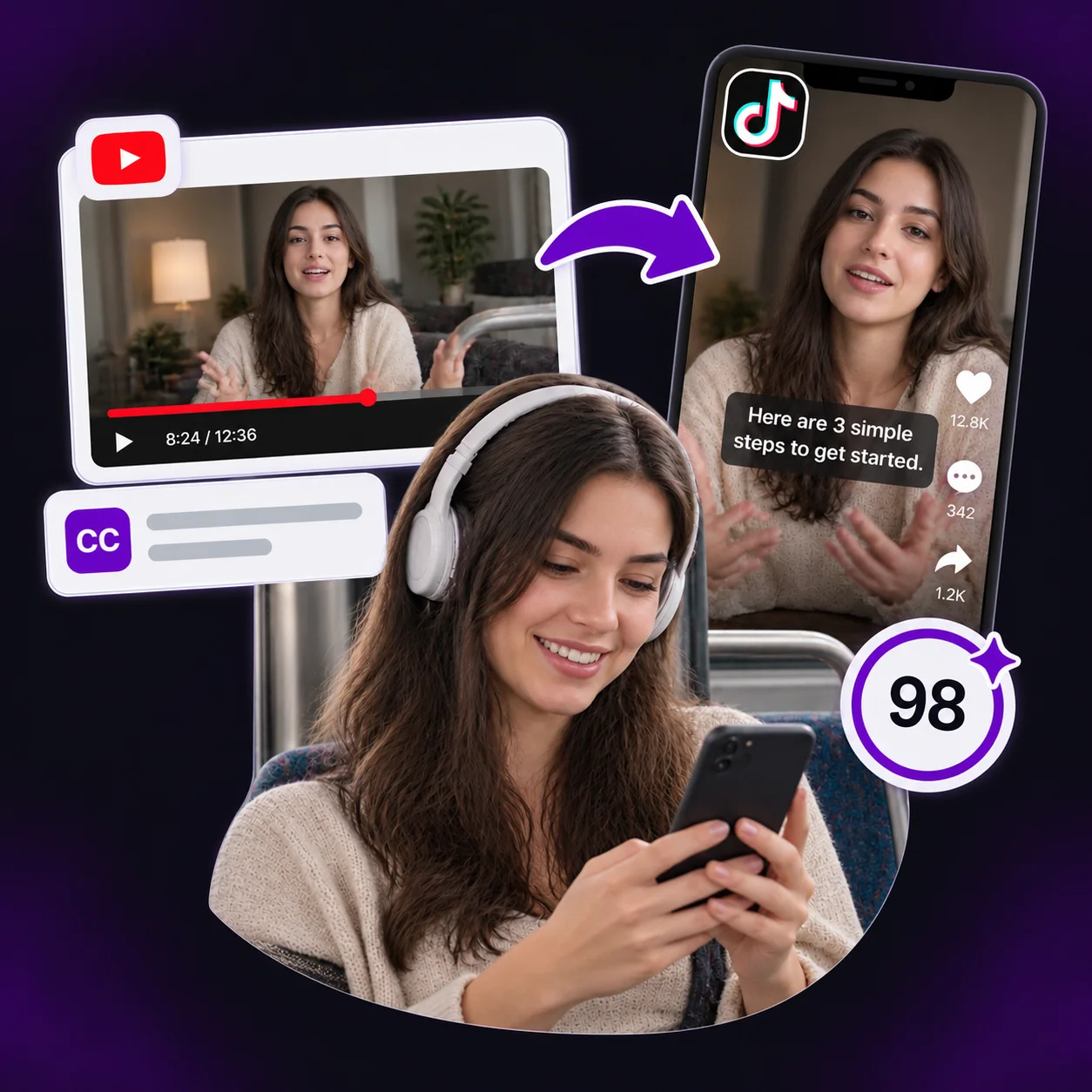
Most YouTube videos are made for a wide screen, while TikTok is built around vertical viewing. YouTube to TikTok Converter reframes 16:9 footage into a 9:16 TikTok clip, helping keep the speaker, cooking step, product detail, or screen demonstration visible. You start with a vertical draft to review before posting.

Vertical clip with readable captions

Captions for TikTok Viewing

TikTok viewers often watch between tasks, on public transport, or with their sound turned off. Captions help a tutorial tip, interview answer, product review, or podcast moment make sense from the first seconds. YouTube to TikTok Converter adds readable captions to your YouTube clips, so viewers can follow the point before they scroll to the next video.

How to Use YouTube to TikTok Converter

1

Paste a YouTube Link

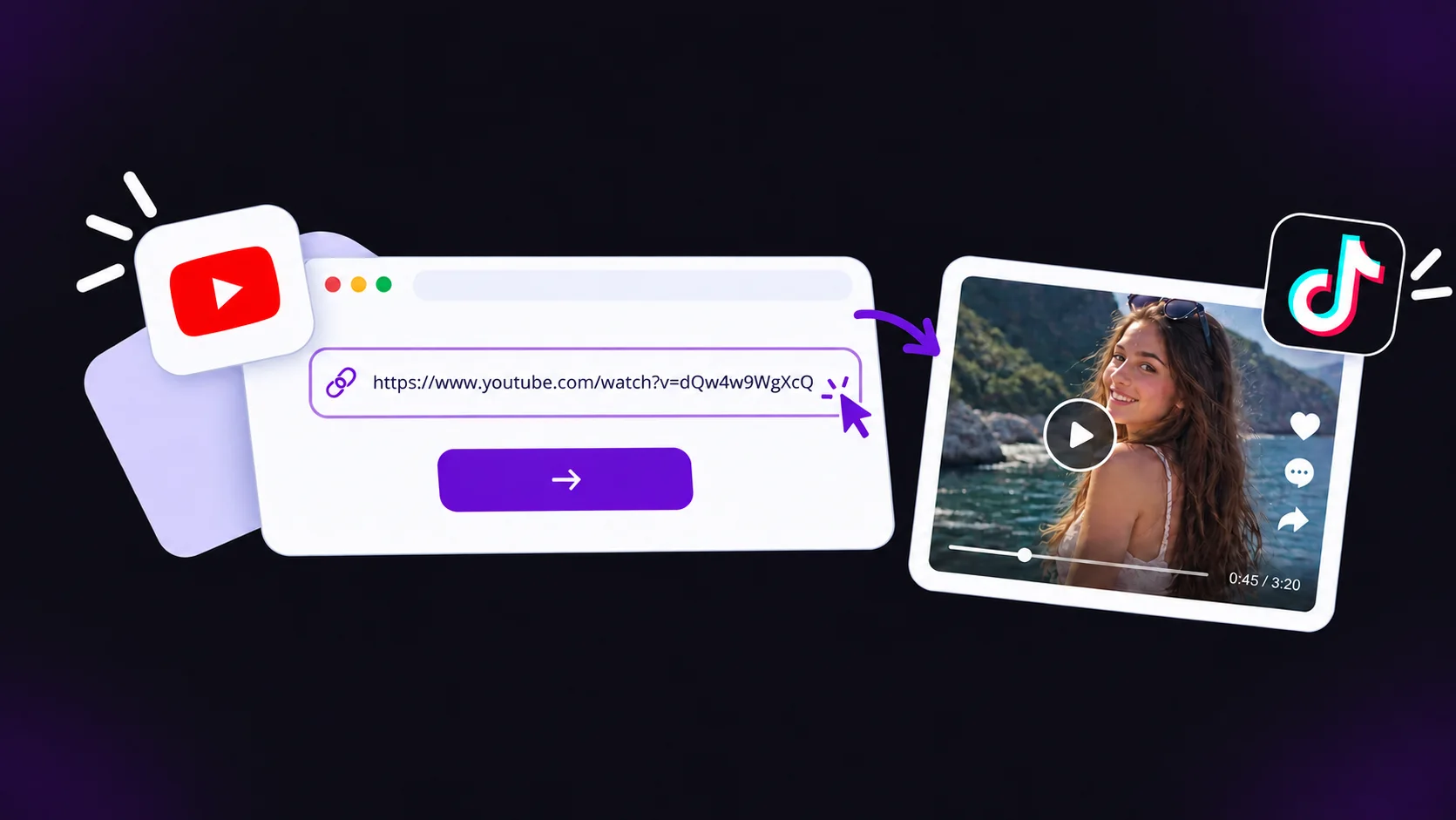
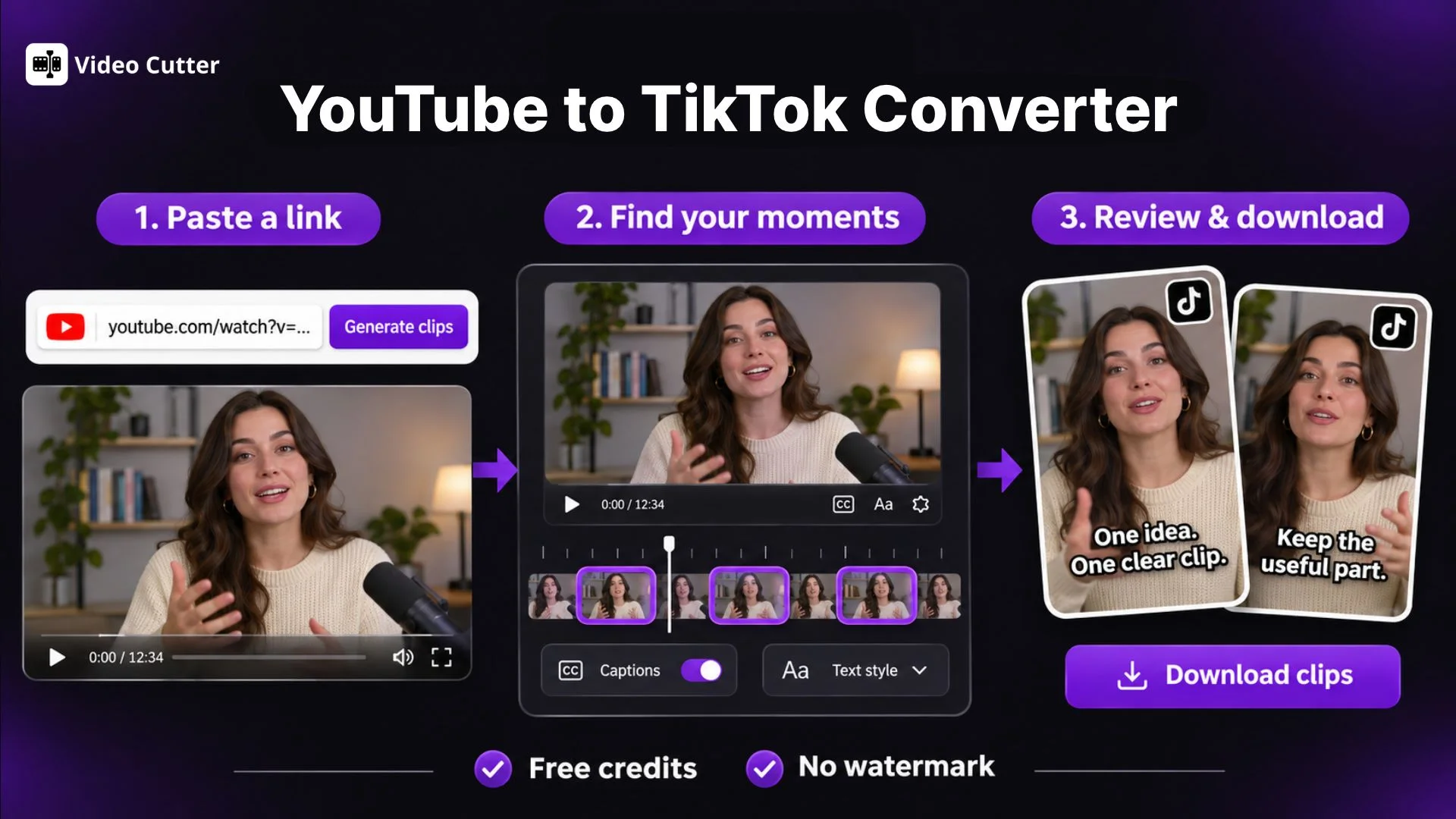
Copy the URL of a YouTube video you own or have permission to reuse, then paste it into YouTube to TikTok Converter. You can also upload a video file from your device.

YouTube link input and video upload options
2

Choose Settings and Generate Clips

Specify the moments you want to include, choose a preferred clip length, and select the section to process. Set the video ratio to 9:16, choose a caption preset, and let YouTube to TikTok Converter generate your clips.

Settings for generating vertical TikTok clips
3

Review and Download for TikTok

Preview your clips in YouTube to TikTok Converter and correct any caption errors. Check that each clip starts clearly, keeps important details visible, and ends naturally. Download your selected clips, then upload them to TikTok.

Clip preview and download options

Turn YouTube Videos into TikTok Clips Online

Use YouTube to TikTok Converter to turn one long video into focused TikTok clips. Paste a link, review the suggested moments, and download the clips that fit your audience.

What Users Say About YouTube to TikTok Converter

I post one recipe video every week, but I rarely have time to edit separate TikToks after filming. YouTube to TikTok Converter gives me useful clip options from the full recipe, including a key cooking step or the final reveal. Captions and a vertical draft save time, while I can still review every clip before it goes live.

Maya Chen

Home Cooking Creator

My YouTube reviews are detailed, so the most useful point is often buried between setup and testing. YouTube to TikTok Converter helps me find short moments from the full video without scrubbing through the entire timeline. I still review each suggested cut, but getting to a phone-friendly draft is much quicker.

Jordan Miles

Tech Review Host

A forty-minute workshop can contain several answers people ask for every day. I can review clips around one question at a time, such as interview nerves or salary conversations, then choose the strongest answer to share. That helps each TikTok post feel useful on its own instead of sounding like a random excerpt from a longer lesson.

Aisha Rahman

Career Coach

Landscape travel footage does not always fit naturally on a phone screen. This tool gives me vertical clip options before I start editing by hand, so I can choose a short story, review the crop, clean up the captions, and share a post while people are still interested in the trip.

Ben Ortiz

Travel Vlogger

We publish long interviews on YouTube, then need short clips for the week ahead. YouTube to TikTok Converter brings together moments that can stand alone, so I can review complete answers instead of excerpts that start halfway through a conversation. I choose clips that give new viewers a complete thought without needing the full episode for context.

Priya Shah

Podcast Producer

Our product demos used to live only on YouTube because recutting each one took too long. The converter helps us turn one clear feature explanation into a short post with captions and vertical framing. We can test more TikTok ideas without rebuilding the original footage for every new platform.

Evan Brooks

Small Business Marketer

Frequently Asked Questions About YouTube to TikTok Converter