Works without captions
If YouTube captions are unavailable, AI speech recognition can create the transcript from the video audio.
Free YouTube Transcript Generator
Paste a YouTube link into Video Cutter AI to get a free, timestamped transcript without logging in, even when captions are missing.
Free to start · No login
Works without captions
TXT, SRT & VTT exports
Video Cutter AI's YouTube Transcript Generator creates timestamped transcripts for free. Extract captions or transcribe speech from videos without captions.
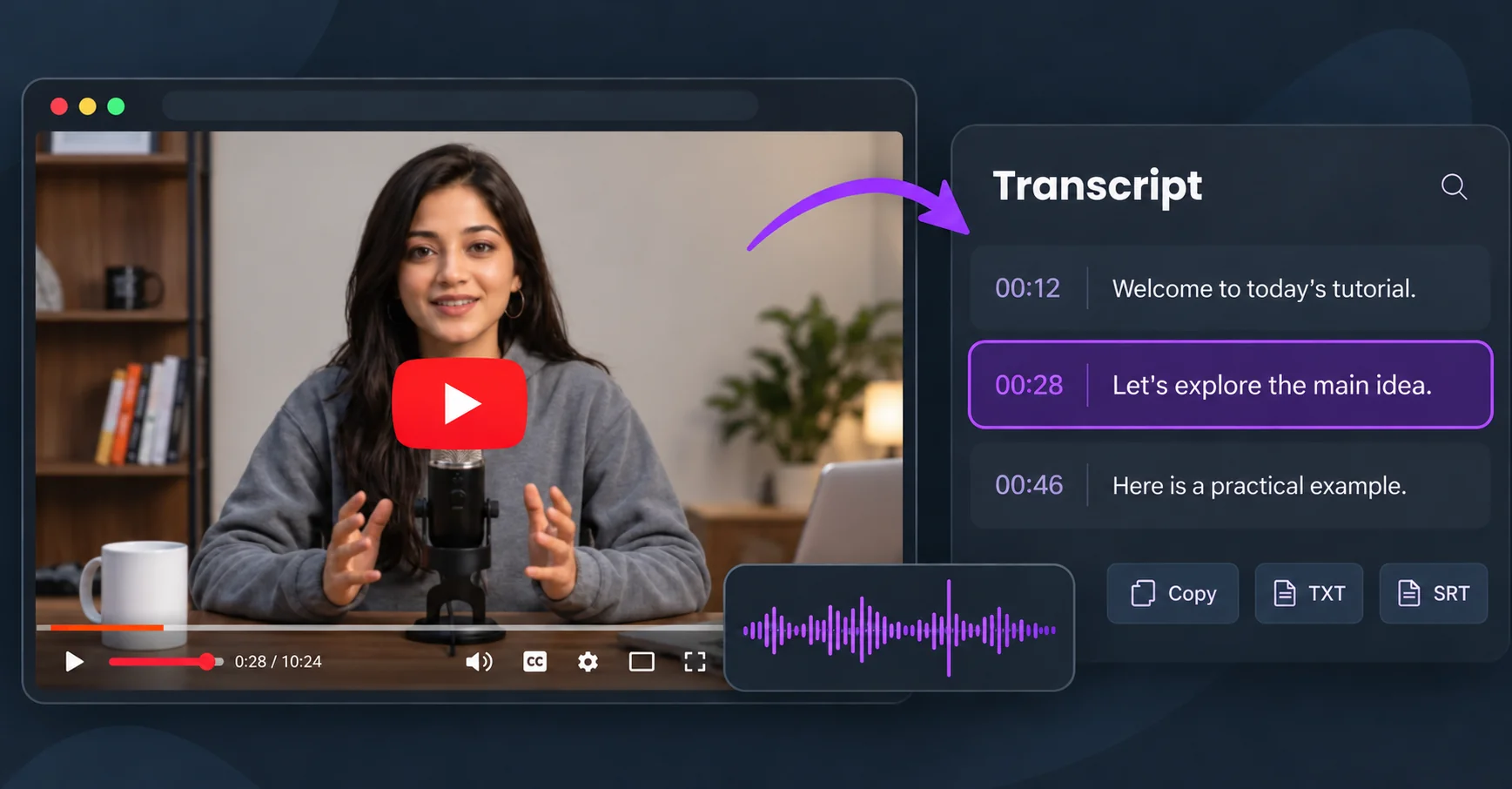
A YouTube transcript is a written record of what is said in a video. The YouTube Transcript Generator keeps the discussion in order so you can check exact wording and surrounding context. Read or search the text, return to the source, or use YouTube Clipper to turn a useful moment into a short clip.
Turn a link into readable text with the YouTube Transcript Generator in three steps.
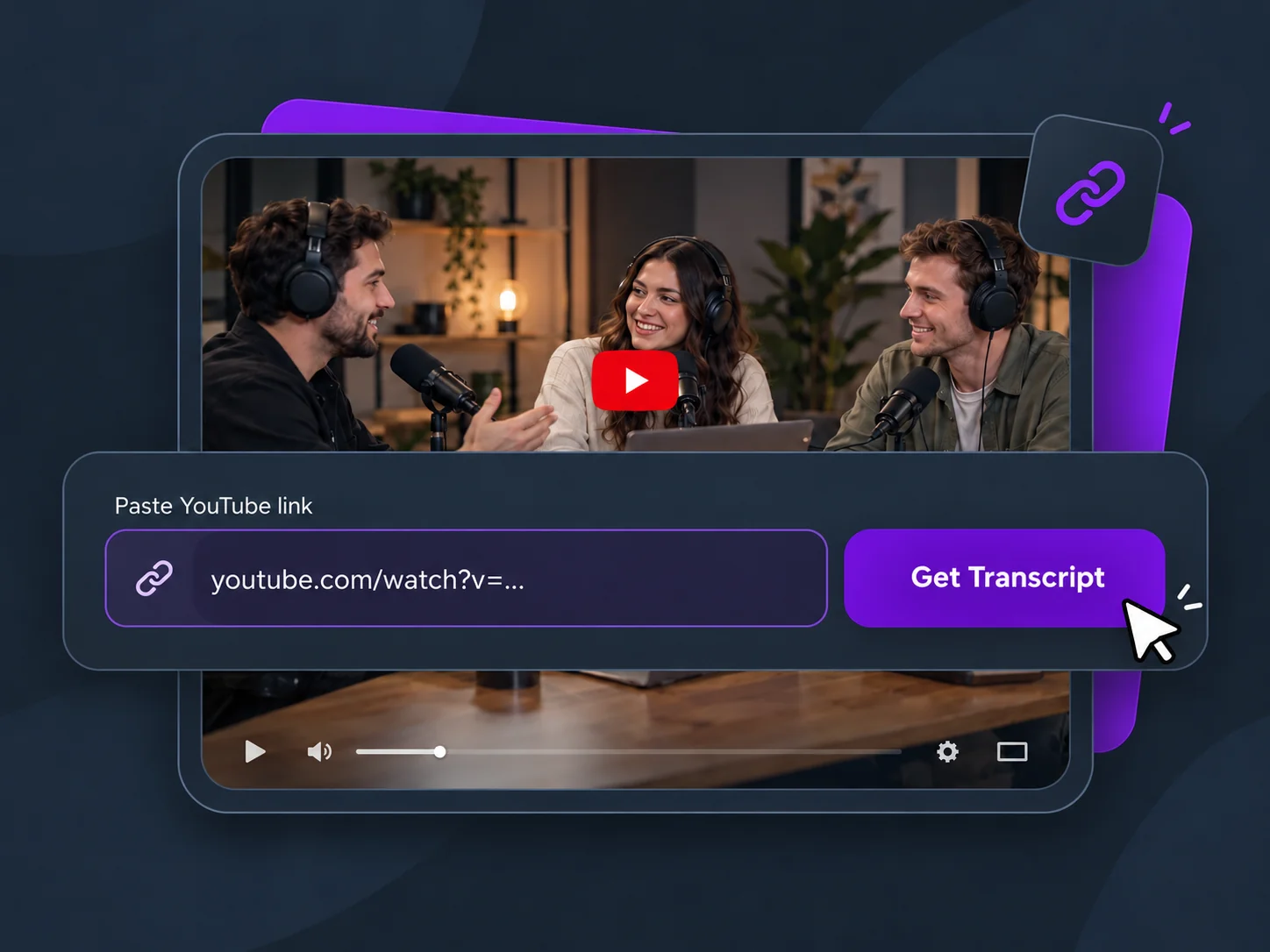
Copy a YouTube video or Shorts link, paste it above, and select Get YouTube Transcript. You will continue in the transcription workspace.
Your video is prepared automatically. Available YouTube captions are used first; otherwise, AI transcribes the speech. Processing time depends on the video.
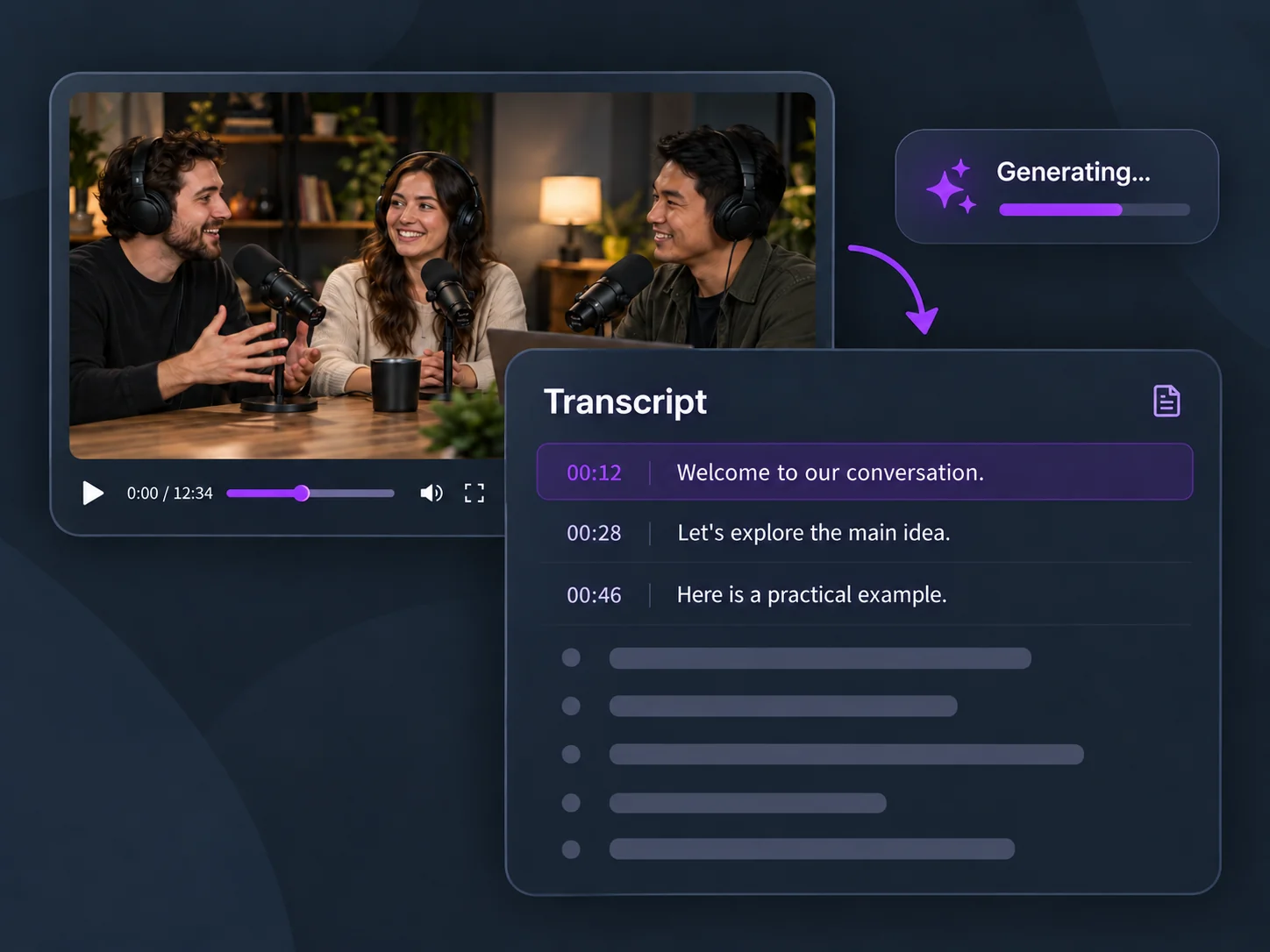
Search the result, select a timestamp to revisit the video, or copy the full transcript. Export plain text as TXT or timed subtitles as SRT or VTT.
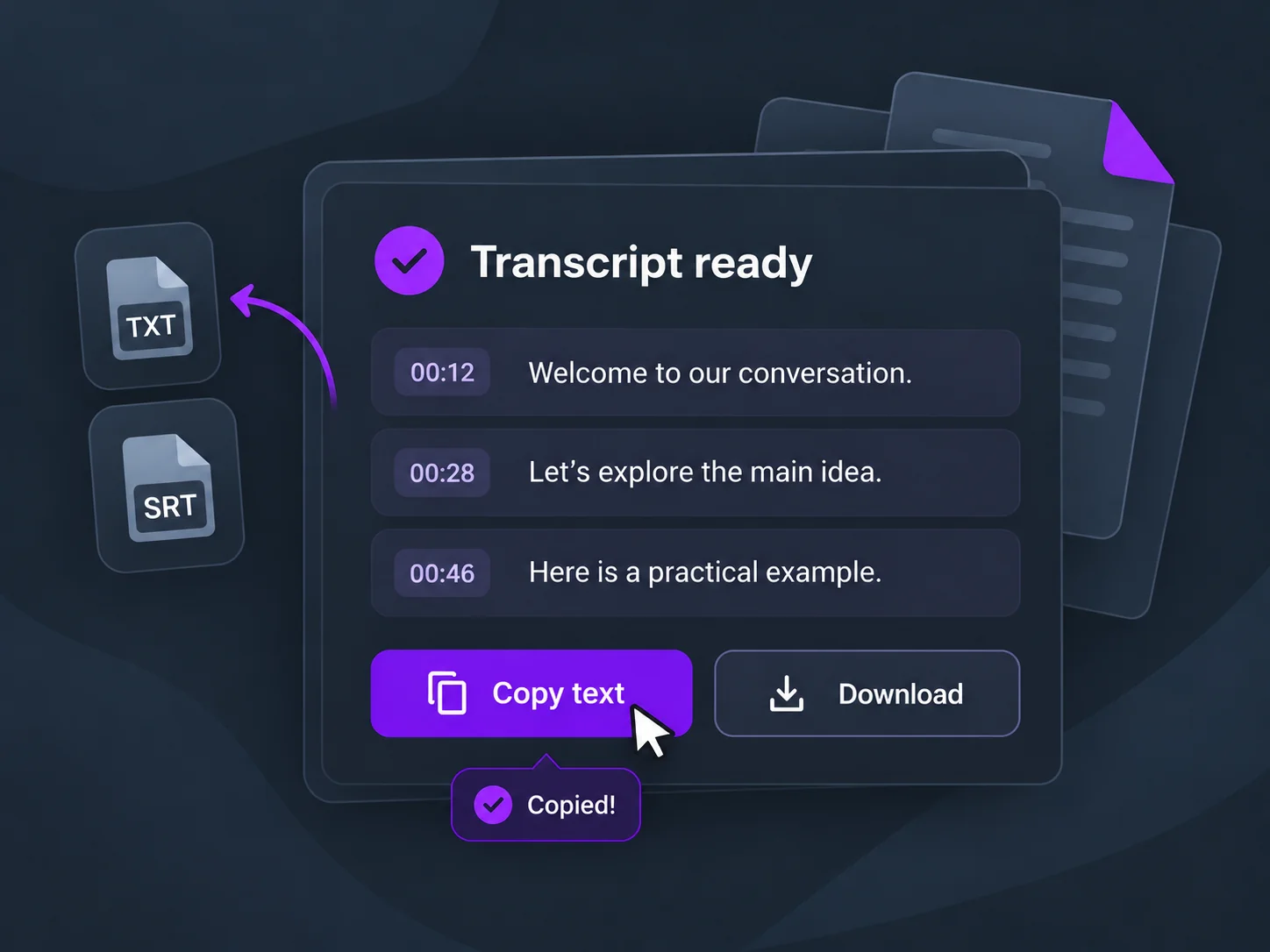
If YouTube captions are unavailable, AI speech recognition can create the transcript from the video audio.
Download TXT for reading and editing, or SRT and VTT when your subtitle workflow needs timestamps.
Try transcription as a guest within the available allowance. Signed-in tasks use the existing account credit rules.
Find words and phrases in the result, then review their surrounding context against the original recording.
Signed-in users can reopen completed transcripts from Projects and keep working with the same result.
Select a timestamp in the transcript to seek to that part of the video instead of searching the whole recording.
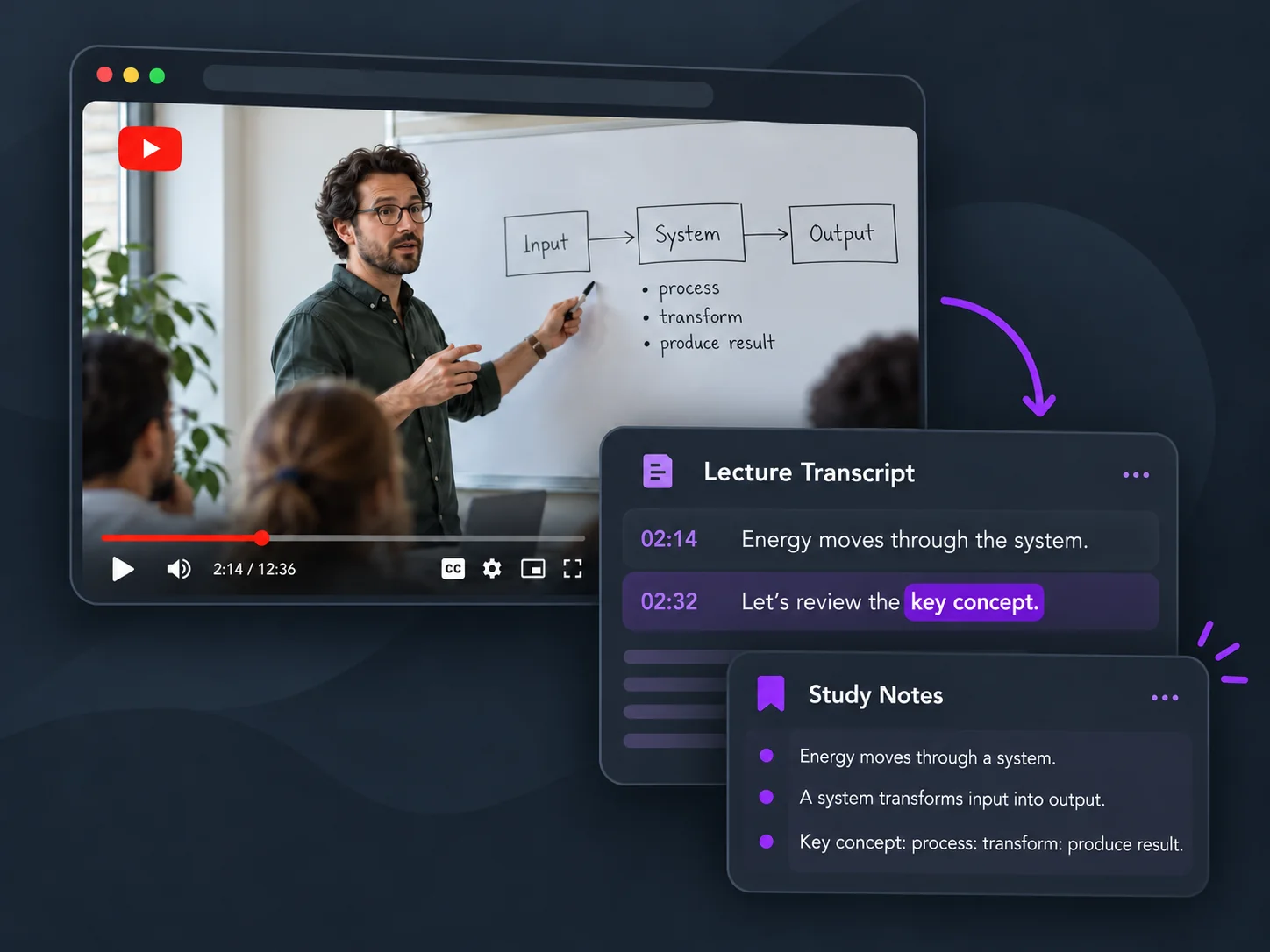
Read lectures at your own pace, look up key terms, and revisit the part of a lesson you want to understand better.
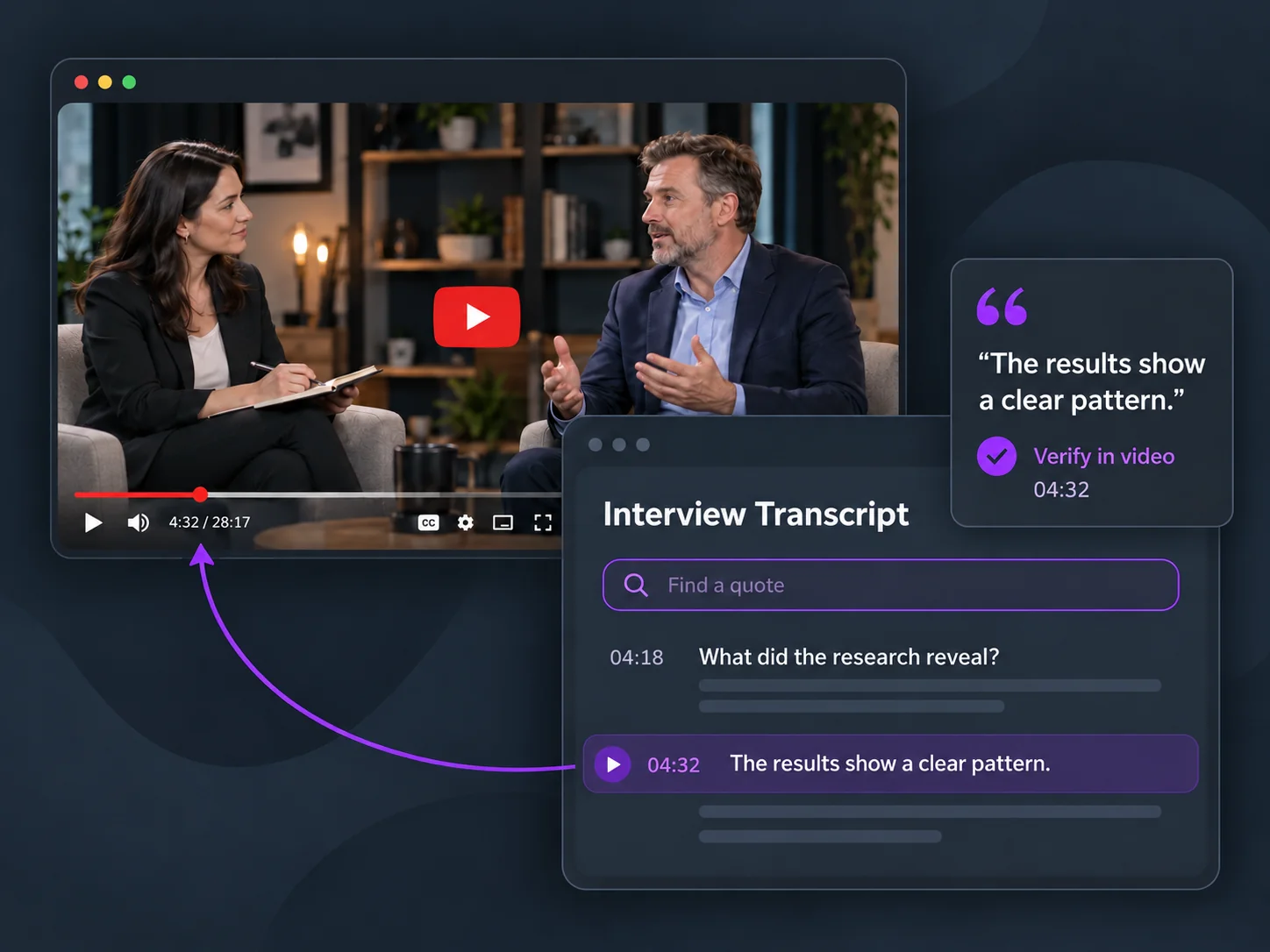
Search interviews, find passages, and check quotations in the original recording with the surrounding context.
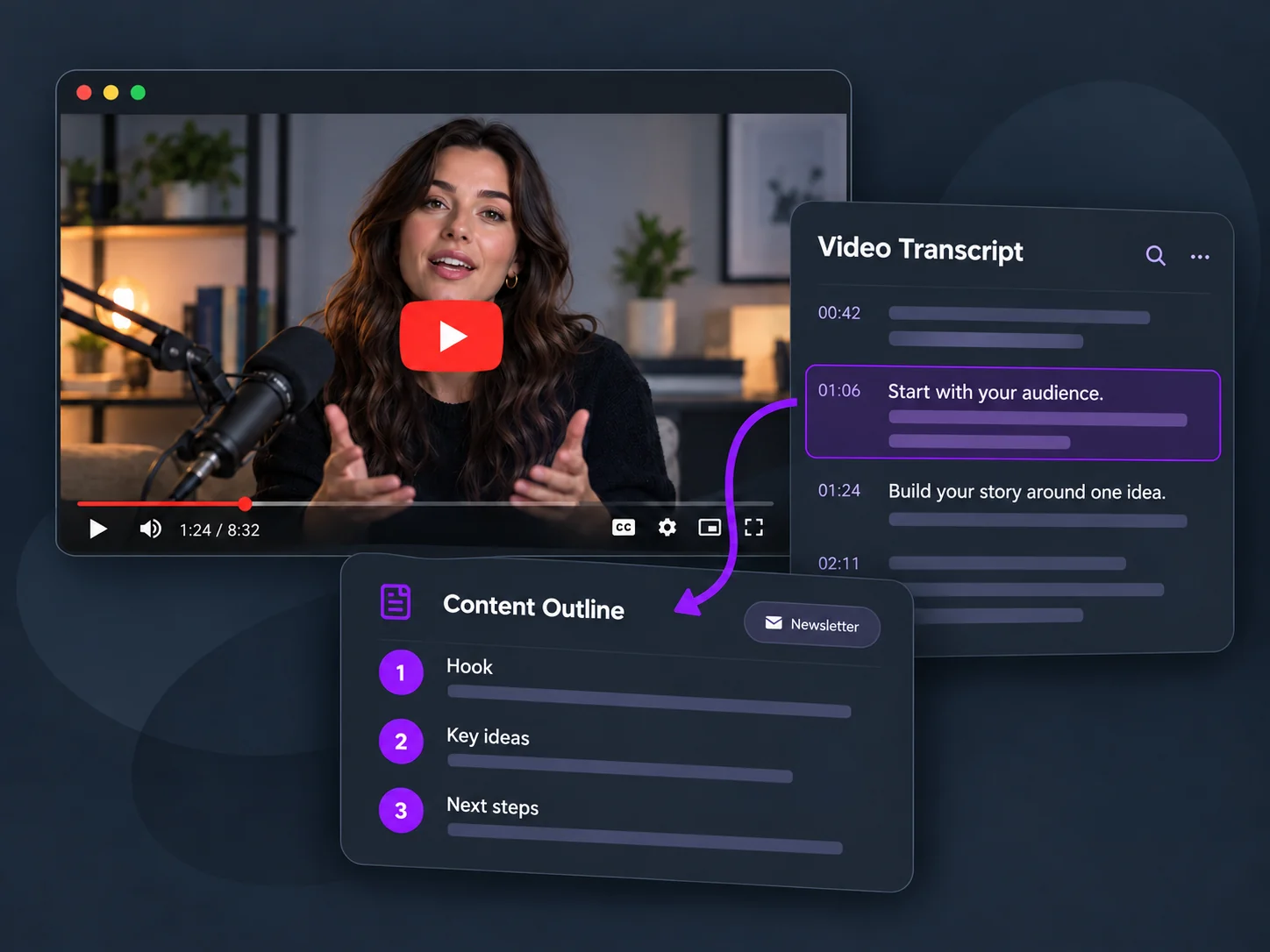
Use recorded conversations as source material for outlines, newsletters, and posts while keeping the original discussion at hand.
Paste a video or Shorts link to start. Read, search, and export the transcript in your workspace.