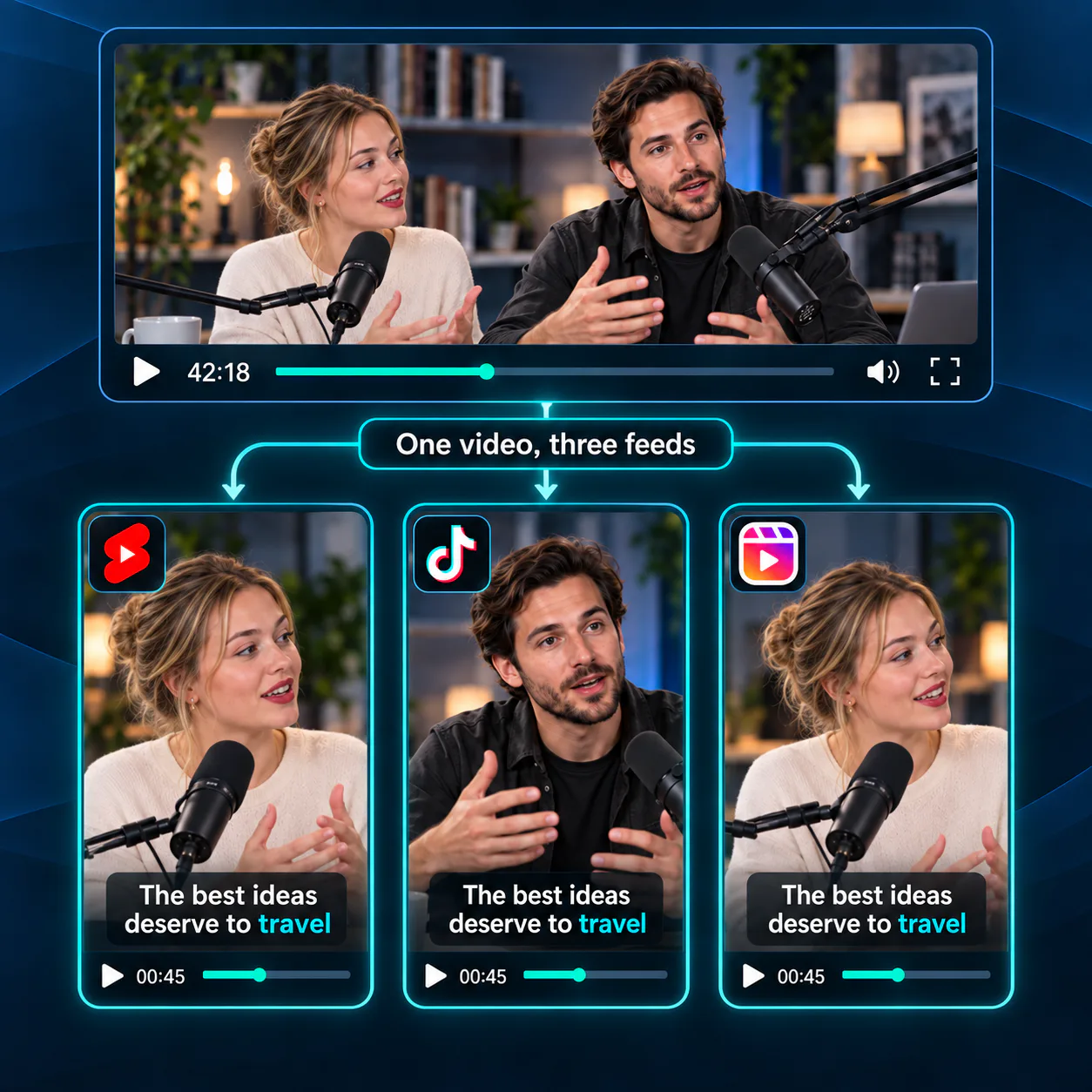
One Video, Three Feeds
Prepare captioned 9:16 clips for YouTube Shorts, TikTok, and Reels from the same source video. Reuse the vertical result across your social channels instead of rebuilding the framing and captions for every feed.
Free Video to Shorts Converter
Upload a video or paste a link to create captioned 9:16 clips formatted for YouTube Shorts, TikTok, and Reels.
Trusted by creators from
Use Video Cutter AI's Video to Shorts Converter to format any video as captioned 9:16 clips for YouTube Shorts, TikTok, and Reels online with no sign-up.
Convert Video to Shorts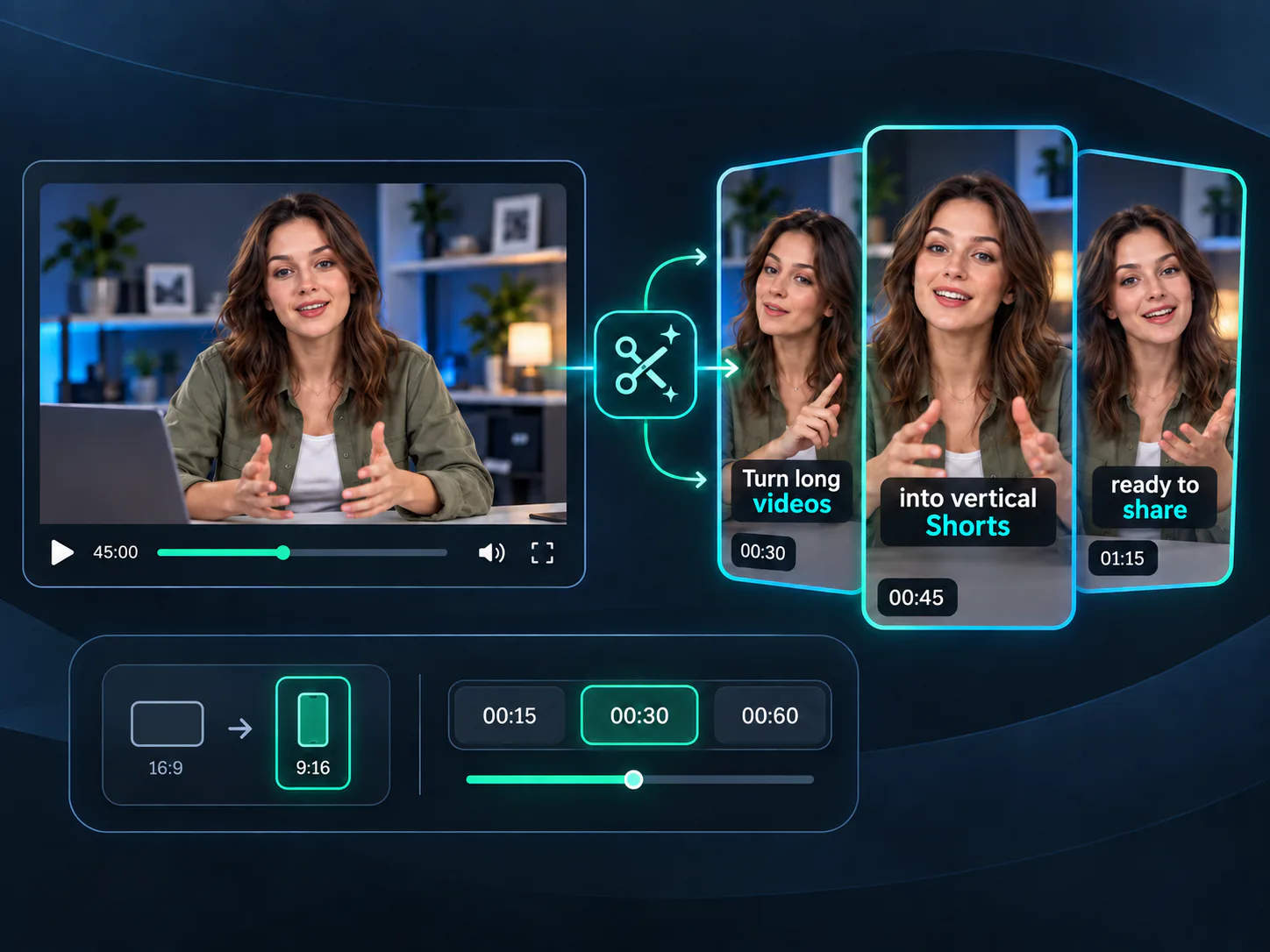
Start with a horizontal recording and use Video Cutter AI's Video to Shorts Converter to create captioned 9:16 clips with simple format and length controls. Preview how each result fits YouTube Shorts, TikTok, and Reels before export. Working from a YouTube video? Use YouTube Clipper for a source-specific workflow.
Start with familiar content and let Video to Shorts Converter adjust framing, captions, and length for vertical viewing.
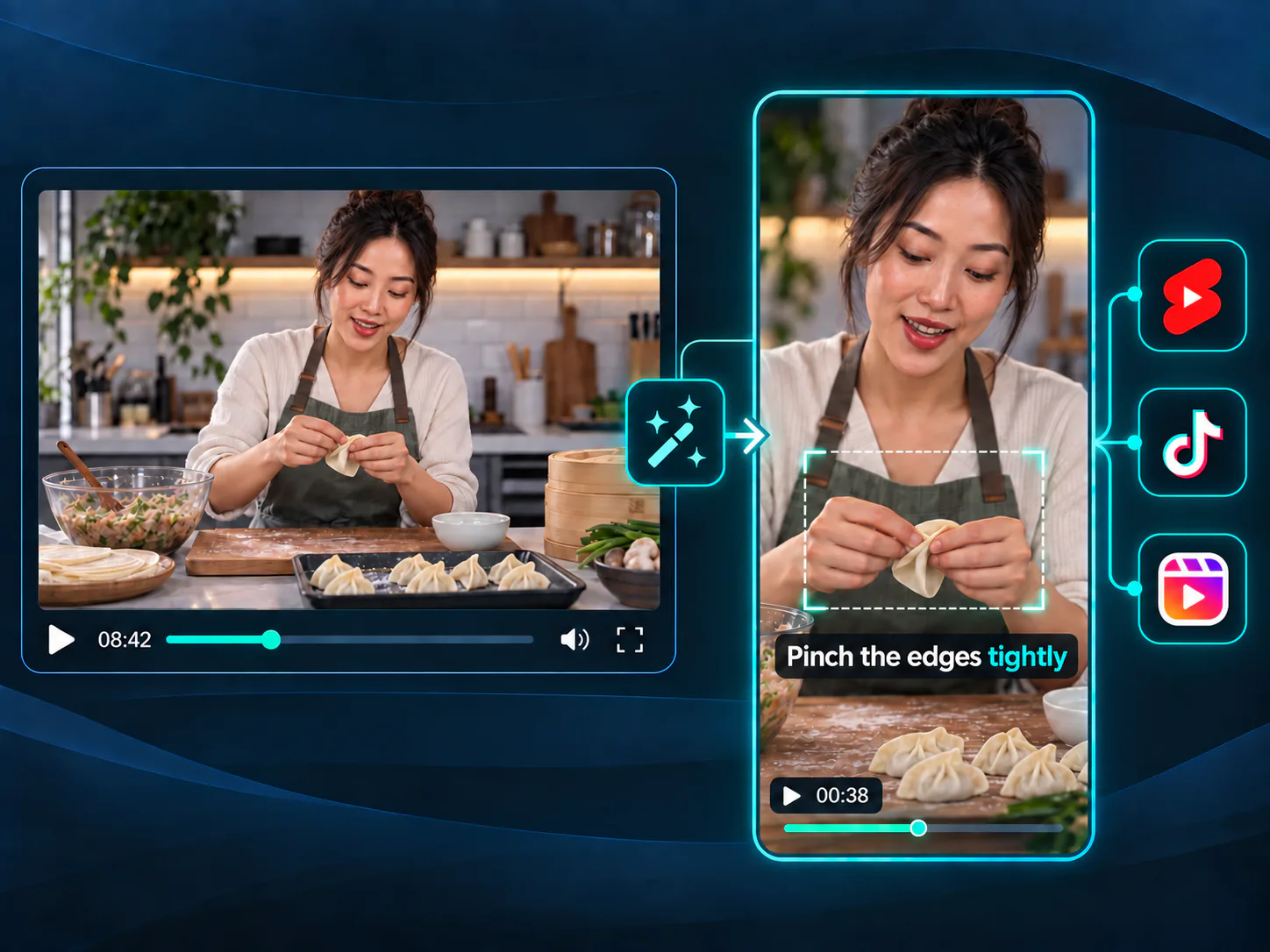
Convert a cooking lesson, software walkthrough, or craft demonstration into captioned 9:16 clips that keep hands, screens, and key steps visible. Preview the vertical layout before sharing the finished clip on YouTube Shorts.
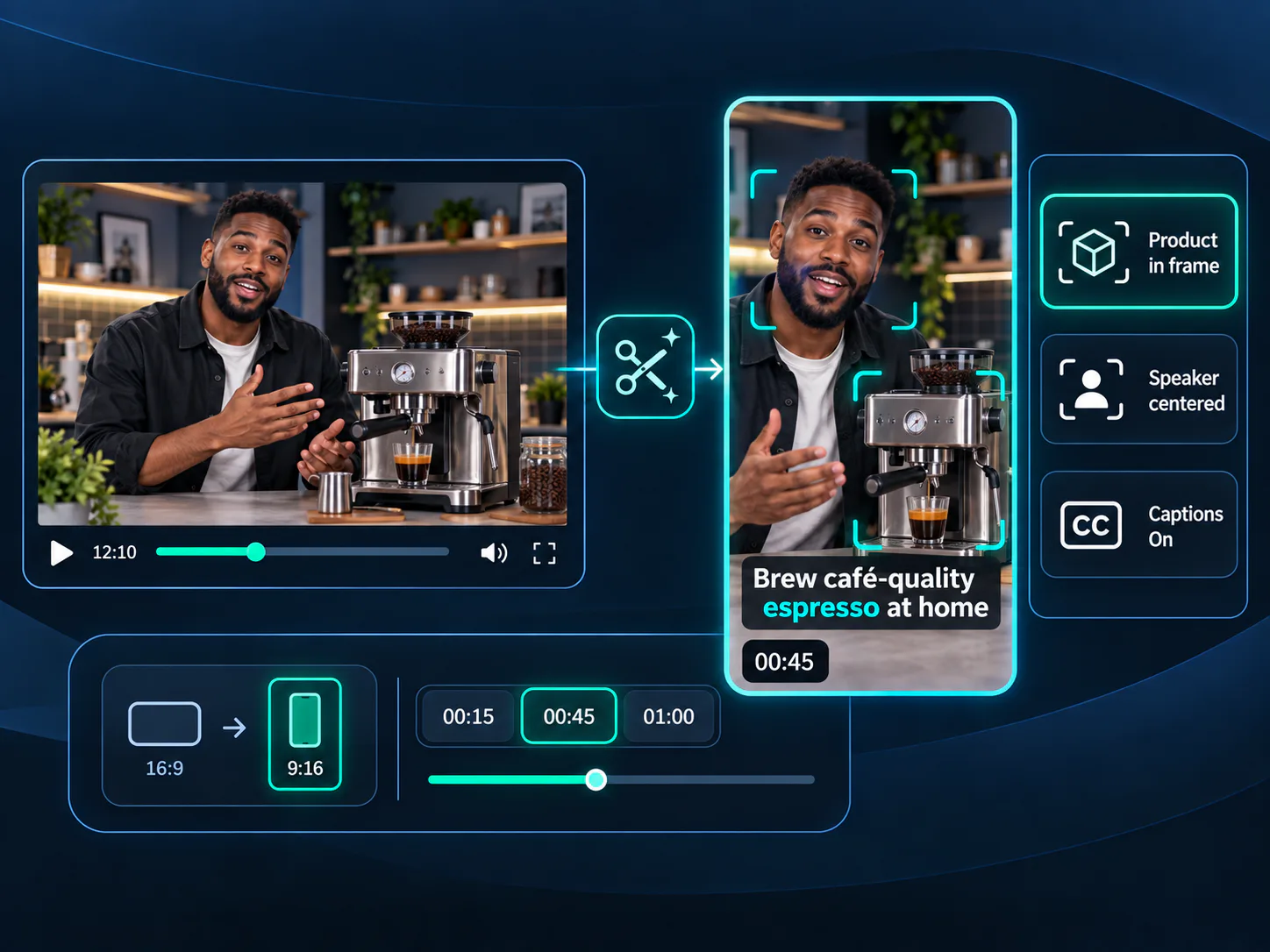
Turn a landscape product walkthrough into vertical clips for launches, feature updates, and customer education. Keep the product area visible, add readable captions, and prepare each result for mobile viewing.
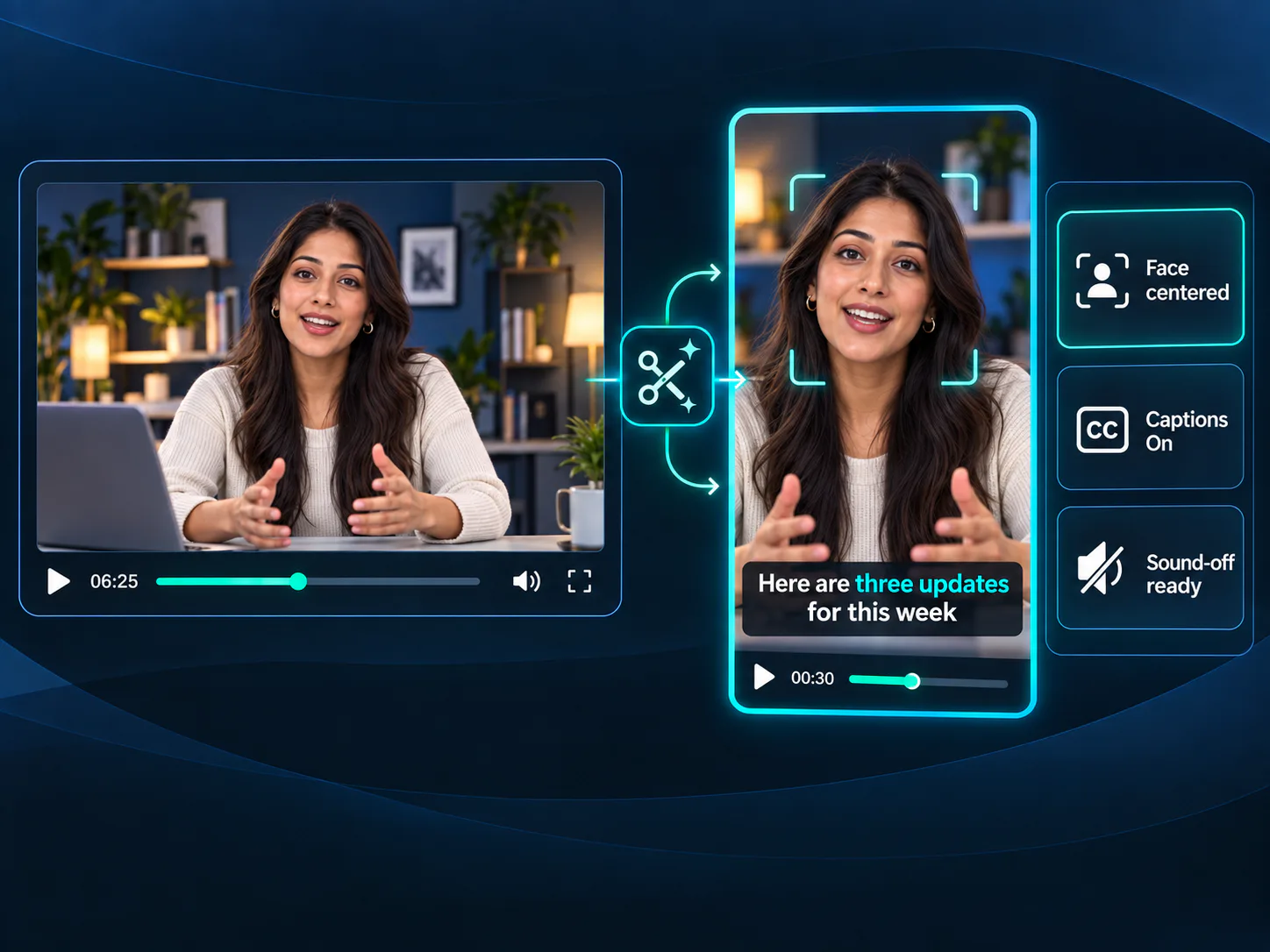
Use a phone recording, webcam update, or talking-head video as the source for short social clips. Vertical framing keeps the speaker prominent, while captions support sound-off viewing. Creating specifically for TikTok? Use TikTok Clip Maker for platform-focused results.
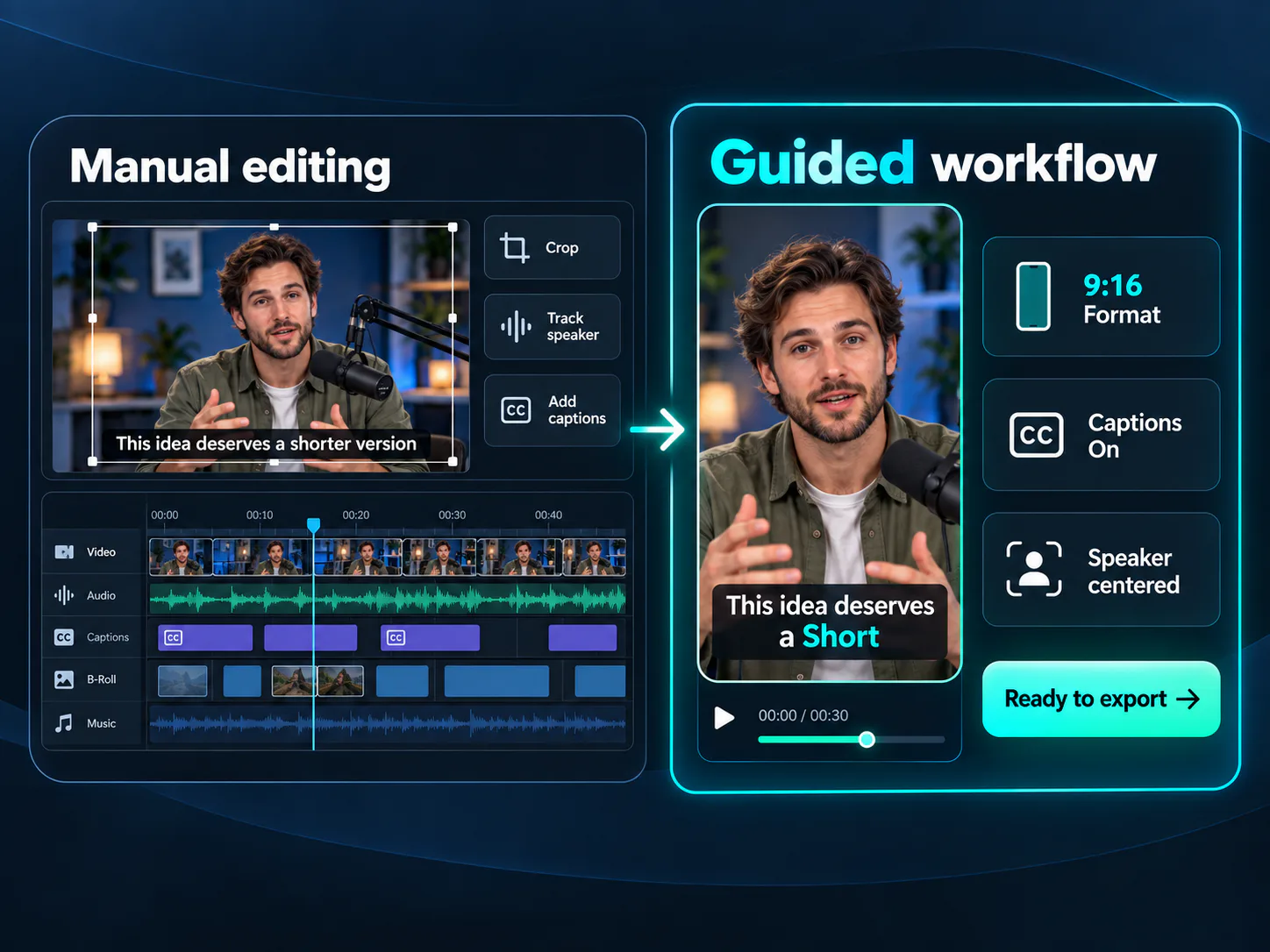
Turning a landscape video into a Short by hand means setting a 9:16 crop, keeping the speaker in frame, adding captions, and repeating the same setup for every clip. Video to Shorts Converter brings these steps into one guided workflow, so you can review the framing, captions, and message instead of learning a complex editing timeline.
Move from an existing recording to platform-ready vertical clips in three guided steps without learning an editing timeline or installing new software.
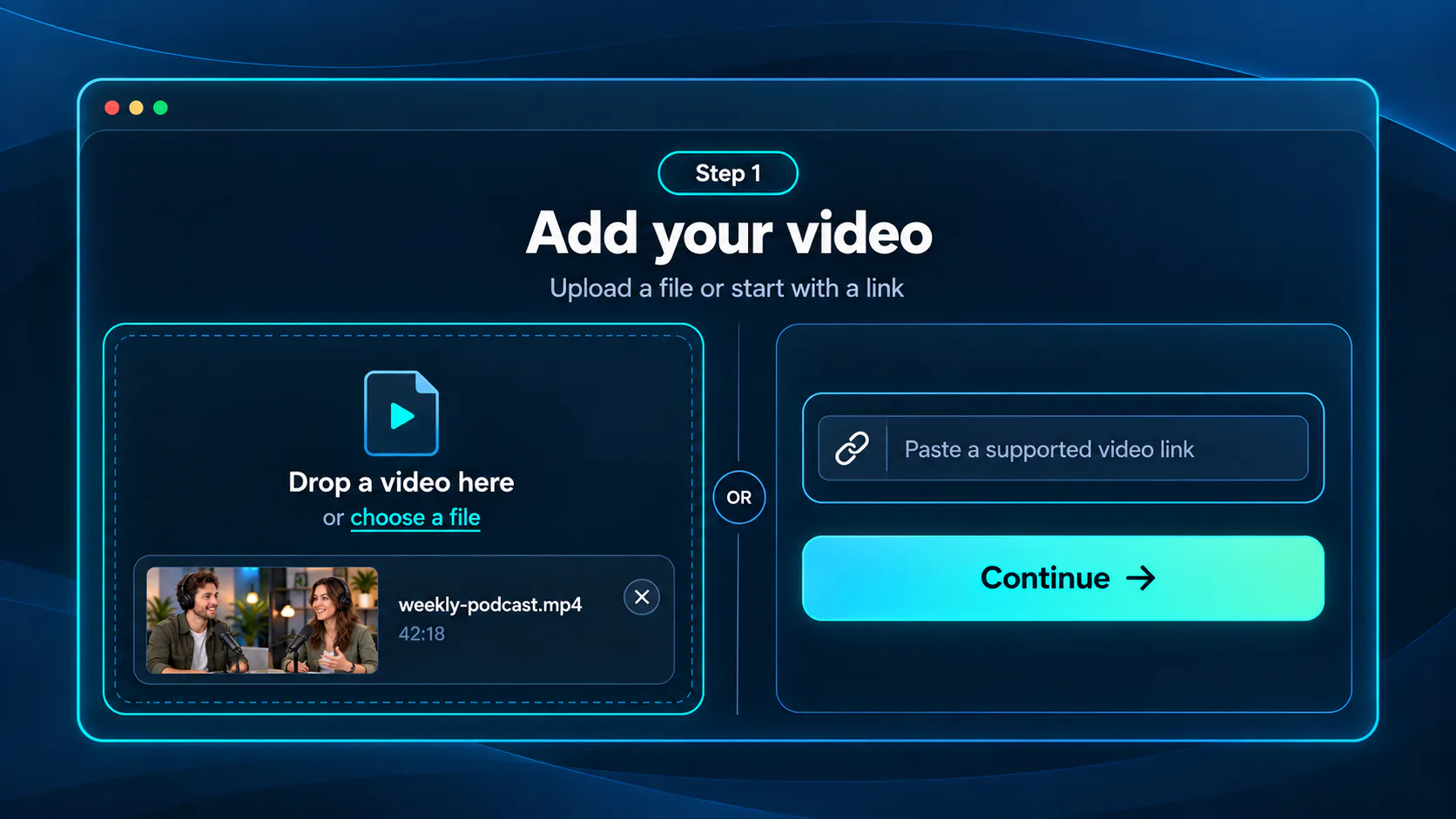
Upload a video from your device or paste a supported link. Choose the source you want to format for YouTube Shorts, TikTok, or Reels.
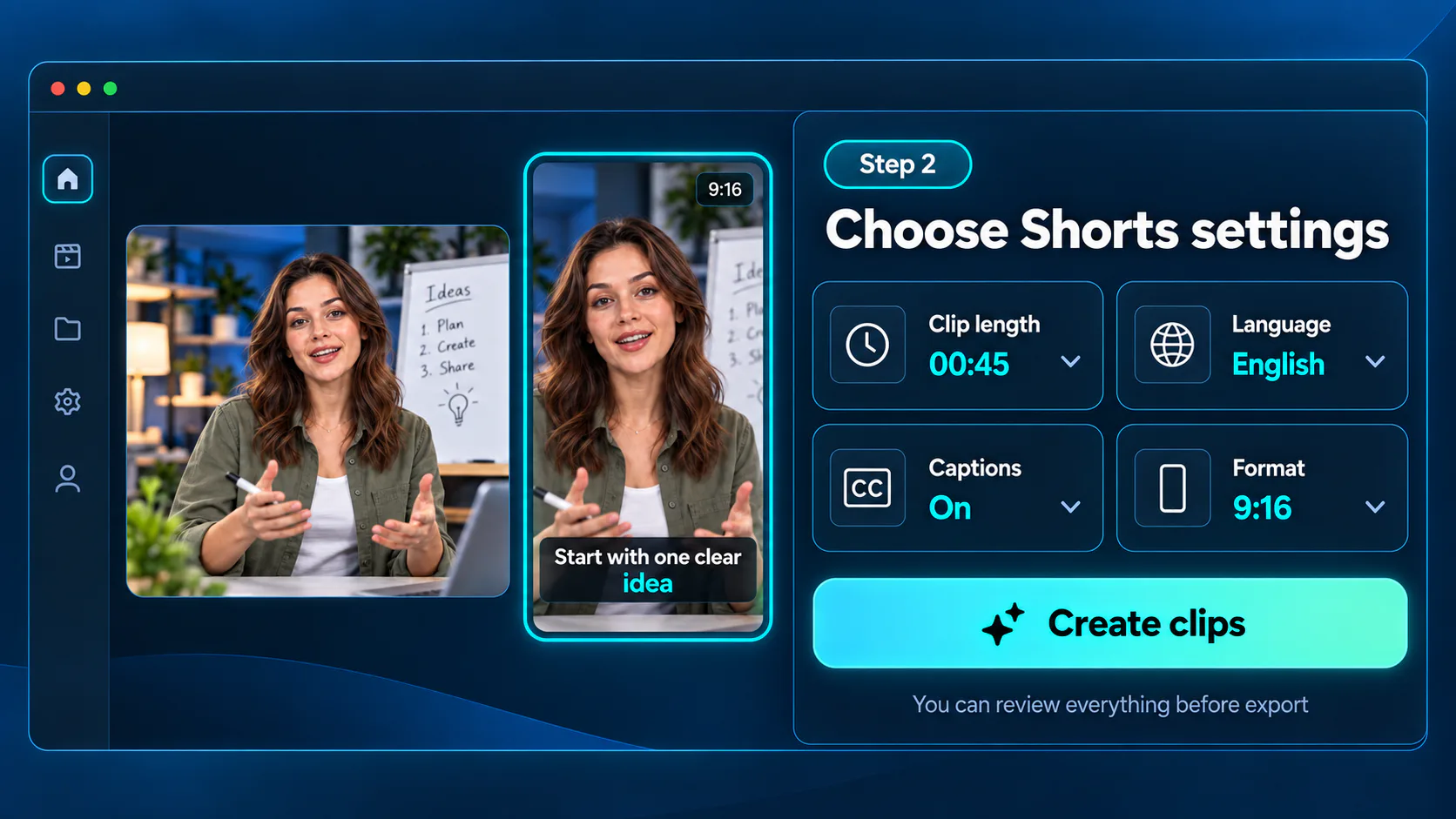
Select the clip length, language, captions, and a 9:16 layout. Video to Shorts Converter prepares vertical clips around your chosen settings.
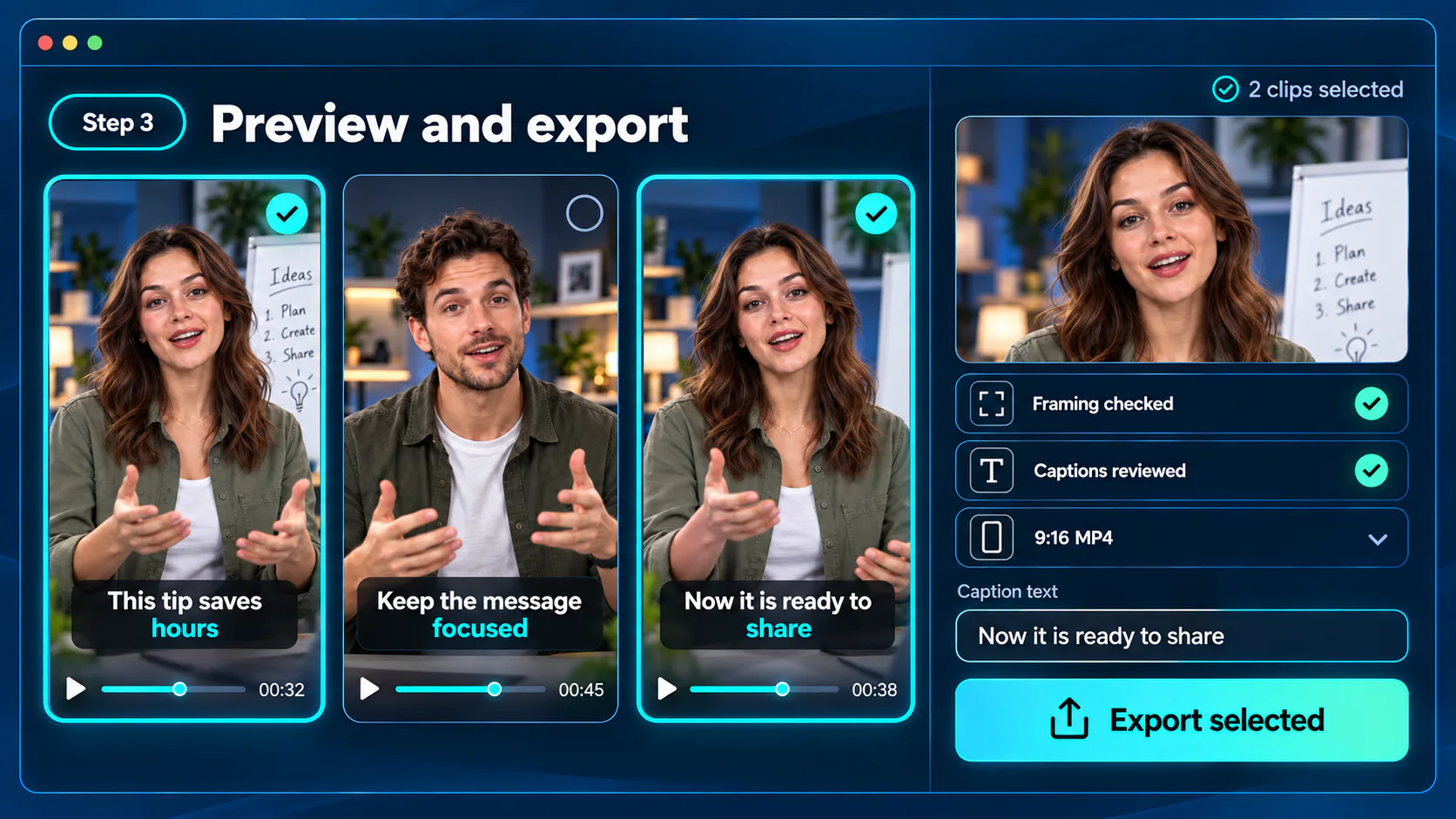
Preview each vertical clip, check the framing and caption text, then export the results you want for YouTube Shorts, TikTok, or Reels.
Video to Shorts Converter keeps cropping, caption setup, and export preparation in one workflow from source video to finished vertical clips, so the process does not become a second editing project.
Prepare captioned 9:16 clips for YouTube Shorts, TikTok, and Reels from the same source video. Reuse the vertical result across your social channels instead of rebuilding the framing and captions for every feed.
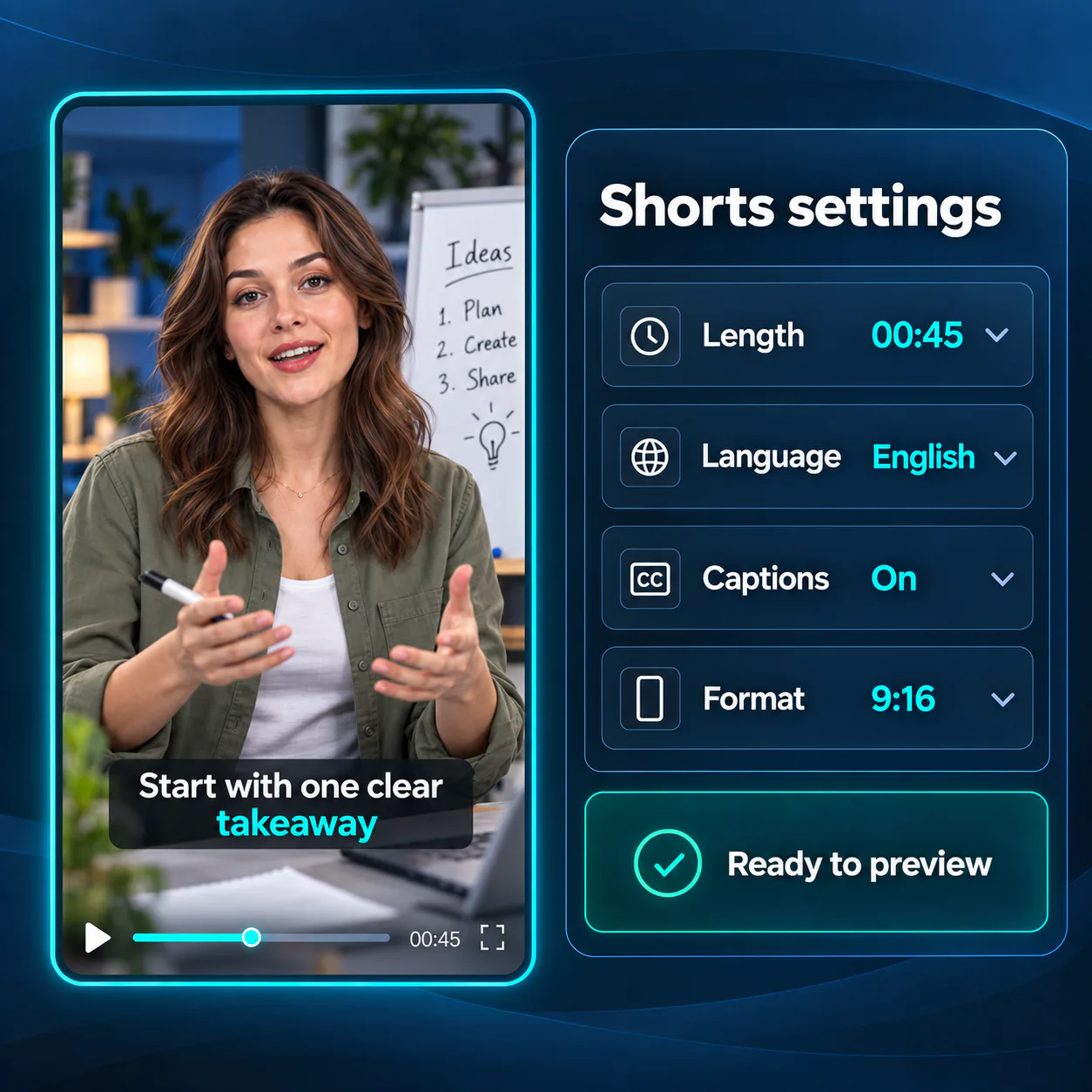
Set the clip length, language, captions, and vertical format through clear controls. You can shape the result you need without searching through timeline tools, caption layers, or technical export menus.
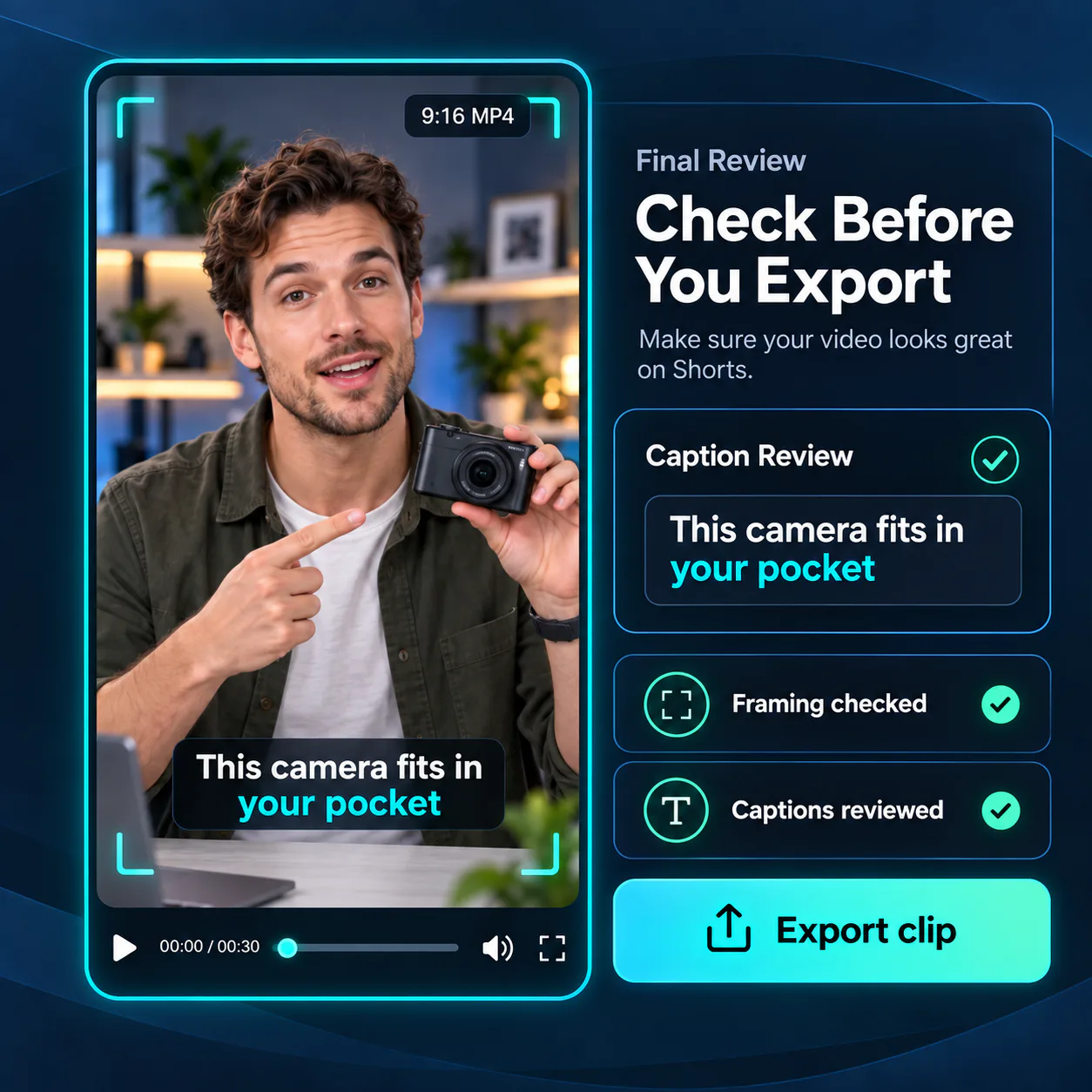
A vertical crop can hide a product, a speaker, or an important step, while caption errors can change the meaning of a clip. Preview the framing and text before downloading, then export the results that communicate your message clearly.
Upload a file or paste a supported link. Create captioned 9:16 clips for YouTube Shorts, TikTok, and Reels through a simple workflow with no sign-up required.
I had several landscape tutorials but no idea how to make them work as Shorts. Video to Shorts Converter gave me a much clearer starting point. I could choose the format, check the vertical framing, correct the captions, and export clips without learning a complicated editing timeline.
Emily Carter
New YouTube Creator
Product demonstrations need to keep both the presenter and the item clearly visible. Video to Shorts Converter helps our team prepare vertical versions while preserving the important area of each shot. Reviewing the crop and captions before export gives us more confidence when sharing product updates.
Marcus Bennett
Small Business Owner
For weekly lessons, one clear explanation can also work as a useful short video. Video to Shorts Converter helps me prepare those sections as readable vertical clips for students and social channels. The guided settings keep my attention on the lesson itself and how it will appear on a mobile screen.
Olivia Ramirez
Online Instructor
I wanted to share short parts of my first video podcast but found vertical formatting surprisingly difficult. Video to Shorts Converter made the process easier to understand. I could work from the original recording, choose suitable settings, review how each speaker appeared in 9:16, and fix caption text before downloading.
Daniel Foster
Podcast Creator
Across interviews, demonstrations, and webcam updates, our team needs a consistent vertical output. Video to Shorts Converter brings the essential format, caption, and preview choices into one workflow. It helps us prepare clips for Shorts, TikTok, and Reels while maintaining a more consistent publishing process.
Sophie Nguyen
Social Media Coordinator
Recording content feels straightforward, and Video to Shorts Converter makes preparing the vertical version feel just as approachable. The important choices are easy to find, the result can be reviewed before export, and each clip is ready for the mobile platforms where my audience watches.
Ethan Brooks
Independent Creator