Vizard AI Alternative: Vizard vs Video Cutter AI

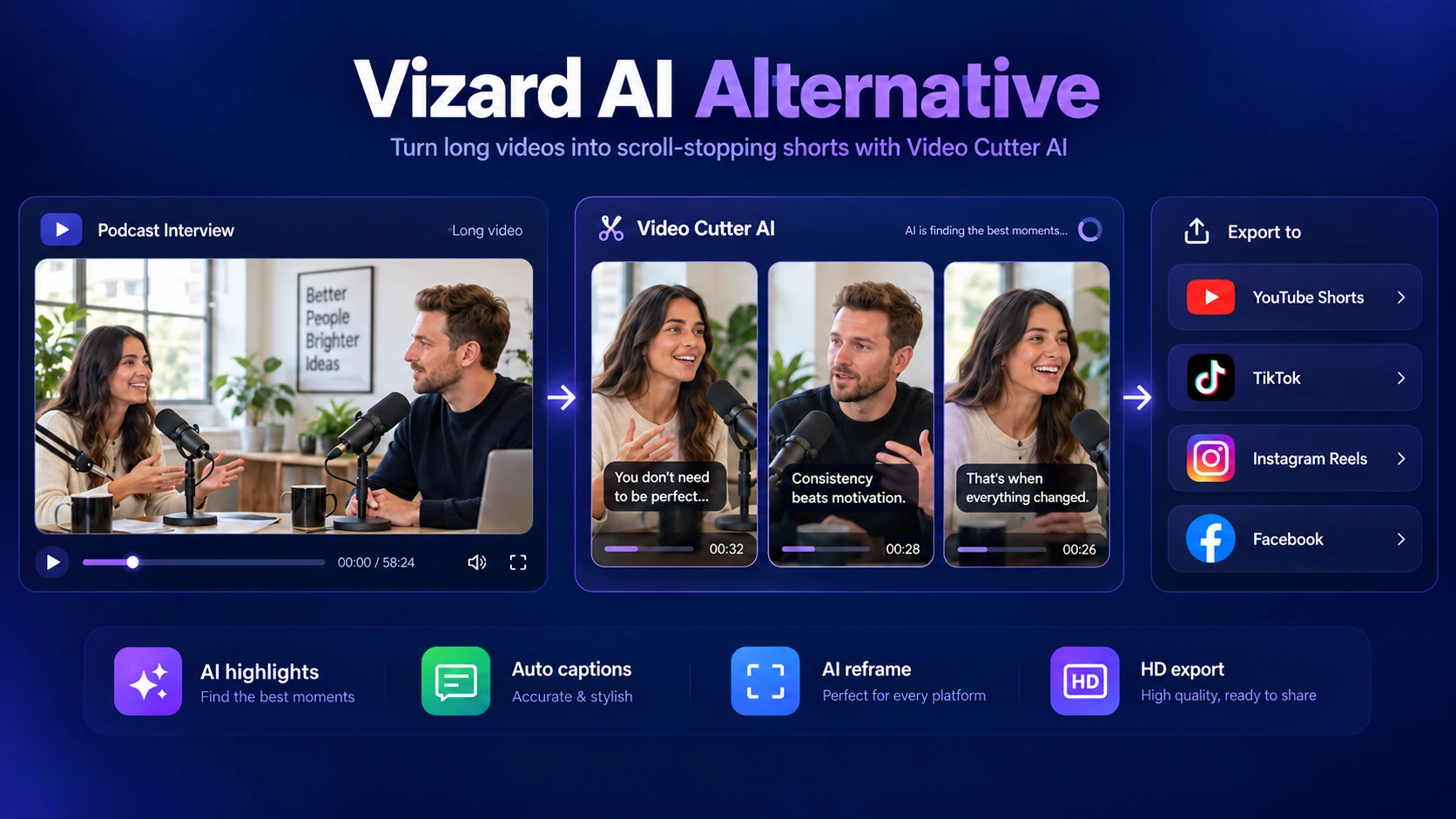
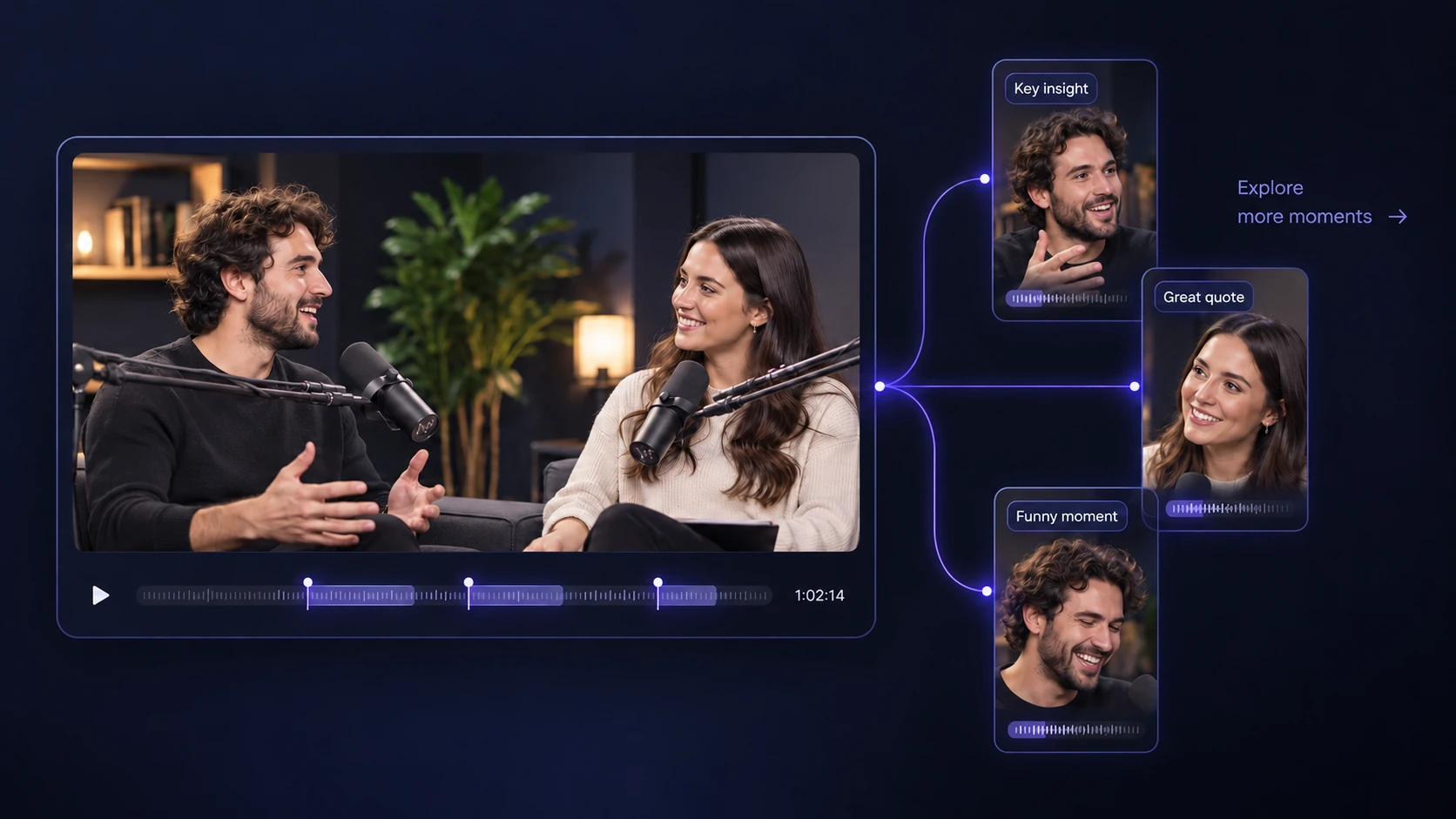
Upload a video or paste a YouTube link. Video Cutter AI finds highlights and creates captioned HD clips with no watermark. Start for free.

Upload files
Vizard AI Alternative: Vizard vs Video Cutter AI

Video Cutter AI vs Vizard: Features, Pricing, and Exports

Compare clipping features, editing controls, and export options. Video Cutter AI offers 180 free credits daily, with HD downloads and no watermark.

FeatureVideo Cutter AIVizard
PRICING & USAGE
Pricing
Free usage with a daily allowance
Free plan and paid subscriptions
Free processing allowance
180 credits / day
60 credits / month
EXPORTS & PROJECT ACCESS
HD exports
Included free
Paid plans; Free exports are 720p
Watermark-free downloads
Included free
Paid plans only
Project retention
No fixed expiry
3 days on Free; paid storage varies by plan
CLIPPING & EDITING
AI highlight selection
Yes
Yes
Clip editing
Timing & caption adjustments
Free editor access
Automatic captions
Yes
Yes
Caption styles
Multiple presets
Default and custom templates
Clip length settings
Auto or preferred duration
Preferred-duration options
AI reframing
Yes
Yes
AI virality score
Yes
Yes
Aspect ratios
9:16, 16:9, 3:4, 1:1, 4:5
Includes 9:16, 16:9, 1:1, 4:5
VIDEO INPUT
YouTube link import
Yes
Yes
Local video upload
Yes
Yes
Checked October 13, 2026. Usage allowances and feature access follow each service’s rules. Vizard’s paid plans include watermark-free downloads and exports up to 4K.

Why Choose Video Cutter AI over Vizard?

Explore a Vizard AI alternative with more room to test your videos, HD exports on the free plan, and projects you can revisit on your own schedule.

More Free Credits to Test Your Videos

01 /

More Free Credits to Test Your Videos

One short test may not show how a clipper handles your regular uploads. Video Cutter AI provides 180 free credits daily, compared with Vizard's 60 monthly. Try different podcast episodes or YouTube videos and compare the suggested highlights, giving you more room to judge the fit before paying for a plan.

HD Exports Without an Upgrade

02 /

HD Exports Without an Upgrade

Finding a useful moment is only part of the job; the downloaded clip also needs to be ready for your audience. Vizard's free exports are capped at 720p. Video Cutter AI offers captioned HD clips on the free plan, so you can check the finished video and use it in your social posts without an export upgrade.

Keep Projects Without an Expiry Date

03 /

Keep Projects Without an Expiry Date

An episode can supply posts for more than one week. Vizard's free projects expire after three days, which can interrupt a gradual review and publishing schedule. Video Cutter AI keeps projects without a fixed expiry date, so you can return to your saved clips when it is time to prepare the next post.

A Vizard AI Alternative for Podcasts, Food Videos & Vlogs

Find the right workflow for your recordings, from weekly podcast episodes to cooking videos and travel diaries. Turn selected moments into short clips with Video Cutter AI.

01 / Podcasts & Interviews

01 / Podcasts & Interviews

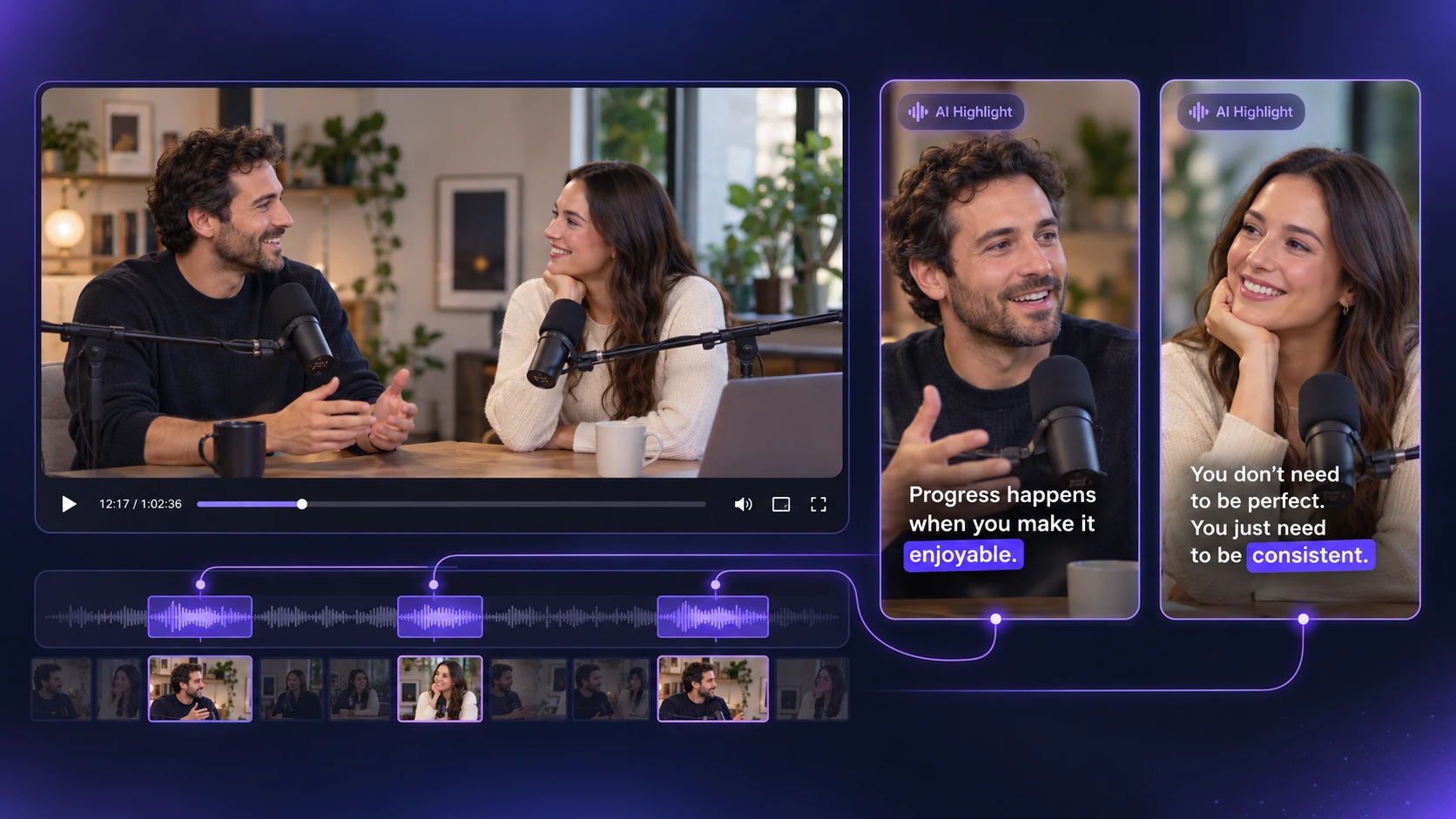
A weekly podcast needs more than a one-off clipping test. Video Cutter AI provides 180 free credits daily, while Vizard includes 60 monthly. Use the AI Highlight Video Maker to review highlights from different episodes and find clips worth posting between releases.

02 / Food & Cooking Videos

02 / Food & Cooking Videos

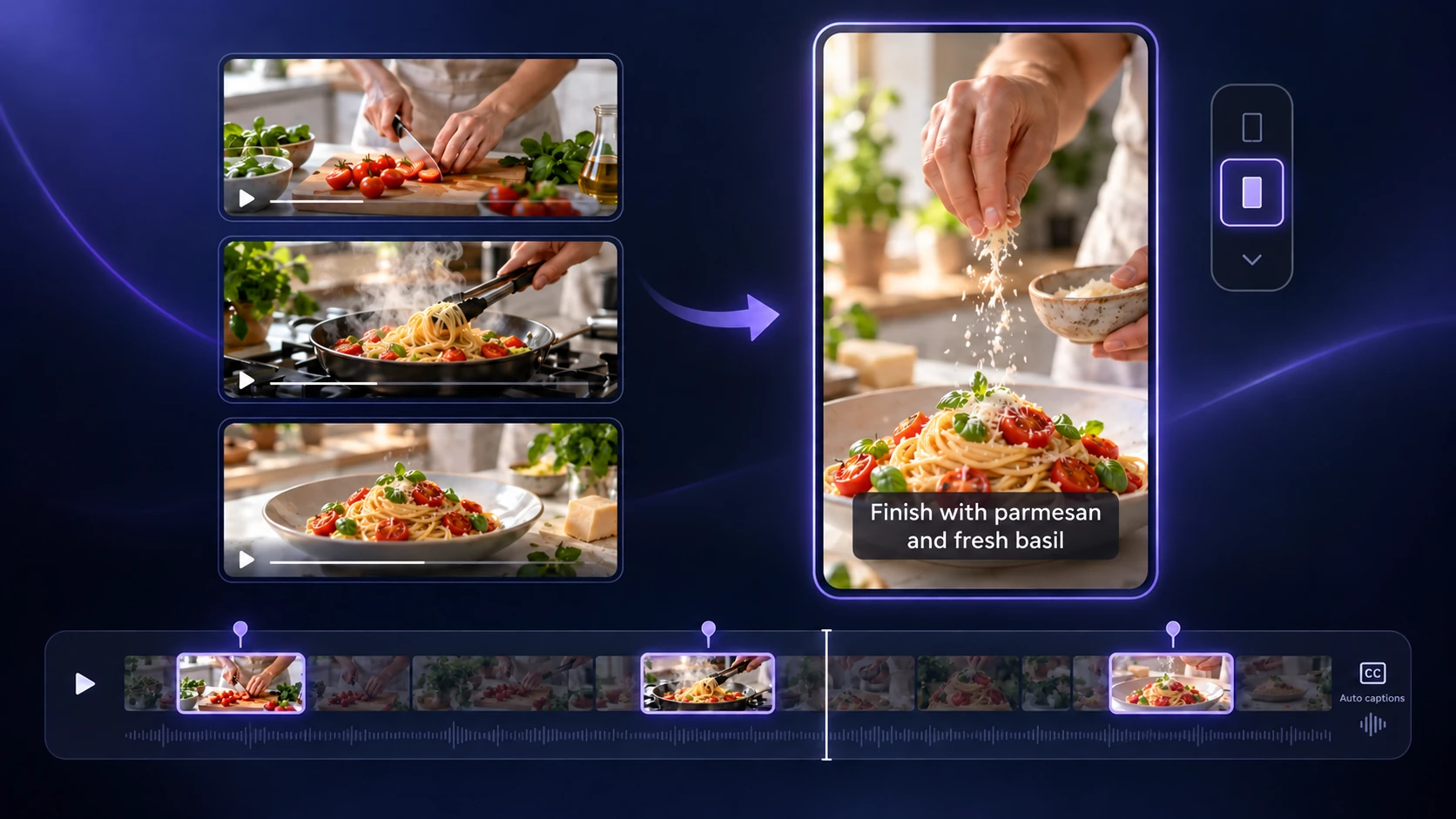
A cooking video can offer a useful technique, a recipe shortcut, or a satisfying dish reveal. Use the Video to Shorts Converter to prepare focused clips for vertical viewing. Keep the key steps visible and review the captions so viewers can follow the process.

03 / Daily & Travel Vlogs

03 / Daily & Travel Vlogs

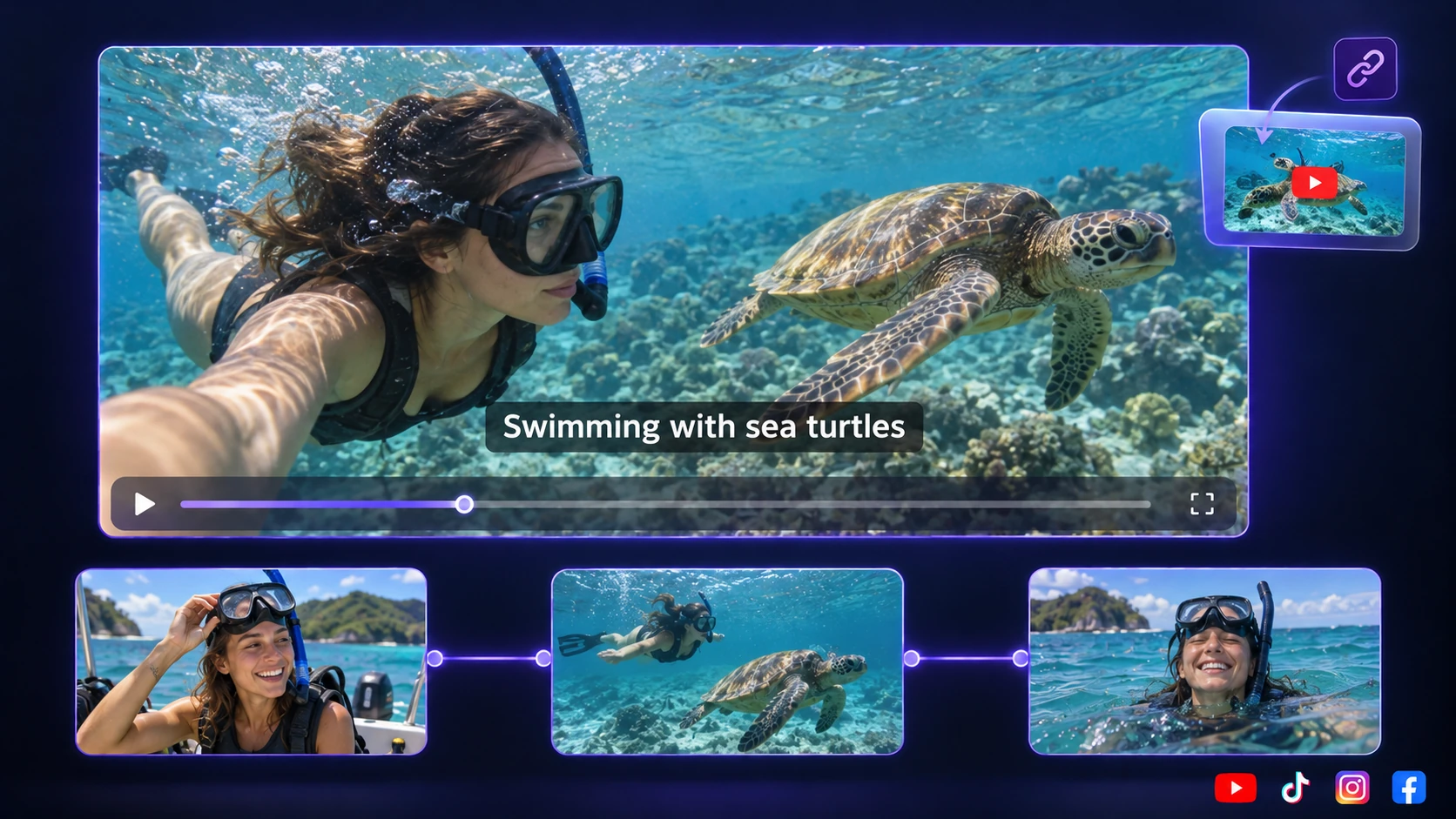
For vlogs already on YouTube, use the YouTube Clipper to turn a discovery, an unexpected encounter, or a personal reflection into a short story. Choose excerpts with enough setup and a clear ending, giving new viewers a glimpse of your experience without watching the full vlog.

How to Try Video Cutter AI as a Vizard AI Alternative

Start with a video you would normally clip in Vizard. Review the suggested highlights and finished exports to see how Video Cutter AI fits your content and publishing needs.

  1. 01 /

    Start with a Familiar Video

    Upload a recording or paste the same YouTube link you would use in Vizard. Choose footage you know well and set a similar clip length and format, making the results easier to compare.

  2. 02 /

    Find the Clips You Would Actually Post

    Review which moments Video Cutter AI selected. Does each clip start clearly, keep enough context, and deliver a complete point? Choose the excerpts you would publish and refine the timing or captions.

  3. 03 /

    Check the Finished Export

    Download a clip and check its framing, caption readability, and image quality. Video Cutter AI includes watermark-free HD exports on the free plan, so you can evaluate the file you would actually share.

Why Creators Choose Video Cutter AI as an Alternative

I was looking for a Vizard AI alternative that I could try across several podcast episodes. Video Cutter AI gave me suggested moments to review, with captions already added. I still checked where each answer started and ended, but having a first selection helped me focus on the conversations I wanted to share between releases.

A. C.

Podcast Host

For my recipe channel, I need a short video to show something useful, such as a cooking step or the finished dish. This Vizard AI alternative lets me choose a section of the recording and review the clips it creates. I can check the framing and words before export, which helps me keep the food and the instructions clear on a phone screen.

J. L.

Food Content Creator

I do not always know which part of a travel vlog I will post next. I wanted a Vizard AI alternative without the pressure of a short project deadline. With Video Cutter AI, I can return to saved footage when I have an idea for a new post. That suits the way I work: review a few moments, choose a small story, and download the clip when I need it.

M. R.

Travel Vlogger

My first question was whether I could get a usable file before paying for a plan. As a Vizard AI alternative, Video Cutter AI lets me download HD clips without a watermark on the free plan. I can watch the export on my phone, check the captions, and see how it looks before sharing it. Testing the actual download helps me decide whether it meets our publishing needs.

S. K.

Social Media Manager

When I work with a TV scene, a line needs enough context for the reaction to make sense. I tried Video Cutter AI as a Vizard AI alternative and used the processing range to focus on the part I wanted. The suggestions gave me a starting point, then I checked the cuts myself. I liked being able to review the dialogue and ending before choosing an excerpt.

D. W.

Entertainment Video Editor

I make software lessons, and a useful short clip should answer one question clearly. This Vizard AI alternative allows me to set a target length before generating clips from a longer tutorial. I review the suggested sections and correct any caption errors in product names. It fits my routine for making quick tips from lessons I have already recorded.

E. T.

Tutorial Creator

FAQs About Choosing a Vizard AI Alternative

Try a Vizard AI Alternative with Your Own Video

Paste a YouTube link or upload a video you know well. See which moments Video Cutter AI finds, then download captioned HD clips without a watermark on the free plan.

Explore More Alternatives and AI Video Tools

Compare another clipping tool, explore more alternatives, or choose a workflow for your next video.

Opus Clip Alternative

Compare Video Cutter AI and Opus Clip on free access, editing controls, and export options.

10 Best Opus Clip Alternatives

Explore ten tools by pricing, usage limits, and the video tasks each handles best.

Video to Shorts Converter

Prepare captioned vertical clips from cooking videos, vlogs, and other long recordings.

Podcast to Video

Turn recorded episodes into focused clips built around a story, an answer, or a memorable exchange.

AI Highlight Video Maker

Find moments worth sharing, review the suggested excerpts, and refine each clip before export.