Free YouTube Video Cutter

Paste a YouTube link to get started. Set exact start and end times or let AI pick clips. Preview each clip and fine-tune the cut.

or
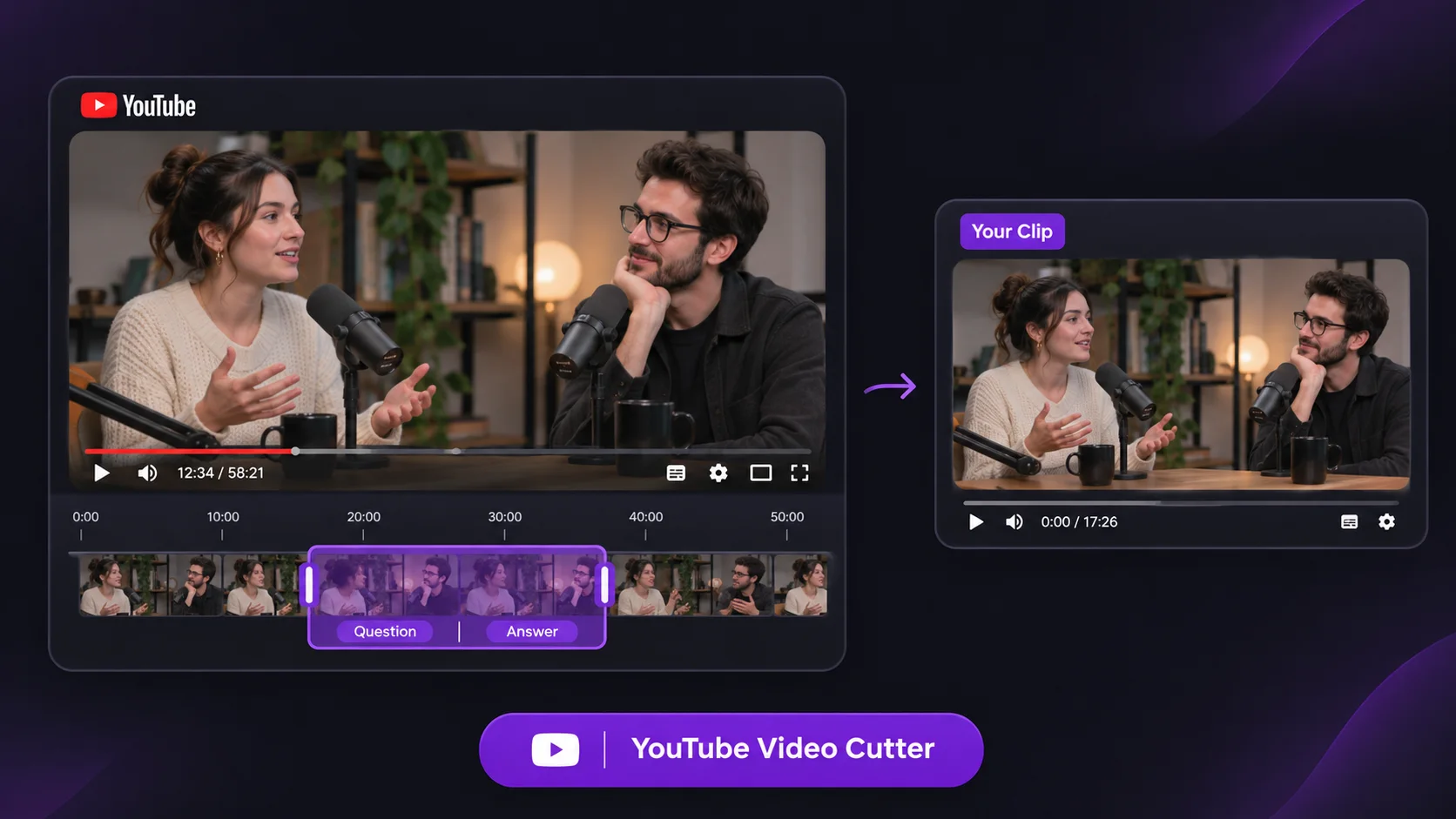
YouTube clip workflow from a source video to a selected clip
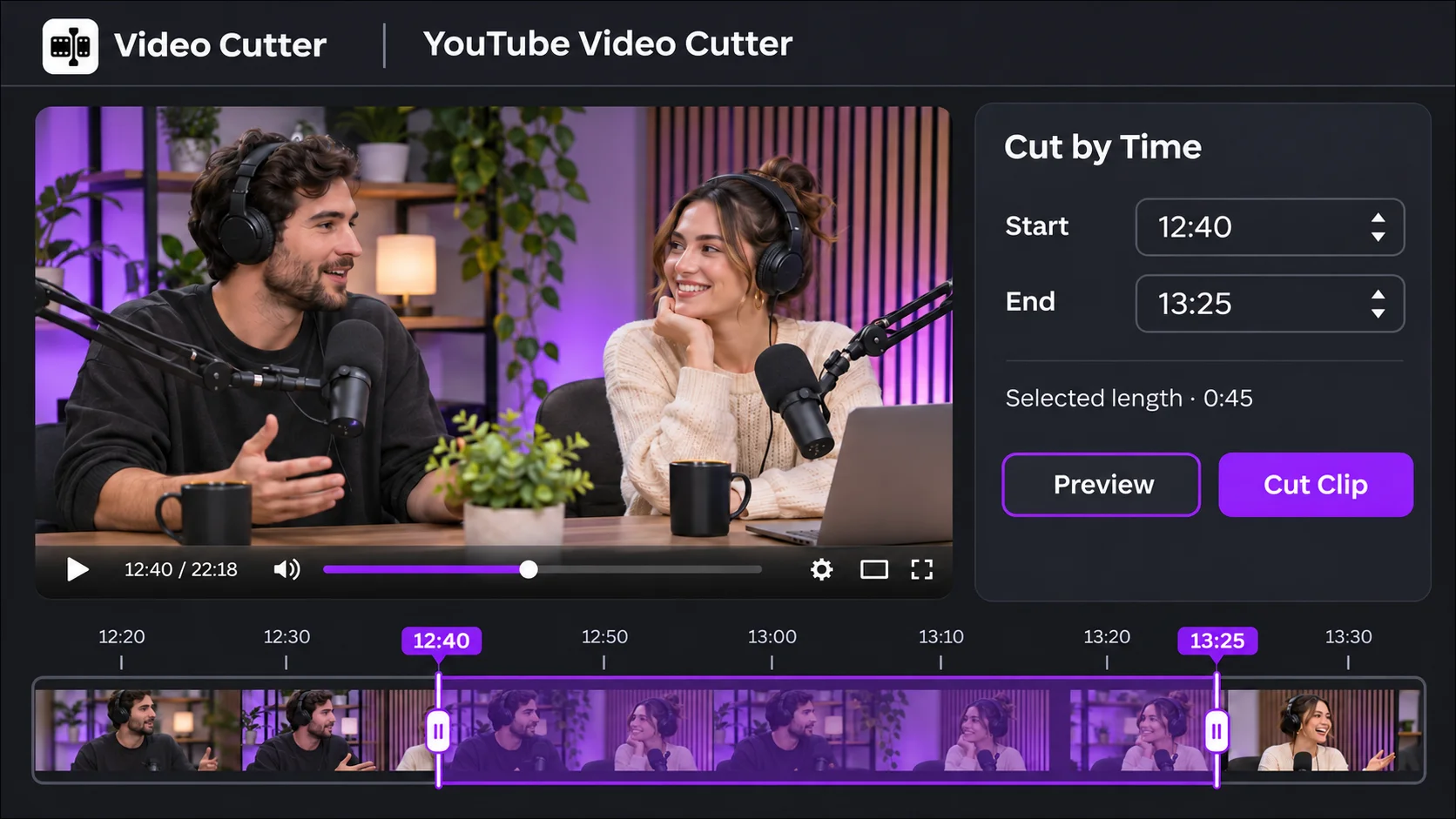
YouTube clip editor with start and end controls

YouTube Video Cutter: Cut Clips Online for Free with AI

Cut clips online for free with YouTube Video Cutter. Paste your YouTube link, set exact start and end times or let AI pick clips, then preview your selection.

An excerpt selected from a longer YouTube video

What Is YouTube Video Cutter?

Video Cutter AI’s YouTube Video Cutter is a free online tool that turns excerpts from YouTube videos into standalone clips. Only need one answer from your hour-long YouTube interview? Keep both question and answer together so viewers can follow without watching your full interview. If you remember what was said but forget when, use YouTube Transcript Generator to find its timestamp before cutting.

How to Use YouTube Video Cutter

1

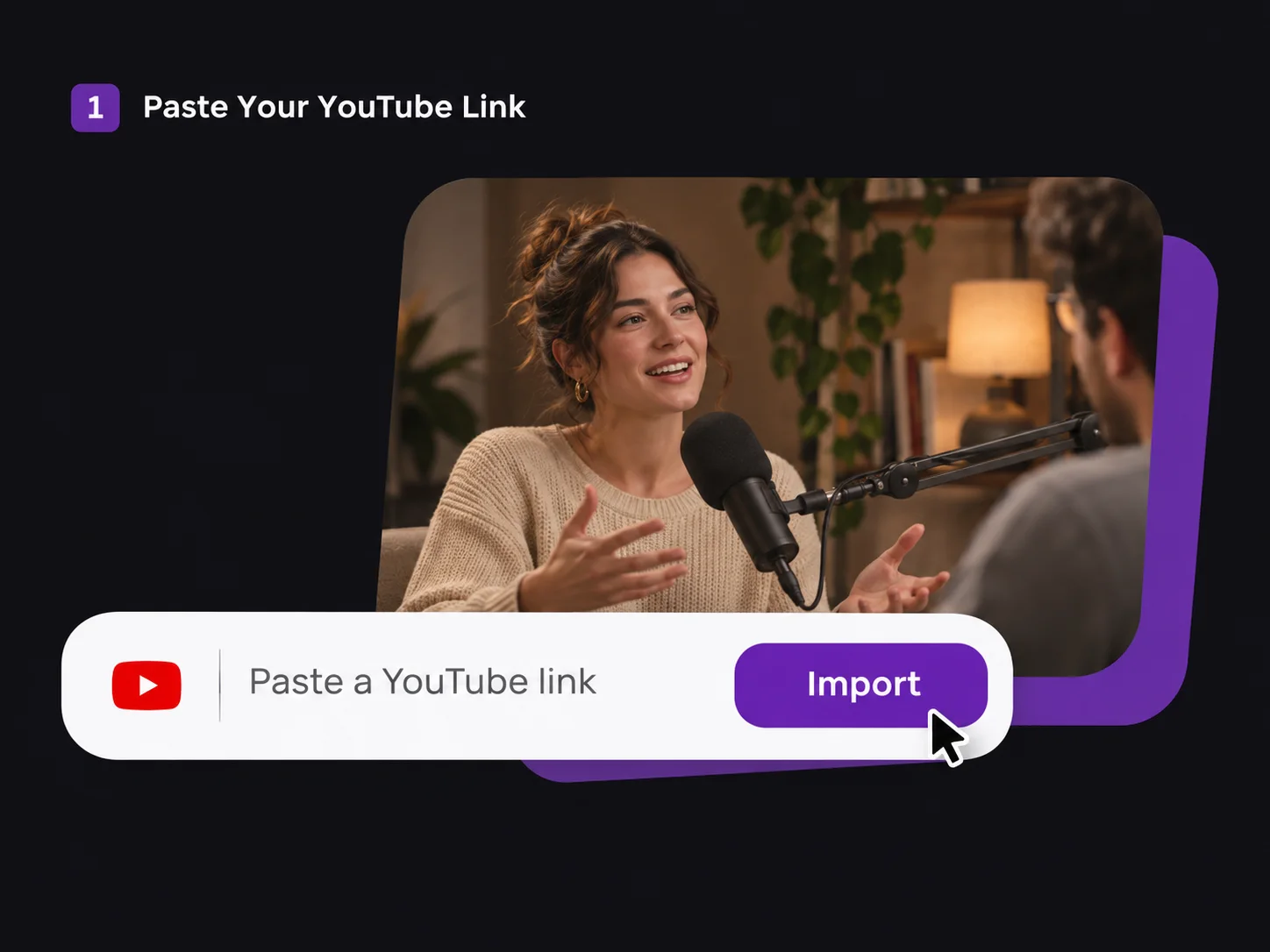
Paste Your YouTube Link

Copy the URL of the video you want to cut and paste it into YouTube Video Cutter.

YouTube link import field below an interview preview
2

Choose Your Clip

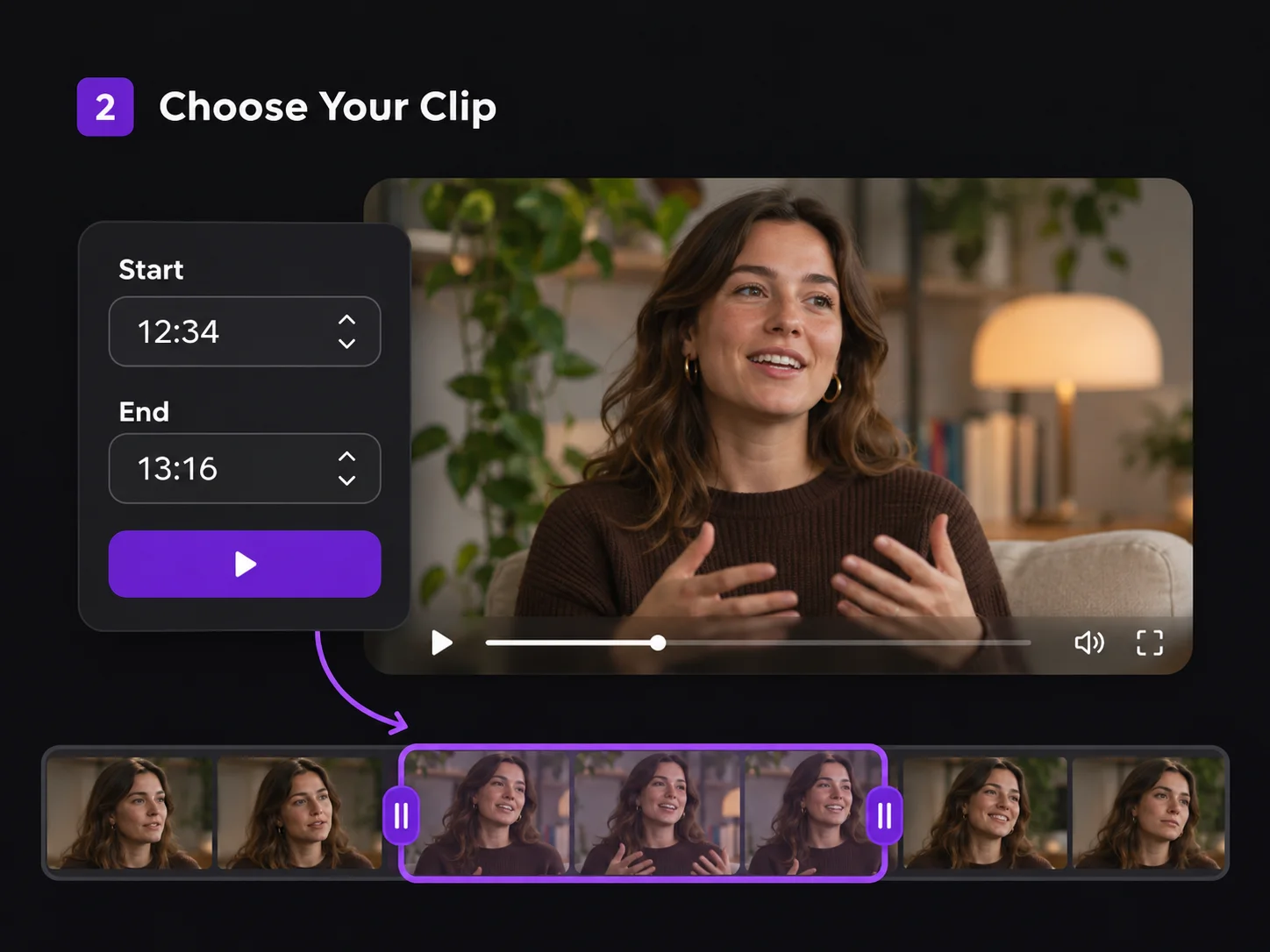
In YouTube Video Cutter, drag the timeline handles or enter exact start and end times to select your clip. You can also let AI suggest clips from your video.

Start and end time fields with a selected interview segment on the timeline
3

Preview and Refine

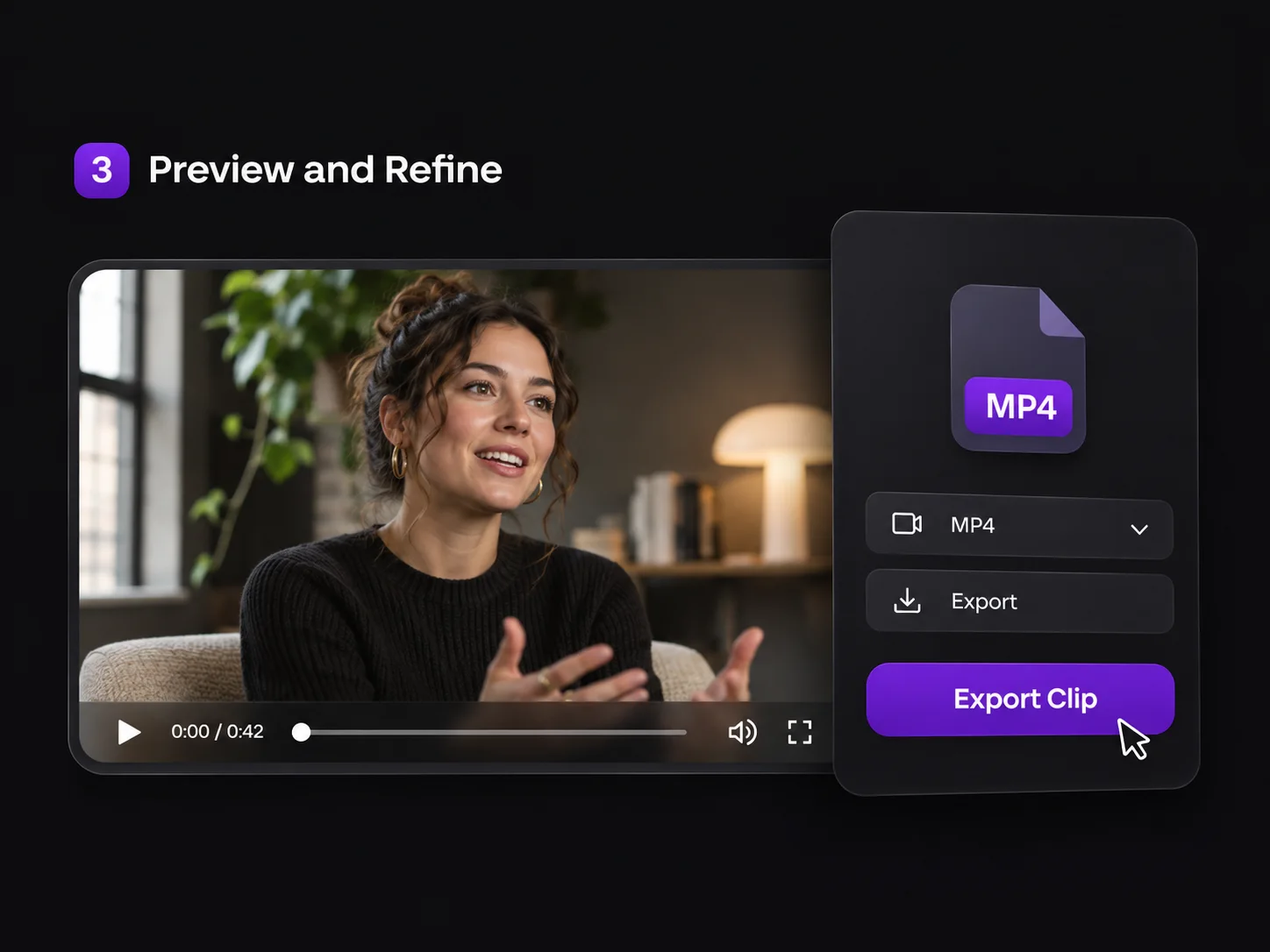
Preview your selection in YouTube Video Cutter. If the clip starts mid-sentence or ends too soon, adjust the timestamps and play it again. When the cut looks right, export the selected clip as an MP4.

Interview clip preview beside MP4 export controls

Why Choose Video Cutter AI’s YouTube Video Cutter?

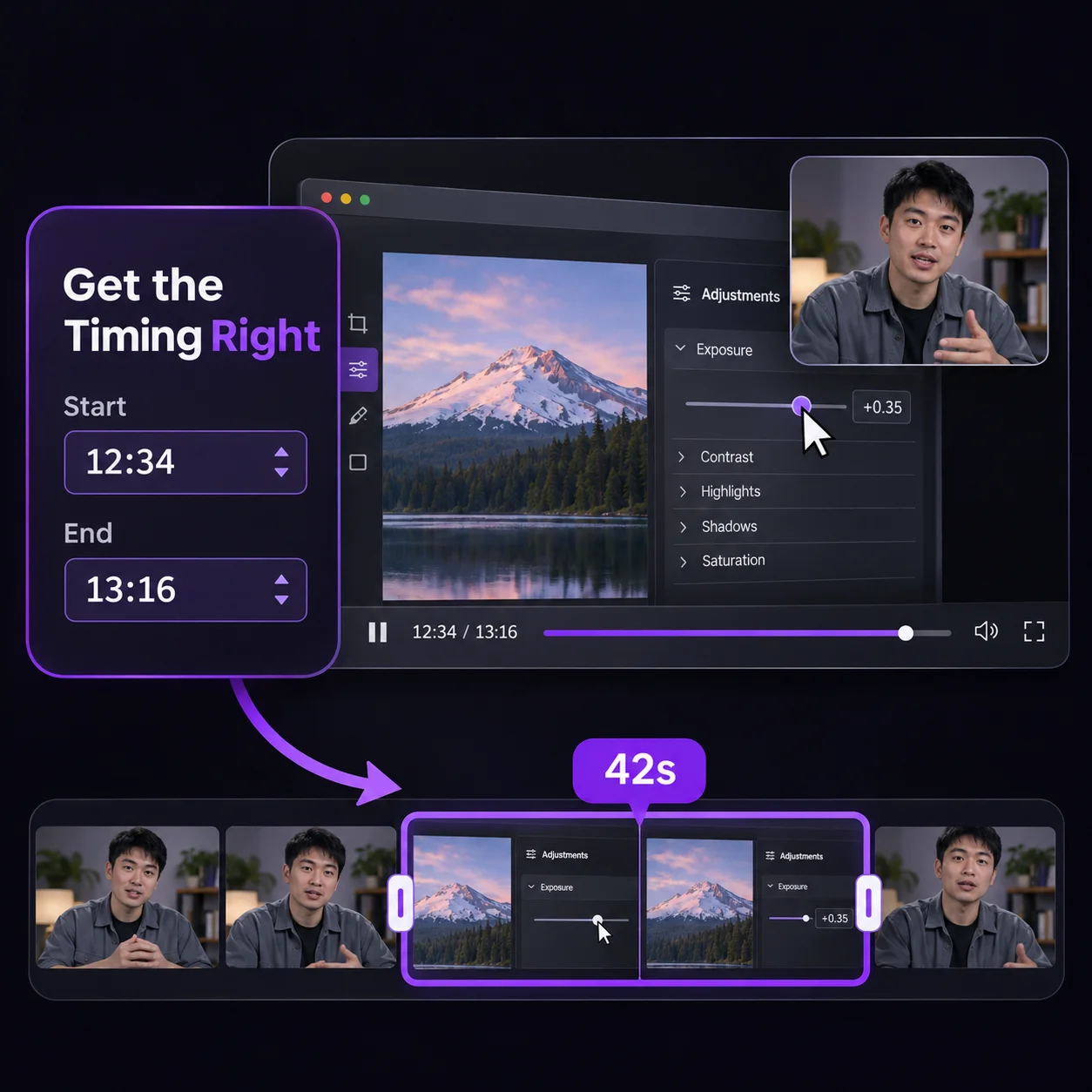
Software tutorial with a 42-second range selected on the timeline

Get the Timing Right

Use our YouTube Video Cutter to fine-tune exactly where your clip starts and ends. For a software tutorial, start just before the key click and end once the result is visible, so viewers can see both the action and what it changes.
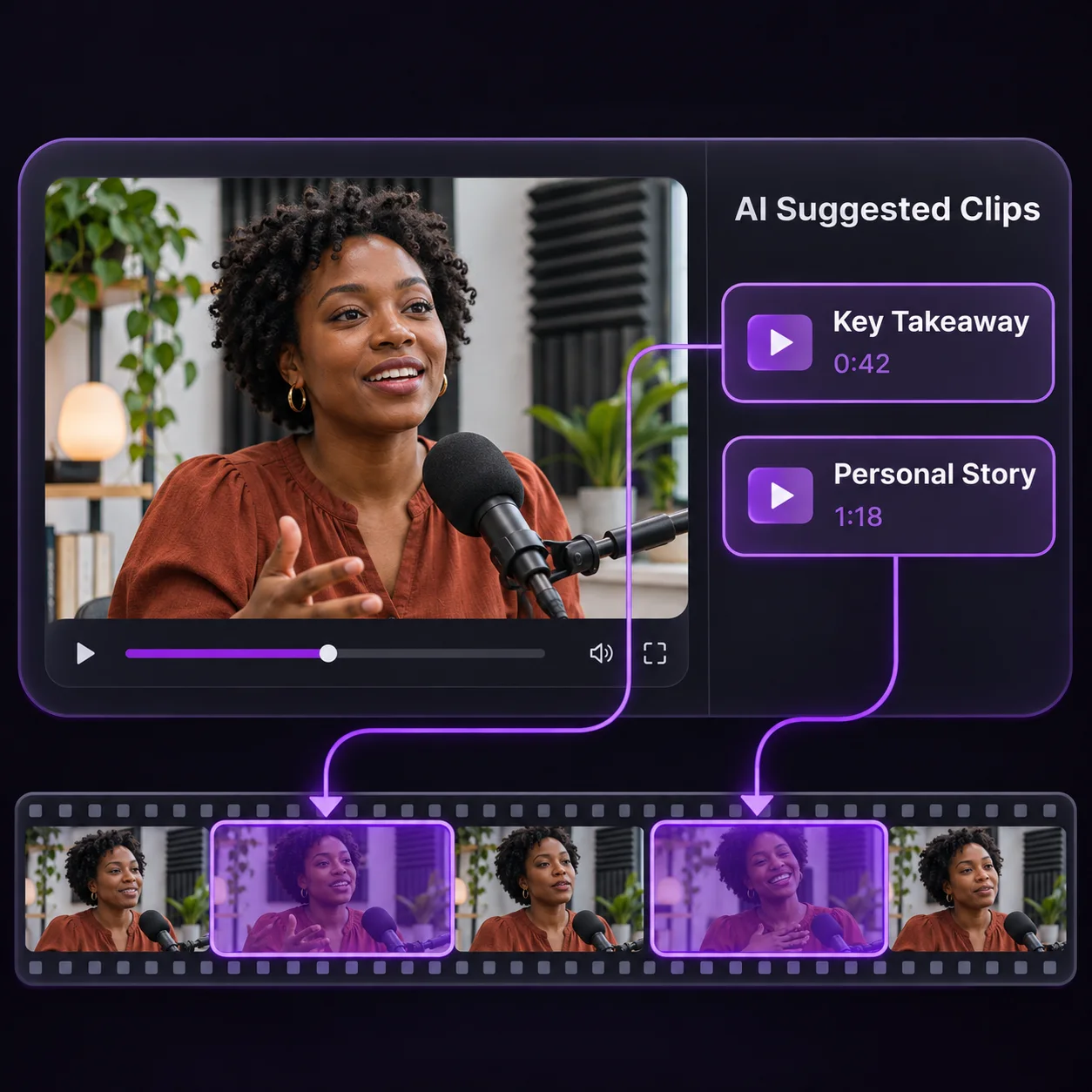

Podcast timeline with two clips suggested by AI

Find More Clips in One Video

Let YouTube Video Cutter suggest clips from a long recording so you have a shortlist to review. From one podcast episode, you might choose a quick takeaway for a social post and a separate story for a follow-up, without searching the whole episode for each clip.

Keyboard review beside MP4 format and resolution settings

Export MP4 Clips up to 4K

Export clips from YouTube Video Cutter as MP4 files for sharing or further editing. When 4K is available for your source and export settings, choose it for clips where small details matter, such as software walkthroughs with menu labels or product demos with fine print.

YouTube Video Cutter vs. Basic Manual Cutters

Use YouTube Video Cutter to cut clips at exact timestamps or let AI find highlights. Add captions, choose caption styles, and turn landscape footage into vertical clips without added watermarks.

FeatureVideo Cutter AIBasic Manual Cutter
AI Highlight Clipping
Available
Not available
Automatic Captions
Available
Not available
Caption Style Presets
Available
Not available
No Full Video Download
Available
Not available
No Watermarks
Available
Not available
No Software Installation
Available
Available

Who Uses YouTube Video Cutter?

Use YouTube Video Cutter to turn moments from published videos into Shorts, podcast teasers, lesson clips, or product demos.

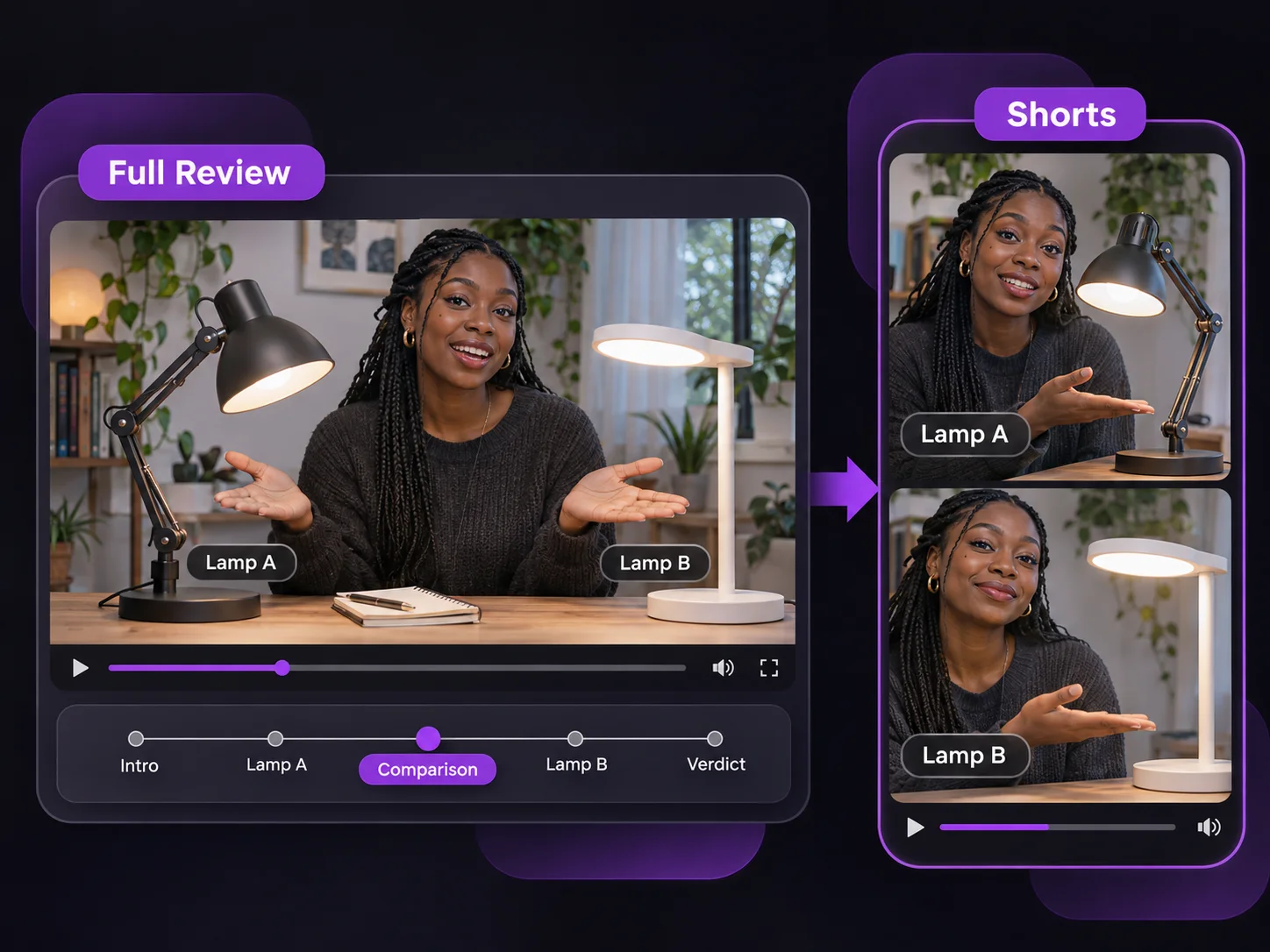
Lamp comparison edited into a vertical Short

YouTube Creators

Give your full review another chance to reach viewers. Use YouTube Video Cutter to isolate your side-by-side test, then use Video to Shorts Converter to frame it for Shorts. Start where both results are visible so viewers can compare them right away.

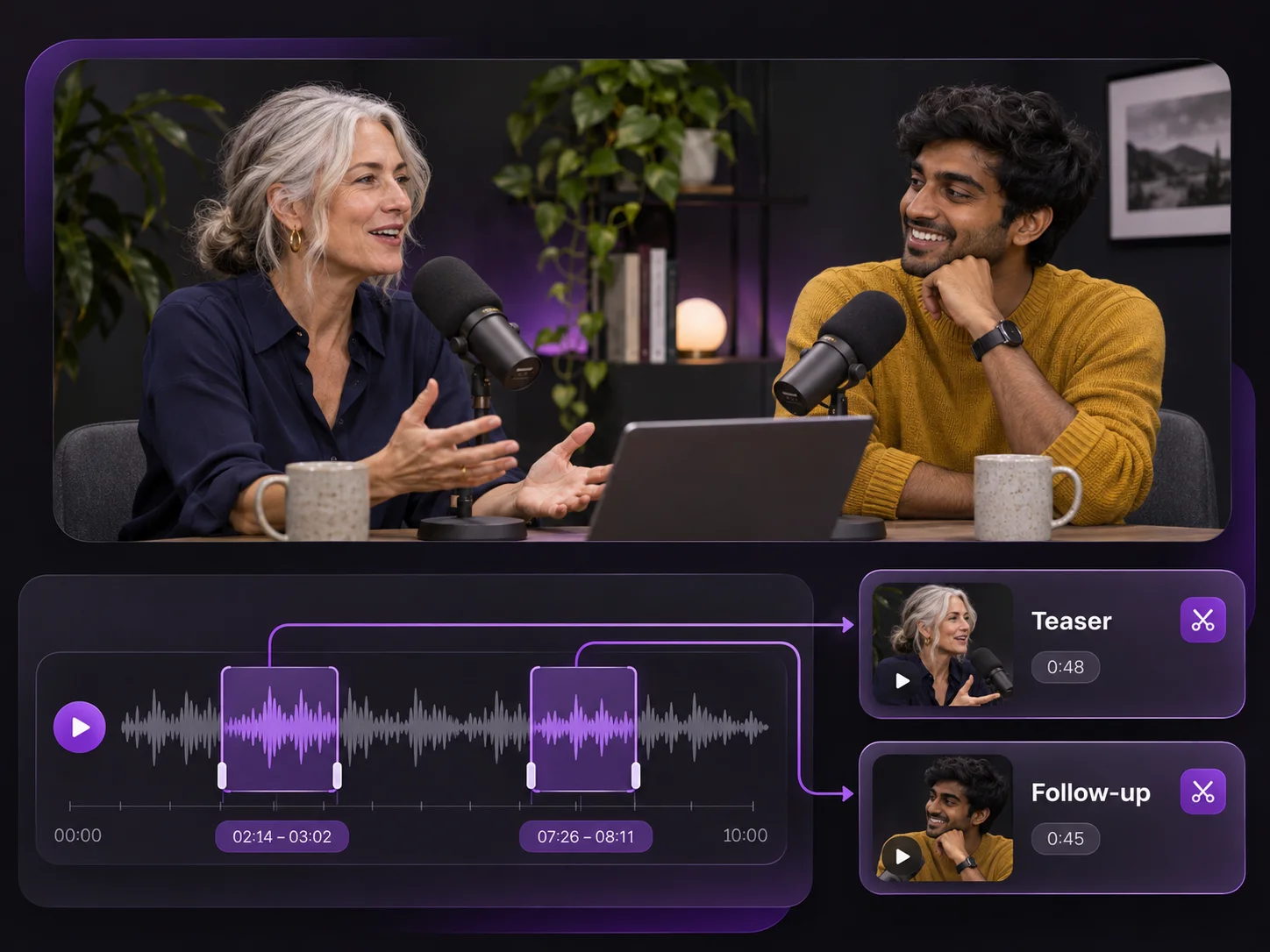
Two podcast excerpts marked on the waveform for a teaser and follow-up

Podcasters and Interview Teams

One YouTube episode can give you several clips to share throughout release week. Let AI suggest moments from your recording, then pick one guest answer for your teaser and another for your follow-up post. Keep enough of each question for new listeners to follow.

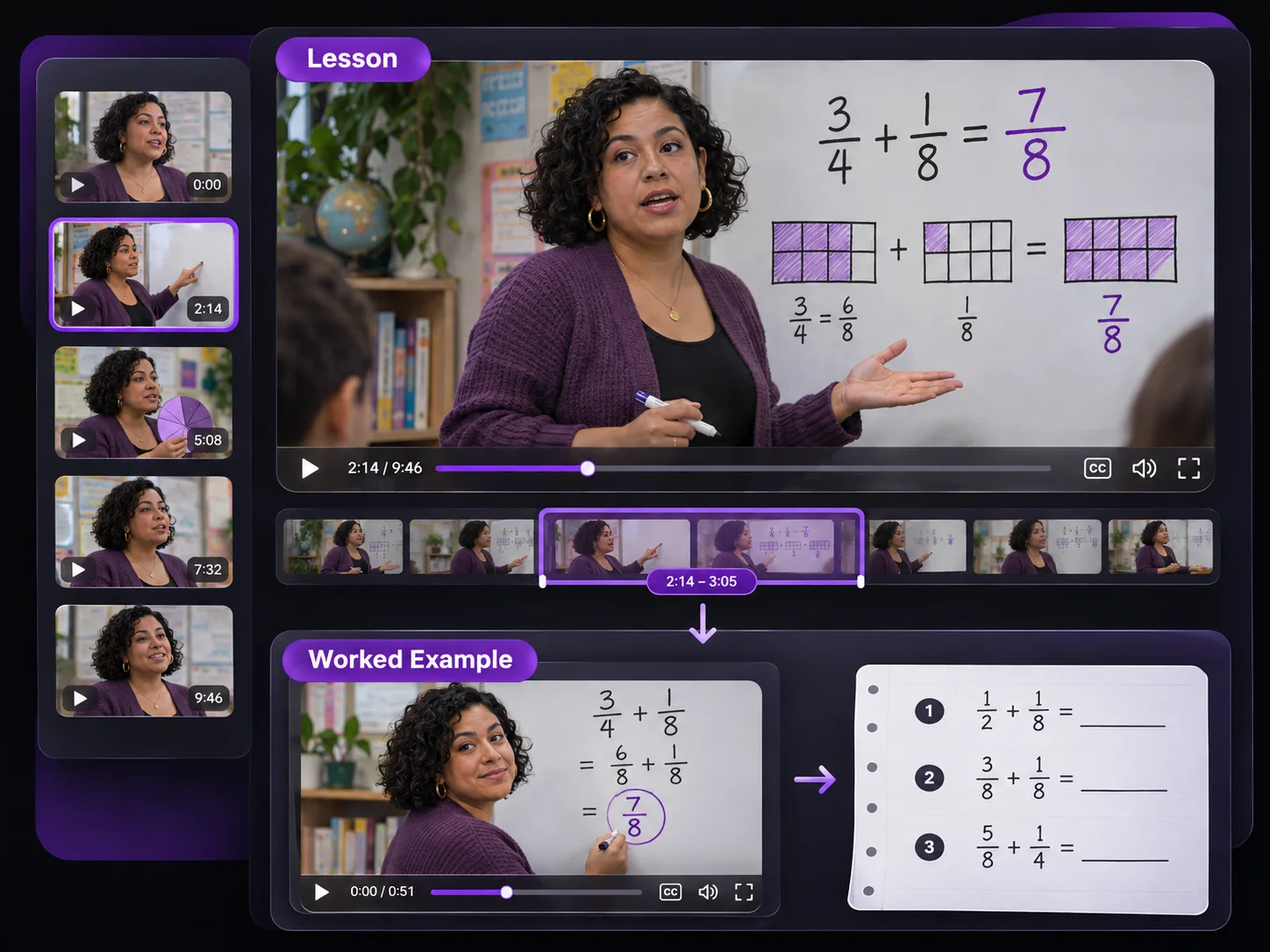
Fractions lesson excerpt with a worked example and practice exercise

Educators and Course Creators

When students get stuck on the same calculation, point them to just that part of your YouTube lesson. In YouTube Video Cutter, set exact timestamps around your worked example and place the clip beside the exercise so students can replay it while they work.

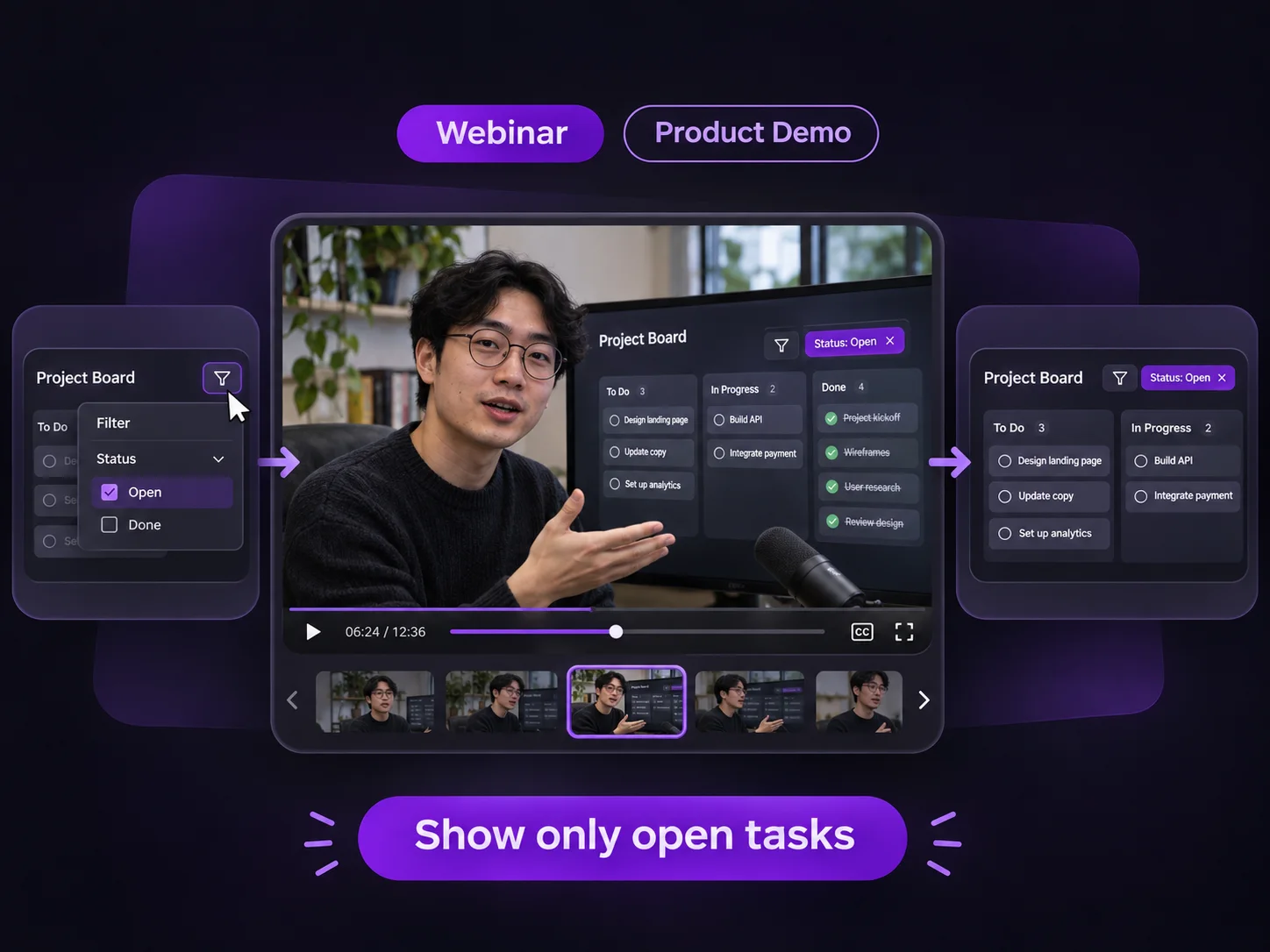
Webinar excerpt showing only open tasks on a project board

Marketers and Webinar Teams

Reply to product questions with footage from your YouTube webinar. Cut from the moment you open the feature to the point where its result appears. Add captions so prospects can see how it works even with sound off.

YouTube Video Cutter FAQs

Make Your First Clip with YouTube Video Cutter

Got one moment worth sharing? Paste your YouTube link to cut that exact section. If you’re still deciding what to keep, let AI suggest clips you can preview.