
Your most viral TikTok is probably already recorded. It is sitting inside a 45-minute podcast episode, a webinar archive, or a livestream you never cut up. And you have been treating it as a finished asset instead of raw material.
Going viral on TikTok without filming means pulling clips out of footage you already own. Each clip needs a hook in the first three seconds, captions for sound-off viewing, a 9:16 frame, and a length short enough that people watch it twice.
This guide covers how to go viral on TikTok when you have nothing new to film. It walks through what the platform actually measures, how to spot the moments worth keeping in footage you've already published, and a six-step workflow that turns one long video into a week of posts.
Why Going Viral on TikTok Doesn't Require New Filming
When growth stalls, the reflex is to film something new. Ask whether that is really the bottleneck. It rarely is. Editing is. A single hour of recorded conversation can hold dozens of standalone moments, and each one is a separate attempt at distribution. That is most of the answer to how to go viral on TikTok, and it is the part almost nobody acts on.
The other reason it works is that recommendations do not depend on people already following you. A clip has to earn attention on its own, which means a second or third from the same recording is simply more chances to earn it.
Video Cutter AI was built around one observation: the material is rarely missing. It is unclipped.
One Long Video Holds More Clips Than You Think
Count the sentences in your last long video that could survive on their own: no setup, no "as I mentioned earlier," no missing context. Most people find far more than they expect. A weekly podcast can carry a month of TikToks; a single webinar can carry a launch.
The economics are the point. Filming is a fixed cost you have already paid. Cutting is variable, and it is where the hours disappear.
There is a second advantage that has nothing to do with time. When you film specifically for TikTok, you are working from one new take and guessing what will land. When you clip, you are picking from an hour of reactions, answers, and asides that already happened naturally, without anyone performing for a camera. That is a wider and more varied pool to choose from than a single staged attempt, which is why a backlog of recordings tends to turn up viable candidates faster than filming something new does.
What TikTok Says It Rewards
TikTok's own explanation of how the For You feed works is deliberately broad. It names user interactions (likes, shares, comments), video information (captions, sounds, hashtags), and account settings as the inputs to ranking. It also states, plainly, that follower count and past viral hits are not direct factors. For a clipped video, that translates into four things worth designing for:
-
Watch time and completion rate: how long people stay, and whether they reach the end.
-
Rewatches: a second watch is a good sign the clip earned its length.
-
Shares and saves: evidence that the video was worth keeping or passing on.
-
Comments: especially replies, which give other people a reason to keep watching.
Likes are on that list, but they are the cheapest interaction to give, which makes them the least useful one to build around. Follower count, by contrast, is explicitly not a direct factor in TikTok's stated inputs. That is why a moment clipped from a recording you published months ago can outperform something you filmed this morning on purpose.
What Makes a TikTok Video Go Viral
What makes a TikTok video go viral: a clip that holds attention in its first two seconds, delivers one complete idea, and gives people a reason to reply, save or send it on. Follower count matters far less than most creators assume. Nearly all of the work is done before anyone sees your first cut.
The First 3 Seconds Decide How Far You Go
How long do you give a video before you swipe past it? Two seconds, maybe less. The opening is the whole audition. If it does not hold people, nothing after it gets seen: not the insight, not the punchline, not the offer.
Five openings do most of the work: a visual interruption, a direct question, a claim worth arguing with, a problem the viewer recognises in themselves, or a point-of-view framing.
Repurposing gives you an advantage here. Because the recording already exists, you can listen for the strongest sentence and start the clip one beat before it. Never begin at the start of an answer. Begin at the half that makes people stop.
The Hour After You Post Is the One You Control
Posting is not the end of the job. Treat the first hour as an active window rather than a passive one, and do not bury the clip under four other uploads ten minutes later.
Let that one clip sit and do its work before you follow it with anything else. Publishing when your audience tends to be awake helps, but staying out of your own way matters more than the clock. When in doubt, publish into attention rather than into a dead hour.
Design for Comments, Saves, and Shares
Likes are easy to give, so they are the weakest thing to build a clip around. Comments, saves, and shares all take effort, and effort is what tells you the clip did something. A clip that makes someone type a reply keeps pulling people back to it days later.
You can build for that without baiting anyone. Leave one thing unresolved. Ask the question the speaker never answered. Disagree mildly with your own conclusion. The goal is a clip someone wants to argue with, or send to a friend.
How to Find the Best Moments in Footage You Already Have
This is where most repurposing attempts fail. People clip at random, or they try to compress an entire conversation into sixty seconds. Neither produces something that stands alone.
Expect to get it wrong the first few times. Almost everyone overestimates how much context a clip needs, and underestimates how much dead air is sitting around the good part. The signals below are the ones that tend to survive the first ten attempts. So what are you actually listening for?
Four Signals of a Clip-Worthy Moment
-
A contradiction. Something that sounds wrong at first and turns out to be defensible. Viewers stay to find out whether you are right.
-
An emotional spike. Laughter, frustration, disbelief: wherever the energy in the recording shifts. These moments transfer to a stranger without context.
-
A complete instruction. One step, one number, one answer, finishable inside a minute. This is the type that gets saved.
-
An open loop. A setup with a payoff that arrives twenty seconds later. This is the type that gets watched to the end.
Then apply the standalone test: could someone who never saw the full video follow this without a word of explanation? If the clip needs "so, like I said before," it is not a clip yet. If it needs one clarifying line, put that line on screen as text instead of speaking it.
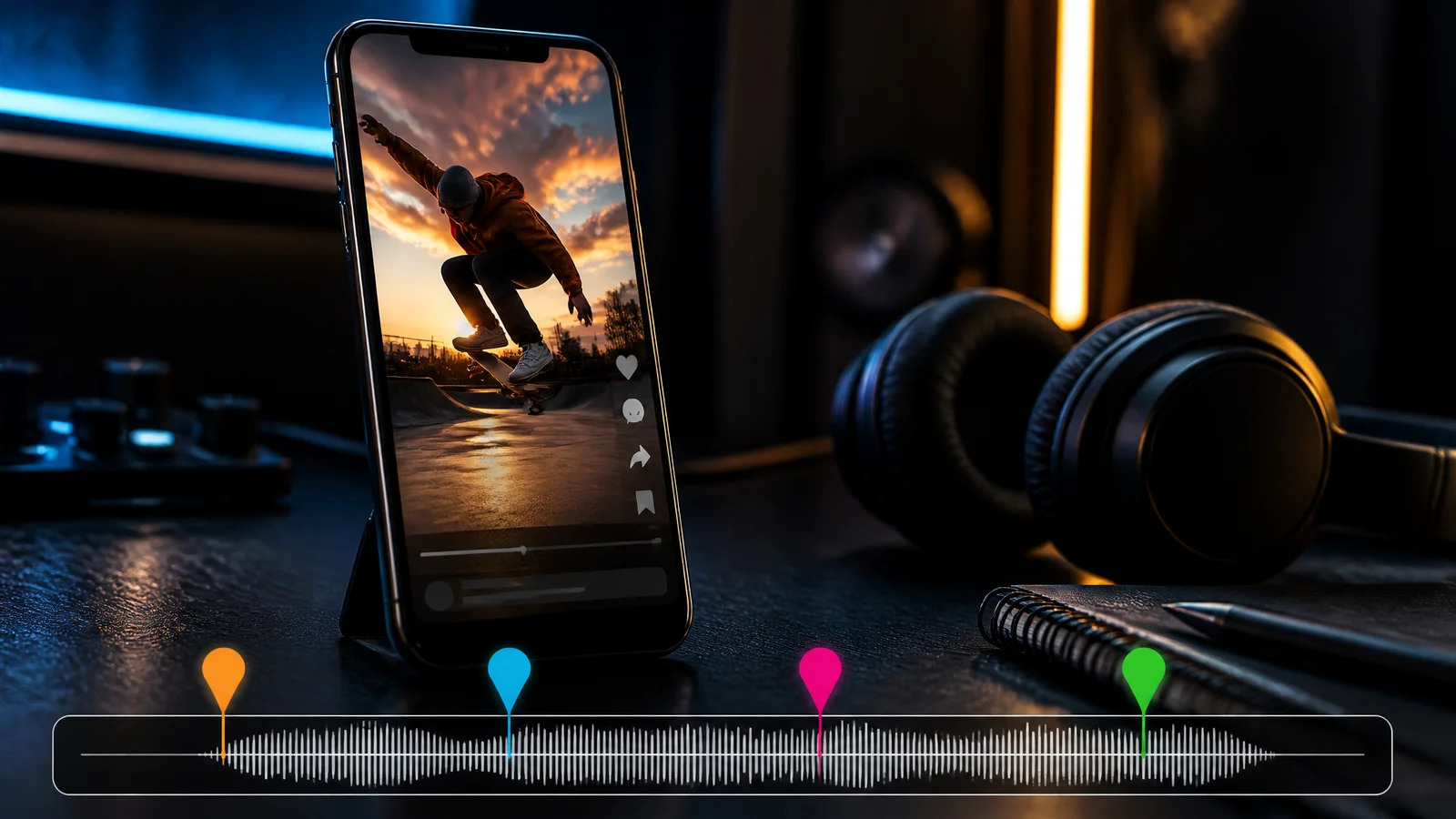
Manual Scrubbing vs. AI Highlight Detection
The manual version is simple and unsustainable. Watch the whole recording, note timestamps, trim each section, reframe it, caption it by hand. That is the better part of an hour of watching plus ten to fifteen minutes per clip, before you have written a single hook.
That arithmetic, not reluctance, is why so many creators with a strong back catalogue are still not posting on TikTok.
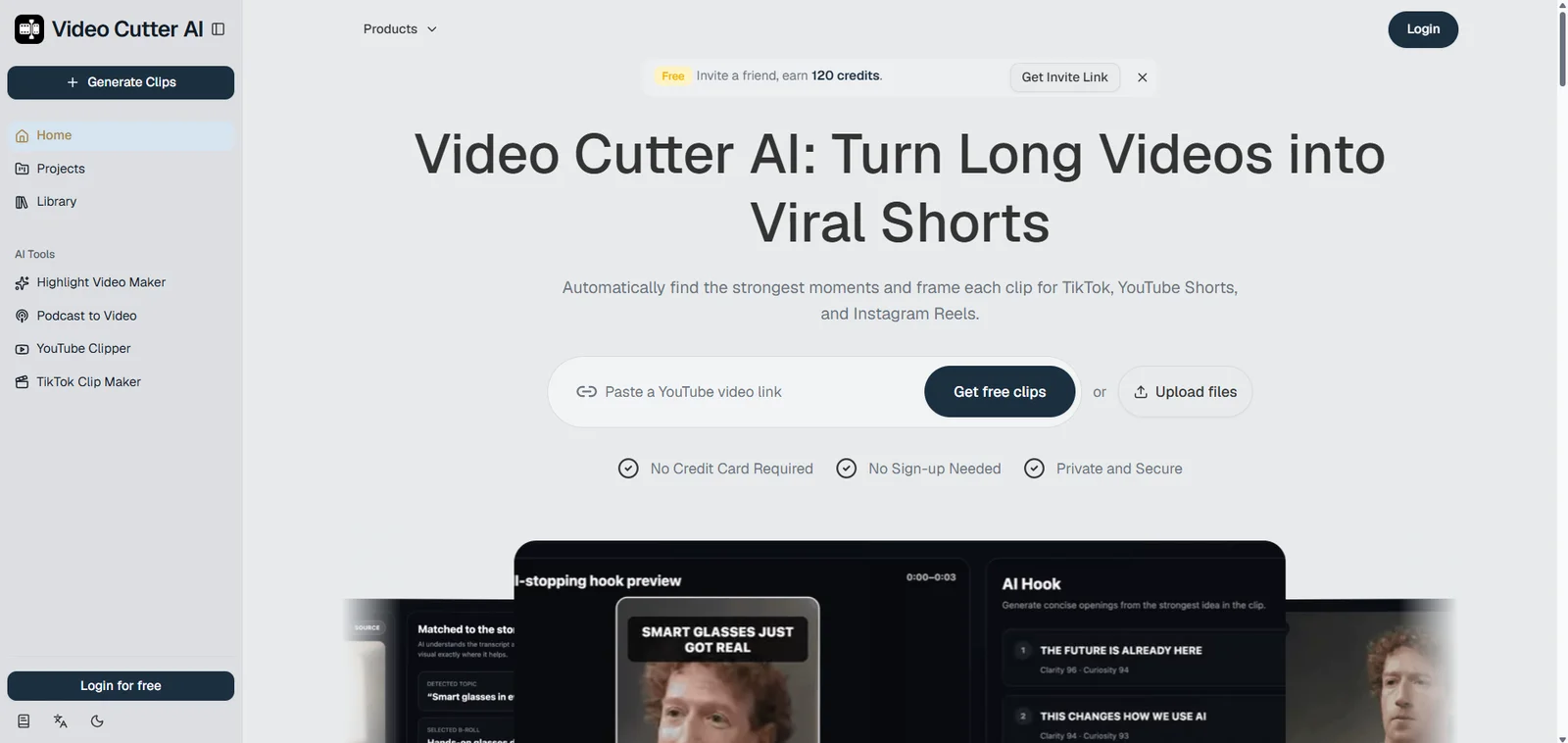
AI highlight detection inverts the order. The recording is transcribed, every segment is scored for how likely it is to hold attention, and you start from a shortlist instead of a blank timeline. Video Cutter AI's Highlight Video Maker returns candidate clips with captions and vertical framing already applied, which leaves you the part that actually needs a human: deciding which moment is worth posting.
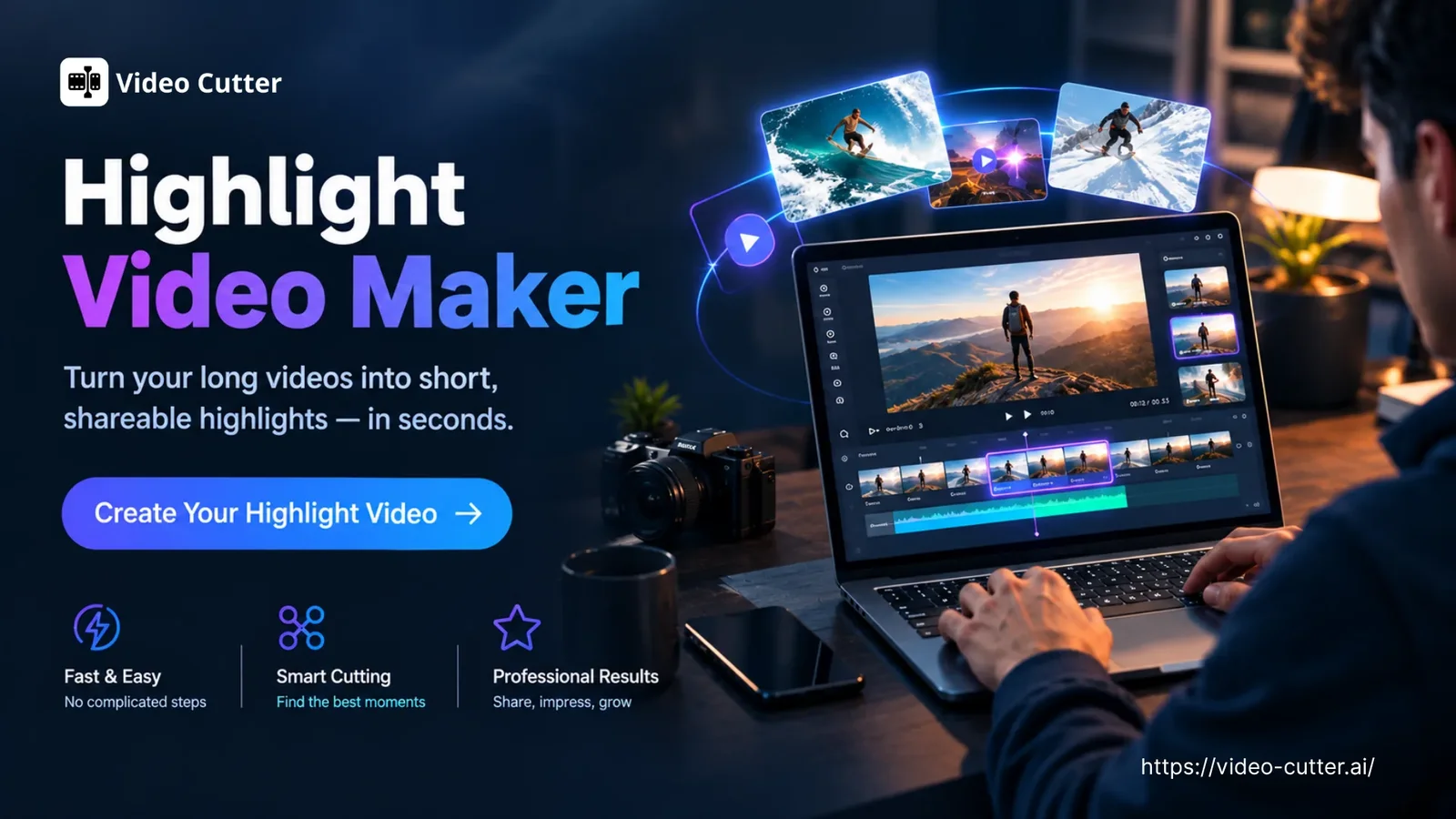
The Video Repurposing Workflow: One Recording, a Week of TikToks
This is the video repurposing workflow that converts a backlog into a posting schedule. It works with any TikTok Clip Maker or with a timeline editor and a great deal of patience, but the six steps do not change.
Step 1: Choose Source Footage That Can Be Clipped
Clipping needs speech. Podcasts, interviews, webinars, tutorials, Q&A sessions, and commentary videos all translate well. Purely visual footage (travel montages, B-roll, music-driven edits) does not, because there is nothing for a transcript model to grab onto.
Check the audio before anything else. Poor audio is an instant swipe, however good the moment is. And only clip footage you own or have clear permission to reuse.
Step 2: Pull Clips Around the Strongest Sentence
Do not hunt for a highlight. Hunt for a sentence. Find the line you would quote if someone asked what the episode was about, then build outward: a few seconds of setup before it, and enough room after it for the thought to land.
Here is what that looks like with a real answer. Same clip, two possible start points:
Where most people start it: "So — yeah, um, I think the thing people get wrong is that they upload the whole episode and then wonder why nothing happened. You have to cut it up."
Where it should start: "People upload the whole episode and then wonder why nothing happened. You have to cut it up."
Same speaker, same words, same moment. The first version spends three seconds clearing its throat. The second starts on the point. All you moved was the cut. On a phone, that is the difference between a swipe and a watch.
How long that ends up being matters more than most creators expect. Longer clips finish at lower rates, so the useful rule is to take the shortest length that still delivers one complete idea:
Clip length starting points (a range to test, not a rule)
| Clip type | What it needs | Starting range |
|---|---|---|
| A single tip or answer | One idea, no setup | 15–30 seconds |
| A reaction or hot take | The moment, plus the reason for it | 15–25 seconds |
| A story or anecdote | Setup, turn, payoff | 30–60 seconds |
| A teaching segment | One step, start to finish | 30–60 seconds |
Treat those ranges as a starting point and let your own numbers correct them. If a 50-second clip finishes at a higher rate than your 20-second ones, your longer format is working. If it is not, you have your answer without needing anyone else's benchmarks.
If no sentence stands out on a first pass, work backwards from the end of a topic. The last complete thought in a segment is almost always the summary someone needed the previous four minutes to reach, which makes it the most quotable line in the block.
This is the single biggest difference between a clip that works and a fragment that merely exists.
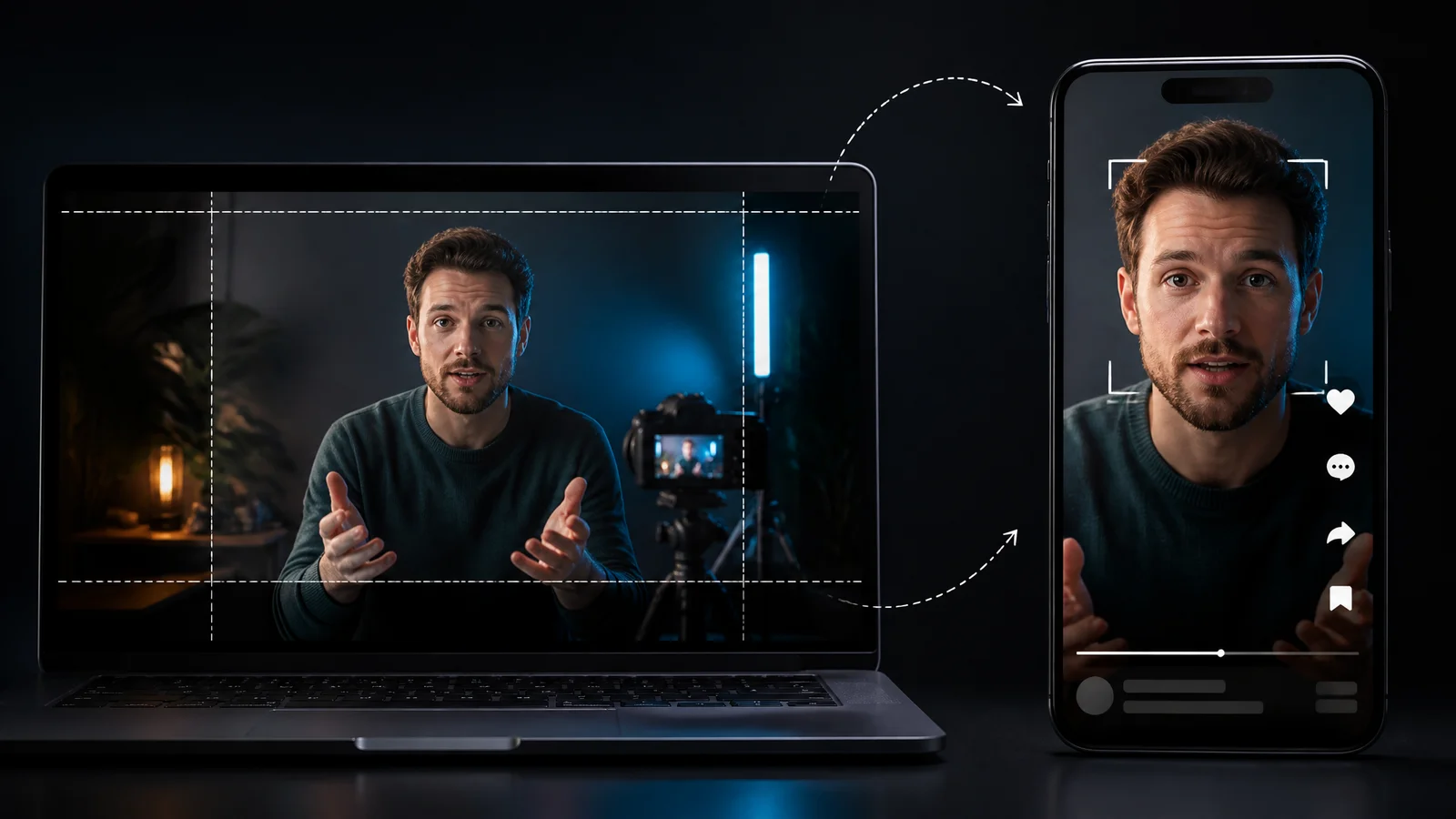
Step 3: Reframe to 9:16 Without Cutting the Point
Your recording is almost certainly 16:9. TikTok is not. Cropping the centre out of a wide shot loses the speaker's face, the product, or the on-screen text, sometimes all three at once.
Speaker tracking keeps the important part in frame without manual keyframing. For two-person footage, a split layout beats a hard crop. Then watch the result once on a phone: if something you need to read sits behind a button, fix it before you post.
Step 4: Caption for Sound-Off Viewers
Most people scrolling are not listening. Assume the sound is off, and write the clip so it still makes sense without audio. Captions are not an accessibility extra; they are how a large share of your audience receives the message at all.
Burn the captions into the clip rather than relying on the platform's auto-captions. The text is then styled the way you want it, and it travels with the file when you post the same clip to Reels or Shorts.
Use word-by-word highlighting, keep text away from the edges where the interface sits, and proofread names and technical terms. One wrong word inside a hook is expensive. Multi-language captions are worth the effort if your long-form content already reaches another market.
Step 5: Strip the Dead Air
A recording is full of pauses, filler words, and half-restarts. In conversation they pass for normal. In a clip they are friction. Cutting them is the cheapest retention gain you have: nothing is added, the pace simply stops fighting the viewer.
Do not overdo it. If the clip starts to sound machine-gunned, you have traded breathing room for a rhythm nobody wants to listen to.
Step 6: Post the Best Clip First, Then Space the Rest
A batch of eight clips is not a posting plan. Releasing them in one afternoon means competing with yourself and giving yourself no read on which one actually works.
Lead with your strongest. Spread the rest across days so you can compare results and maintain a schedule you can sustain.
Five Rules That Separate Clips That Pop From Clips That Die
Hook First, Context Second
Answer first, backstory later. If the clip needs background to make sense, that background belongs in on-screen text within the first two seconds, not in the first ten seconds of speech.
Keep One Idea Per Clip
Two ideas in forty seconds produces zero ideas remembered. The moment a clip contains an "and another thing," it is two clips.
Say a segment runs: "batch your clips one day a week — and by the way, always reply to comments in the first hour." That is not one clip with a bonus tip. It is two: "the one-day-a-week batching rule" and "why the first hour after posting matters."
Post them on different days. Each one gets its own opening, its own caption, and a viewer who only has to hold one idea in their head.
Make the Ending Loop Into the Beginning
If your last line connects back to your first, a rewatch feels natural rather than repetitive. It also gives a viewer a reason to watch it twice. A closing question that the opening answers works particularly well.
Front-Load Keywords in the Caption and On-Screen Text
TikTok search gives creators another reason to make the topic clear in the caption and on-screen text. Adobe Express's January 2026 survey of 807 US consumers found that 49% had used TikTok as a search engine. State what the clip is about in plain words, early, using the words a viewer would actually type. Choose a few relevant hashtags rather than a wall of generic ones.
Two captions for the same clip show the difference:
"New episode is up — link in bio."
"Batch your TikTok clips in one session a week. Here is the workflow."
Only the second one tells TikTok search what the clip is about, and gives a scrolling viewer a reason to stop.
Reply to Comments in the First Hour
Replies can generate further discussion and give you useful feedback on what viewers care about. Take the best comment and rebuild it into the next clip's opening line, and your next post is already written.
Mistakes That Quietly Kill Your Reach
-
Posting clips carrying another app's watermark. A watermark distracts from the clip and makes it look recycled. Re-export clean before uploading.
-
Deleting and reposting the same clip. It rarely helps, and repeated attempts read as spam.
-
Buying followers or engagement. Fake signals do not convert into watch time, and they put the account at risk.
-
Posting in bursts, then going quiet for two weeks. A sustainable schedule gives you enough attempts to learn which clips work.
-
Letting a trending sound fight the speech. Audio is a discovery tool, but it can just as easily bury the one line the clip exists for.
How to Repurpose Long Videos for TikTok at Scale
Volume is the strategy. Five clips will not tell you which format works in your niche; fifty will. Once you know how to repurpose long videos for TikTok as a routine rather than a one-off project, the question changes. It stops being whether you have something to post, and becomes which moment is worth posting.
Batch, Don't Dabble
Set aside one session a week. Feed it three or four long recordings instead of one, review every candidate clip together, and decide your posting order for the days ahead. Working in batches keeps your judgement consistent, because you are comparing clips to each other rather than to whatever you happened to record that morning.
You can run this workflow with Video Cutter AI's TikTok Clip Maker, which handles the mechanical steps (highlights, captions, reframing, filler removal) so the weekly session is spent choosing rather than cutting.
What to Measure After Two Weeks
Which of your clips actually worked? Four numbers tell you almost everything worth knowing:
-
Retention at the three-second mark: whether the hook survived.
-
Average watch time: whether the clip earned its length.
-
Completion rate: whether the ending held.
-
Saves and shares: whether anyone wanted it later.
Compare clips cut from the same source recording first. Same footage, same speaker, same audio removes most of the variables and makes the difference between two formats obvious. When one clip breaks away from the rest, treat the format as repeatable and rebuild it with different content from the same recording.
Frequently Asked Questions
How many views counts as viral on TikTok?
There is no official threshold, and any number you see quoted is a convention rather than a rule. What matters more is the shape of the distribution: a clip that keeps gaining views days after posting is still being shown to new people.
Can you go viral on TikTok without filming anything?
Yes. Recommendations reach people who do not follow you, so fresh footage is not a requirement. A clip taken from an existing recording competes on the same terms as anything shot today. Going viral on TikTok without filming comes down to choosing the right moments out of footage you already own, which is what TikTok Clip Makers are for.
How long should a TikTok clip be?
Long enough to deliver one complete idea, and no longer. For most repurposed content that means fifteen to forty-five seconds, with a few formats earning a full minute. The reliable test is your own retention data: if people are leaving at the halfway mark, the clip is too long for what it is saying.
How often should you post to go viral on TikTok?
Once a day is a reasonable floor while you are still learning what works. The point of frequency is not volume for its own sake; it is giving yourself enough attempts to learn what lands in your niche, and enough data to see which format repeats.
Do hashtags help you go viral on TikTok?
They help TikTok categorise your video; they do not create reach on their own. Two or three topical hashtags beat a long list of broad ones, and your hook, caption, and watch time matter far more than the tags.
Can you go viral on TikTok with no followers?
Yes. Recommendations reach people who do not follow you: TikTok's own explanation of the For You feed lists follower count as something that is not a direct factor. What followers give you is a head start on the first hour of engagement; without them, the clip has to do all the work, which is why the opening seconds matter so much.
Key Takeaways
-
How to go viral on TikTok without filming anything new comes down to one thing: volume. Every clip pulled from footage you already own is another chance to be seen.
-
Watch time, completion rate, and whether people reply or share matter more than follower count. Those are the signals TikTok's own ranking explanation actually rewards.
-
Your existing long videos hold more clips than you think. The real constraint is editing time, not footage.
-
Use the shortest length that finishes one idea, then let your own retention data set the range.
-
Clip around the strongest sentence, not the strongest visual moment.
-
Start one beat before the hook, and caption for the viewers watching on mute.
-
Batch your cutting sessions, sequence your publishing, and let retention data choose which format to repeat.
Conclusion: Use the Footage You Already Have
Going viral on TikTok without filming is not a trick. It is a change in what you count as raw material. Every webinar, interview, livestream and podcast episode you have already published is a shelf of clips you have not cut yet.
So start with one recording, not a strategy document. Pull three moments that pass the standalone test. Give each one a hook in the first two seconds, captions that read with the sound off, and a length that finishes the idea without dragging. Post the best one tomorrow, then space the other two across the week.
Read the numbers, keep the format that worked, and repeat with the next recording. That is a content engine, and it runs on footage you already own. The mechanical half of that loop (finding the moments, captioning them, reframing them) is what Video Cutter AI was built for.