
Learning how to make money clipping videos on TikTok is not about downloading a popular video and reposting it. A sustainable approach starts with content you can legitimately repurpose, then turns strong moments into short videos that a client, campaign, or audience can use.
All amounts in this article are in USD. Your first $100 is best treated as a practical milestone, not a promise. It may come from a small client project, an authorized campaign, or a combination of both.
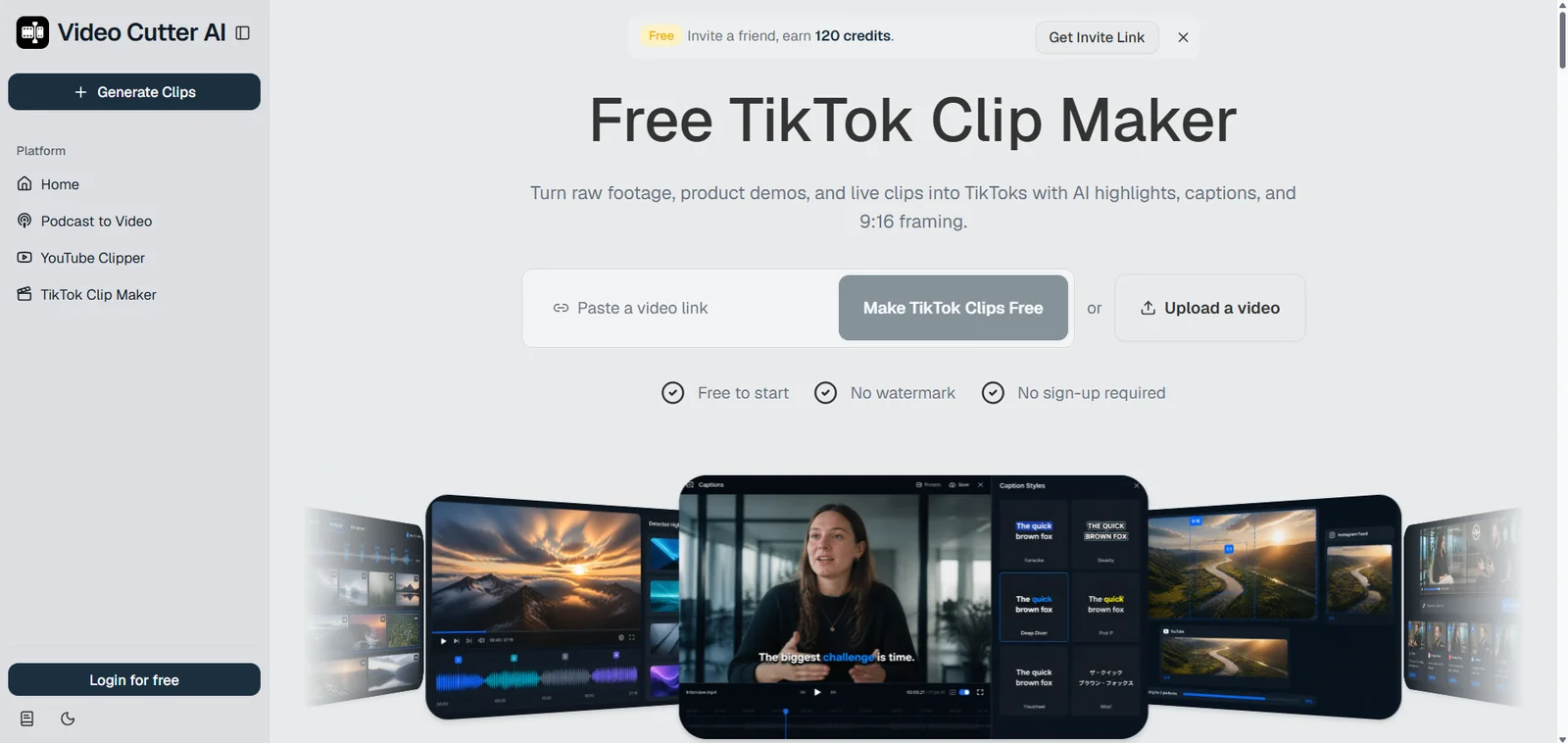
Video Cutter AI can lower the barrier to testing your first workflow: start with free clips from an approved source before committing to a paid editing setup—no credit card or sign-up required. The aim is to build a process you can repeat: find a worthwhile moment, make it easy to watch, follow the relevant rules, and learn from the results.
How TikTok Clipping Works—and Who Pays for It
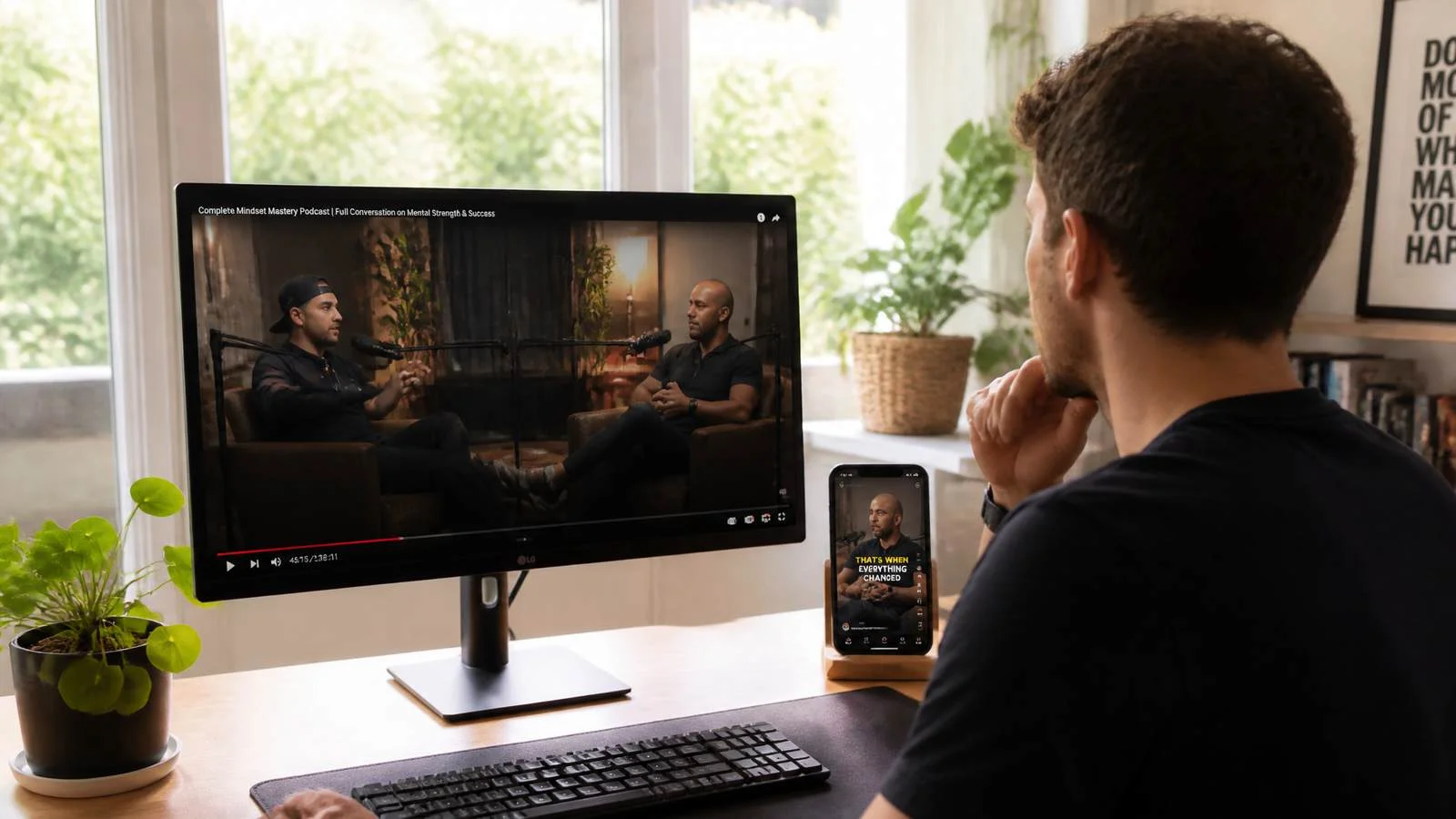
TikTok clipping turns long-form recordings into short, standalone videos for vertical feeds. The source might be a podcast, interview, webinar, livestream, product demo, gaming session, or educational video.
The work goes beyond shortening a recording. A useful clip introduces a clear subject, gives viewers a reason to keep watching, includes enough context to stand alone, and reaches a natural ending.
What a TikTok Clipper Actually Does
A clipper may:
-
Review a long recording for strong ideas, stories, reactions, or takeaways
-
Select start and end points that preserve the speaker’s meaning
-
Remove filler without removing necessary context
-
Add captions and prepare a vertical layout
-
Deliver files to a client or submit clips under campaign rules
-
Review performance and apply those lessons to the next batch
Creators, brands, agencies, and campaign operators may pay for this work because they have more long-form footage than they can repurpose themselves. A capable clipper helps them turn one recording into several short videos that are easier for new viewers to discover.
Use content you own, have permission to repurpose, or receive through an official campaign; the practical rules are covered in the Permission-First section below.
3 Ways to Earn Your First $100 From TikTok Clips
There is no single route to your first $100. Campaigns can provide a defined brief, client work can offer clearer deliverables, and a niche page can help create proof of your skills over time.
| Path | How You Get Paid | Best For | What to Confirm First |
|---|---|---|---|
| Authorized campaigns | Based on campaign terms and qualifying results | Beginners who want a defined brief | Content rules, approval process, payout terms |
| Client clipping services | Per clip, project fee, or retainer | Editors seeking more predictable work | Scope, revisions, delivery date, payment method |
| Niche TikTok page | Indirectly through portfolio and future opportunities | People building long-term proof of work | Content rights, niche focus, posting consistency |
Apply for Authorized Clipping Campaigns
Some campaigns provide source footage and ask participants to create short videos that follow a specific brief. The brief may define permitted platforms, editing style, required disclosures, submission format, deadline, and payment terms.
Look for opportunities through official creator programs, creator marketplaces, brand campaign pages, and relevant creator communities. Before editing, confirm the source material, allowed platforms, and exact payment and submission rules.
If a campaign pays according to verified views, work backward from its published rate. Calculate what $100 requires, then check the rules that determine whether views qualify, such as approval requirements, payout caps, public-post rules, deadlines, and remaining budget.

Offer Short-Form Clipping Services to Creators
Podcasters, coaches, streamers, educators, and small businesses often need help turning long videos into a steady supply of short-form content.
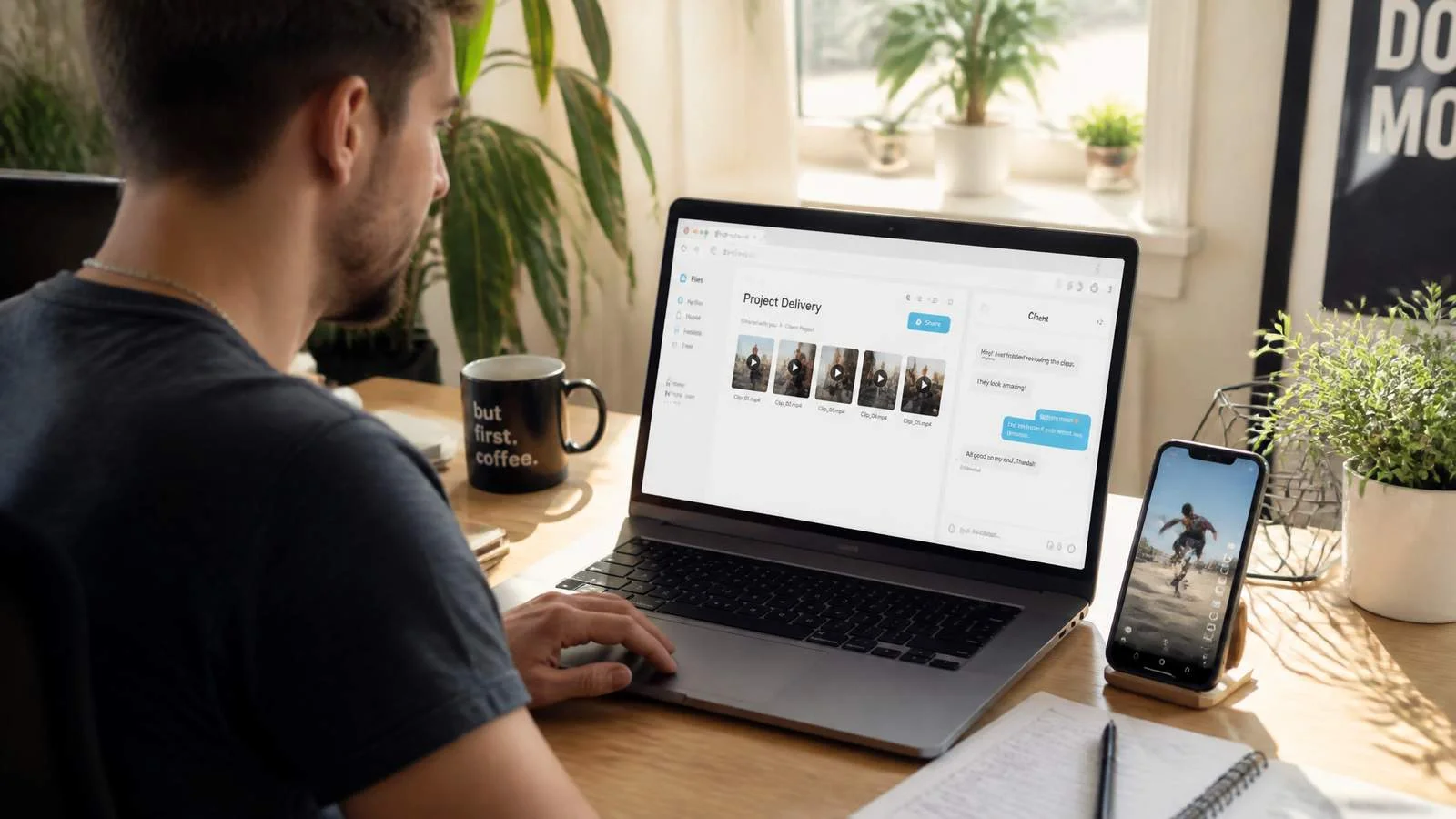
Start with a small, clearly defined offer: one source video, a specified number of finished clips, captions included, a delivery date, and one revision round. Clear scope makes it easier for a client to say yes and easier for you to estimate the time required.
Example only, not a promise: at $10 per approved clip, your first $100 is ten clips. At a pace of five clips per week, that could be a two-week client project.
The actual rate depends on the source-video length, clip complexity, turnaround time, revisions, and whether you are also responsible for publishing. Do not promise viral results; sell thoughtful editing, reliable delivery, and clips that help a client’s original content reach more people.
Build a Niche Page With Content You Can Use
A focused TikTok page can be a place to practice and build a portfolio. Choose a topic you understand, such as business lessons, gaming, fitness education, interviews, or career advice. Then use your own, licensed, or clearly permitted material.
A niche page is usually not the fastest direct route to your first $100. Its early value is proof: potential clients can see your editing style, topic judgment, caption choices, and consistency.
As the page grows, it can support client outreach, collaboration opportunities, and approved promotional work. Treat it as a long-term asset rather than a quick-income shortcut.
Your First $100 Plan: A 7-Day Roadmap
Day 1: Start With No Followers—Pick Your Niche and Source
You do not need a large TikTok following to begin client work or participate in a legitimate campaign. Start by choosing a topic you can judge quickly. If you understand the audience, you will be better at spotting what is useful, surprising, relatable, or entertaining.
Then choose one legitimate source video. A focused 30-minute podcast or interview is often a better place to begin than a loosely structured two-hour recording.
Days 2–3: Find High-Context Moments Worth Clipping
Look for segments that communicate a complete takeaway. Good candidates often include:
-
A practical answer to a specific question
-
A concise lesson or opinion
-
A short personal story with a clear point
-
A surprising fact or comparison
-
A memorable reaction that still makes sense without the full video
The strongest line is not always the best opening. Sometimes a clip needs to begin a few seconds earlier so viewers understand the subject. Likewise, do not cut off a speaker before the explanation or conclusion is complete.
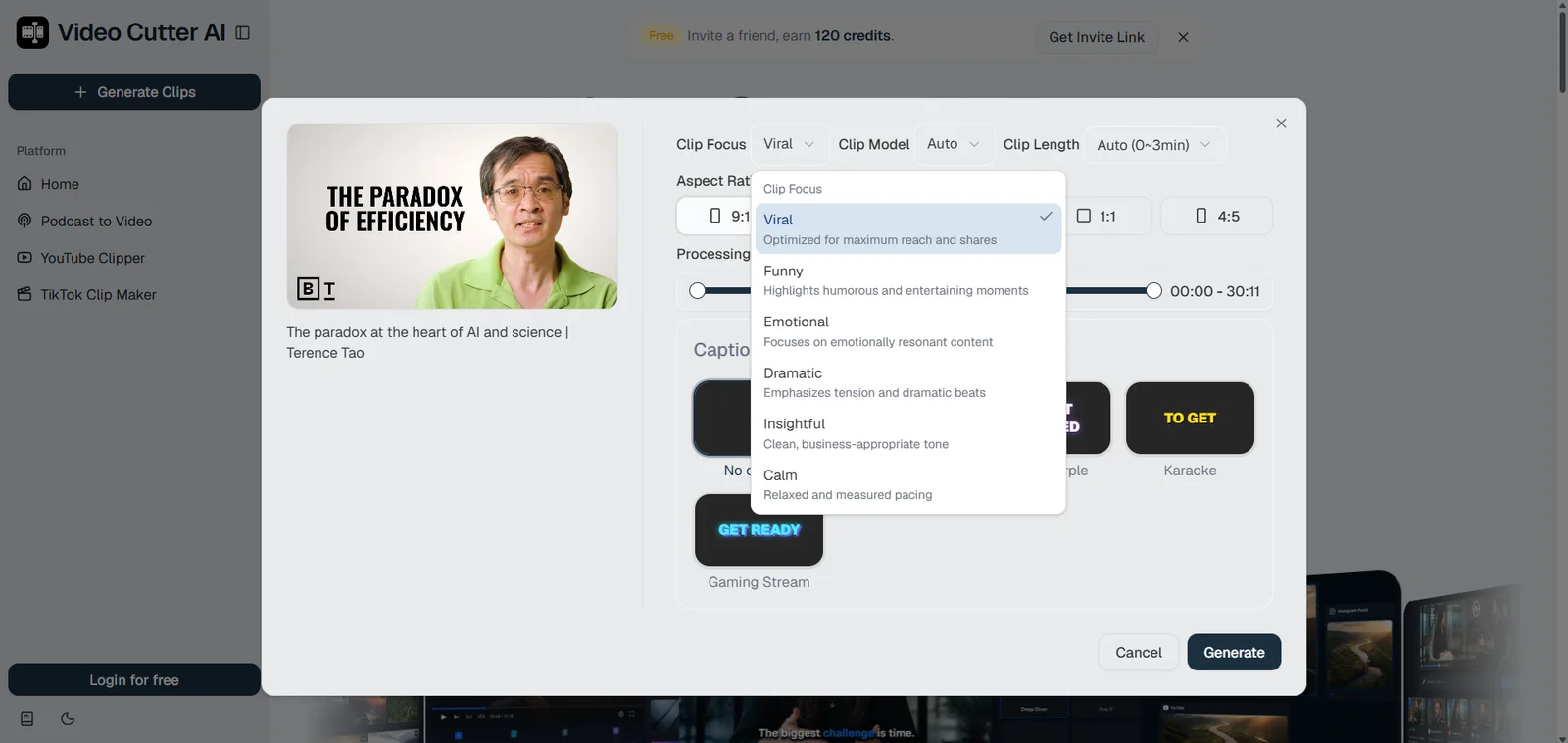
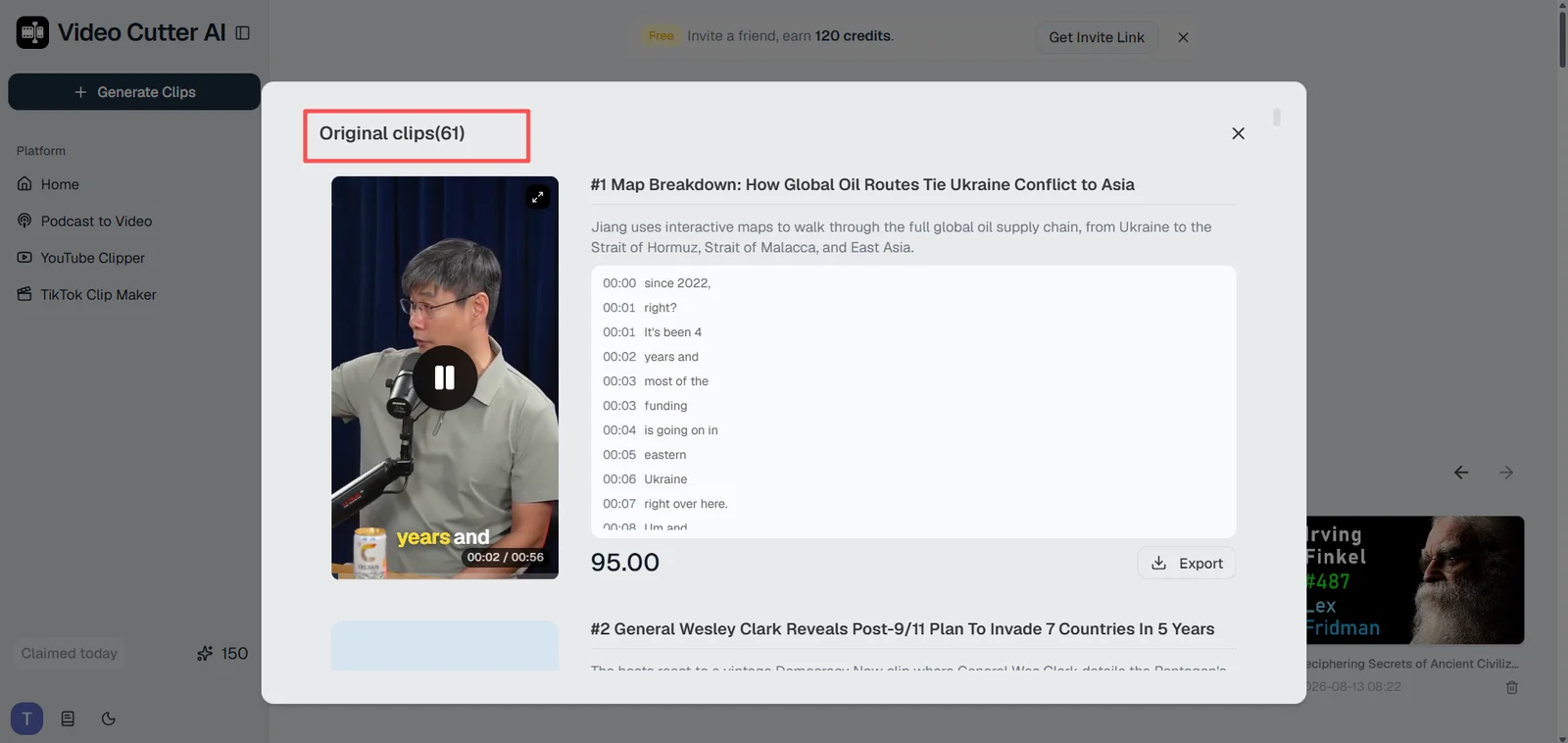
Reviewing a long recording manually can be slow, especially when several promising moments are buried inside an interview or podcast. Video Cutter AI’s TikTok Clip Maker can scan the recording and surface potential highlights, hooks, and self-contained moments for review. Treat those suggestions as a shortlist—not a final decision—and check that each clip still has enough context and a natural ending.
For a deeper selection process, read how to find good clips in a long video.
Days 4–5: Create Multiple TikTok-Ready Versions
Start with several candidates, then make only the strongest moments into finished clips. Test different opening points, caption treatments, or lengths only when the variation creates a meaningful difference.
Once you have identified the strongest moments, use Video Cutter AI’s TikTok Clip Maker to turn one long recording into multiple short clip options. It can prepare captions and vertical framing for TikTok, helping you move from a candidate batch to several review-ready versions without rebuilding every edit from scratch.
Before publishing or delivering, check:
-
Is the main subject clear in the opening seconds?
-
Are captions accurate and readable on a phone screen?
-
Is the speaker or main action visible in the vertical crop?
-
Does the clip preserve the original meaning?
-
Does it meet the client or campaign brief?
Days 6–7: Publish, Review Results, and Refine
Publish according to the agreed instructions. For client work, confirm whether the client needs final files, draft captions, publishing notes, or direct posting support.
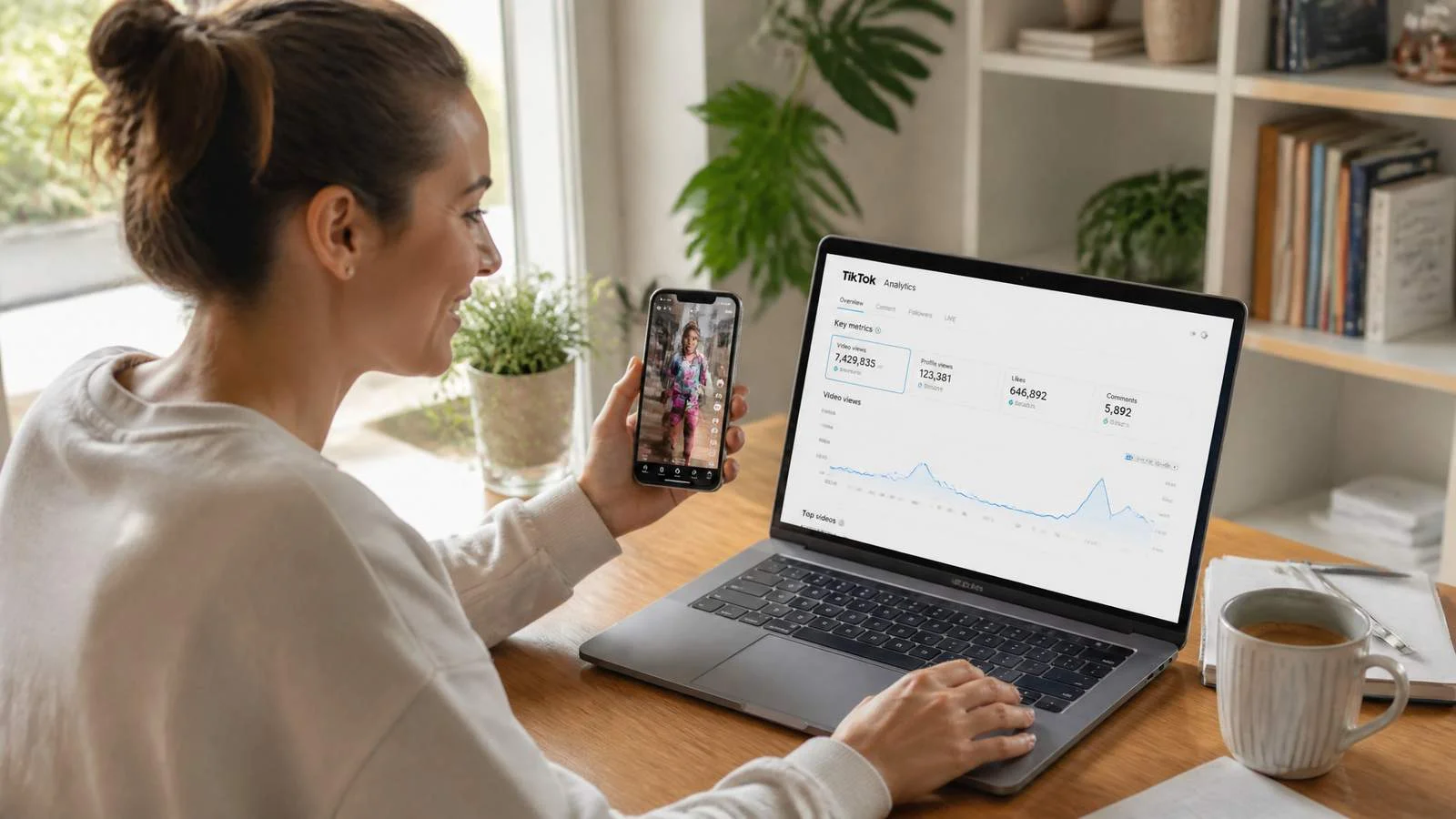
For clips on your own approved page, track a small set of useful signals: early retention, completion, shares, saves, and meaningful comments. Do not judge a format from a single post. Review a batch of clips and look for patterns you can use in the next round.
The Permission-First Rule for TikTok Clipping
A repeatable clipping workflow needs a reliable way to handle content rights.
What Counts as Usable Source Material?
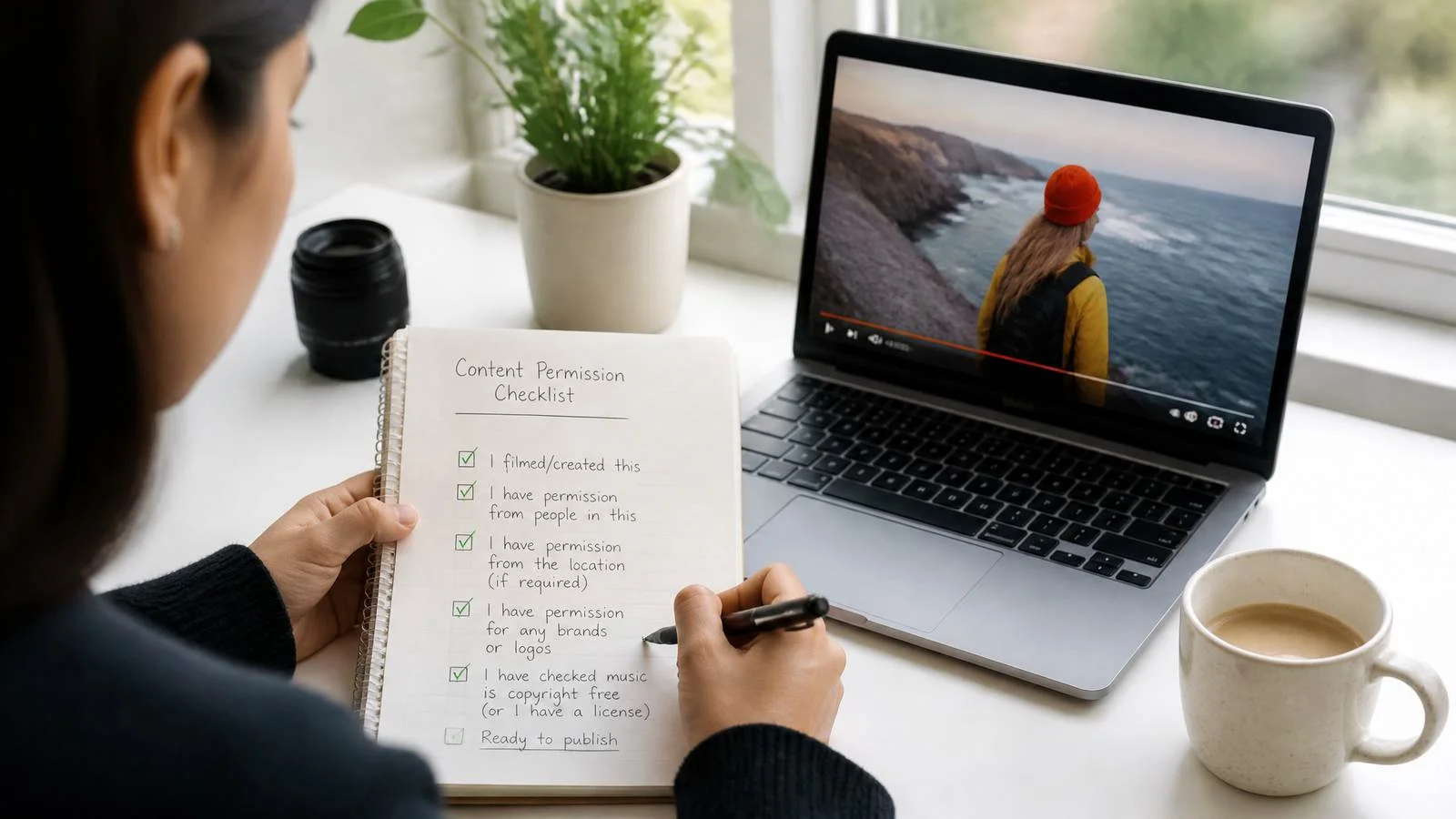
Usable material can include recordings you own, footage supplied by a client, a creator’s explicit permission, licensed media, or content included in an official campaign.
Keep a record of the relevant agreement or instructions. If you want to publish the content on another platform or use it for another purpose, check whether that use is covered.
Editing Does Not Automatically Create Publishing Rights
Adding captions, cropping to 9:16, or cutting pauses can improve a video, but it does not automatically give you the right to distribute it.
If you cannot confirm who owns the footage and what use is allowed, choose another source. It is easier to build a portfolio with content you can confidently use than to repair a rights issue later.
Use a Pre-Publish Check
Before you submit or post, confirm that:
-
The material is cleared for the intended platform
-
The clip does not change the speaker’s intended meaning
-
Captions, names, and on-screen text are correct
-
Required disclosures or tags are included
-
The file format, deadline, and submission method are correct
This check takes only a few minutes and can prevent avoidable rejection or rework.
Build a Clipping Workflow You Can Repeat Each Week
The goal is not to create the largest possible number of clips. It is to create a process that helps you consistently find worthwhile moments and improve them before publishing.
Turn One Long Video Into a Useful Candidate Batch
Begin with one long recording. Map its main topics, mark potential moments, compare them, and choose a varied set. Avoid selecting five clips that repeat the same point in slightly different words.
A practical workflow looks like this:
-
Review the source and identify its major topics
-
Mark promising stories, answers, opinions, and lessons
-
Compare candidates for clarity, context, opening, value, and ending
-
Create finished versions of the best clips
-
Review results and record what you learned
Format for Viewing, Not Just Exporting
A clip may look fine in a desktop editor but fail on a phone if captions are too small, the crop hides the speaker, or the first frame is unclear.
Watch the final version on a phone-sized preview before delivering or publishing it. Small adjustments to caption placement, framing, or timing can make a clip easier to follow without changing its core idea.
Make Performance Review Part of the Work
Keep a simple record of each clip’s topic, length, opening line, source, date, and result. You do not need a complicated dashboard; the point is to find patterns.
For example, if short answers receive more saves than longer stories, look for more self-contained answers in the next recording. If clips with a little more setup hold attention longer, adjust your future openings.
Mistakes That Delay Your First Payout
Using Footage You Do Not Have Rights to Repurpose
A clip can be well made and still be unusable if the underlying content is not available for your intended use. Start with a reliable source instead of assuming a public video is fair to repost.
Publishing Every Candidate Without Reviewing It
Automation can locate potential moments, but it cannot fully decide whether the context is accurate or whether a clip fits a specific audience. Watch every finished clip from beginning to end.
Ignoring Payment Rules and Submission Details
A campaign may require particular wording, tags, file types, or public links. A client may expect a certain delivery format. Add these requirements to your workflow before you start editing.
Relying on One Income Source
A campaign can end and a client can pause production. Once your process works, diversify carefully through several legitimate opportunities instead of depending on a single source.
After Your First $100: How to Scale Carefully
Repeat Winning Topics With Fresh Angles
When a topic performs well, create new clips around related moments rather than reposting the same idea. Try another story, a sharper opening, a different example, or a shorter explanation.
Turn Good Work Into a Focused Portfolio
Save your strongest clips and label them by purpose: educational content, podcast promotion, product explanation, storytelling, or audience engagement. A small, focused portfolio is more persuasive than a large folder of unrelated edits.
Batch the Work Each Week
Set aside one session each week to generate candidates, select the strongest clips, refine them, and record what performed. Use TikTok Clip Maker to turn each approved long video into a reviewable batch before you choose what to refine and schedule. Batching this work keeps production consistent while leaving time for editorial review and client communication.
Start Building Your First $100 Clipping System
Your first $100 is more realistic when you focus on the system behind it: usable source material, a defined editing scope, clips that make sense on their own, and a clear way to review results.
Start with one legitimate source, one simple offer or campaign, and one repeatable process. The aim is not only to earn a first payment—it is to build a clipping workflow that can support the next one.
When you have an approved long video ready, Video Cutter AI gives you a practical place to begin: review candidate clips, refine the strongest versions, and publish only the ones that are clear, complete, and ready for the intended platform.
FAQ: Making Money Clipping Videos on TikTok
Can You Start TikTok Clipping With No Followers?
Yes. Client work and authorized campaigns can be available even if you do not have a large audience. Strong examples, clear communication, and reliable delivery are often more important at the start.
Are TikTok Clipping Jobs Worth It for Beginners?
TikTok clipping jobs can be worth trying when the source material is approved, the scope is clear, and the payment terms are agreed before you begin. Start with a small project or campaign so you can learn the workflow without committing to an unclear workload.
Is Clipping Videos on TikTok Legal?
It can be legal when you own the footage, have permission from the rights holder, or participate in an authorized campaign. Editing someone else’s public video does not automatically give you permission to repost it. This is general information, not legal advice.
How Much Should Beginners Charge for TikTok Clips?
There is no universal rate. Define the scope first: source-video length, number of clips, captions, revisions, turnaround time, and delivery format. A small paid test project can help you establish a fair rate before offering ongoing packages.
How Often Should You Post TikTok Clips?
Choose a pace you can sustain while maintaining quality and following the relevant content-use rules. Consistent, useful clips are more valuable than a high volume of weak or unreviewed edits.
What Makes a TikTok Clip Worth Watching?
A strong clip introduces a clear topic quickly, provides enough context, offers a useful or engaging takeaway, and ends naturally. It should be accurate to the original speaker’s meaning and relevant to the audience you want to reach.